Photo Edit Prompt With Headphones
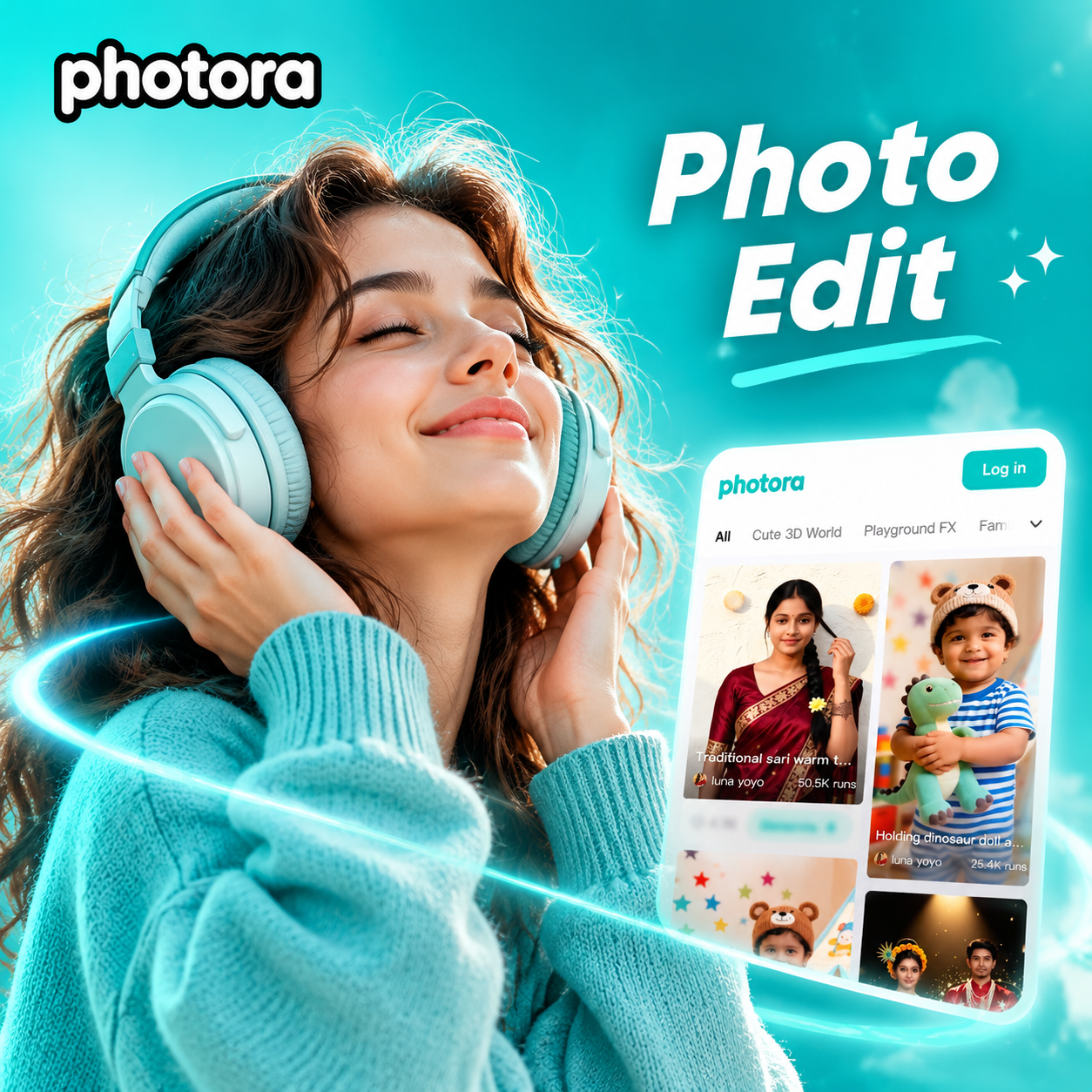


Choose the Best Headphone Edit Filter for Your Photo
Match your image with a style filter that brings out the headphones. From photorealistic studio looks to anime and cyberpunk, photora has thousands of templates.
Why Use Photo Edit Prompts with Headphones
Photora turns plain photos into polished headphone edits with a few simple words. The AI handles restyling, detail rendering, and realistic texture mapping so you can focus on the creative direction.
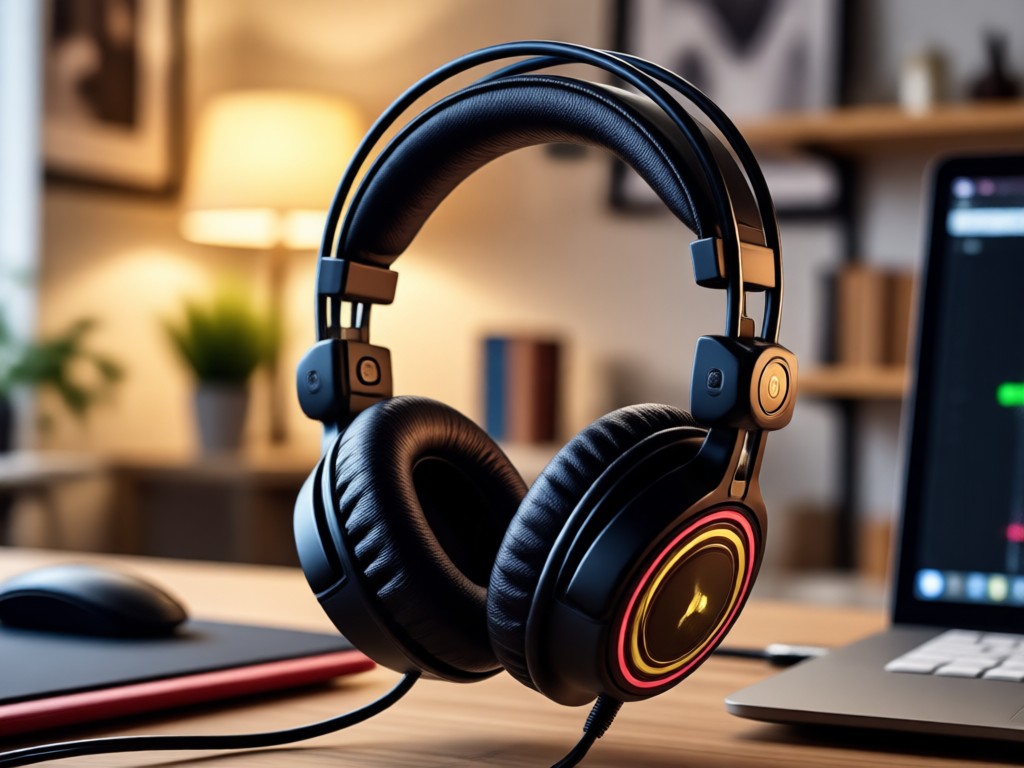
Style Transfer with Headphones
Upload a photo and let AI map a headphone style onto your subject while preserving the original pose, lighting, and expression. Perfect for trying new audio gear without a reshoot.
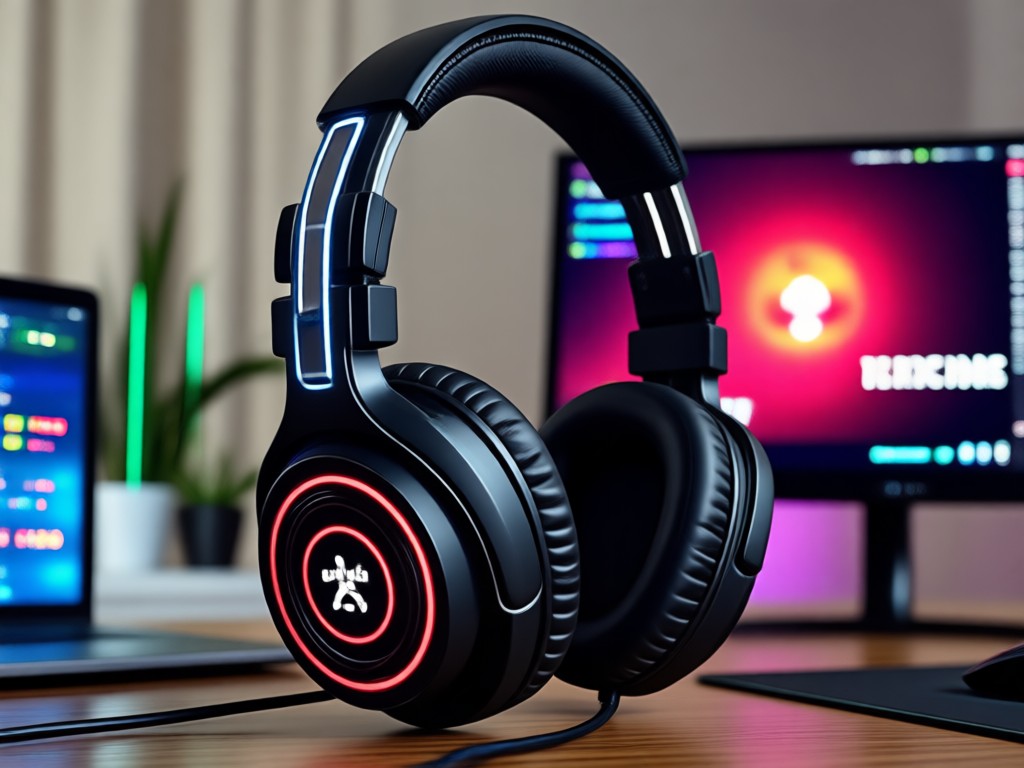
Prompt Based Customization
Describe exactly what you want: headphone color, material, position, and background vibe. The AI follows your words to deliver a personalized edit that matches your vision.
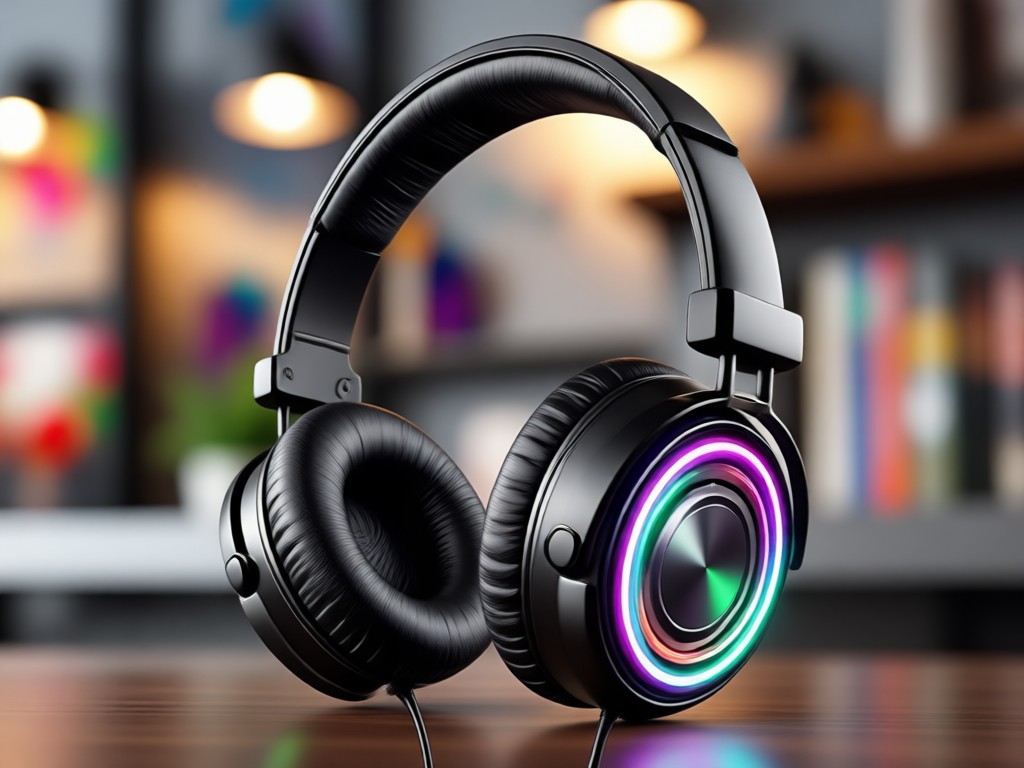
Realistic Detail Rendering
From leather stitching to metallic reflections, photora renders headphone textures with high fidelity. Your edited photo looks natural enough to share on any platform.
Headphone Photo Edit Inspiration Gallery
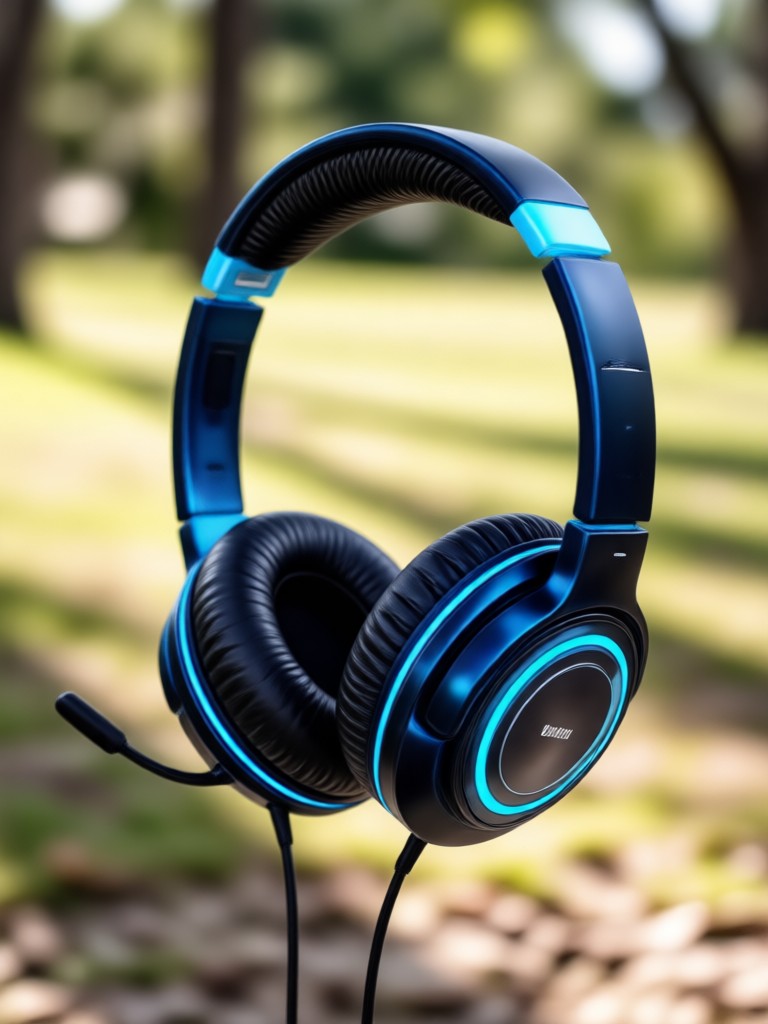
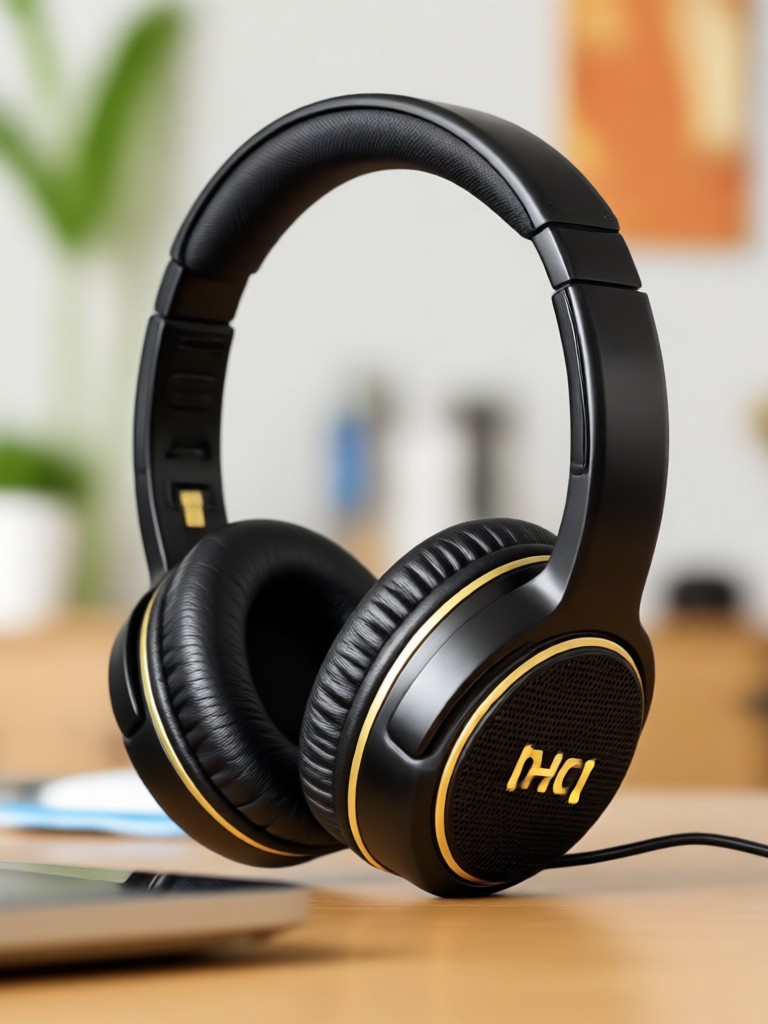
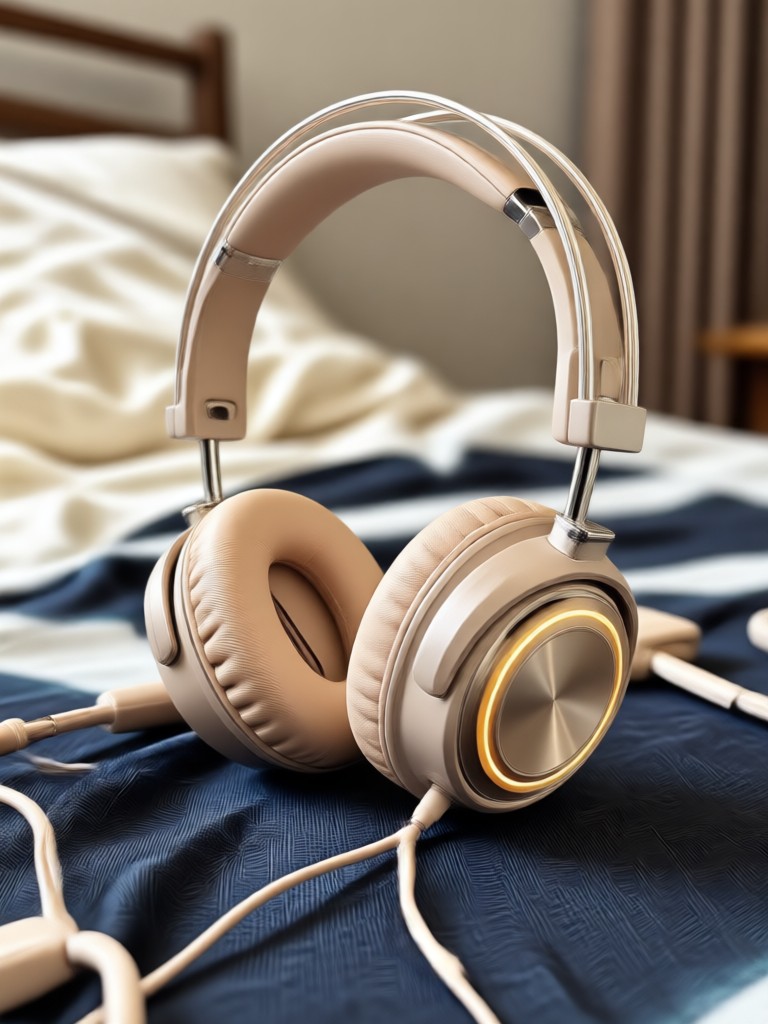
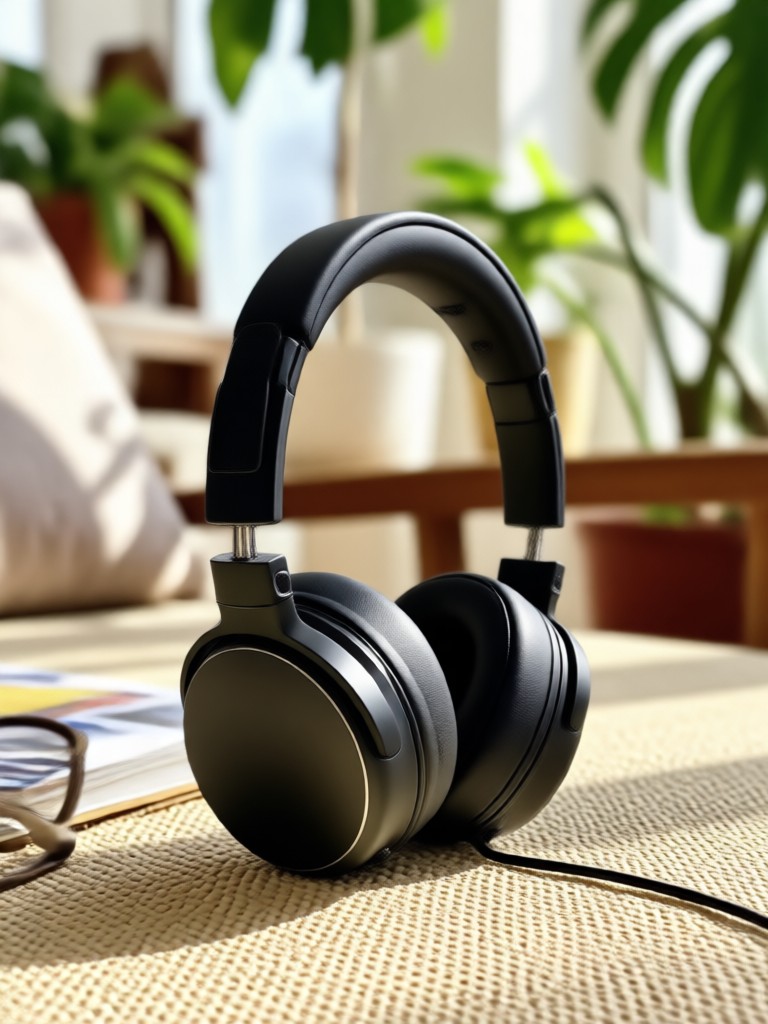
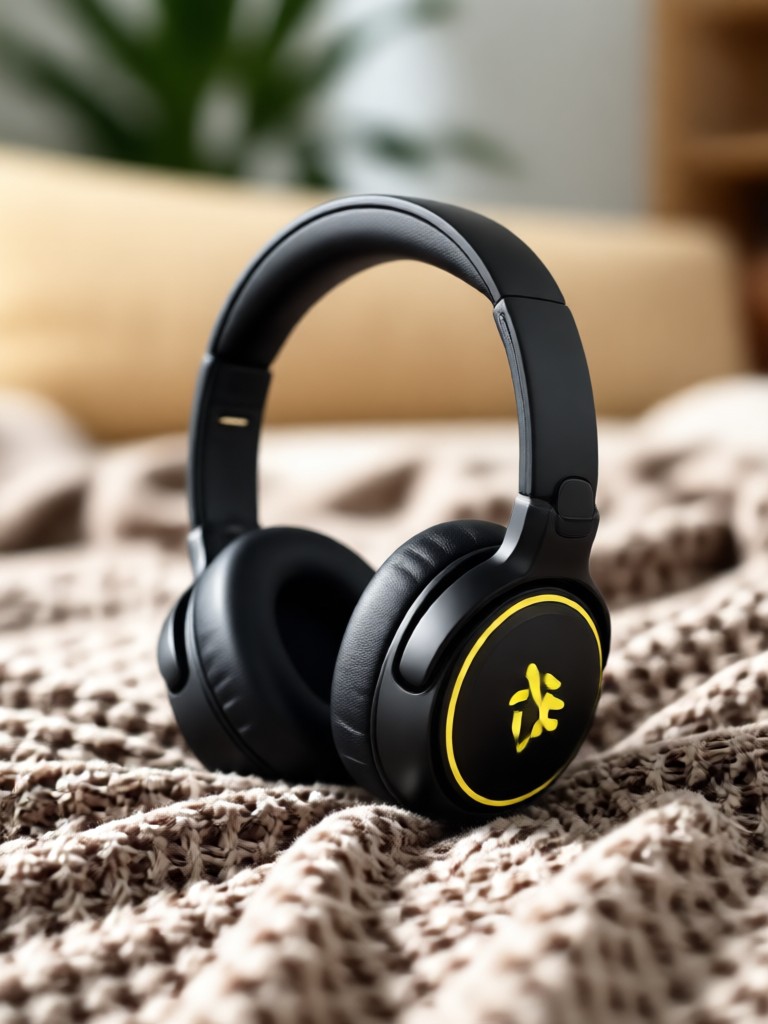
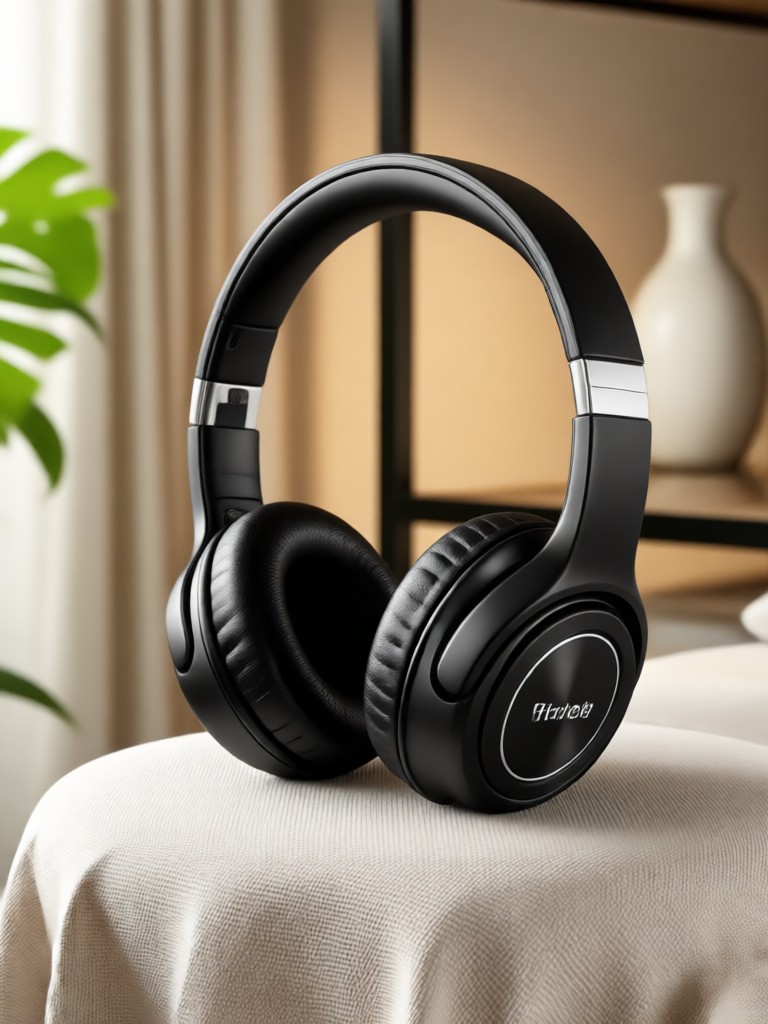
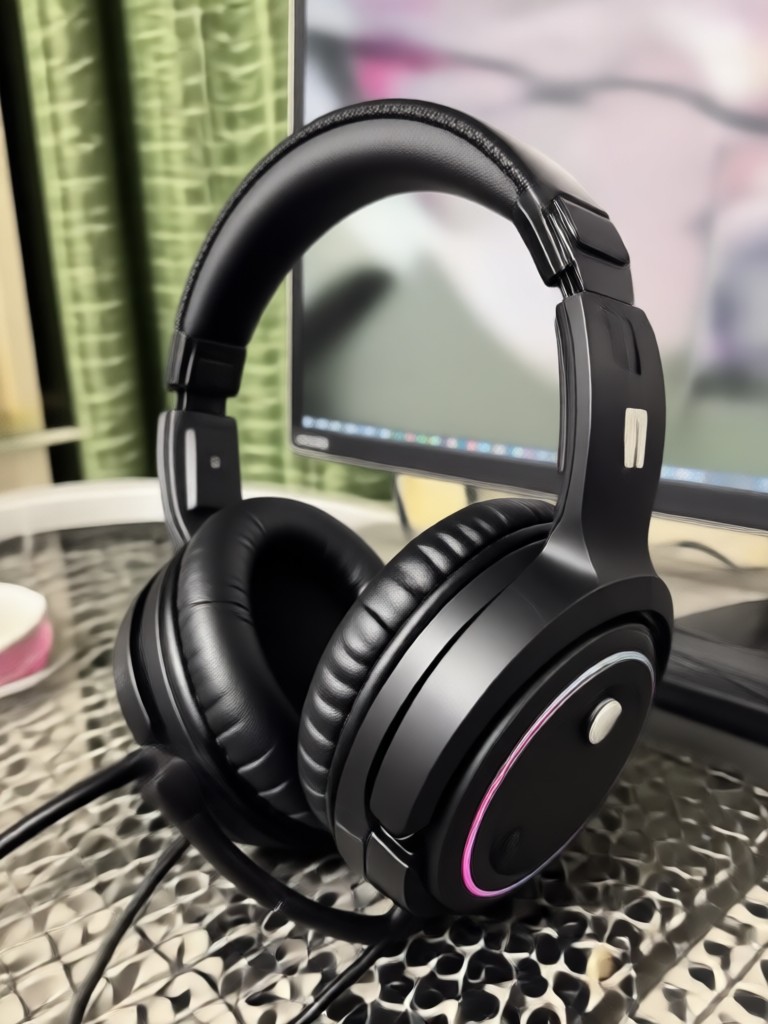
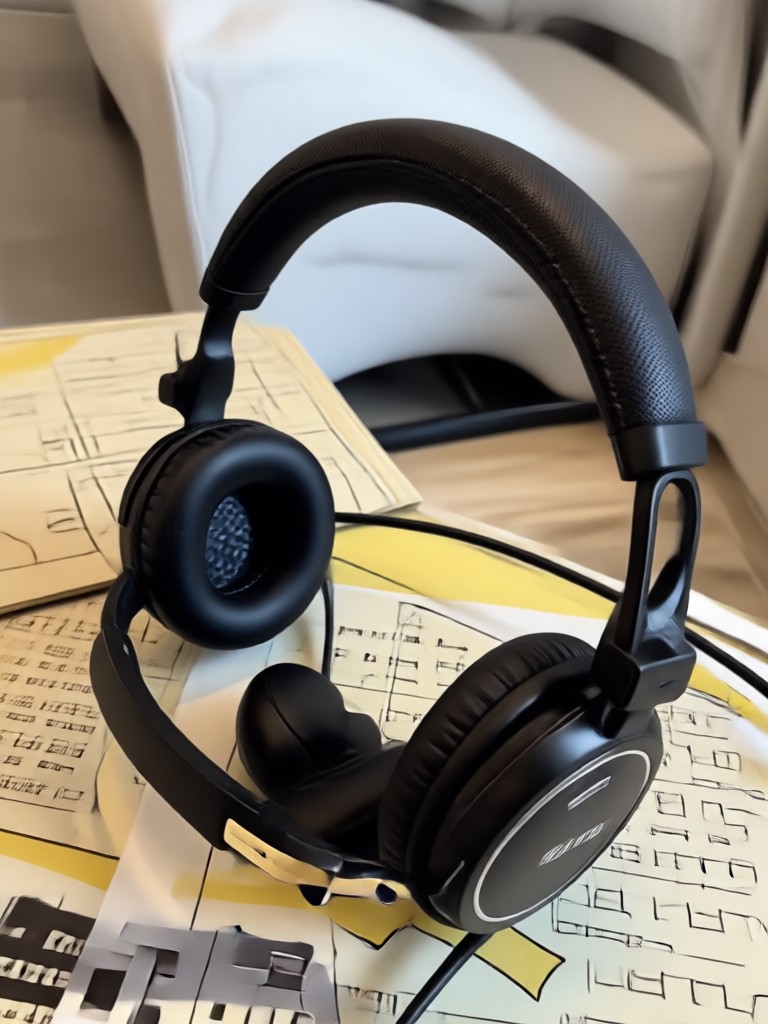
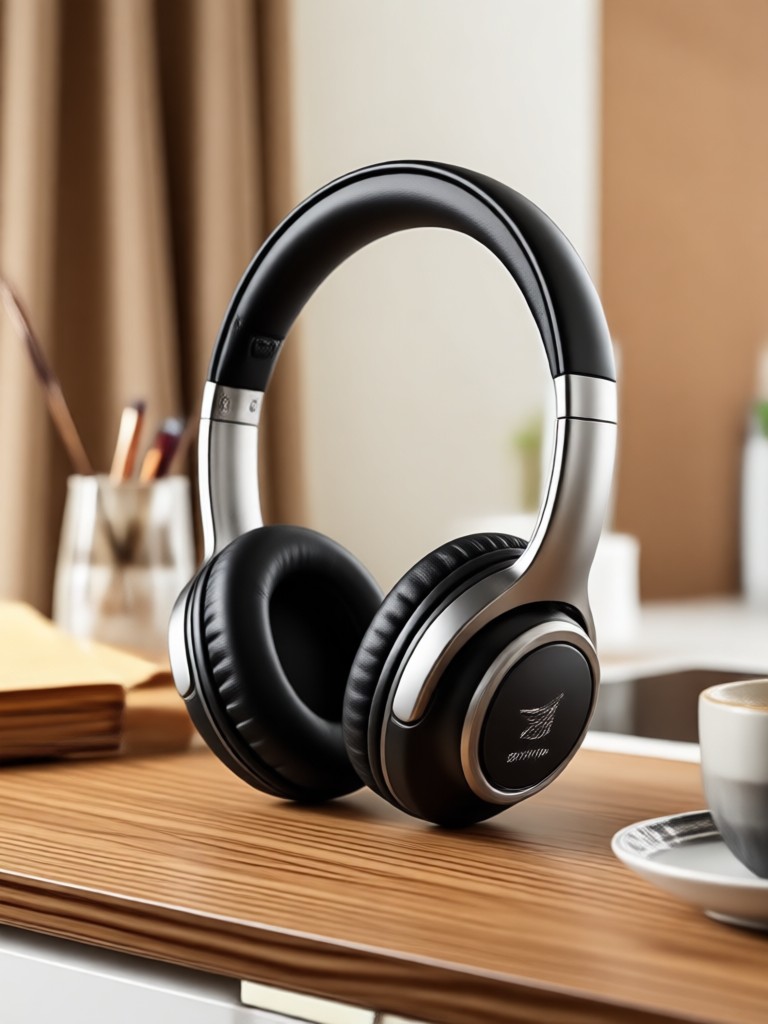
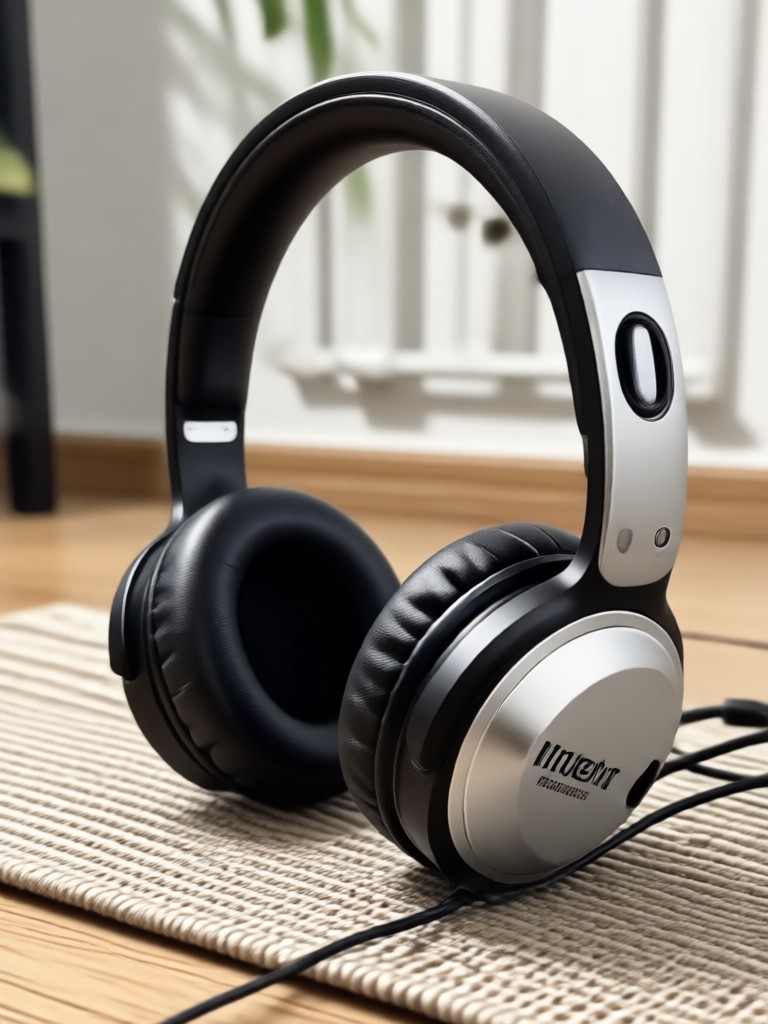
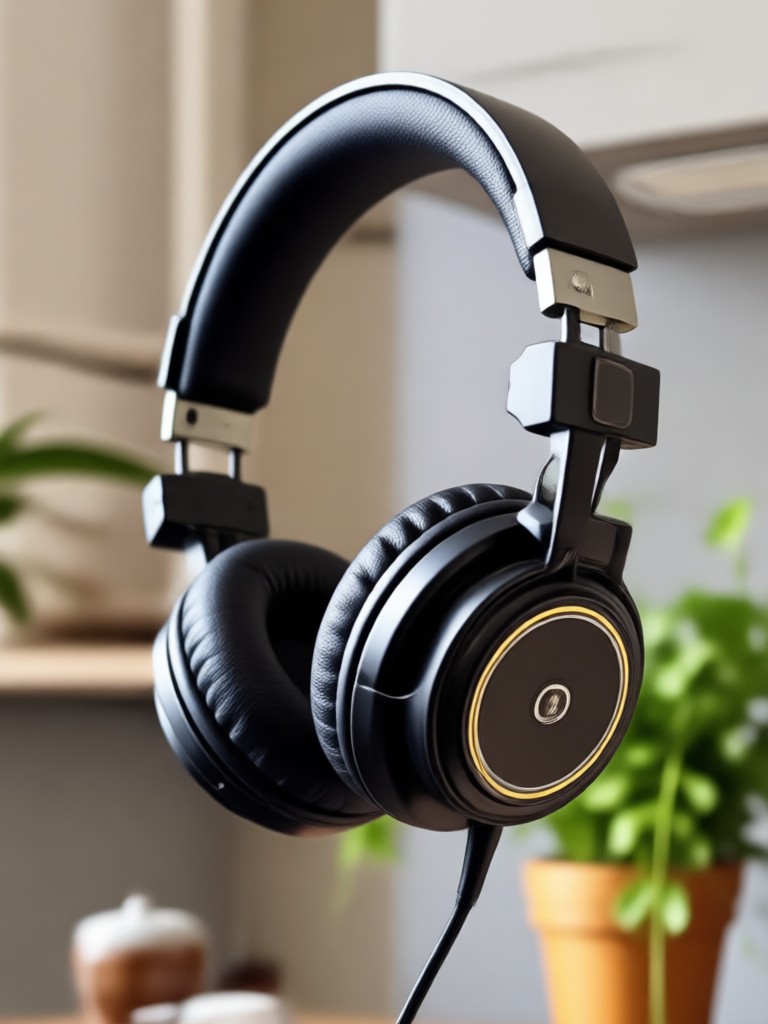
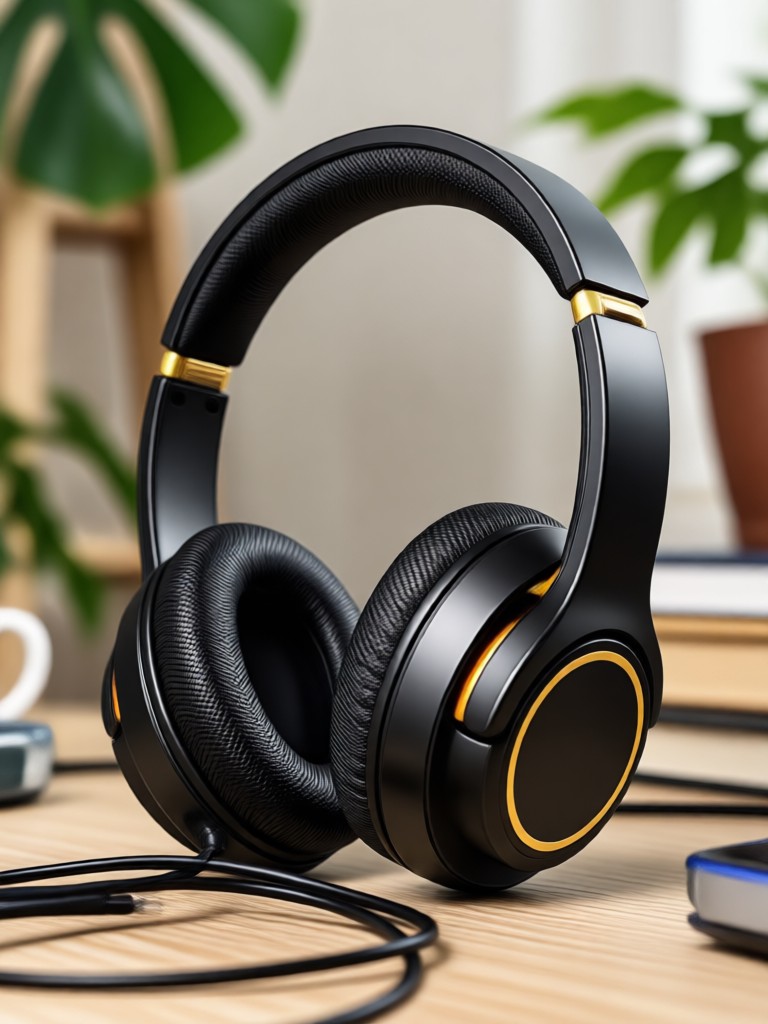
Browse these AI generated headphone edits made with photora. See how simple prompts turn ordinary photos into music inspired portraits, fashion shots, and creative art.
How to Edit a Photo with Headphones Using AI
Follow three simple steps to add, swap, or style headphones in your photos with the photora app.
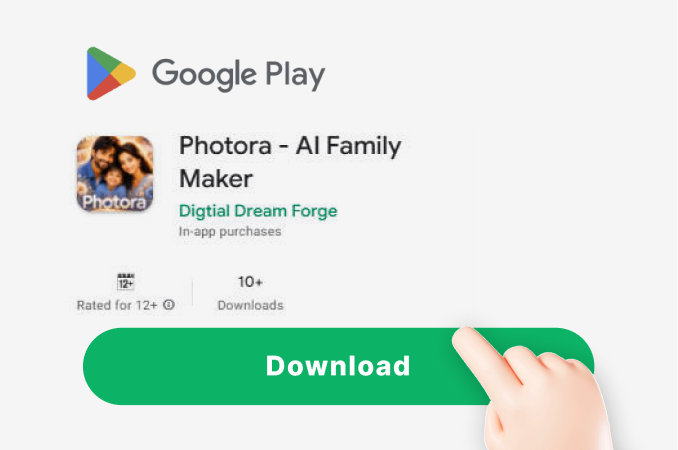
Step 01.
Download the photora app from Google Play and open it on your phone. It takes less than a minute to set up.
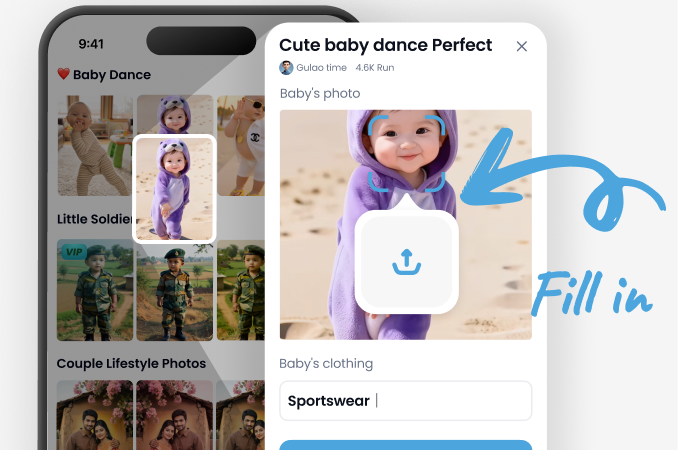
Step 02.
Upload your photo and type a prompt like add matte black headphones to my portrait. Choose a style filter that fits your vibe.
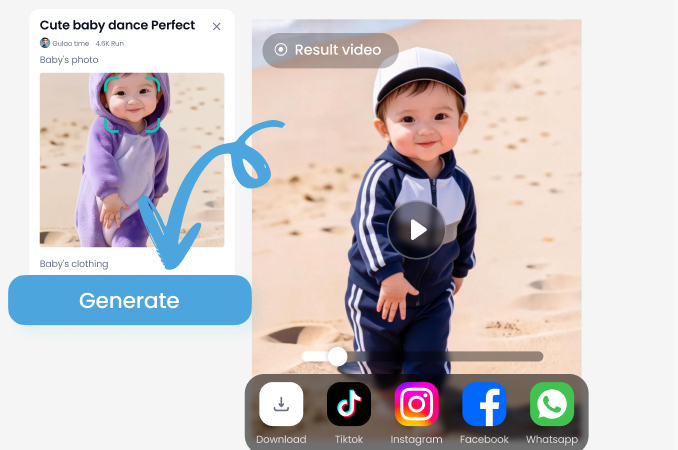
Step 03.
Generate your edit, compare the result, and save the high resolution image to your gallery or share it directly to social media.
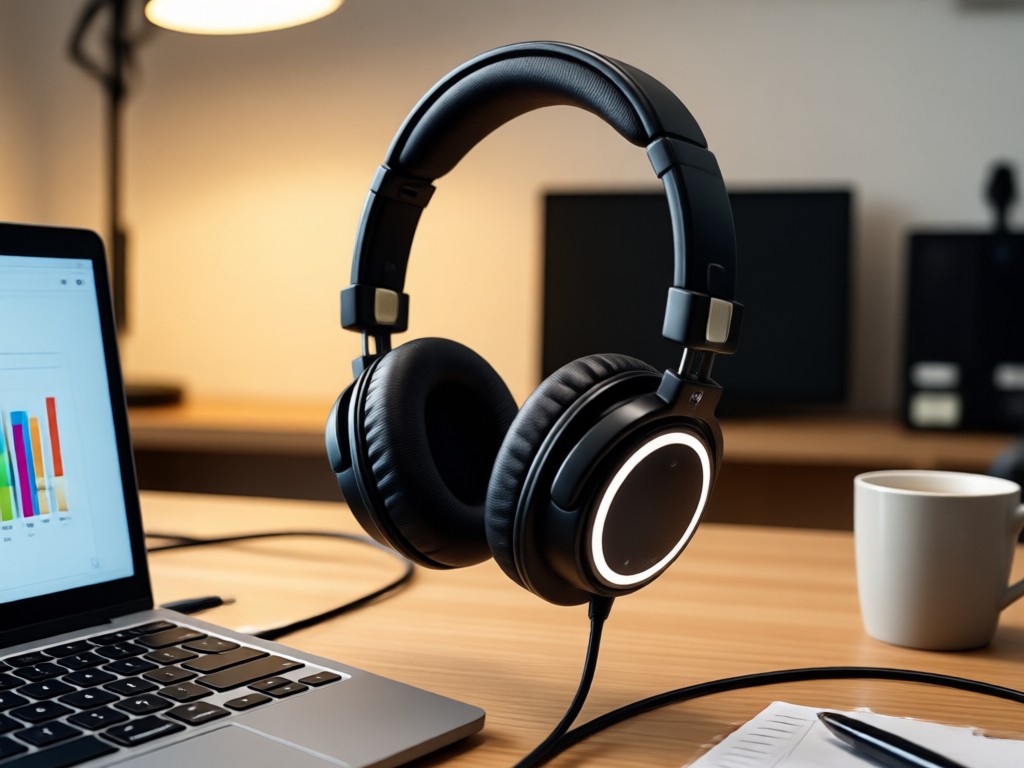
Why Use photora for Headphone Photo Edits
Photora combines powerful AI with a simple interface. You do not need to learn complex editing software or manual masking. Just describe the headphone look you want, pick a style, and let the AI handle the rest. The result is a natural, polished image ready to share.
What Users Say About Headphone Photo Edits
Turned my music portraits into album covers
I used a simple headphone prompt to add studio headphones to my profile photo. The AI kept my face and lighting intact while making the headphones look like a real product shot. It saved me hours of retouching.
Perfect for trying new headphone styles
I wanted to see how a pair of cream headphones would look before buying them. I uploaded a selfie, typed the prompt, and the app generated several realistic options in different colors. Super quick and convincing.
Great for creative social content
I make Ghibli style edits for my page, and the headphone prompts are so easy to work with. The AI added cute headphones to my character art and matched the soft color palette perfectly.
Frequently Asked Questions
Find clear answers to common questions about using photo edit prompts with headphones in photora.
More Topics You May Like
Explore more topics you may like and discover fresh ideas tailored to your interests.

AI Countryside Image Prompt: Pastoral Scenes Made Easy
Create stunning rural scenes with AI countryside image prompts. Discover pastoral landscape ideas and rustic photo prompts. Use photora to generate HD art on your phone in seconds.
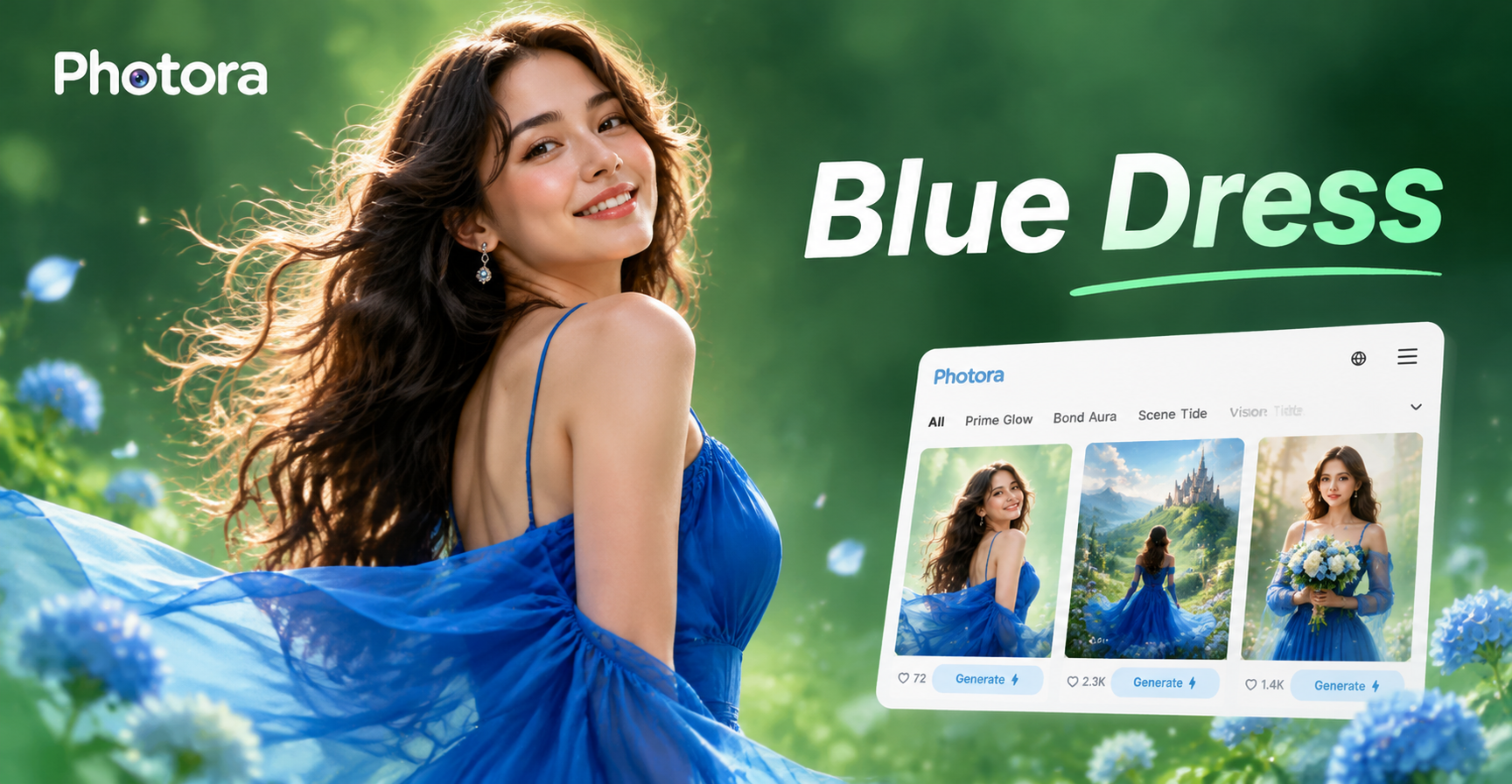
Blue Dress Prompt: Create Stunning Blue Outfit Ideas
Use AI blue dress prompt ideas to create elegant gowns, casual looks, and fashion photos. Download photora, pick a style, and generate your own blue dress image in seconds.
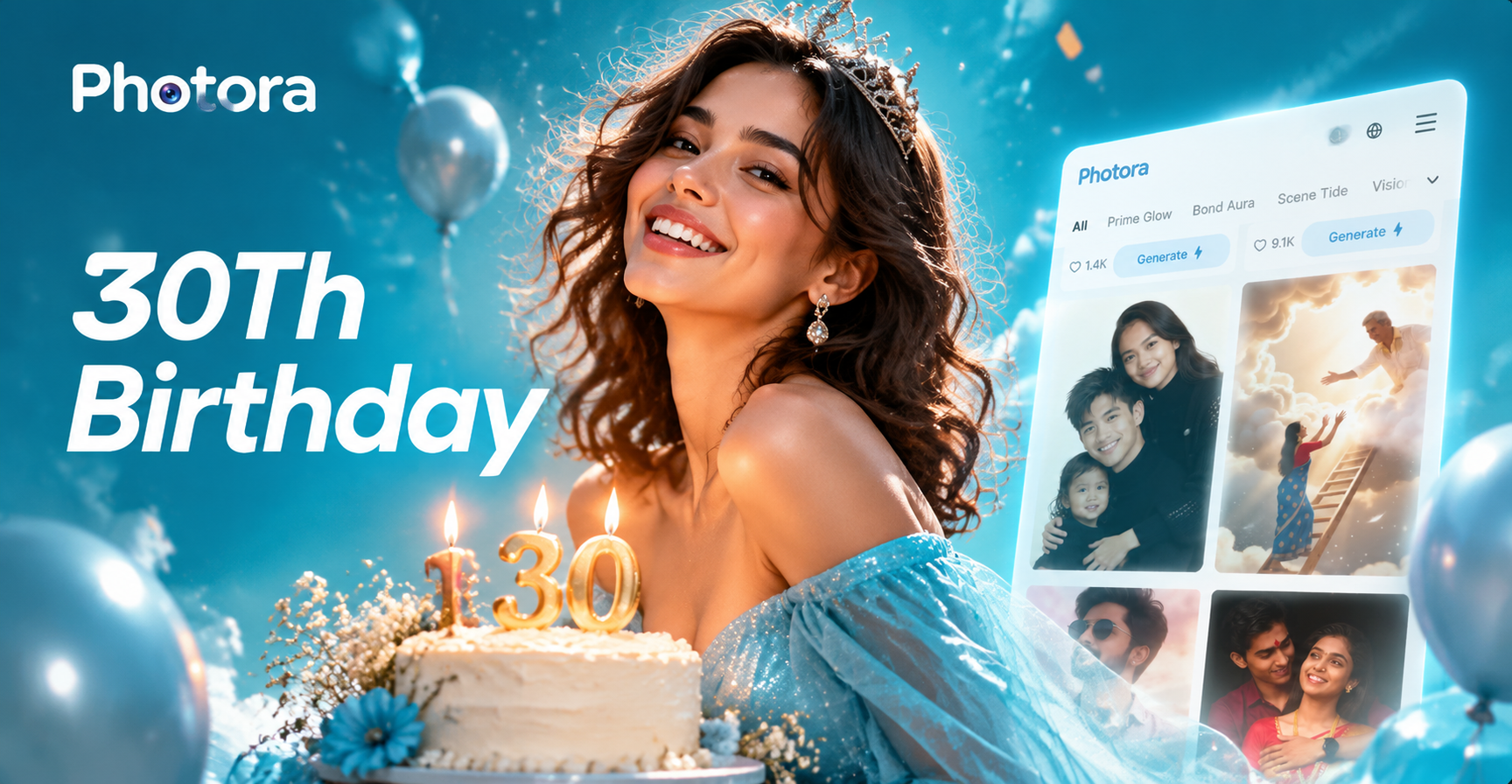
30th Birthday AI Image Prompts: Ideas for a Memorable Shoot
Discover creative 30th birthday prompts for AI images. Turn photos into stylish birthday portraits or glam party shots with photora. Download and generate in seconds.
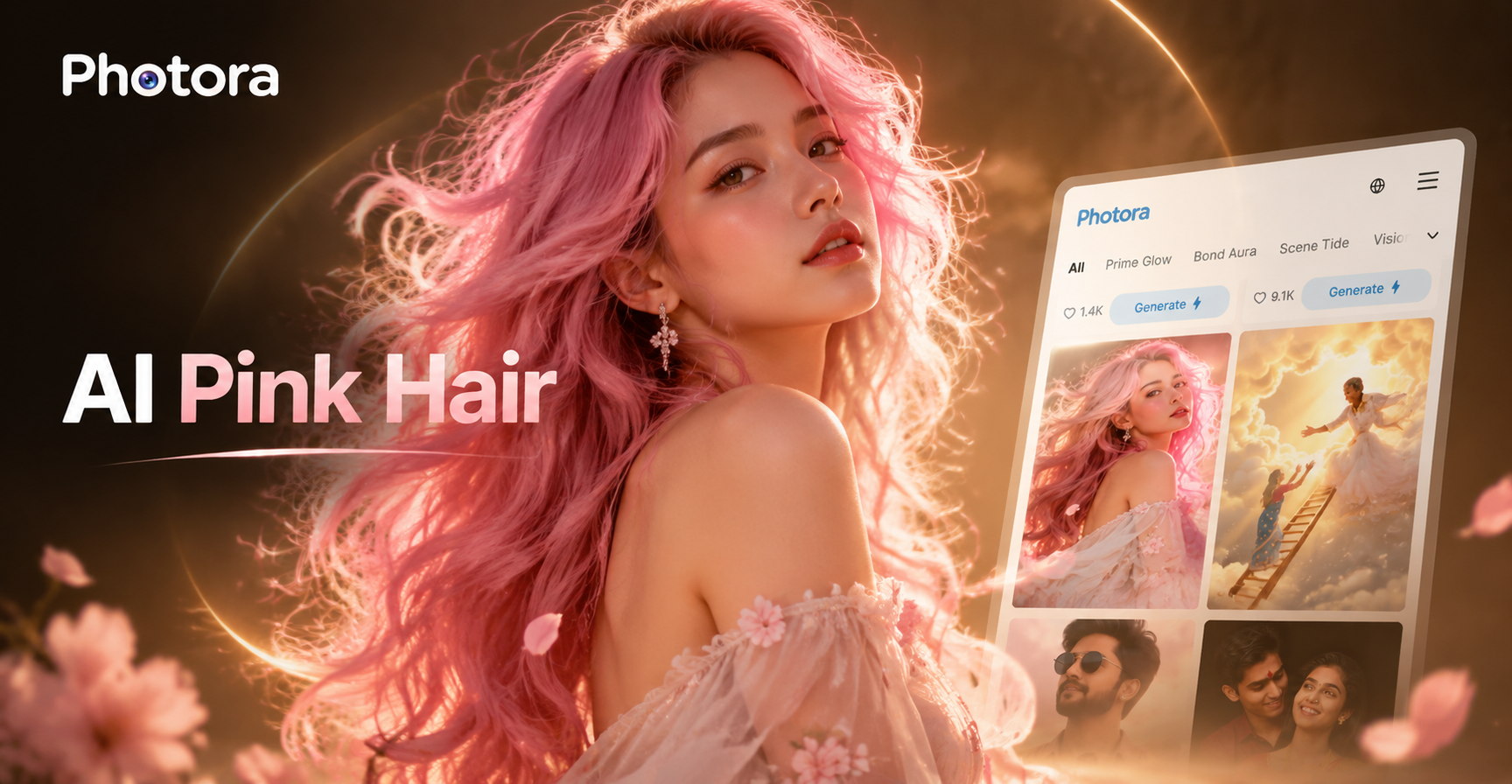
AI Pink Hair Prompts That Turn Photos Bold
Get AI pink hair prompt ideas for photora. Copy ready prompts, choose filters, and generate vibrant pink hairstyles in seconds. No design skills needed.
Ready to Edit Your Photo with Headphones?
Download photora and start turning simple prompts into polished headphone edits. Get access to thousands of style filters and a powerful AI that handles all the detail work.
Ready to Edit Your Photo with Headphones?
Download photora and start turning simple prompts into polished headphone edits. Get access to thousands of style filters and a powerful AI that handles all the detail work.