Blue Dress Prompt
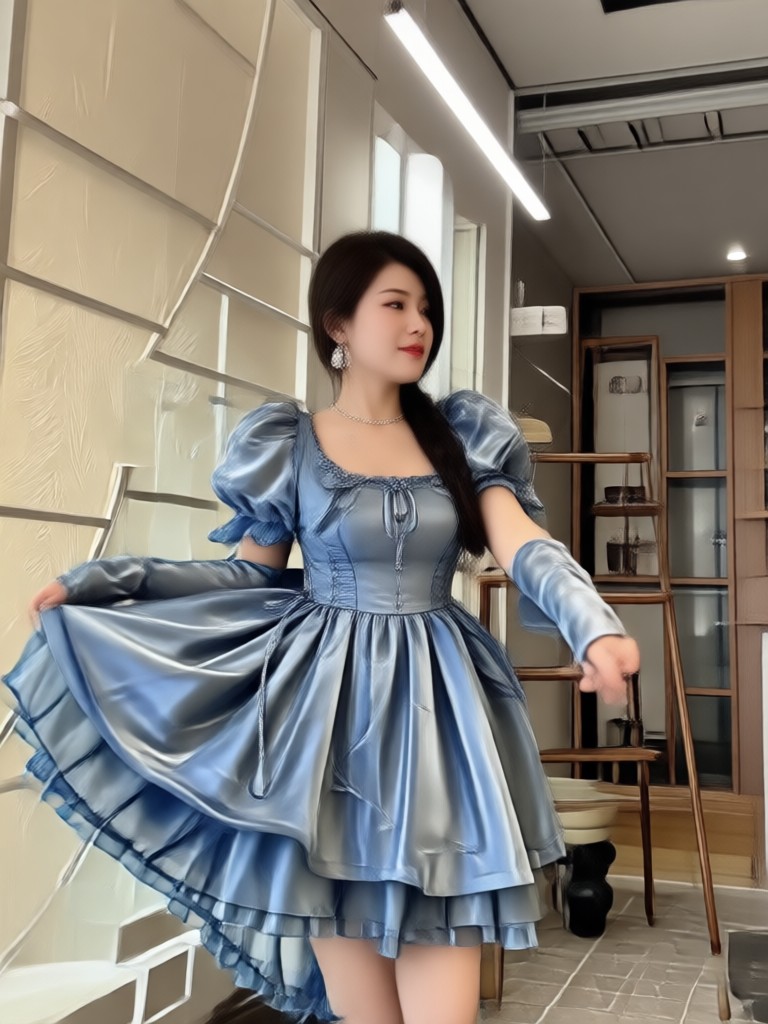
Featured Filters for Your Blue Dress Prompt
Match your blue dress prompt with the right style filter. From realistic fashion photography to anime and fantasy art, photora has over one million templates to choose from.
Why Your Blue Dress Prompts Work Better in photora
Create blue dress images with realistic fabric, flexible style filters, and simple prompt editing. photora makes fashion visualization easy and fast.
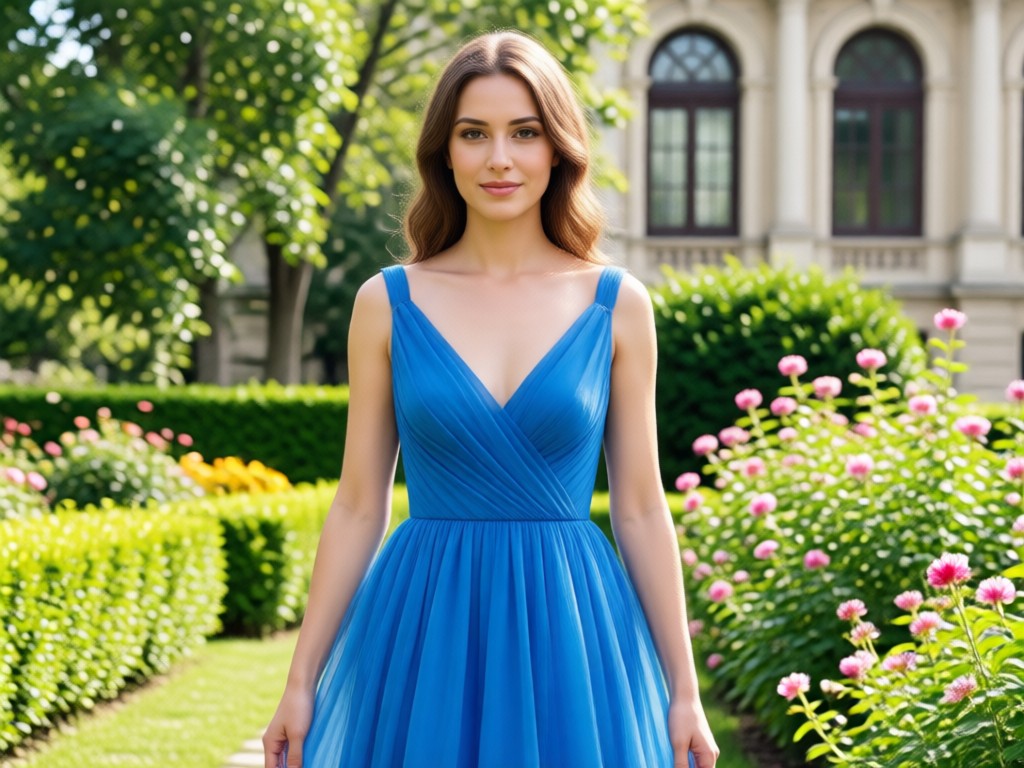
Realistic Fabric Rendering
The AI captures silk, denim, lace, and velvet textures so your blue dress prompt looks like a real garment, not a flat digital sketch.
Realistic Fabric Rendering
The AI captures silk, denim, lace, and velvet textures so your blue dress prompt looks like a real garment, not a flat digital sketch.
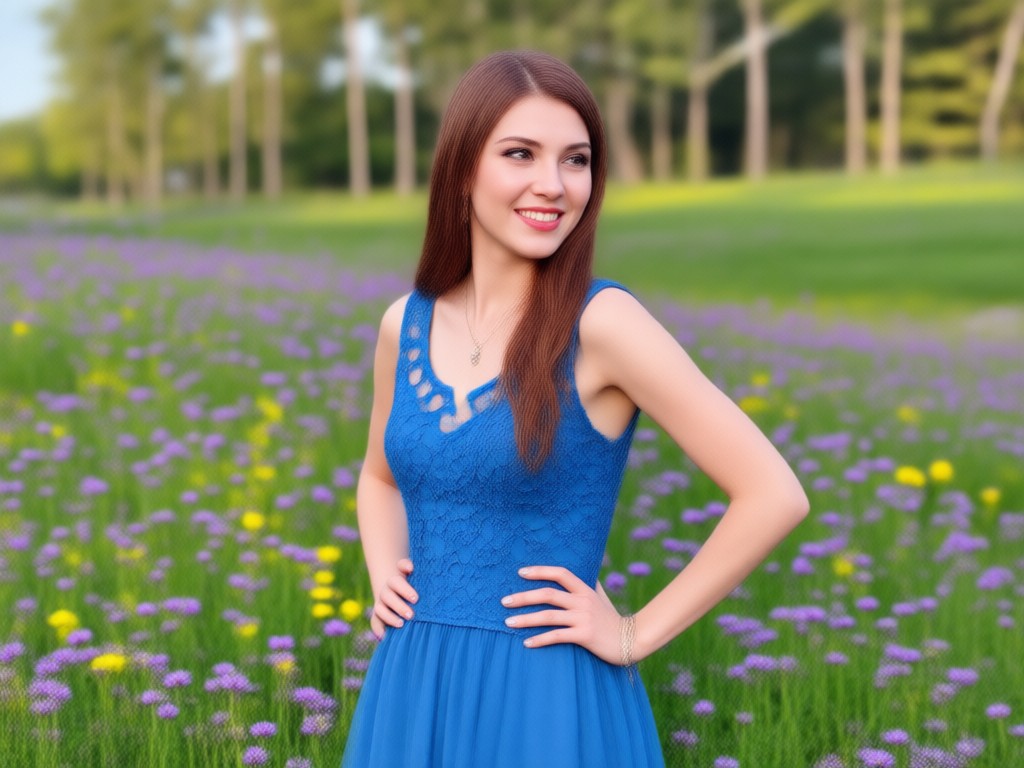
Endless Style Variety
Generate blue dress looks in over one million styles, from watercolor and anime to high fashion photography and cinematic film stills.
Endless Style Variety
Generate blue dress looks in over one million styles, from watercolor and anime to high fashion photography and cinematic film stills.
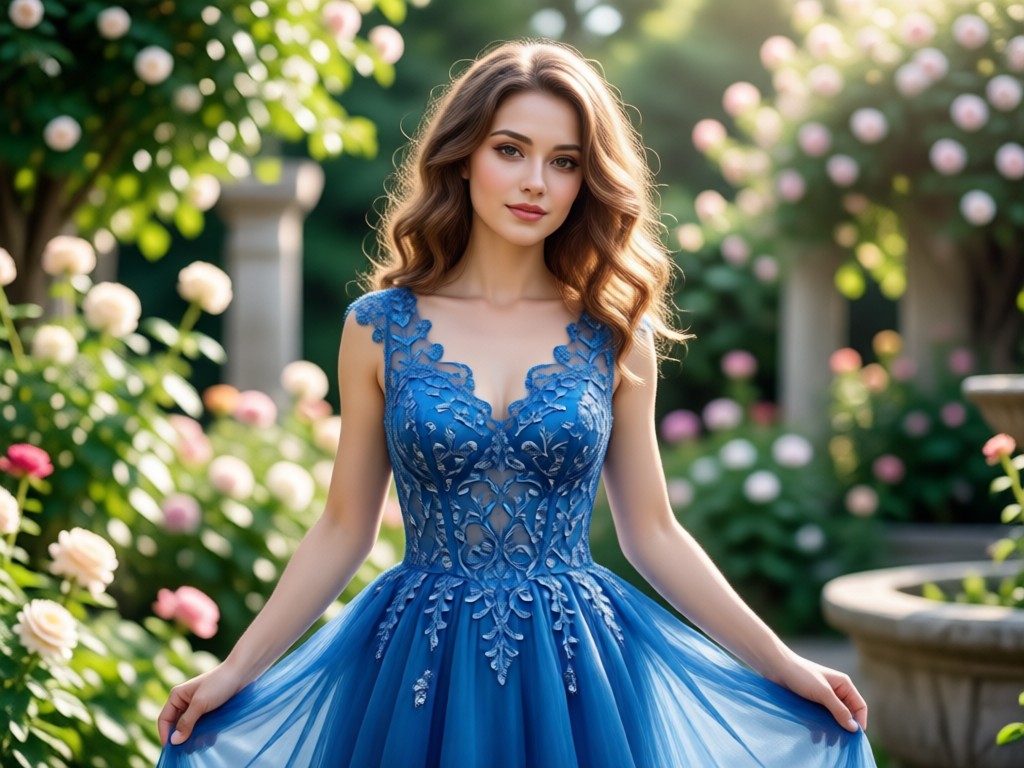
Simple Prompt Editing
No complicated prompt engineering needed. Start with a simple blue dress prompt and adjust color, setting, or style with one tap.
Simple Prompt Editing
No complicated prompt engineering needed. Start with a simple blue dress prompt and adjust color, setting, or style with one tap.
Blue Dress Prompt Inspiration Gallery
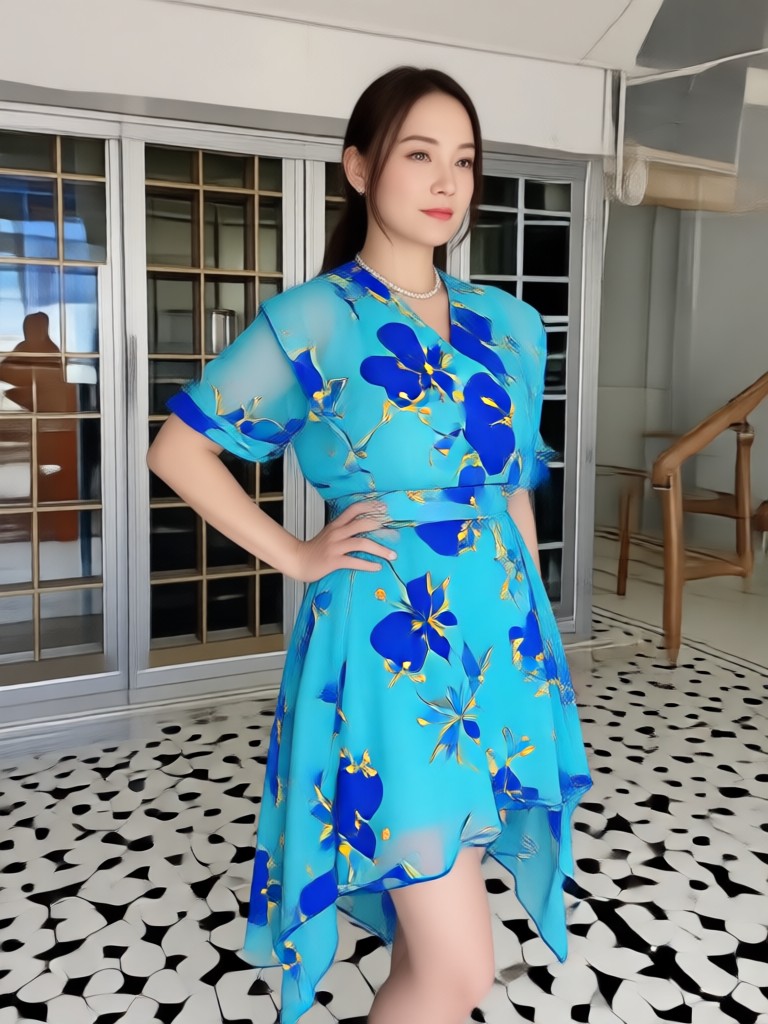
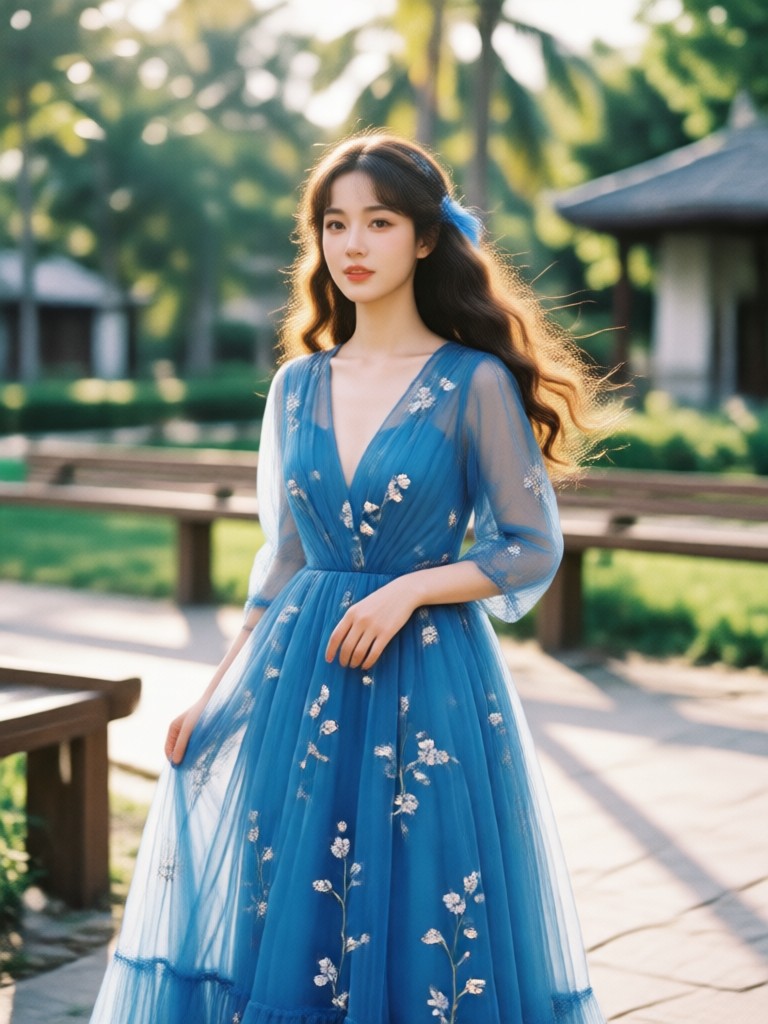
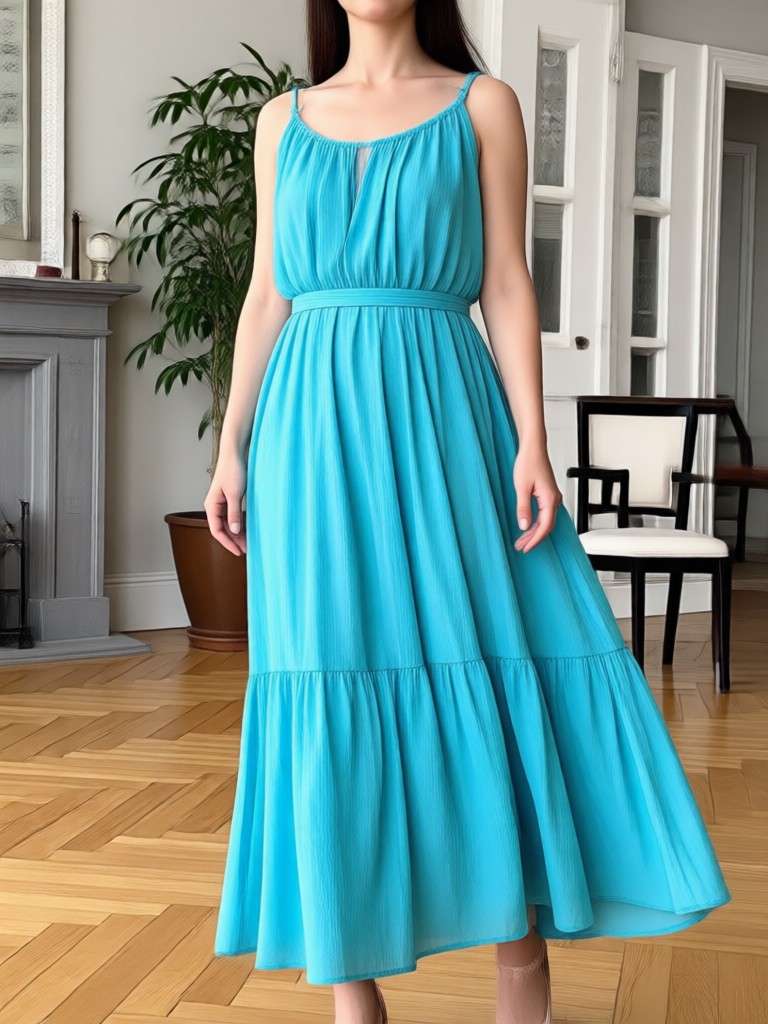
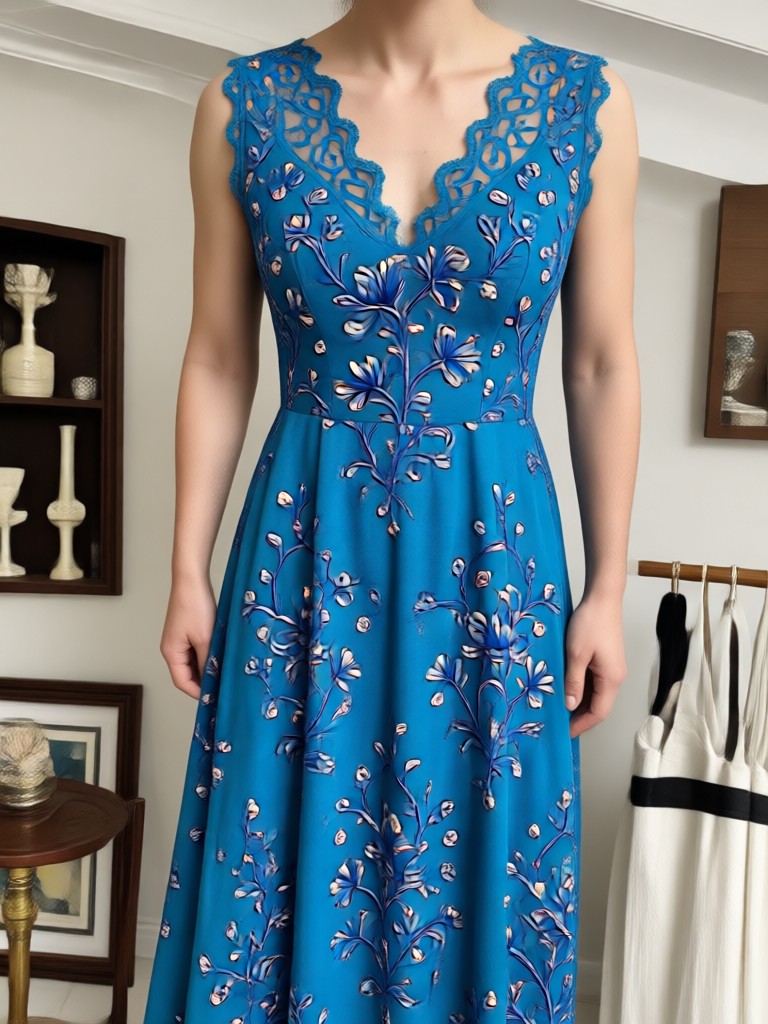
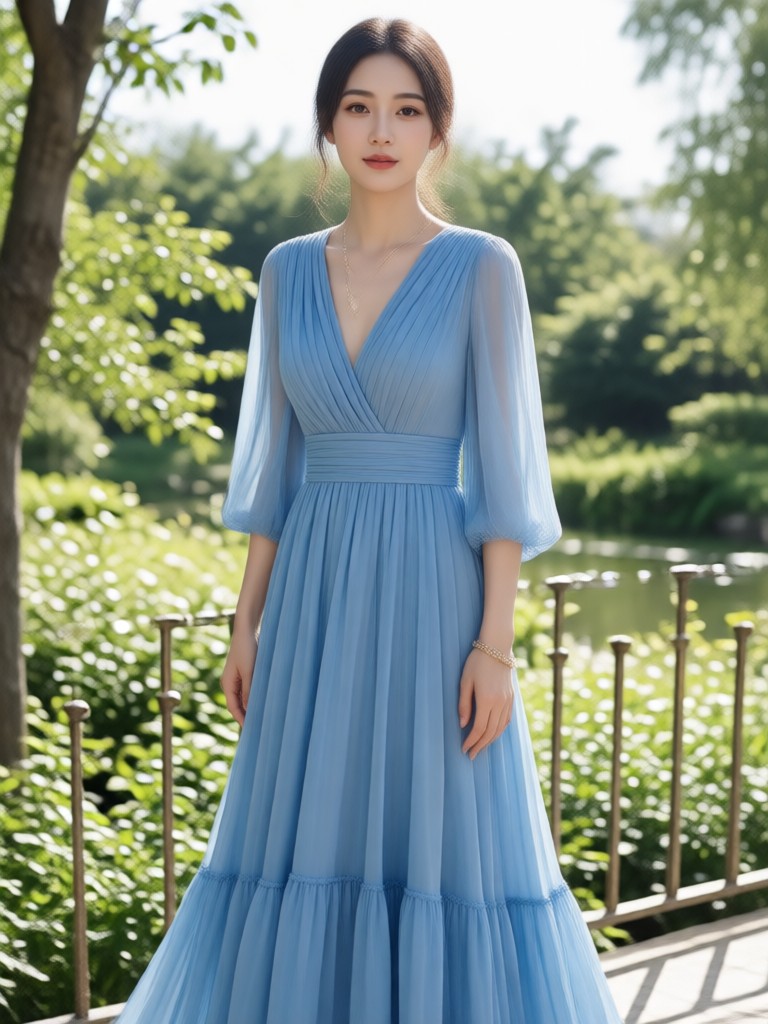
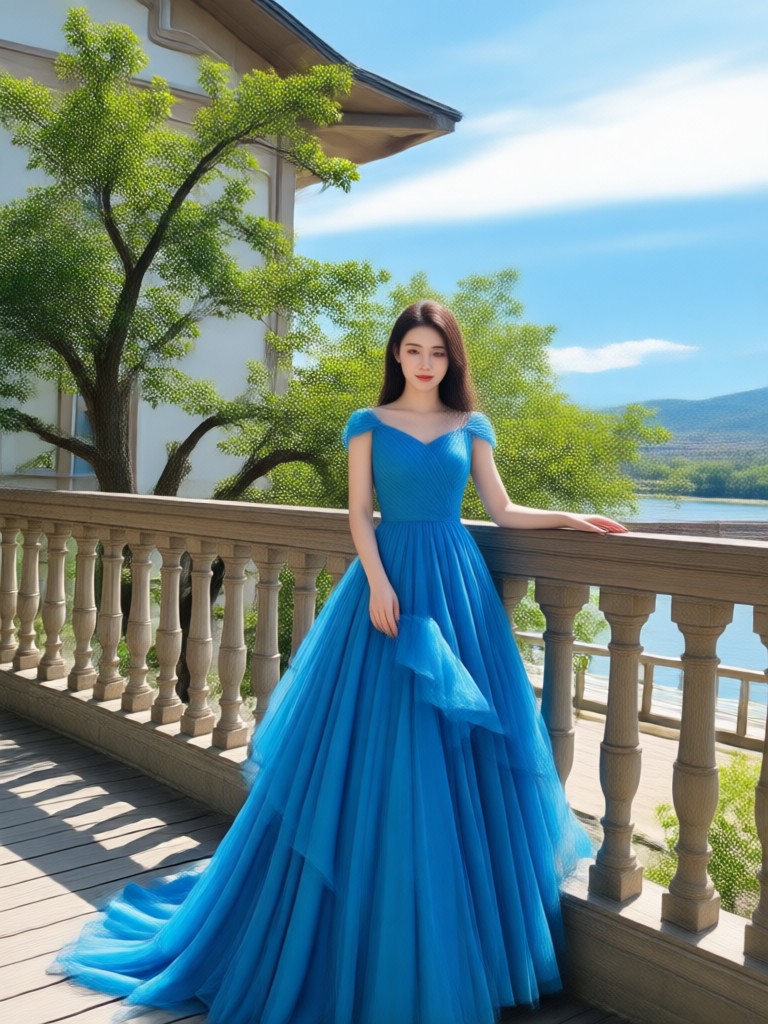
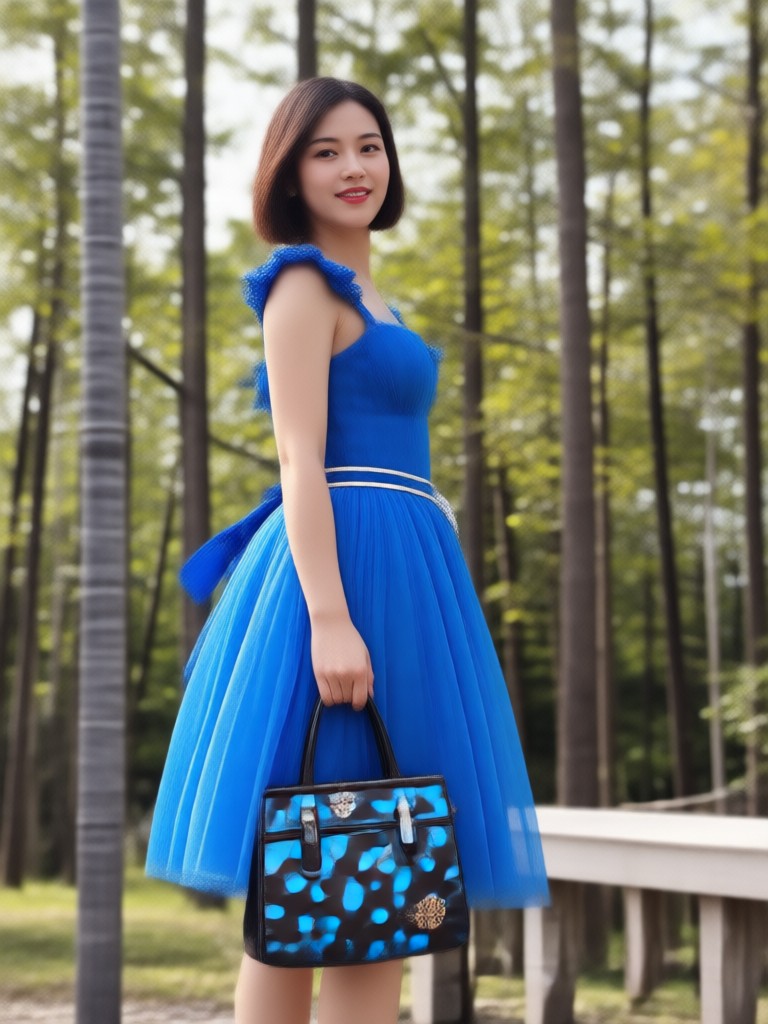
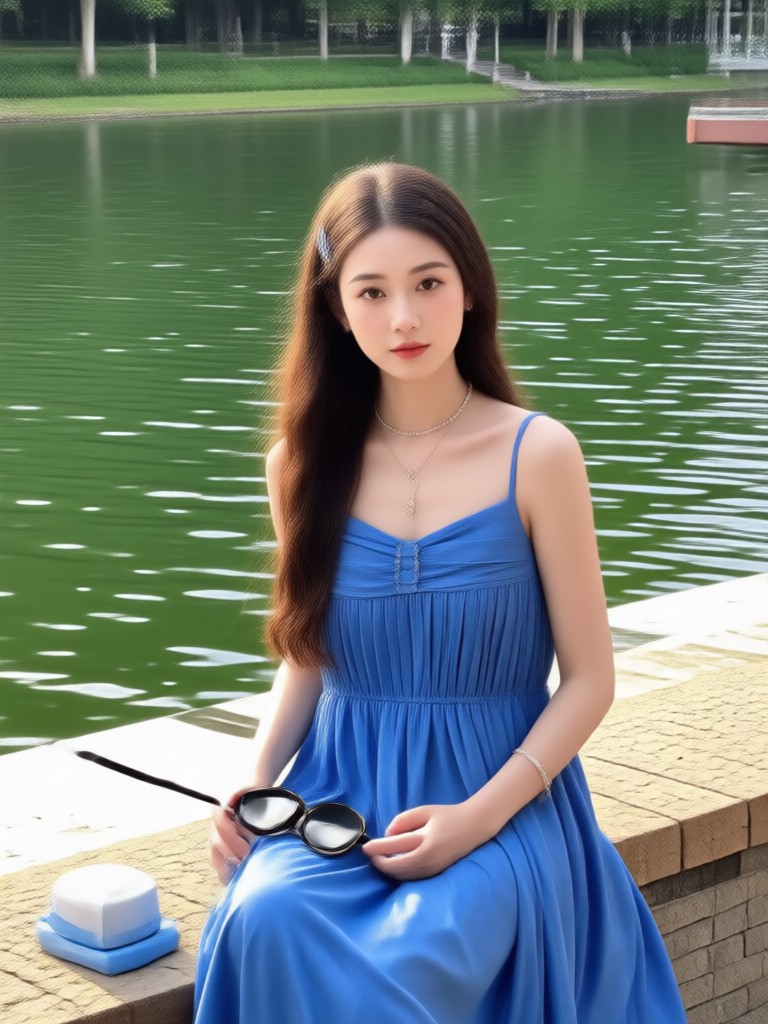
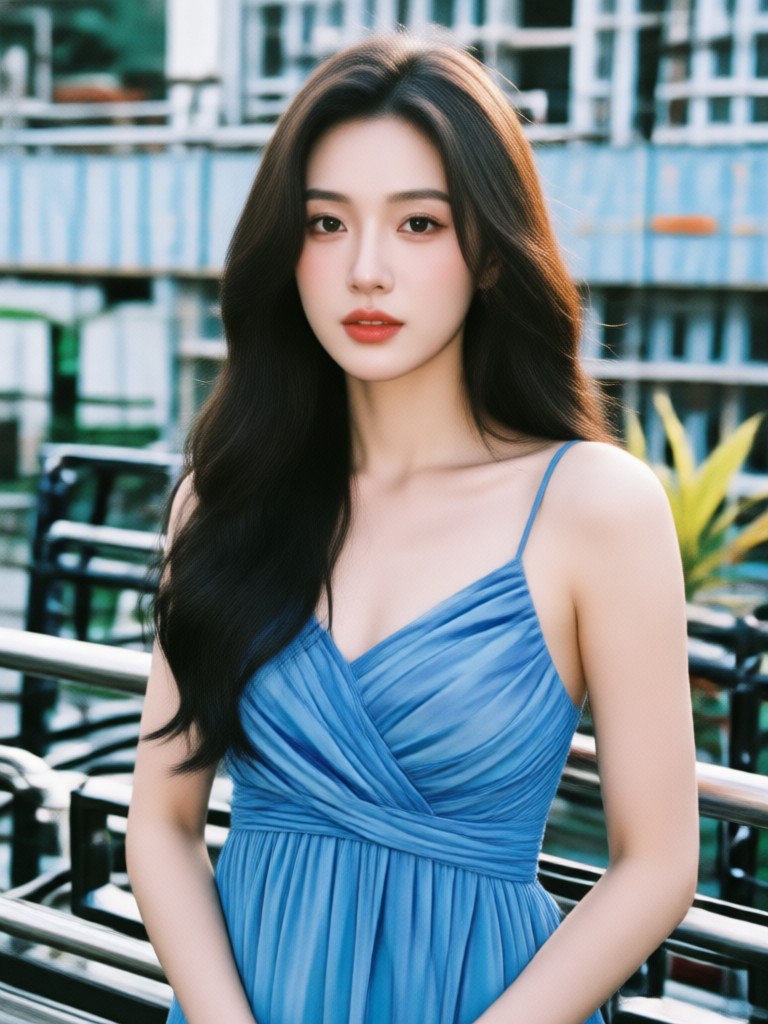
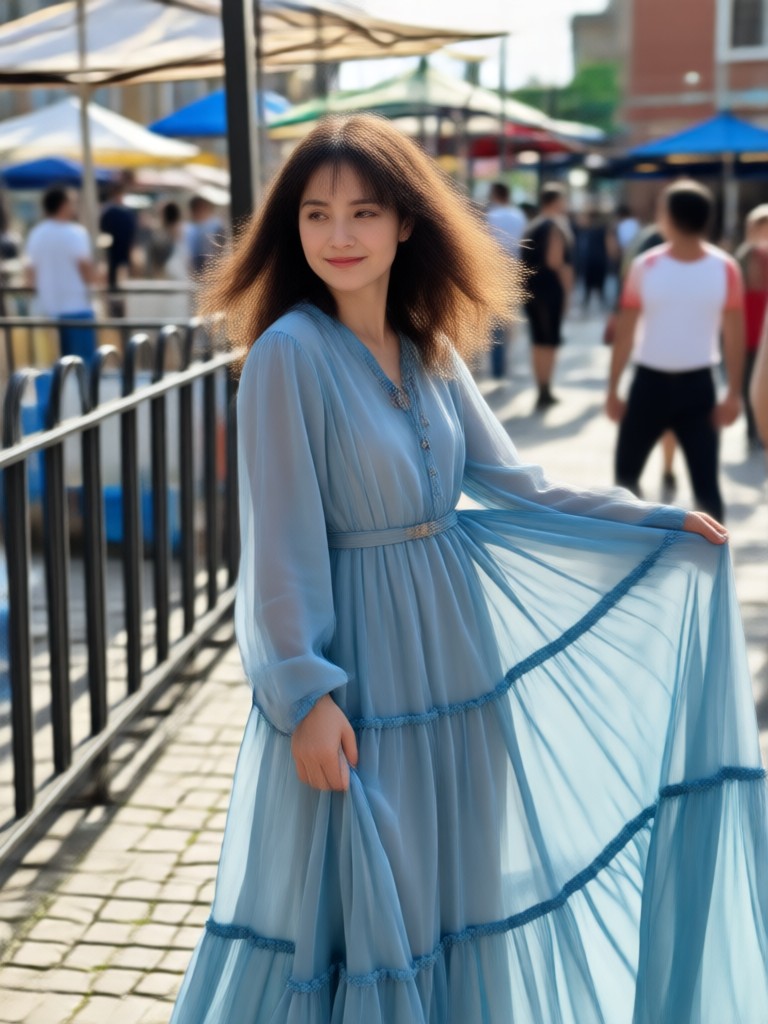
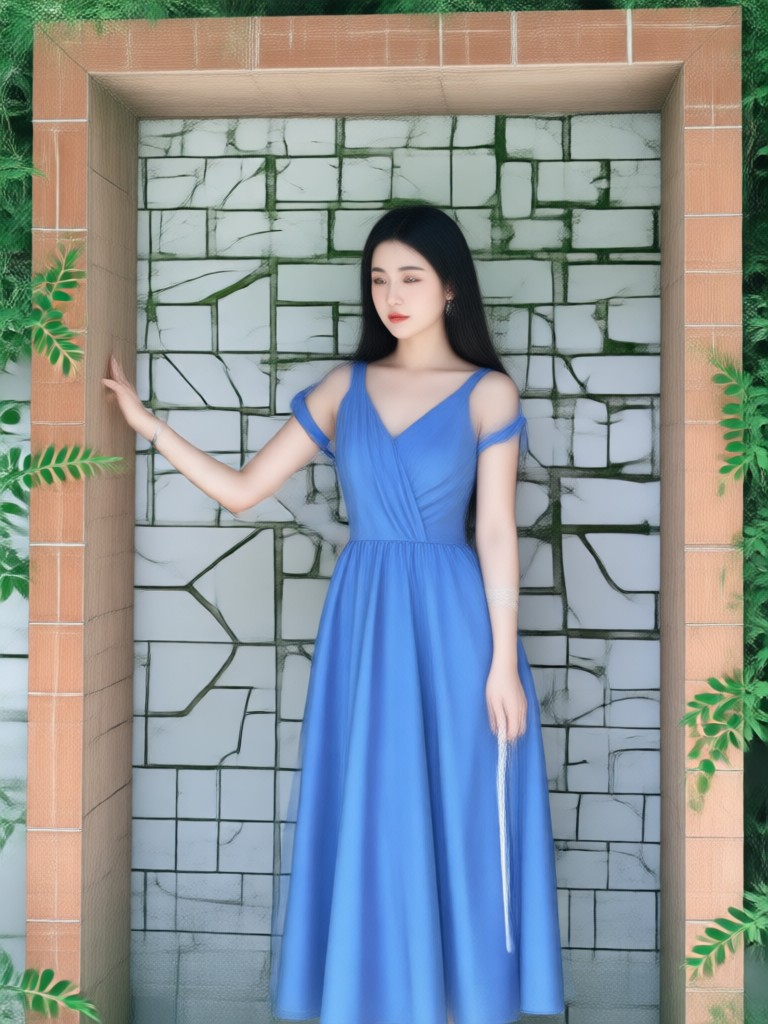
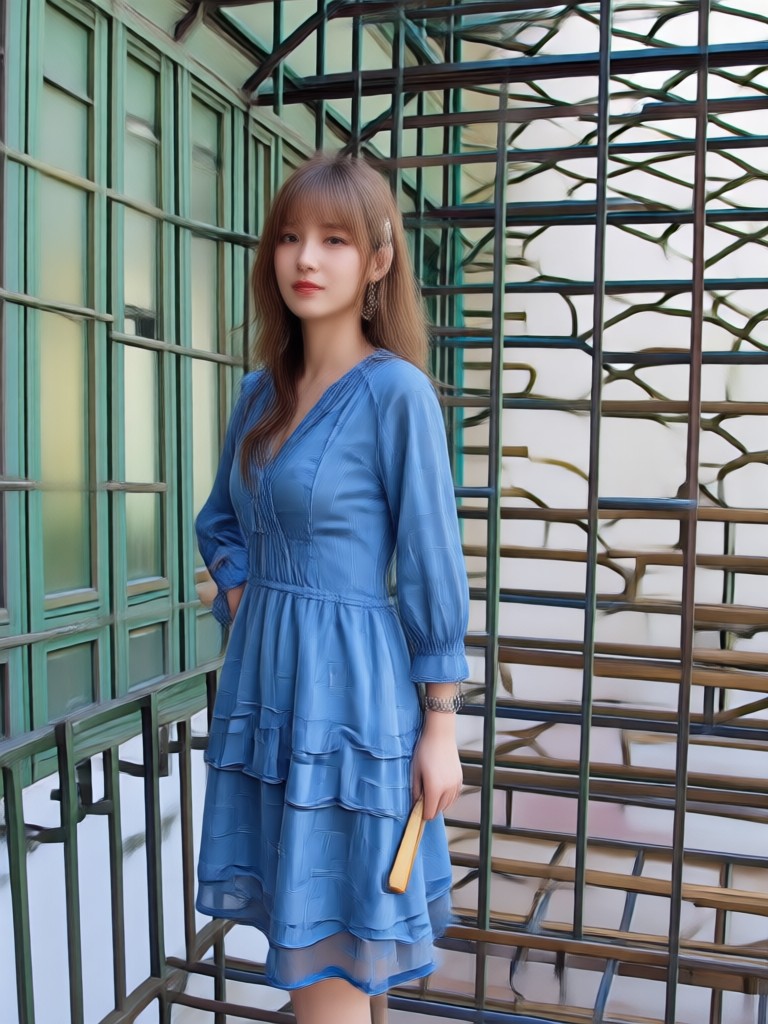
See how simple blue dress prompts turn into elegant gowns, casual outfits, and fantasy looks. Every image below was generated with photora style filters.
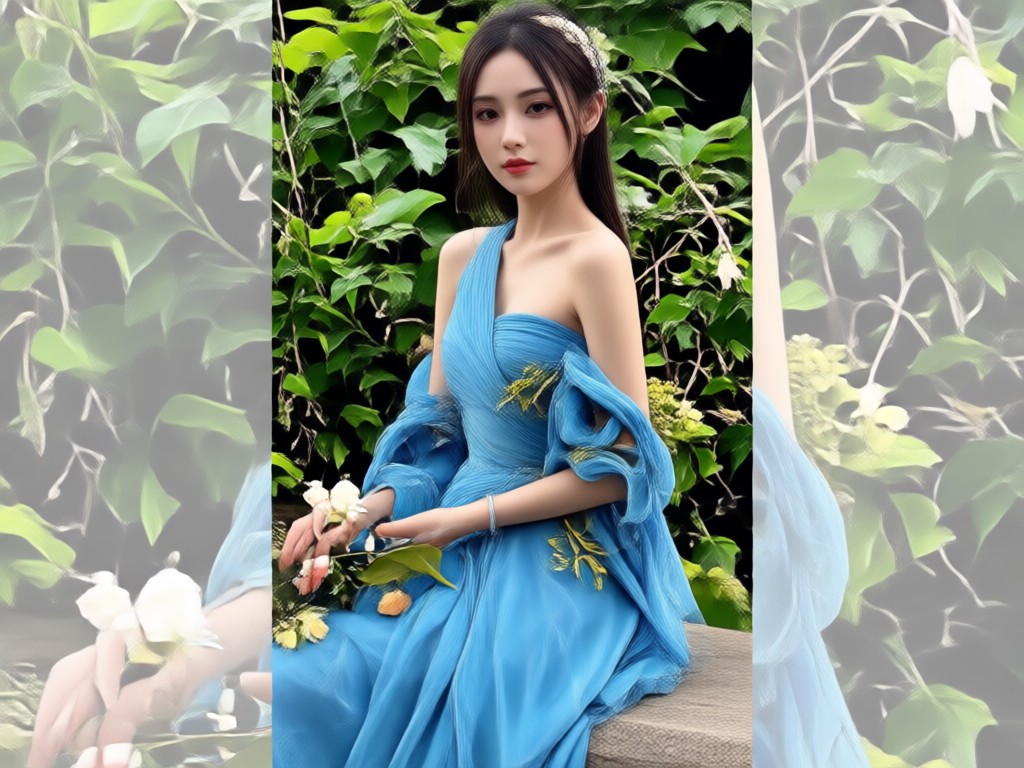
Turn a Blue Dress Prompt Into Reality
Upload a reference photo or start from text. photora keeps the subject consistent while applying your blue dress prompt. Choose a style filter and generate a high resolution image in seconds. No design skills required.
Turn a Blue Dress Prompt Into Reality
Upload a reference photo or start from text. photora keeps the subject consistent while applying your blue dress prompt. Choose a style filter and generate a high resolution image in seconds. No design skills required.
How to Use a Blue Dress Prompt
Follow three simple steps to turn your blue dress prompt into a beautiful AI generated image.
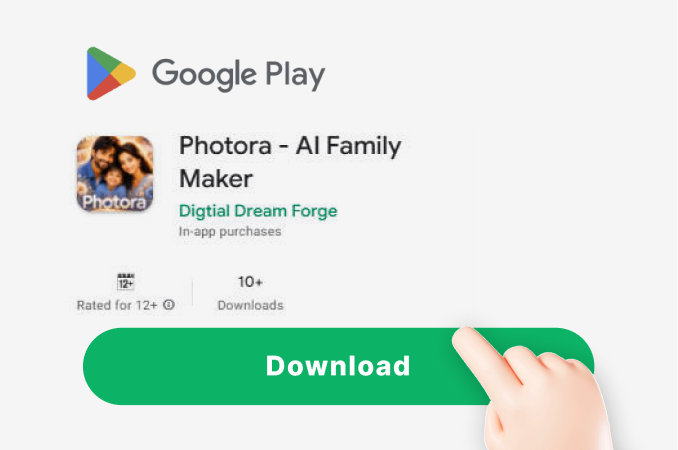
Step 01.
Download the photora app from Google Play and open it on your phone.
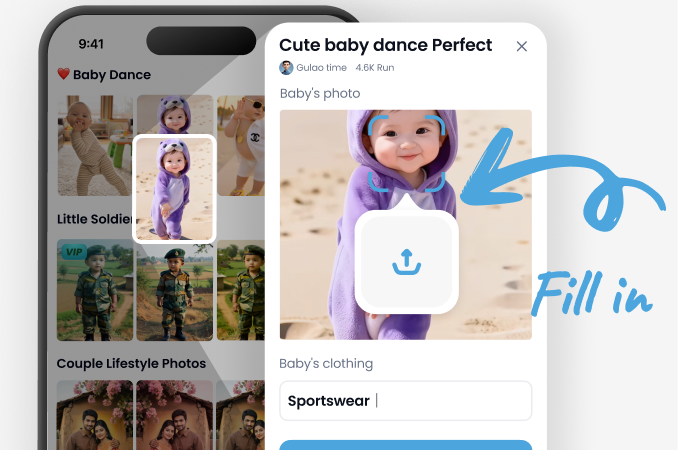
Step 02.
Type or paste your blue dress prompt and pick a style filter that matches your vision.
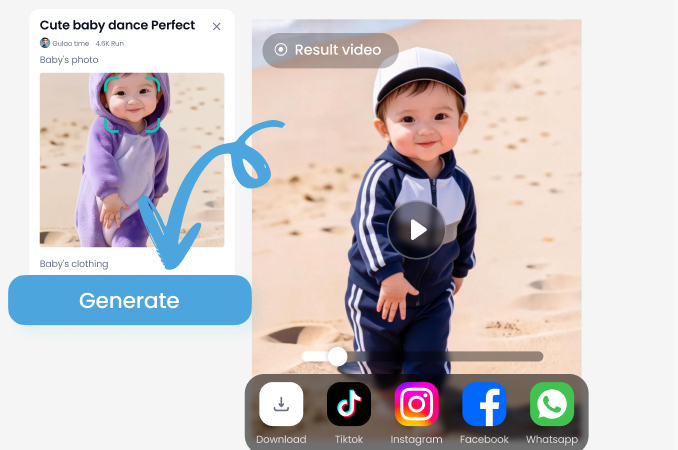
Step 03.
Generate your blue dress image or video, then download and share it on social media.
What Creators Say About photora
Perfect for fashion mockups
I used a blue dress prompt to brainstorm outfit ideas for my boutique. The fabric details and lighting look like real product photos, and I saved hours on a photoshoot.
So easy to use
I typed a simple blue dress prompt and got a gorgeous evening gown in seconds. The style filters are incredible, and I can share directly to my social media.
Great for cosplay planning
I used the blue dress prompt to design a fantasy costume reference. The anime filter kept the character vibe while making the dress look detailed and realistic.
Blue Dress Prompt FAQ
Find clear answers to common questions about creating blue dress images with photora.
More Topics You May Like
Explore more AI fashion and style prompt ideas to inspire your next creation.
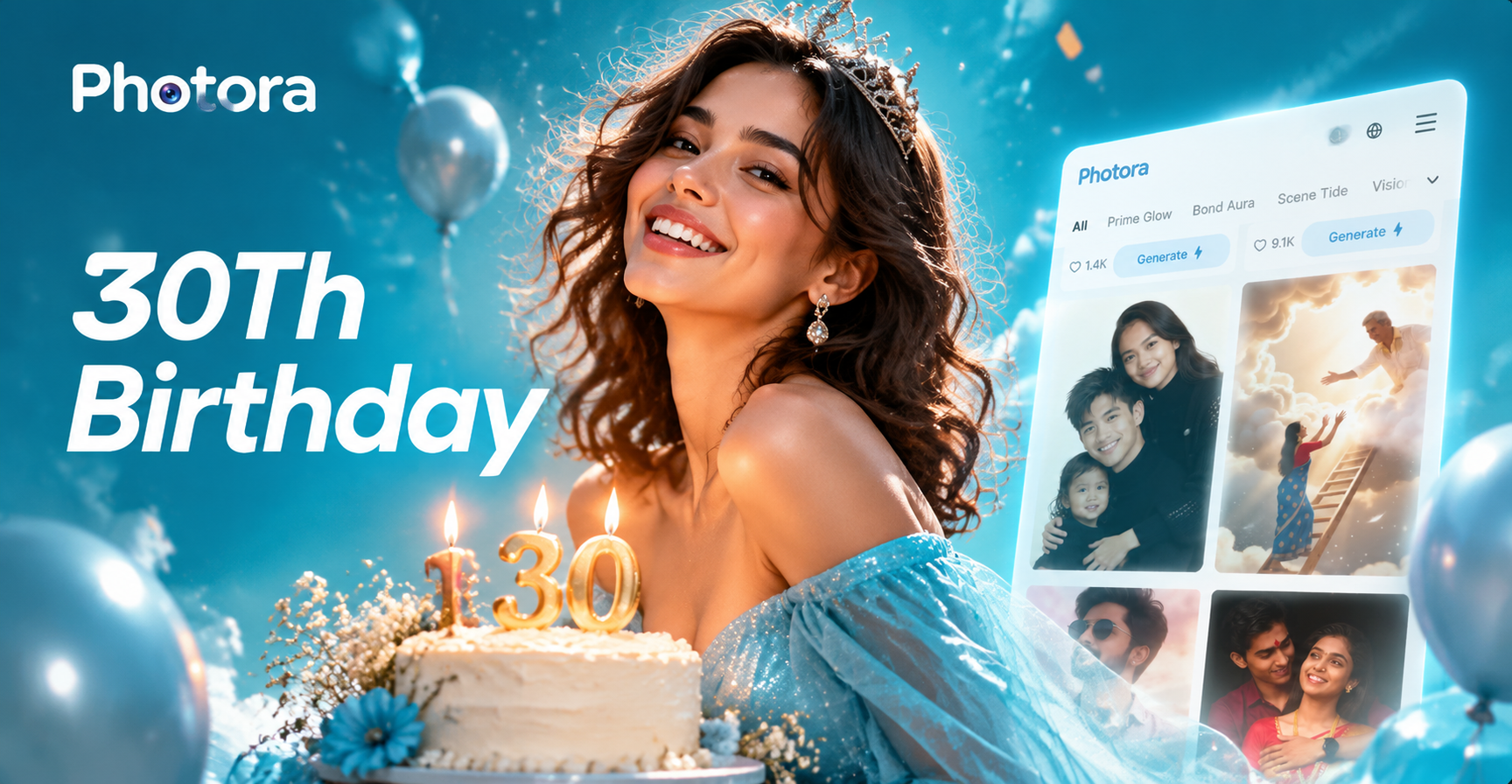
30th Birthday AI Image Prompts: Ideas for a Memorable Shoot
Discover creative 30th birthday prompts for AI images. Turn photos into stylish birthday portraits or glam party shots with photora. Download and generate in seconds.
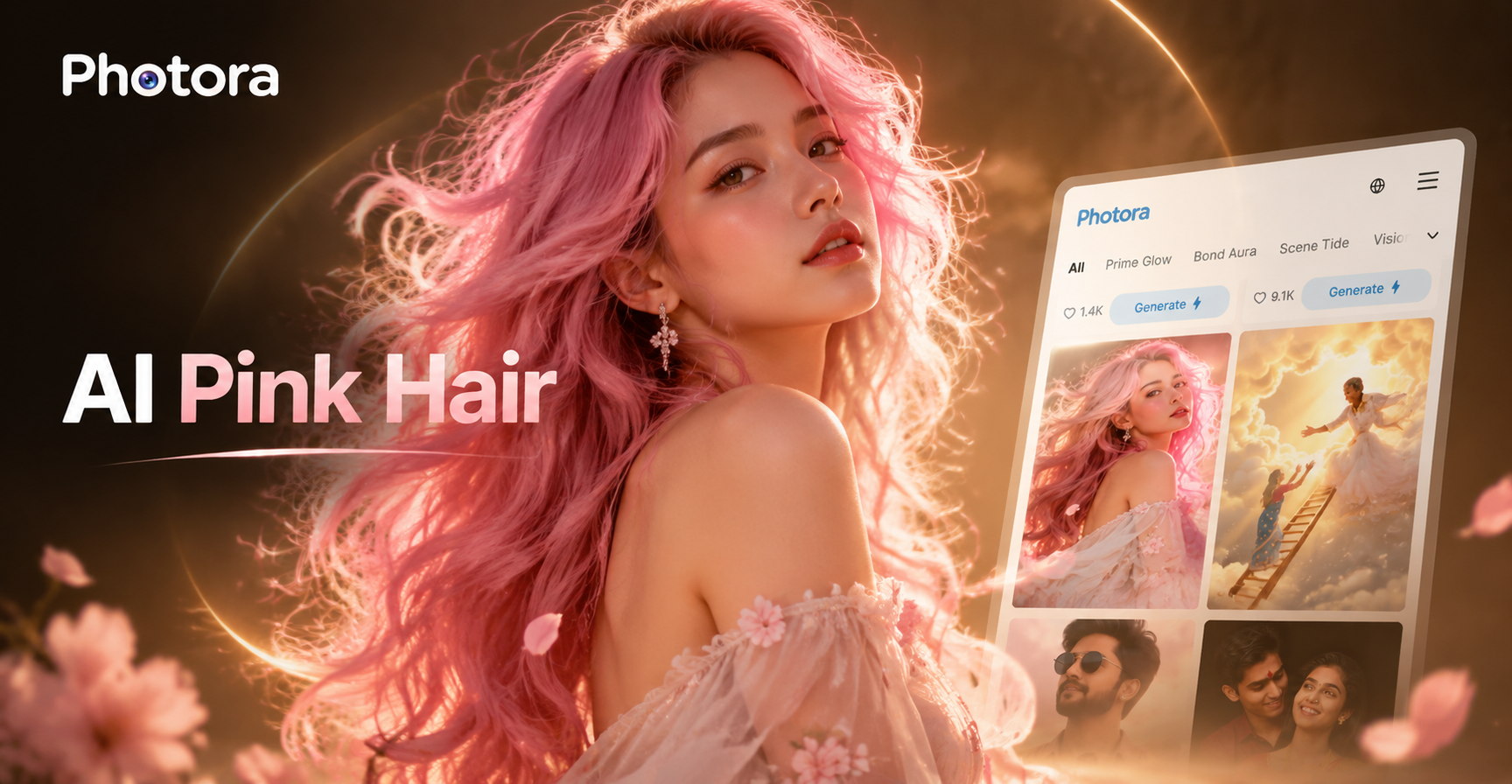
AI Pink Hair Prompts That Turn Photos Bold
Get AI pink hair prompt ideas for photora. Copy ready prompts, choose filters, and generate vibrant pink hairstyles in seconds. No design skills needed.
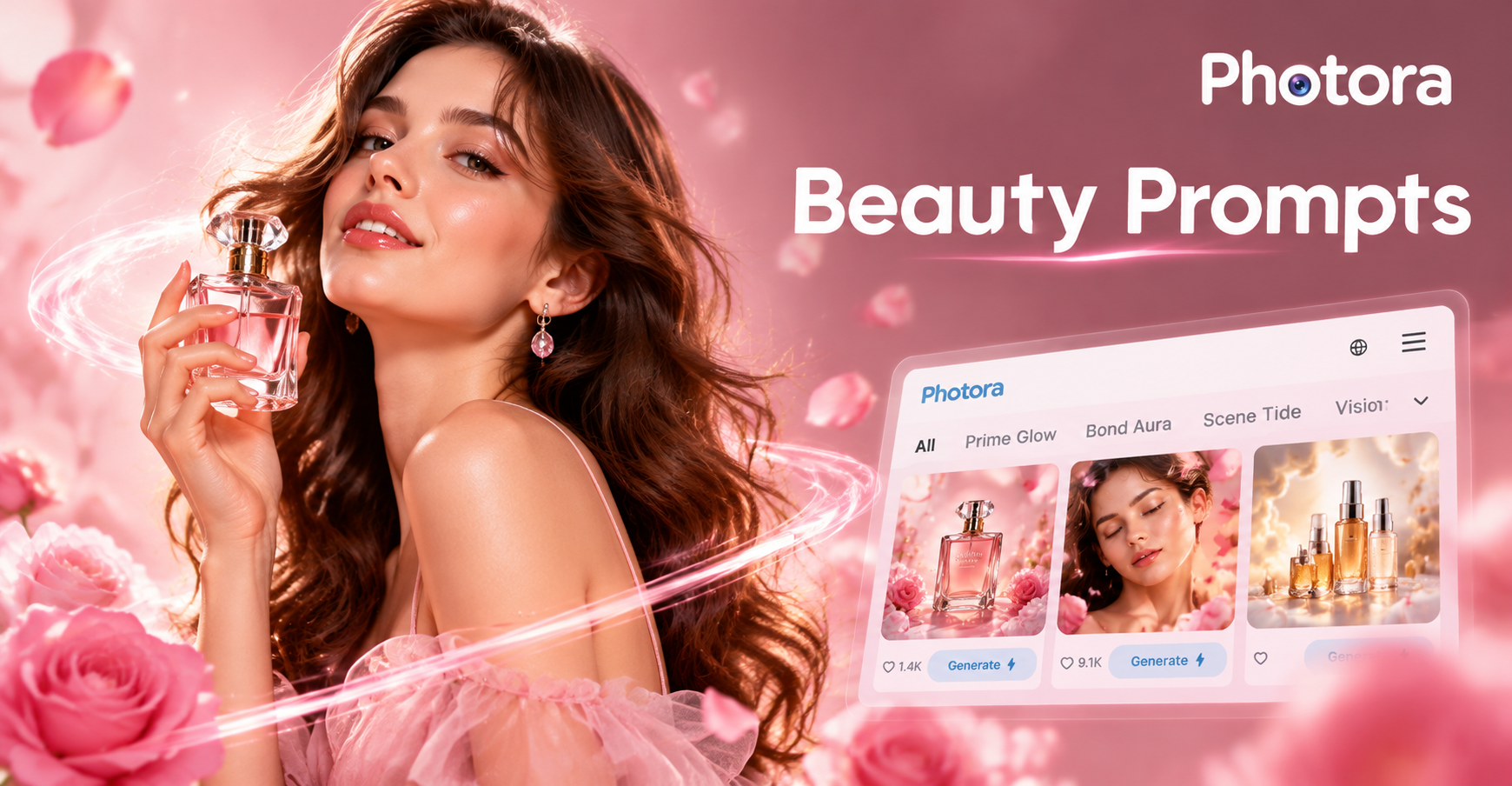
Beauty Product Video Prompts for Stunning Ads
Create scroll stopping beauty product videos with ready made AI prompts. Use photora to turn product shots into cinematic makeup, skincare, and cosmetic ads. Download the app and try today.
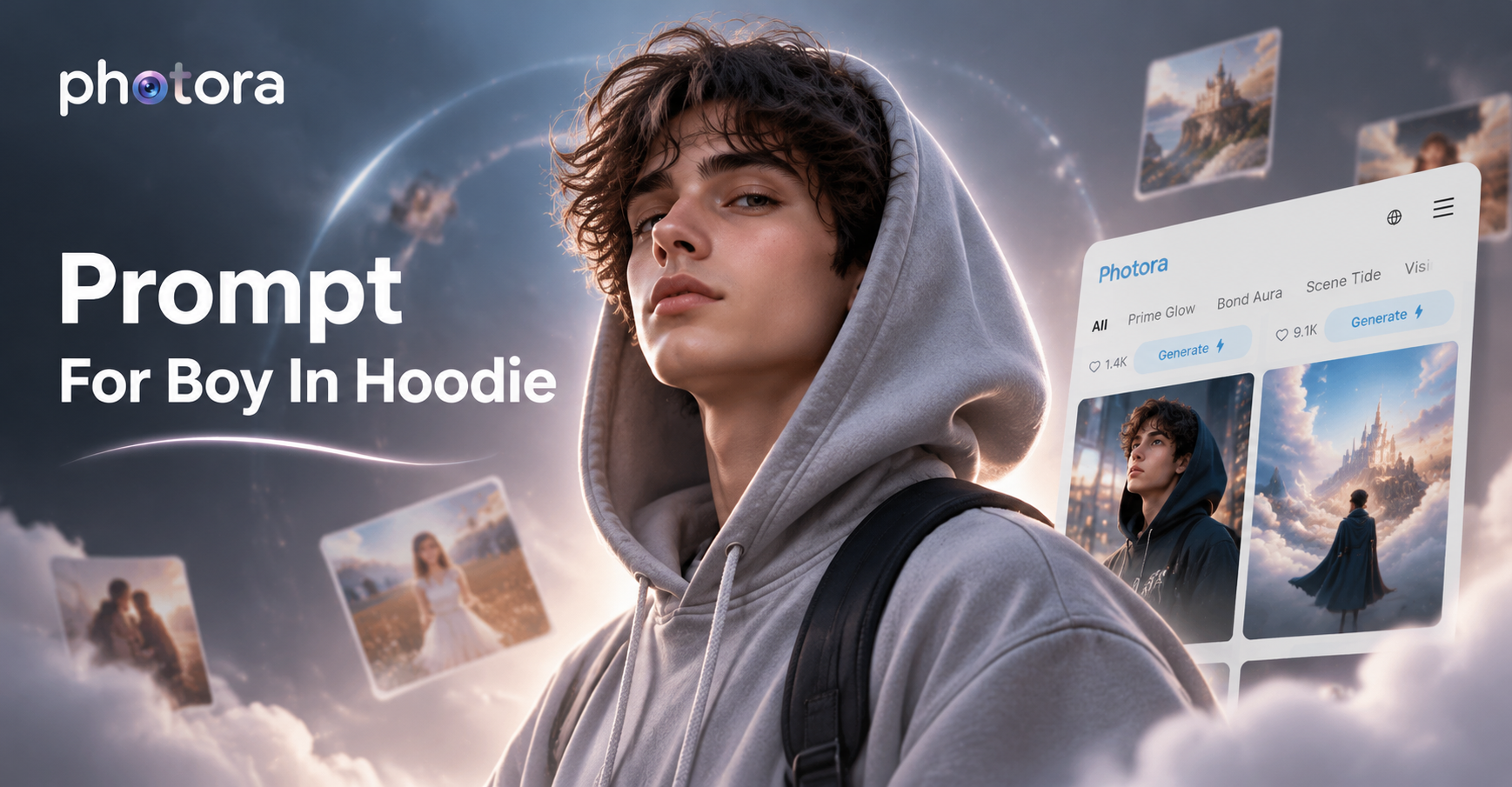
Prompt For Boy In Hoodie: 50+ AI Ideas & Style Tips
Struggling to write the perfect prompt for boy in hoodie? Grab 50+ ready to copy AI prompts for urban, neon, anime, cinematic and moody hoodie shots.
Ready to Create Your Blue Dress Look?
Download photora and turn your blue dress prompt into a stunning AI image. Explore over one million style filters and share your favorite looks in seconds.

Ready to Create Your Blue Dress Look?
Download photora and turn your blue dress prompt into a stunning AI image. Explore over one million style filters and share your favorite looks in seconds.