AI Pink Hair Prompt

Choose the Filter That Suits Your Pink Hair Style
Browse photora's filter library to find the perfect style for your pink hair prompt, from anime to photorealism.
Key Features of AI Pink Hair Prompt Generator
Turn simple text prompts into vibrant pink hair images and videos with photora's easy to use mobile app.
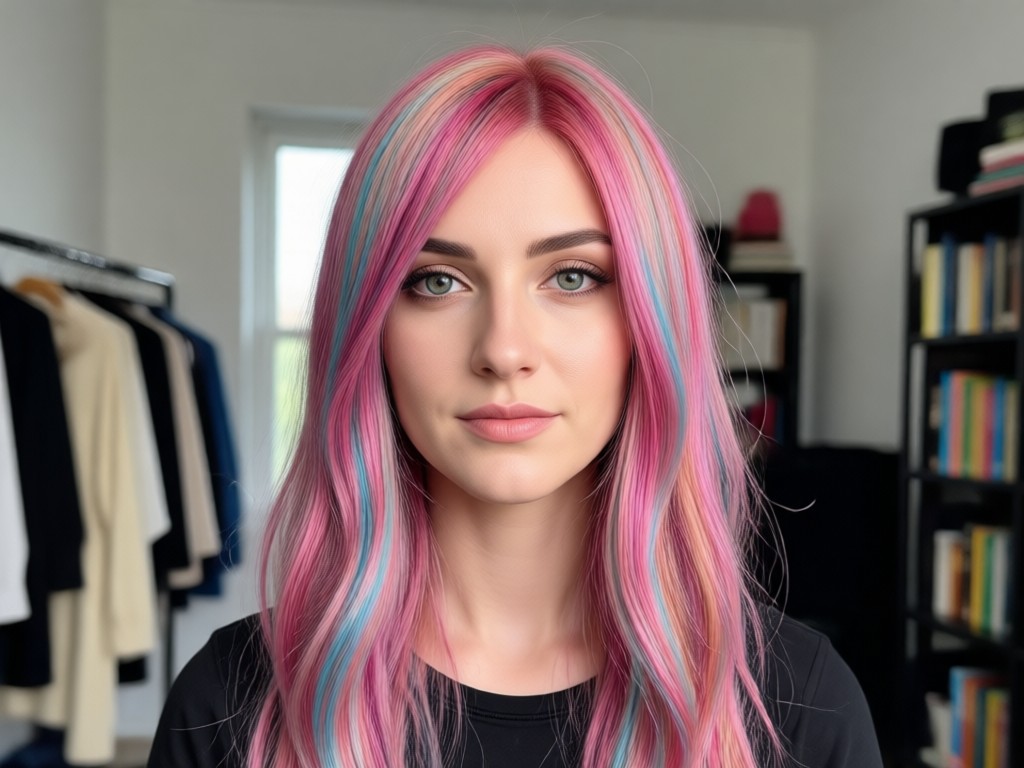
Text to Pink Hair Image
Type a simple AI pink hair prompt and choose a style template. photora generates high definition pink hair portraits instantly without complex prompt engineering.
Text to Pink Hair Image
Type a simple AI pink hair prompt and choose a style template. photora generates high definition pink hair portraits instantly without complex prompt engineering.
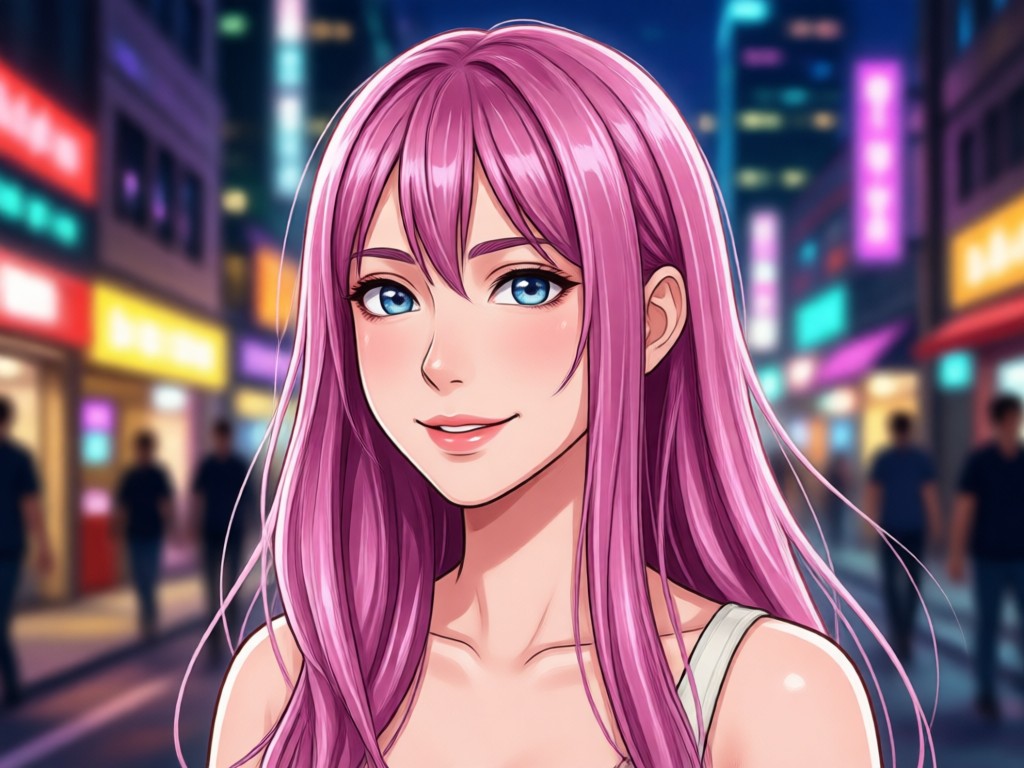
Photo to Pink Hair Makeover
Upload a selfie and apply pink hair filters while keeping your face recognizable. Perfect for trying new hair colors before dyeing.
Photo to Pink Hair Makeover
Upload a selfie and apply pink hair filters while keeping your face recognizable. Perfect for trying new hair colors before dyeing.
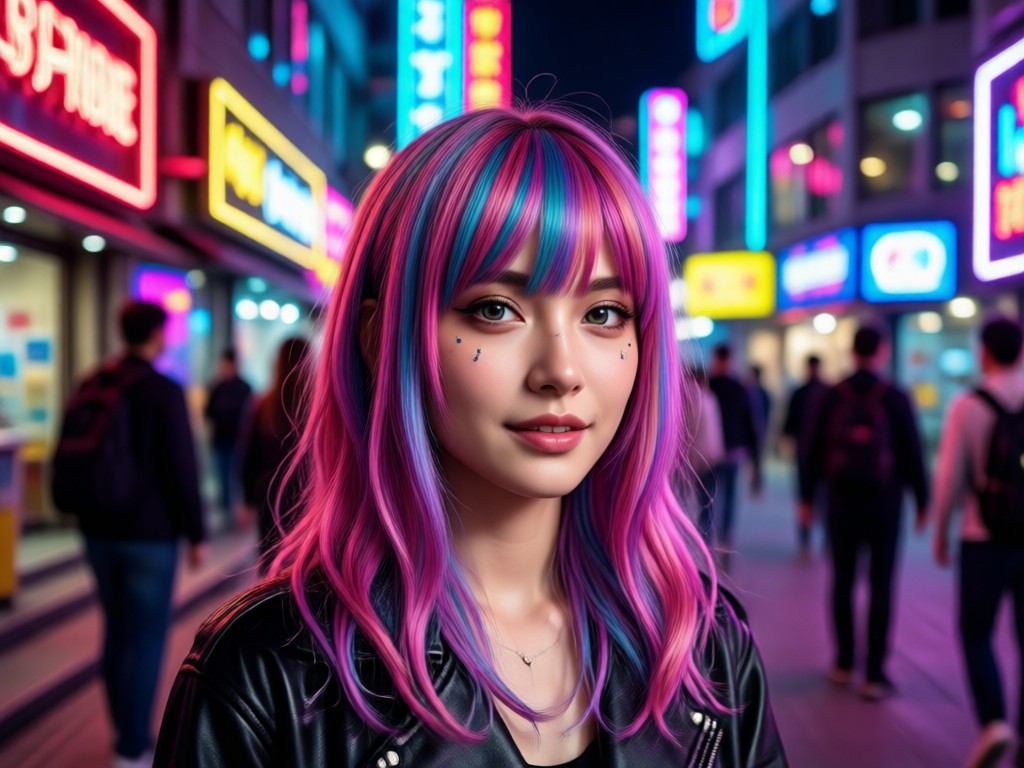
Viral Pink Hair Effects
Turn pink hair prompts into anime, clay, cyberpunk, or cinematic styles with photora's 1,000,000+ filters. Share ready content on social media.
Viral Pink Hair Effects
Turn pink hair prompts into anime, clay, cyberpunk, or cinematic styles with photora's 1,000,000+ filters. Share ready content on social media.
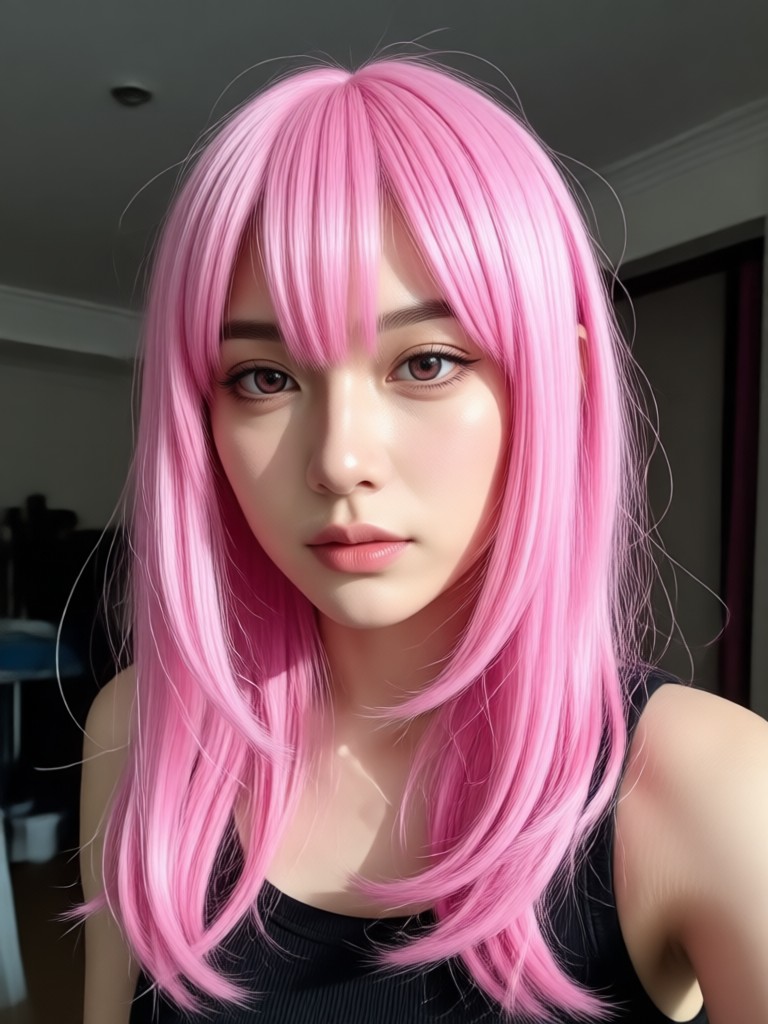
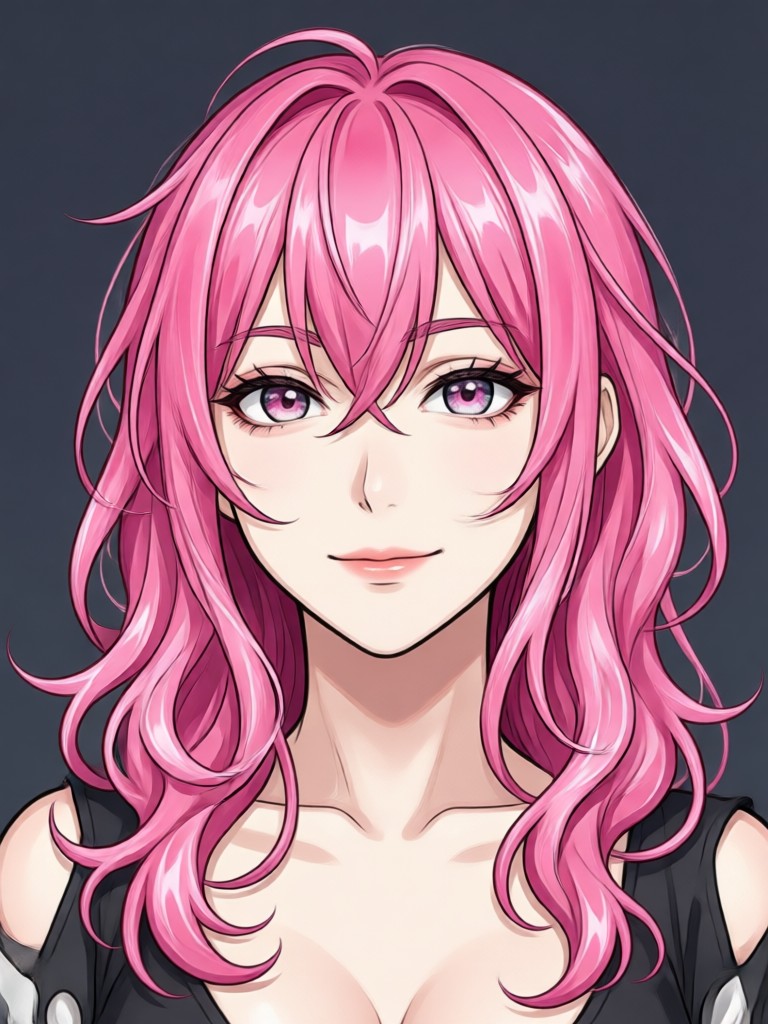
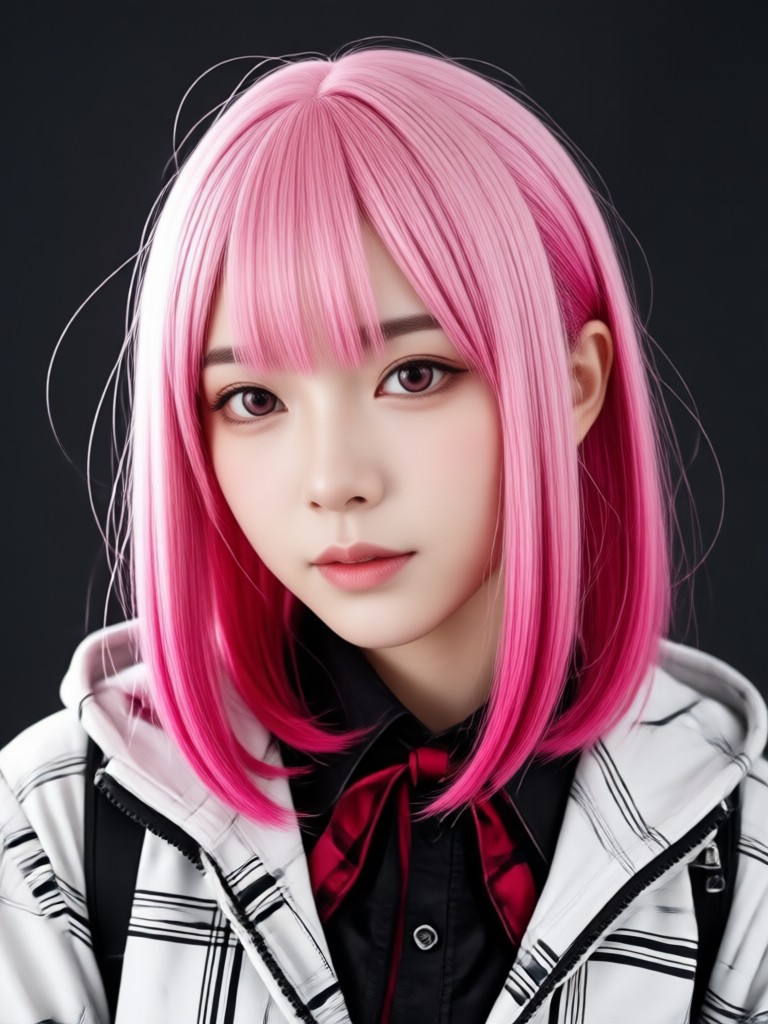
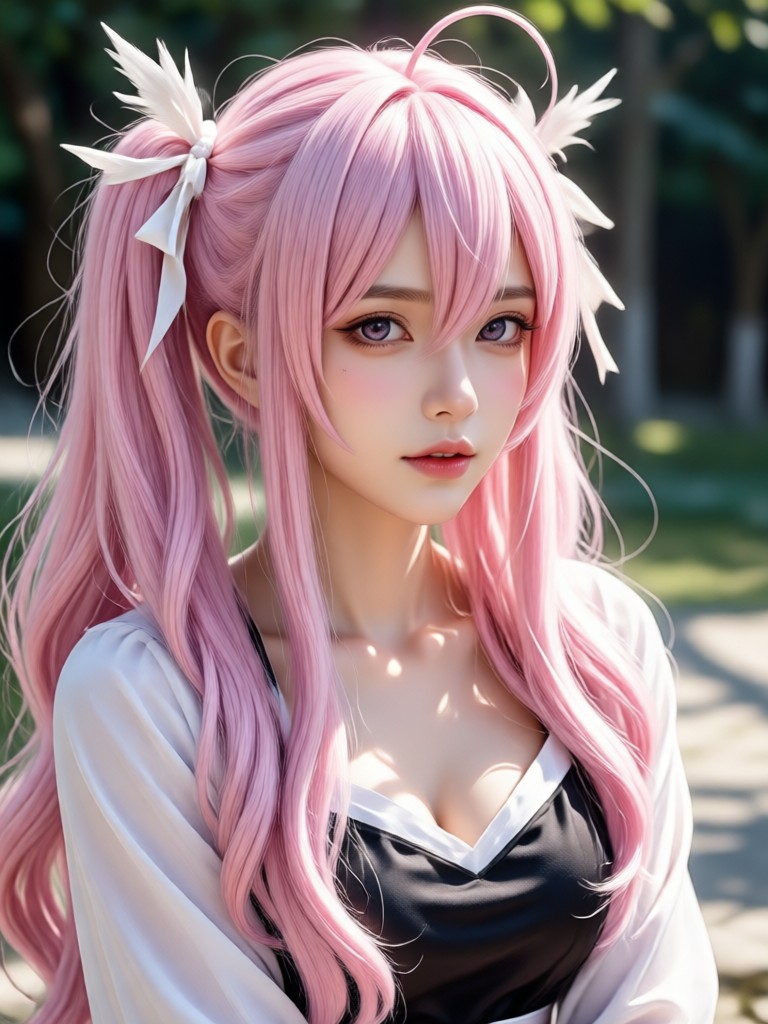
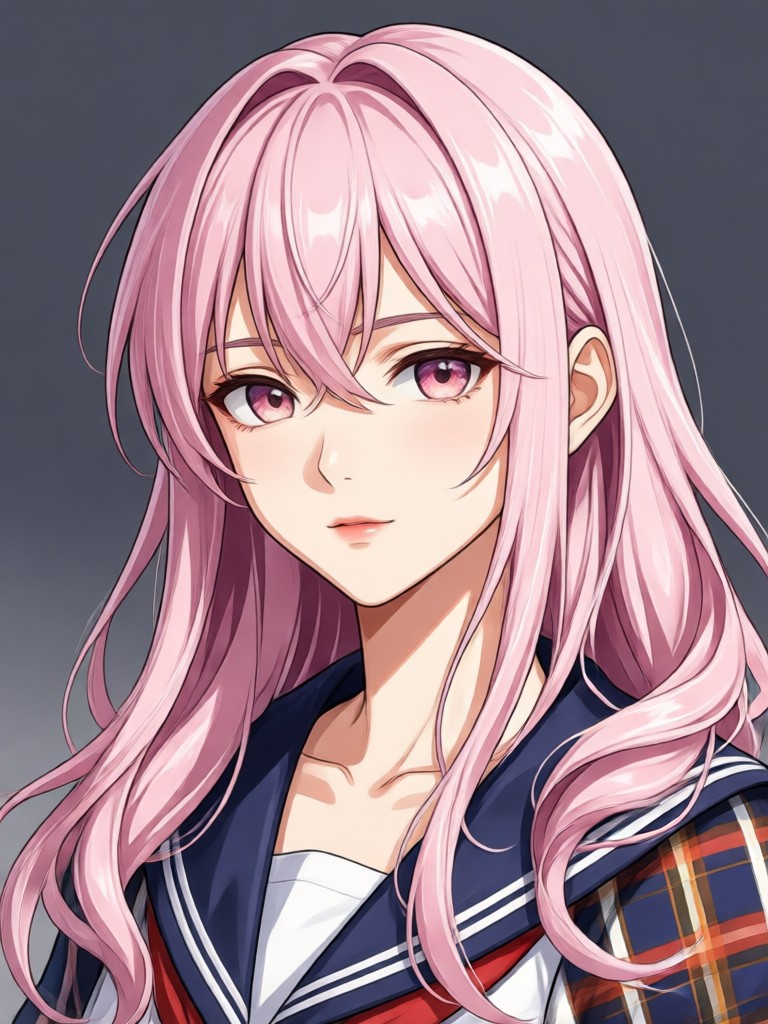
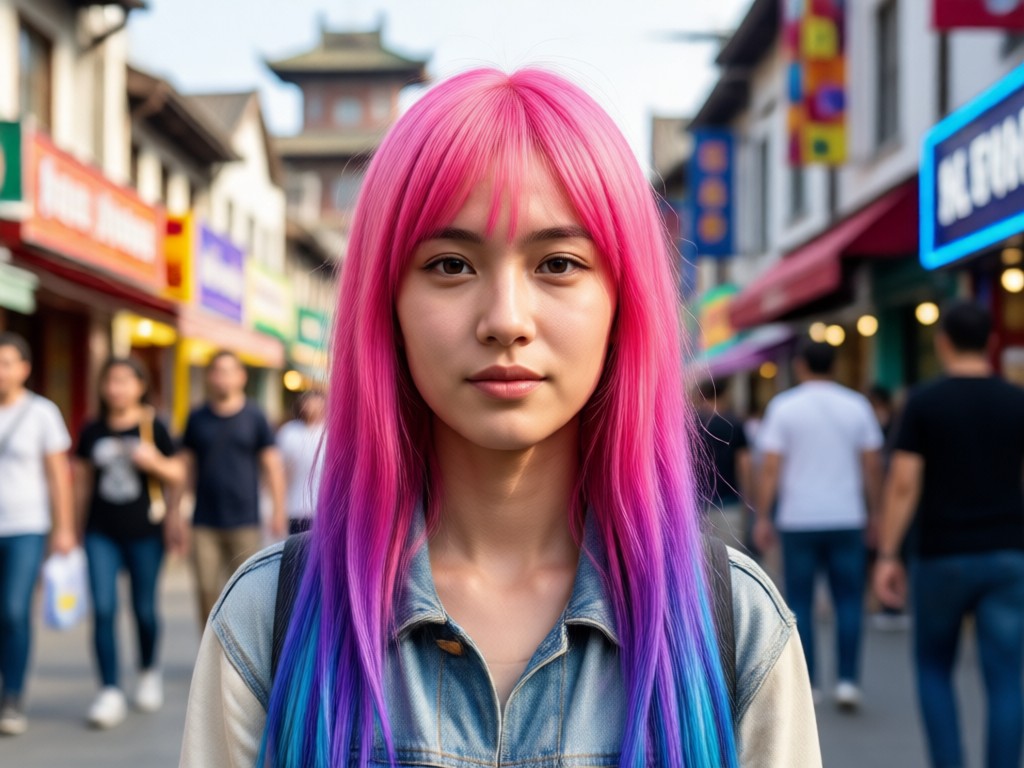
Pink Hair Style Samples for Prompt Inspiration
Use these pink hair style samples as references for your next AI pink hair prompt. Download and recreate them with photora in minutes.
Why Use AI Pink Hair Prompts in photora
photora makes pink hair AI generation simple. You do not need to be a prompt engineer. Just enter a pink hair prompt or upload a photo, pick a filter, and get a realistic or artistic pink hair result in seconds. The app works entirely on your phone, so you can create and share pink hair looks from anywhere.
How to Create AI Pink Hair Images
Create adorable pink hair images in just a few simple steps using photora.
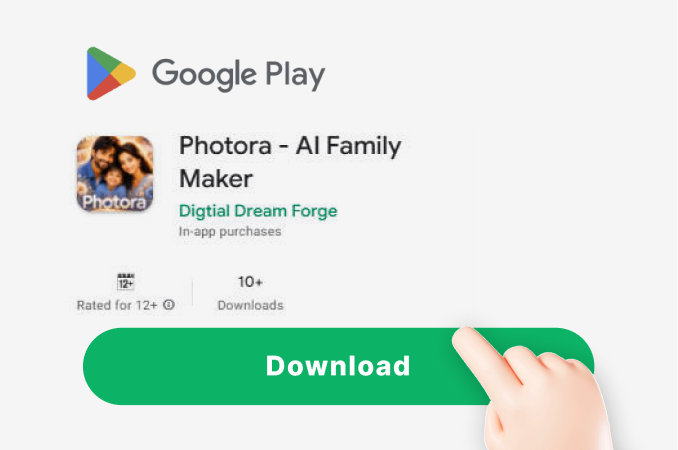
Step 01.
Download photora from Google Play and open the app on your phone.
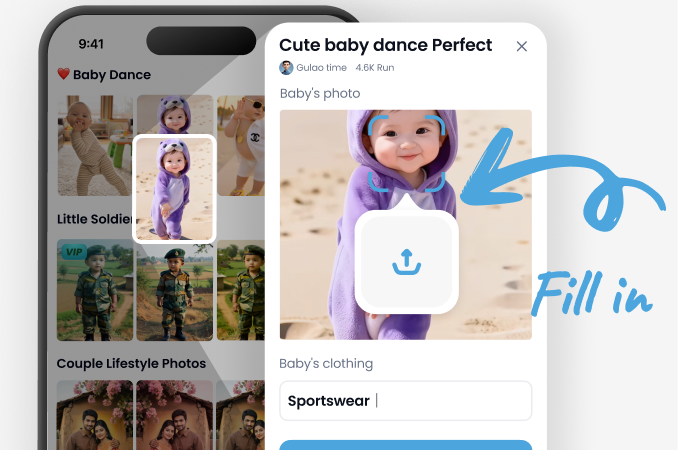
Step 02.
Enter an AI pink hair prompt or upload a photo and choose a pink hair filter.
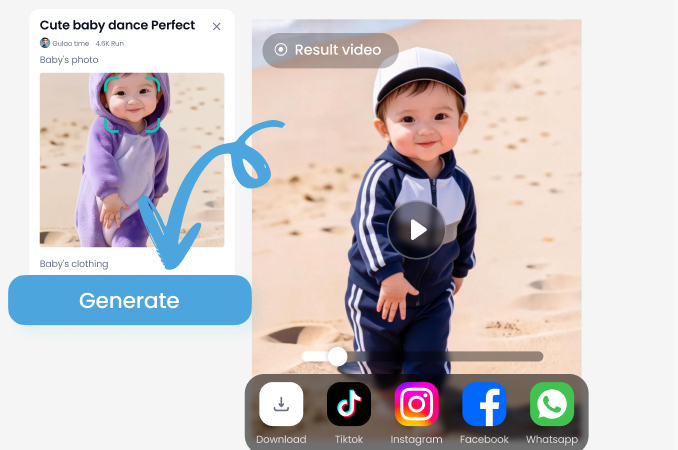
Step 03.
Generate your pink hair image, then download and share it with friends or on social media.
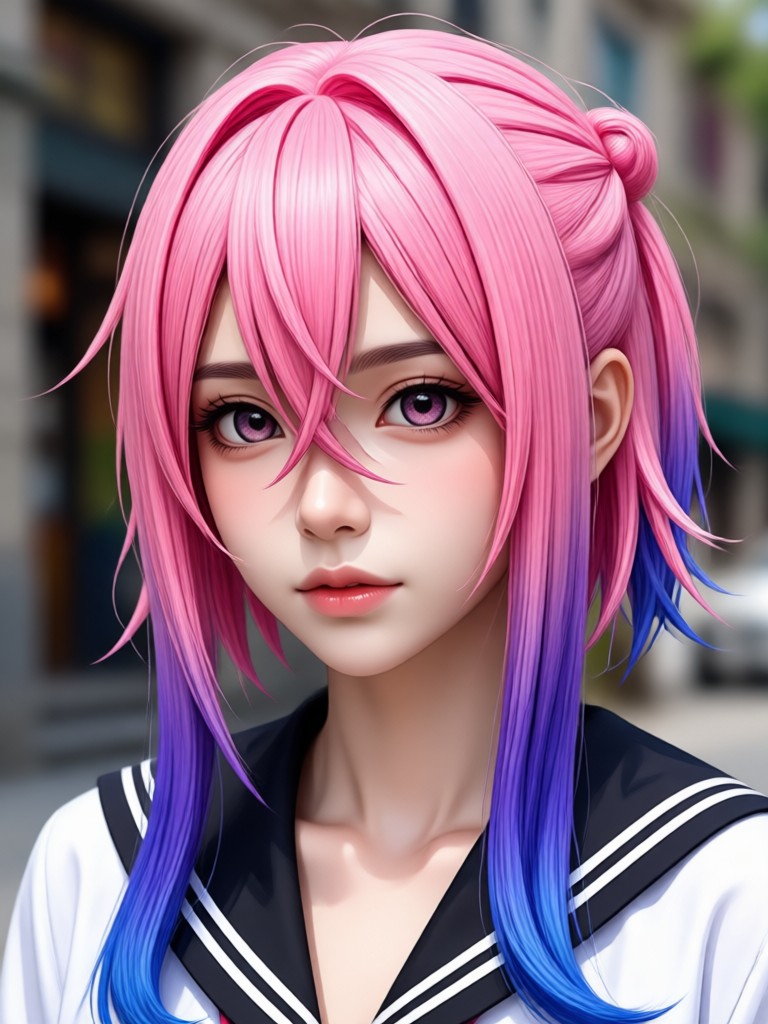
Ready to Try Pink Hair AI?
Download photora and turn your AI pink hair prompt into a vibrant image in seconds.

Here is What Pink Hair Creators Say
The easiest way to try pink hair
I used photora with a simple pink hair prompt and got a realistic photo in seconds. The filters made my selfie look like I actually dyed my hair pink. Perfect for trying colors before a salon visit.
Great for anime pink hair art
The anime filters are amazing. I typed a pink hair prompt and got a gorgeous anime character with pink twin tails. The quality is high and the app is really simple to use.
My pink hair edits went viral
I created a neon pink hair look with the cyberpunk filter and posted it on Instagram. People kept asking how I did it. The prompt examples helped me get started fast.
Frequently Asked Questions About AI Pink Hair Prompt
Find clear answers to common questions about creating pink hair images with photora.
Videos About AI Pink Hair Prompts
Explore helpful tutorials and demos that show how to create pink hair images with AI.
More Topics You May Like
Explore more topics you may like and discover fresh ideas tailored to your interests.
Beauty Product Video Prompts for Stunning Ads
Prompt For Boy In Hoodie: 50+ AI Ideas & Style Tips
AI Old Money Photo Prompts: Try the Viral Aesthetic
Half Face Prompt: Create Stunning Split Face AI Art
Beauty Product Video Prompts for Stunning Ads
Prompt For Boy In Hoodie: 50+ AI Ideas & Style Tips
AI Old Money Photo Prompts: Try the Viral Aesthetic
Half Face Prompt: Create Stunning Split Face AI Art
Create Stunning Pink Hair AI Now
Download photora and turn your AI pink hair prompt into a vibrant image in seconds. Try it free today.
Create Stunning Pink Hair AI Now
Download photora and turn your AI pink hair prompt into a vibrant image in seconds. Try it free today.