Prompt For Boy In Hoodie
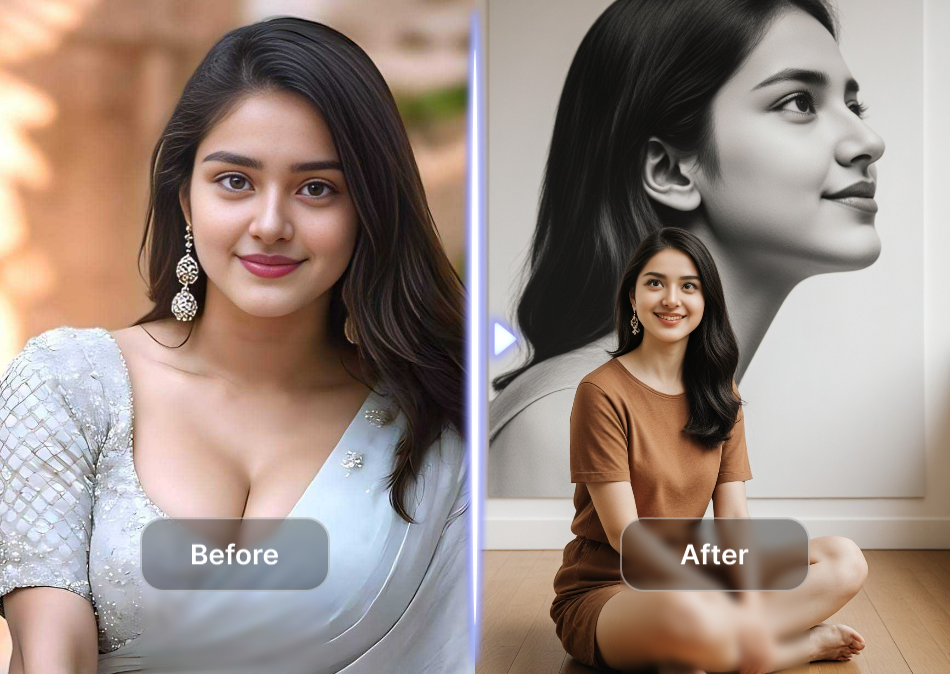
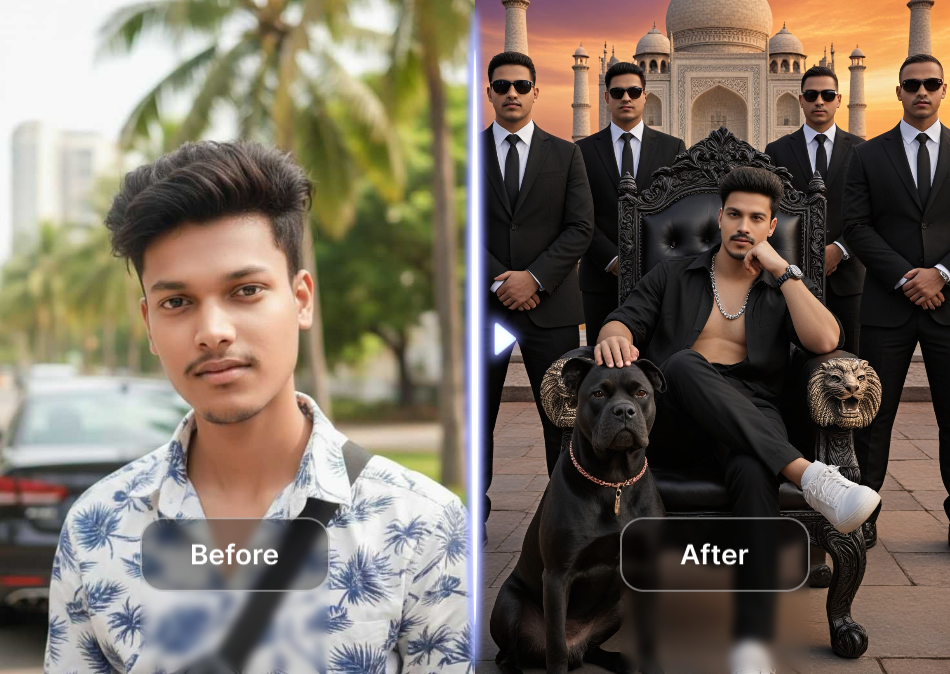
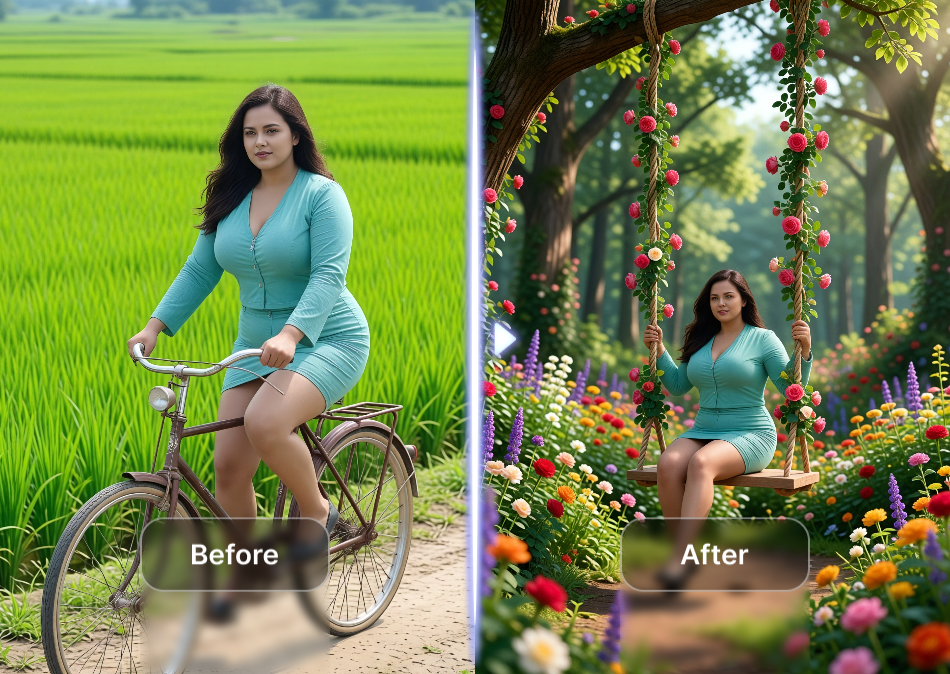
Turn Prompts Into Real Hoodie Images
Copy any prompt above and pair it with a photora style filter. Realistic for street portraits, anime for manga looks, or 3D clay for playful content.
What Makes a Great Prompt For Boy In Hoodie?
The difference between an average hoodie photo and a stunning one comes down to four elements. Master these, and every prompt you write will produce scroll-stopping results.
Lighting Sets the Mood
Describe your light source explicitly. Neon glow creates cyberpunk energy, golden hour adds warmth, and soft window light keeps things editorial. A strong lighting cue transforms a flat hoodie portrait into an atmospheric shot that feels like a film still.
Lighting Sets the Mood
Describe your light source explicitly. Neon glow creates cyberpunk energy, golden hour adds warmth, and soft window light keeps things editorial. A strong lighting cue transforms a flat hoodie portrait into an atmospheric shot that feels like a film still.
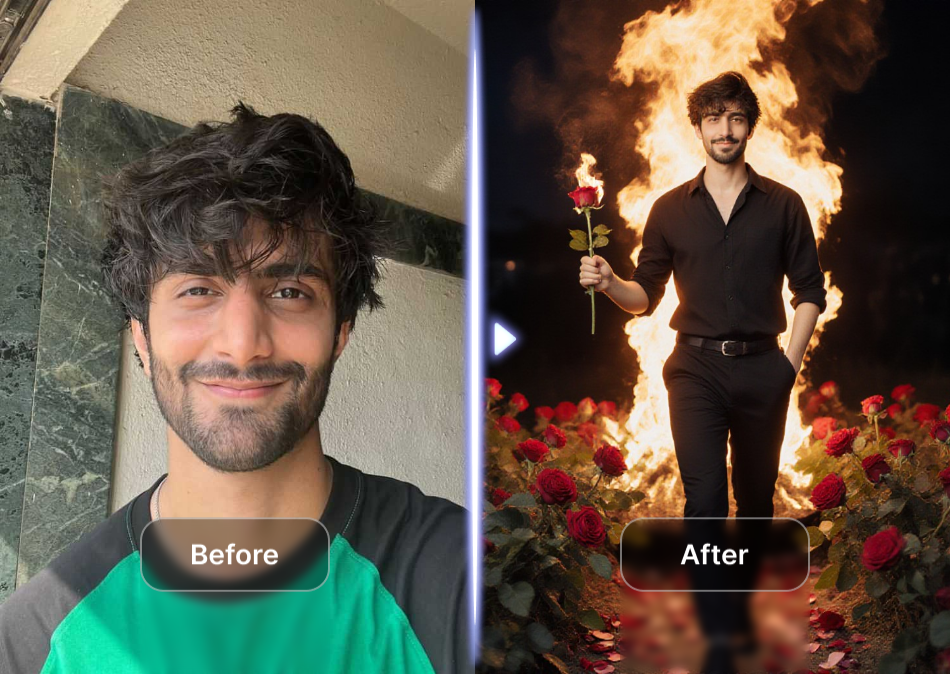
Environment Tells the Story
Place your subject somewhere specific. A rainy alley, a brutalist rooftop, or a quiet train car instantly gives context. Generic backgrounds produce generic images. Naming a concrete location with weather and time of day is the fastest way to elevate your prompt.
Environment Tells the Story
Place your subject somewhere specific. A rainy alley, a brutalist rooftop, or a quiet train car instantly gives context. Generic backgrounds produce generic images. Naming a concrete location with weather and time of day is the fastest way to elevate your prompt.
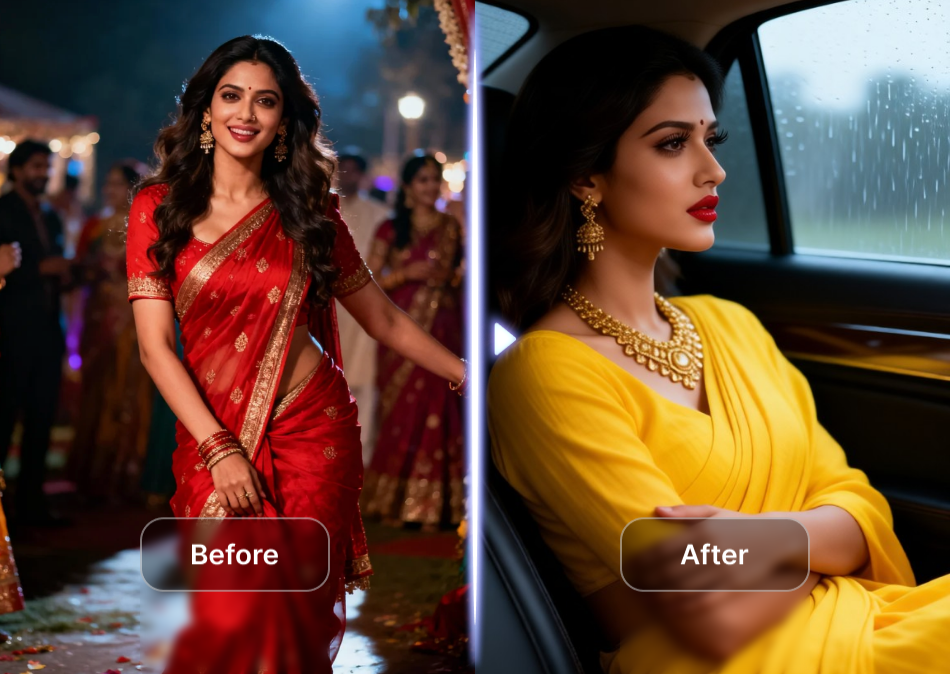
Style Filter Locks the Look
Realistic photography, anime, 3D clay, or oil painting. Saying which style you want removes guesswork. photora has over one million filters, so pairing a crystal clear style word with your hoodie prompt gives the AI a defined target instead of a vague request.
Style Filter Locks the Look
Realistic photography, anime, 3D clay, or oil painting. Saying which style you want removes guesswork. photora has over one million filters, so pairing a crystal clear style word with your hoodie prompt gives the AI a defined target instead of a vague request.
Hoodie Prompts That Actually Work
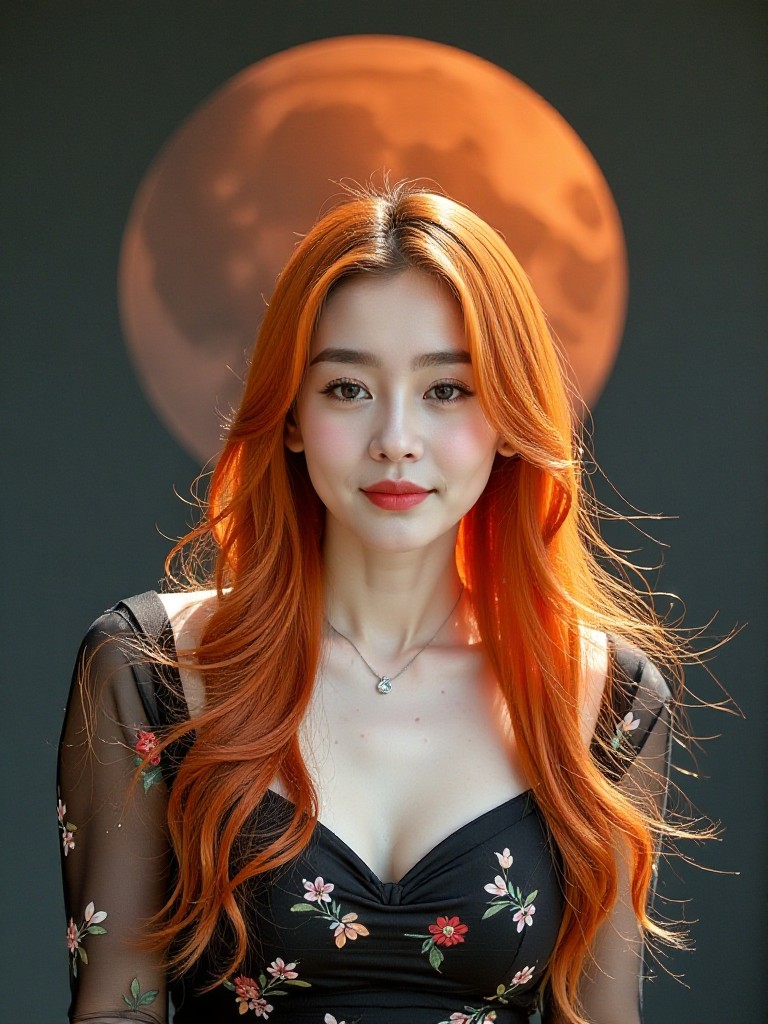
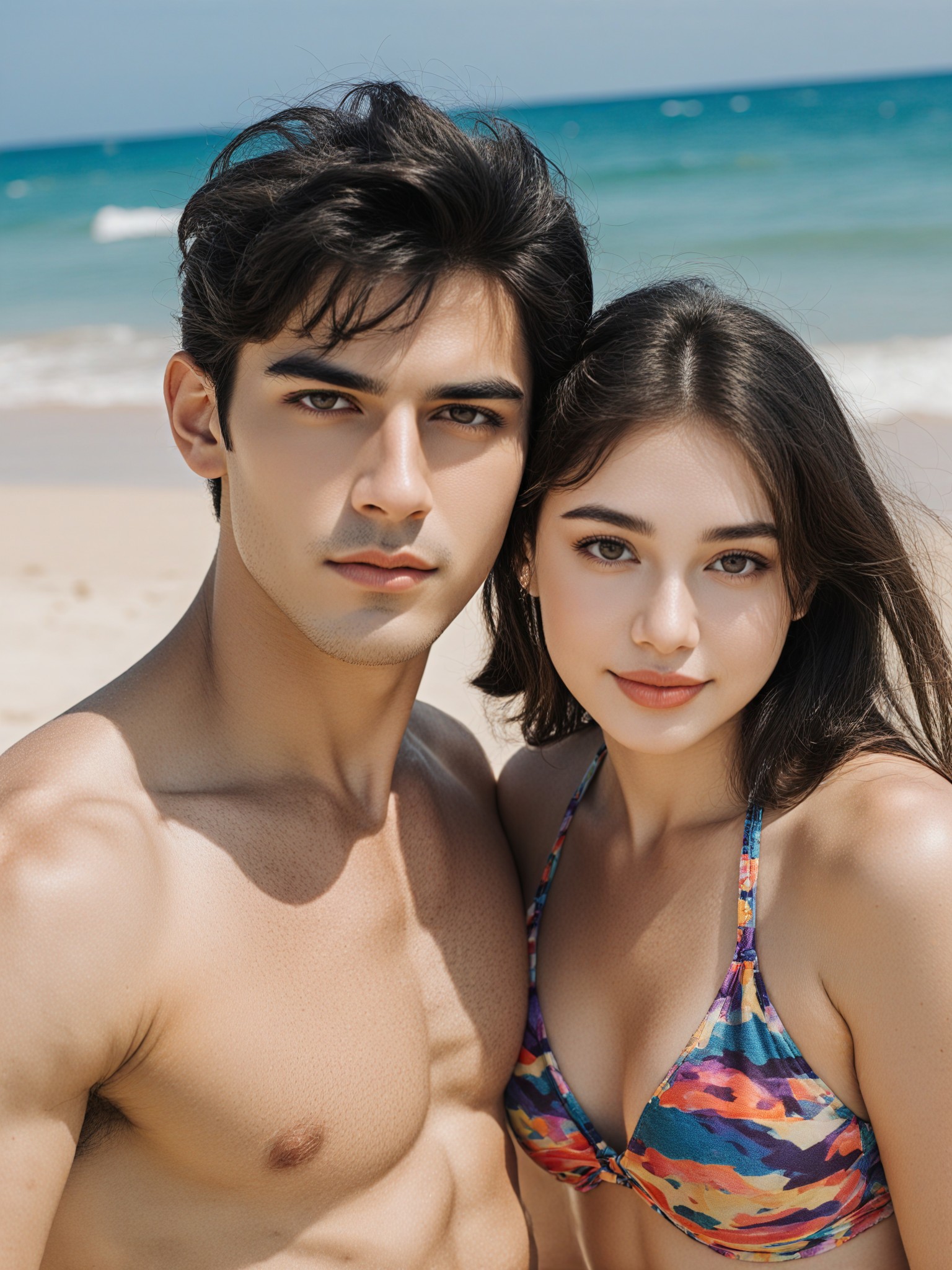
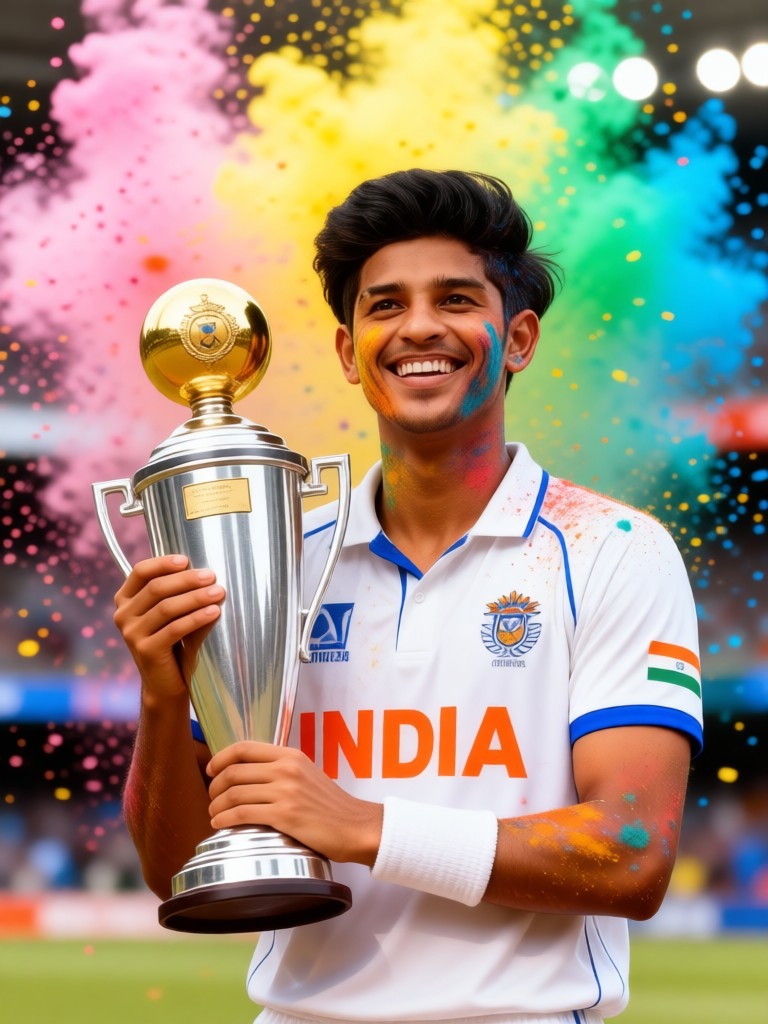
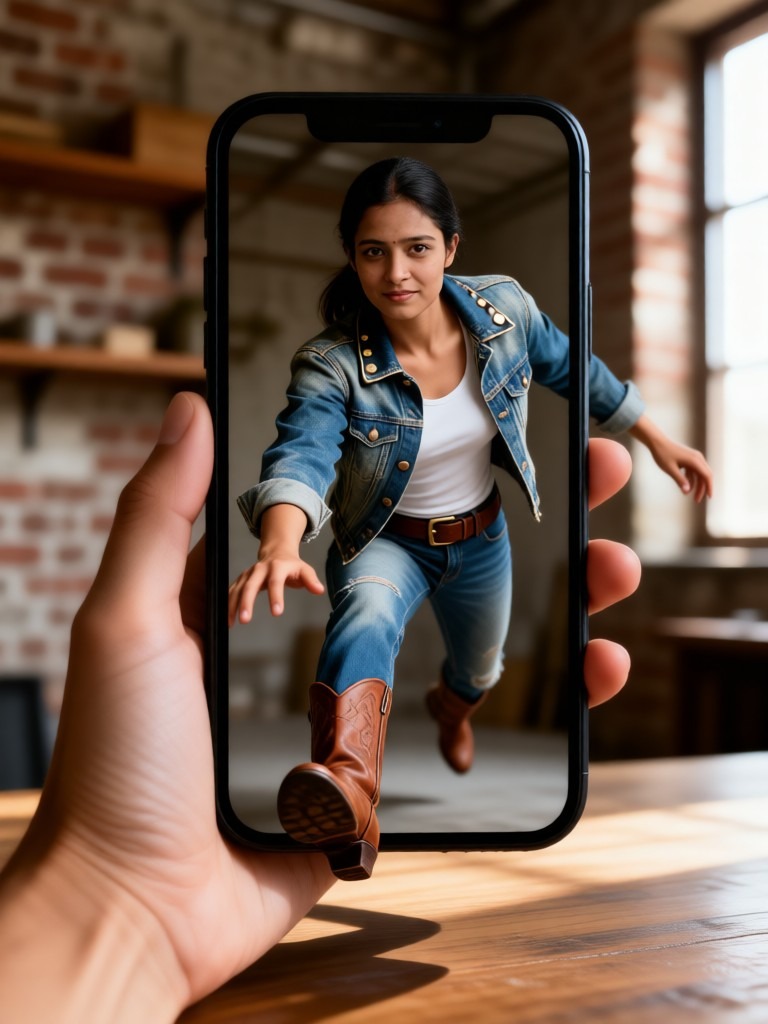
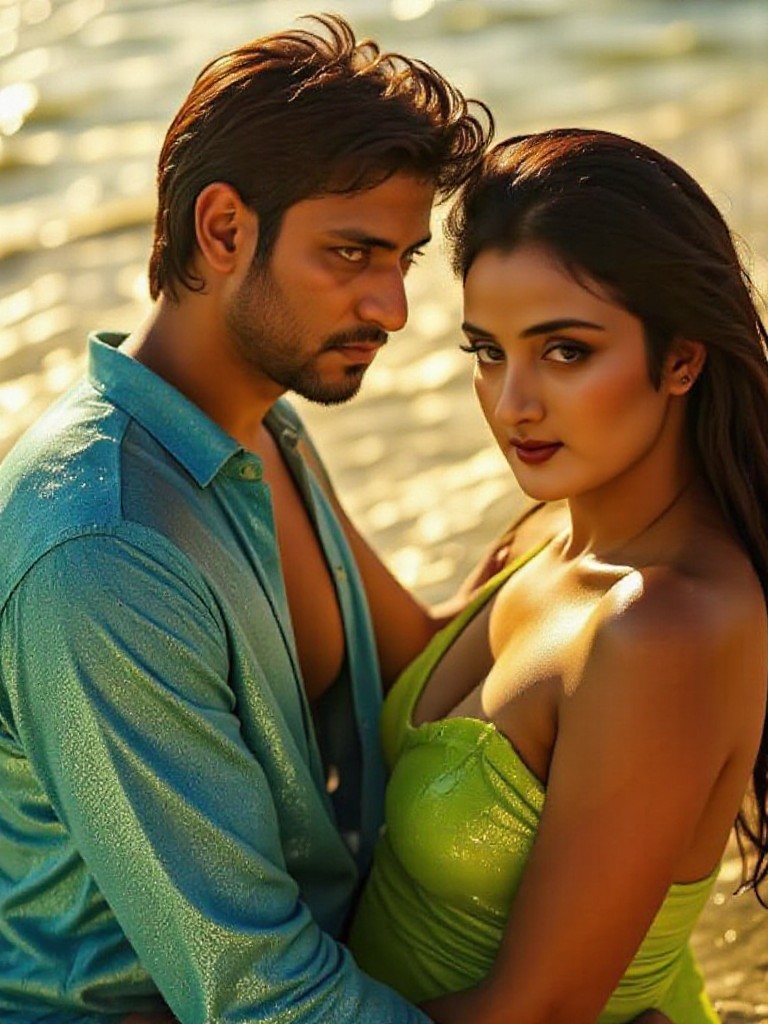
Browse a selection of AI generated hoodie portraits created with photora. Each image started as a simple text prompt, then a style filter shaped the final look. Your next profile picture, album cover, or story post could be next.
How to Use a Prompt For Boy In Hoodie
Turn any prompt from this page into a polished hoodie image in three simple steps. No design experience needed, the entire process runs inside the photora app.
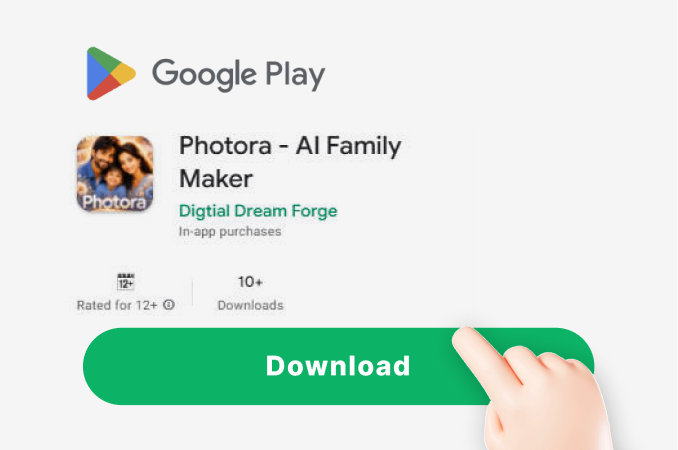
Step 01.
Download photora from Google Play and open the app. The interface is built for speed, so you can go from install to first generation in under two minutes.
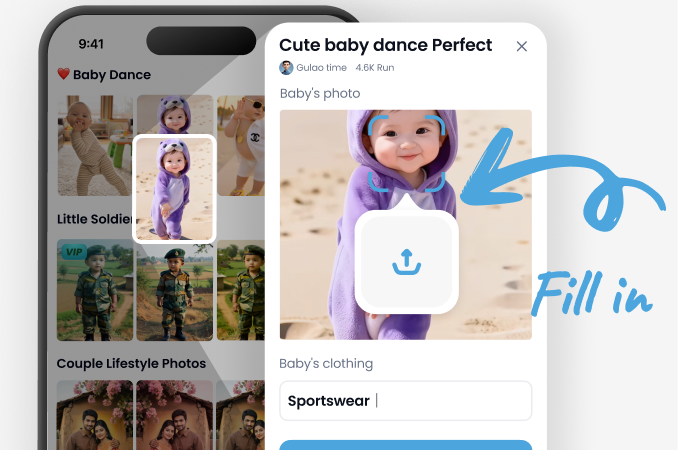
Step 02.
Copy a hoodie prompt from this page or write your own. Then choose a style filter, realistic, anime, cyberpunk, or 3D clay, to define the visual direction.
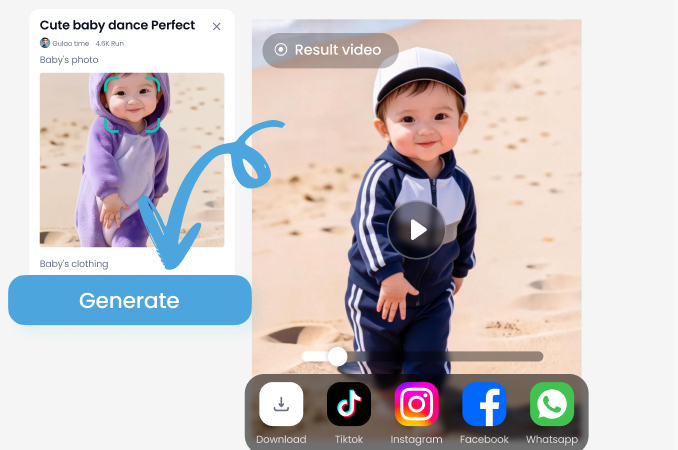
Step 03.
Tap generate and review your result. Save the HD image to your phone, then share it on social media or use it as a profile picture right away.
Why Your Hoodie Prompts Fail Without a Style Filter
Most AI prompt guides stop at words. But a prompt alone often produces unpredictable results. Here is how pairing text with a style filter changes everything.
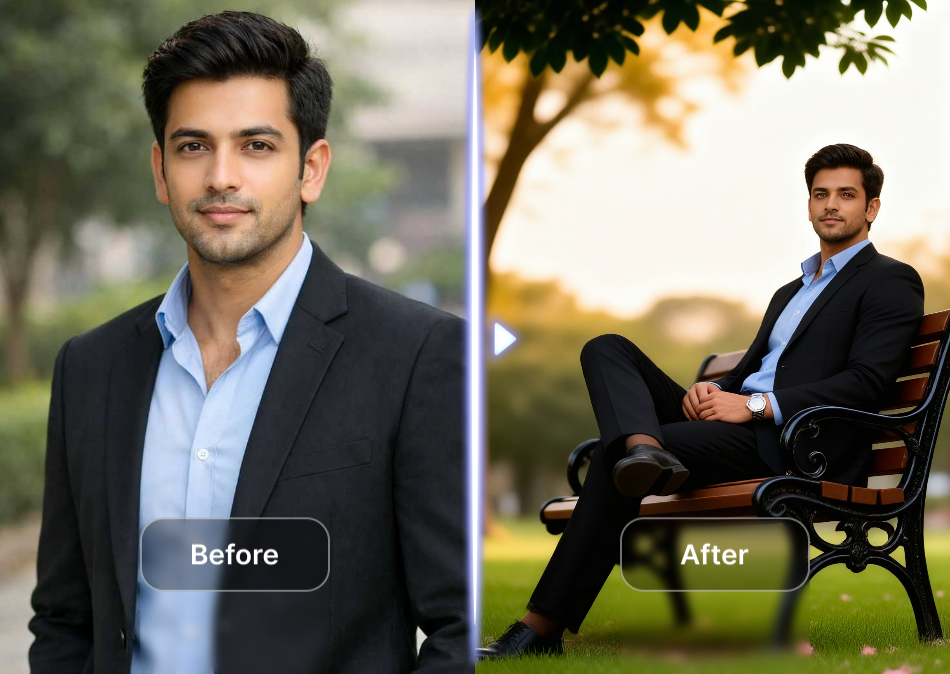
Words Give Direction, Filters Give Execution
When you write a prompt for boy in hoodie, you are giving the AI a compass. But a style filter is the engine that actually drives the final look. Realistic photography filters sharpen skin texture and lens blur. Anime filters flatten colors and add cel shading. Cyberpunk filters pump up neon saturation and add atmospheric haze. Without this second layer of control, two users with identical prompts get wildly different results. With photora, you pick the filter first, then drop your prompt in. The result is predictable, repeatable, and on brand every single time.
Who Uses Hoodie Prompts on photora?
Marcus Chen
I run a streetwear TikTok and need fresh hoodie visuals every week. Photora prompts save me hours of shooting and editing. The neon filter looks straight out of a music video.
Derek Okafor
Made my gaming avatar wearing an anime hoodie with the Ghibli filter. Took one prompt and maybe 30 seconds. My Discord server went crazy over it.
Elena Vasquez
I manage brand accounts for an urban apparel line. The hoodie prompts help me mock up campaign visuals before we ever book a photographer. Massive time and budget saver.
Tommy Lin
As a portrait photographer, I use photora to pre-visualize hoodie shoot concepts. I test lighting and background ideas with prompts before setting up the real session.
Marcus Chen
I run a streetwear TikTok and need fresh hoodie visuals every week. Photora prompts save me hours of shooting and editing. The neon filter looks straight out of a music video.
Derek Okafor
Made my gaming avatar wearing an anime hoodie with the Ghibli filter. Took one prompt and maybe 30 seconds. My Discord server went crazy over it.
Elena Vasquez
I manage brand accounts for an urban apparel line. The hoodie prompts help me mock up campaign visuals before we ever book a photographer. Massive time and budget saver.
Tommy Lin
As a portrait photographer, I use photora to pre-visualize hoodie shoot concepts. I test lighting and background ideas with prompts before setting up the real session.
Frequently Asked Questions About Hoodie Prompts
Quick answers to the most common questions about writing prompts for boy in hoodie images and getting the best results with photora.
More Topics You May Like
Explore more topics you may like and discover fresh ideas tailored to your interests.

AI Old Money Photo Prompts: Try the Viral Aesthetic
Half Face Prompt: Create Stunning Split Face AI Art
Remove Background Prompts for Clean Cutouts
Y2K Prompt Guide for Retro Futuristic AI Art
AI Old Money Photo Prompts: Try the Viral Aesthetic
Half Face Prompt: Create Stunning Split Face AI Art
Remove Background Prompts for Clean Cutouts
Y2K Prompt Guide for Retro Futuristic AI Art
Your Perfect Hoodie Shot Is One Prompt Away
Download photora now and turn any prompt for boy in hoodie into a stunning AI image or video. Free to start, no design skills needed.
Your Perfect Hoodie Shot Is One Prompt Away
Download photora now and turn any prompt for boy in hoodie into a stunning AI image or video. Free to start, no design skills needed.