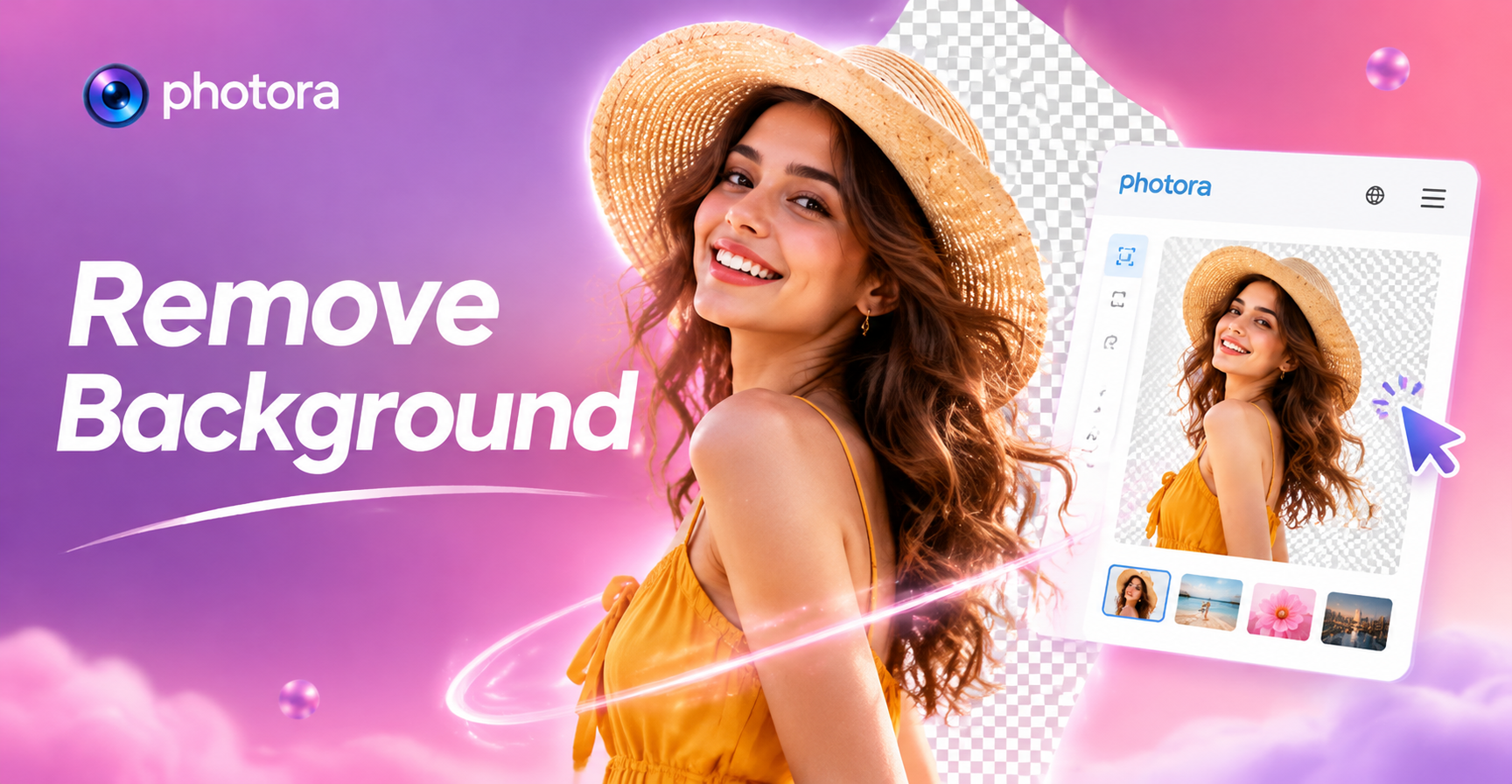
Remove Background Prompts That Deliver Clean Results
Choose the Right Editing Filter for Your Image
Find the ideal filter for background removal, style transfer, and professional enhancements.
Background Removal Results You Can Achieve
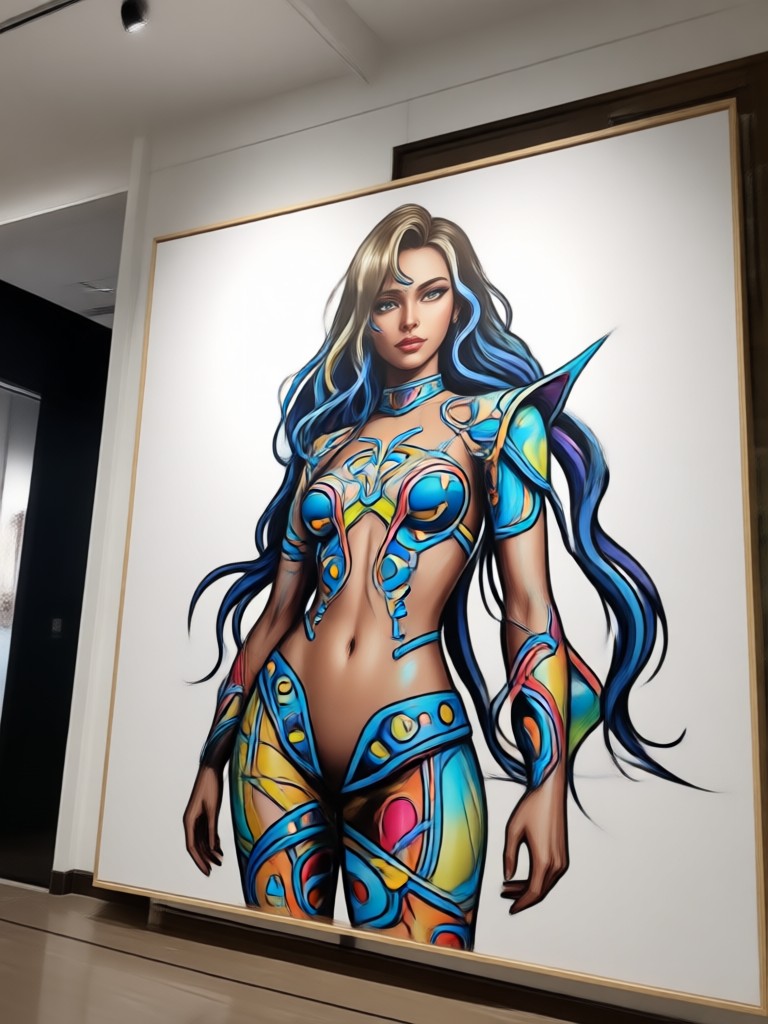
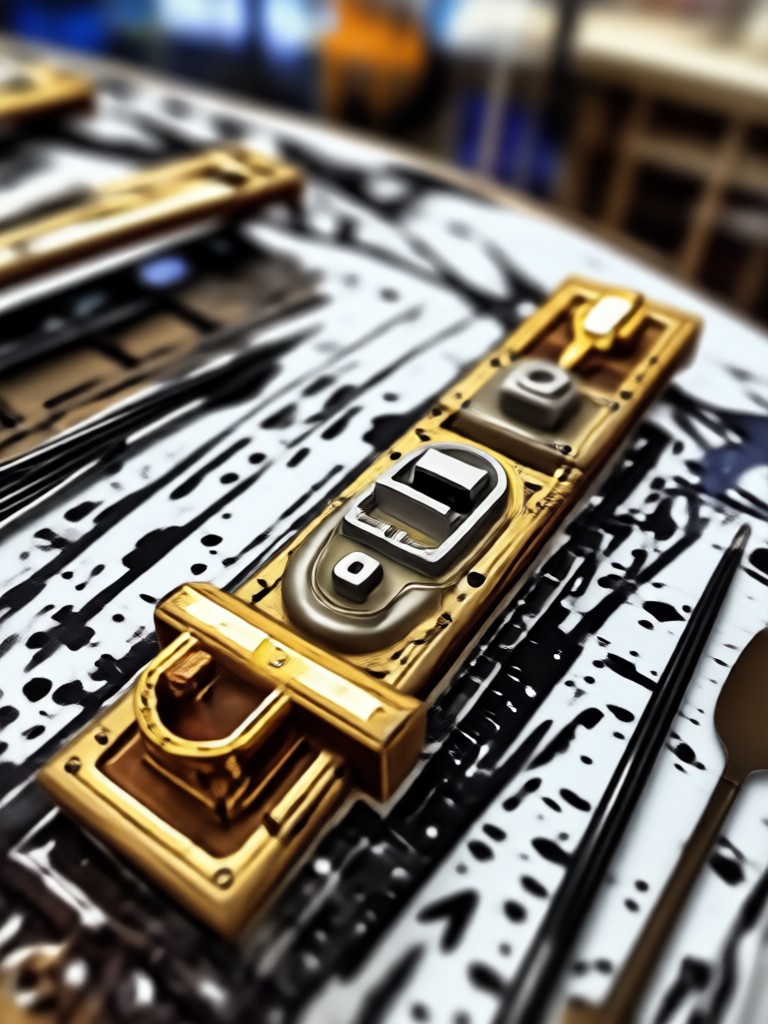
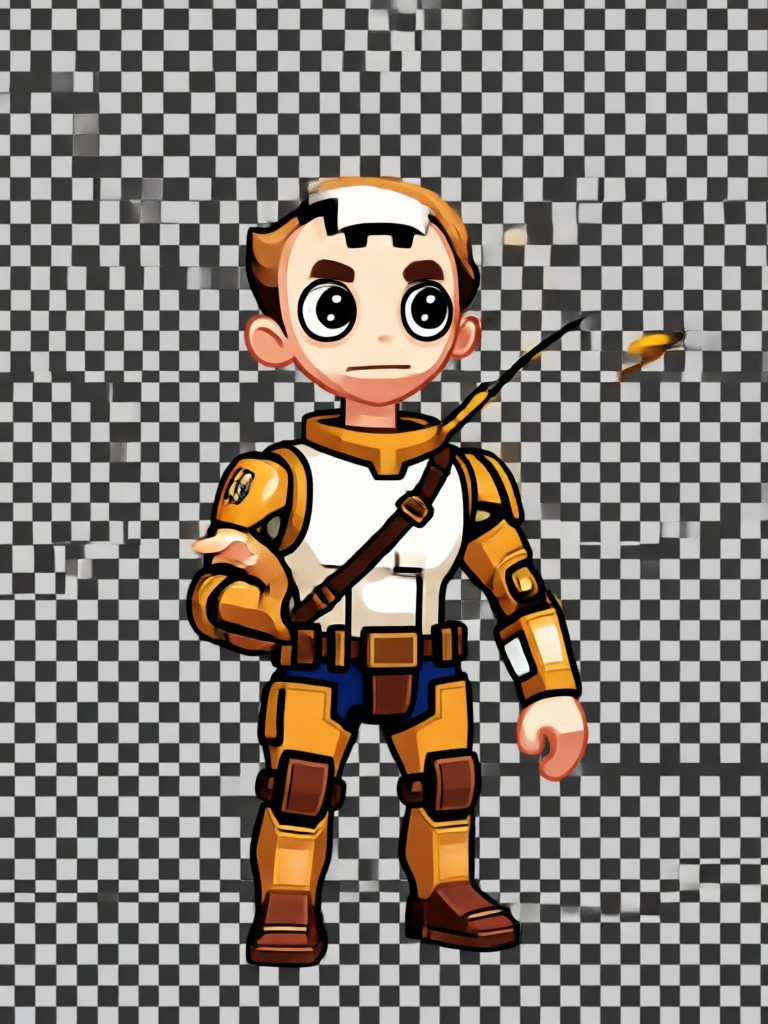
See how simple prompts produce clean cutouts, transparent backgrounds, and professional product shots. Each result starts with an ordinary photo and turns into polished visual content.









Why Use Remove Background Prompts in photora
Turn ordinary images into polished, professional assets with natural language prompts. No masking, no manual tracing, and no design experience required.
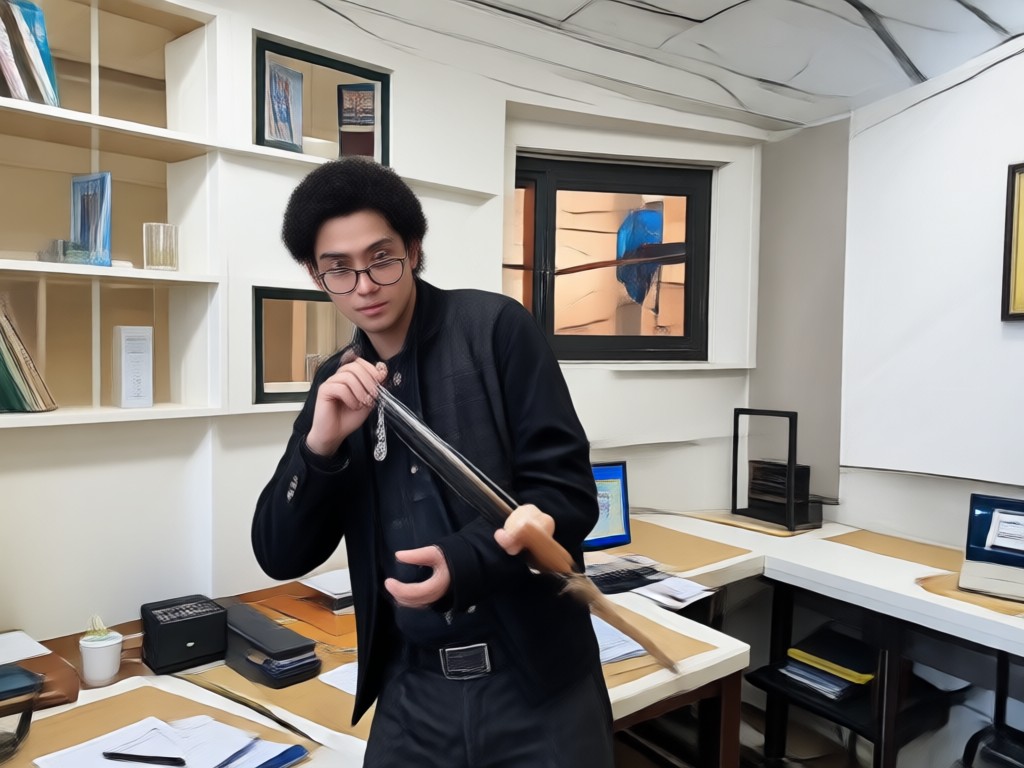
Instant Product Cutouts
Erase busy backdrops from product shots and place items on clean white or colored backgrounds for your online store.

Clean Profile Pictures
Remove clutter behind portraits and headshots to get a simple, professional look that works for resumes and socials.

Flexible Creative Composites
Strip the original background and place your subject on any new scene, color, or gradient you describe in your prompt.
How to Remove Backgrounds Using Prompts
Get clean cutouts in three simple steps using the photora app.

Step 01.
Download the photora app from Google Play and open it on your phone.

Step 02.
Upload your photo and choose a background removal or image editing filter.
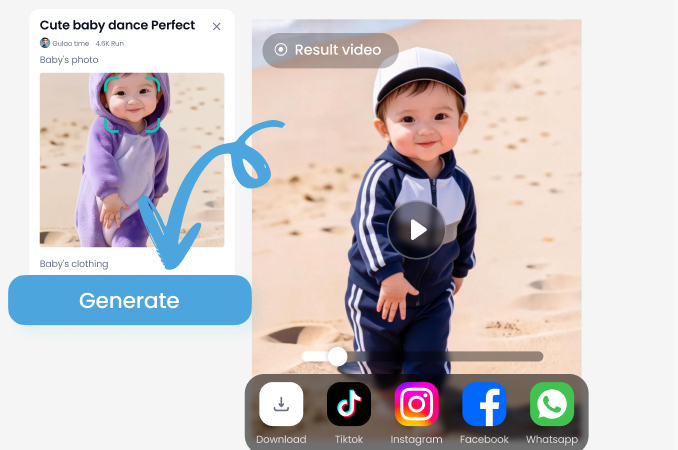
Step 03.
Type your remove background prompt, generate the result, and download your clean image.
Who Benefits from Remove Background Prompts
Priya Sharma
I list dozens of products weekly. Instead of editing each photo manually, I just type a remove background prompt and get a clean white backdrop for my store.

Marcus Lee
For my thumbnails and profile updates, I need transparent cutouts fast. photora handles even messy backgrounds without me touching a selection tool.

Sofia Martinez
Client revisions used to take forever. Now I can erase a background and drop the subject onto a studio color in one prompt. It saves me hours.

Daniel Osei
We need consistent visuals for ads. Remove background prompts keep every product image uniform and professional without hiring a photo editor.
Priya Sharma
I list dozens of products weekly. Instead of editing each photo manually, I just type a remove background prompt and get a clean white backdrop for my store.
Marcus Lee
For my thumbnails and profile updates, I need transparent cutouts fast. photora handles even messy backgrounds without me touching a selection tool.
Sofia Martinez
Client revisions used to take forever. Now I can erase a background and drop the subject onto a studio color in one prompt. It saves me hours.
Daniel Osei
We need consistent visuals for ads. Remove background prompts keep every product image uniform and professional without hiring a photo editor.
Frequently Asked Questions
Find clear answers about using remove background prompts in photora.
More Topics You May Like
Explore more topics you may like and discover fresh ideas tailored to your interests.

Y2K Prompt Guide for Retro Futuristic AI Art
Generate retro futuristic Y2K images with photora. Use these AI prompts for chrome, cyber, and glossy 2000s aesthetics. Download the app and start creating.

AI Chair Prompts for Stunning Furniture Design Ideas
Use AI chair prompts to design modern chairs, wooden stools, gaming seats, and luxury armchairs. Describe a style and turn words into realistic furniture renders.

Double Exposure Photo Prompts: Blend Two Images Into One
Discover creative double exposure photo prompts for AI generators. Blend portraits with nature, cityscapes, and textures. Get stunning artistic results in seconds.

Doctor Photo Prompts: Create Realistic AI Portraits
Generate stunning doctor portraits with AI photo prompts. Upload a photo or use text to create realistic medical professional images in seconds. Try free style templates.
Start Creating Clean Cutouts Today
Download photora on Google Play and use remove background prompts to erase any backdrop in seconds. Turn ordinary photos into professional assets.

Start Creating Clean Cutouts Today
Download photora on Google Play and use remove background prompts to erase any backdrop in seconds. Turn ordinary photos into professional assets.