Double Exposure Photo Prompts
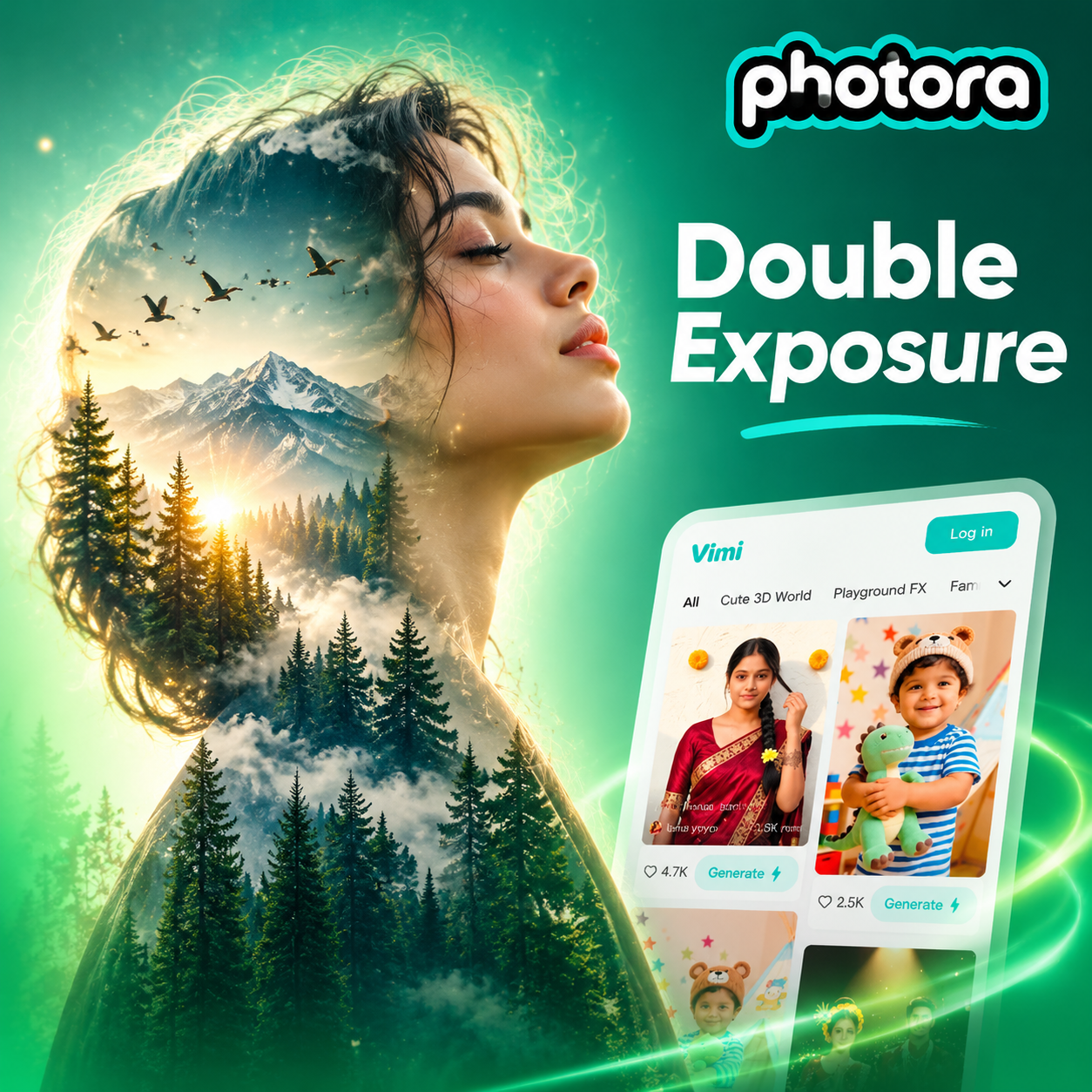

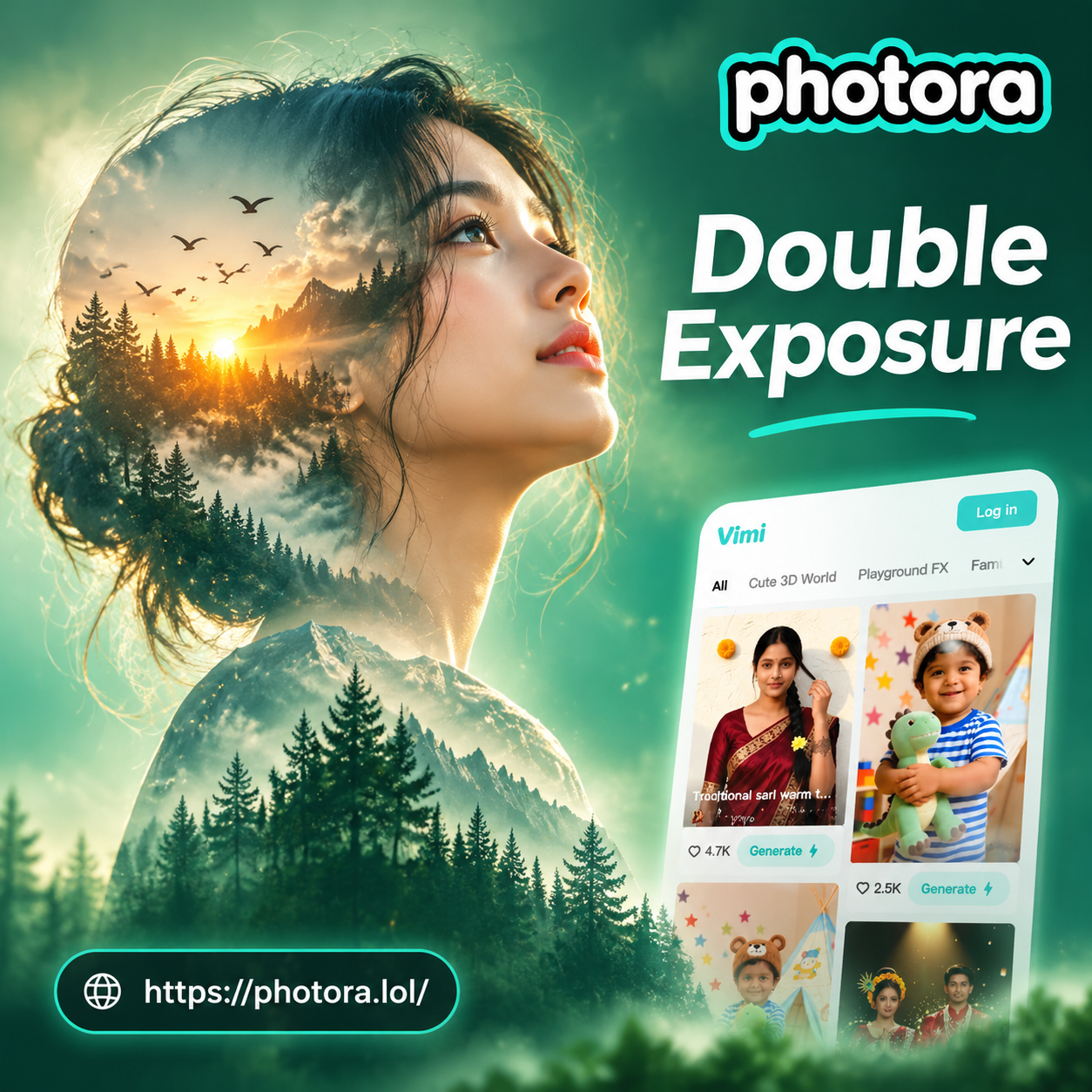
Choose the Perfect Filter for Double Exposure
Discover filters that enhance your double exposure style, from moody film looks to vibrant cinematic blends.
Key Features for Double Exposure Prompts
photora makes double exposure photography accessible to everyone. Explore powerful AI tools that help you blend images seamlessly without traditional editing skills.
Natural Image Blending
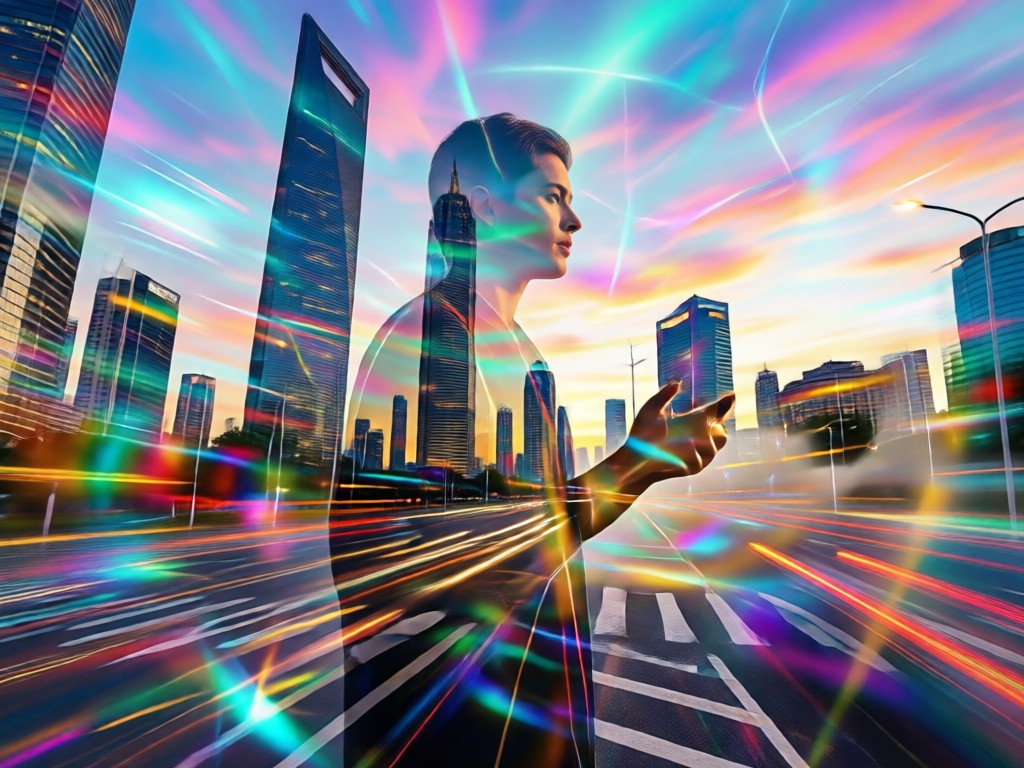
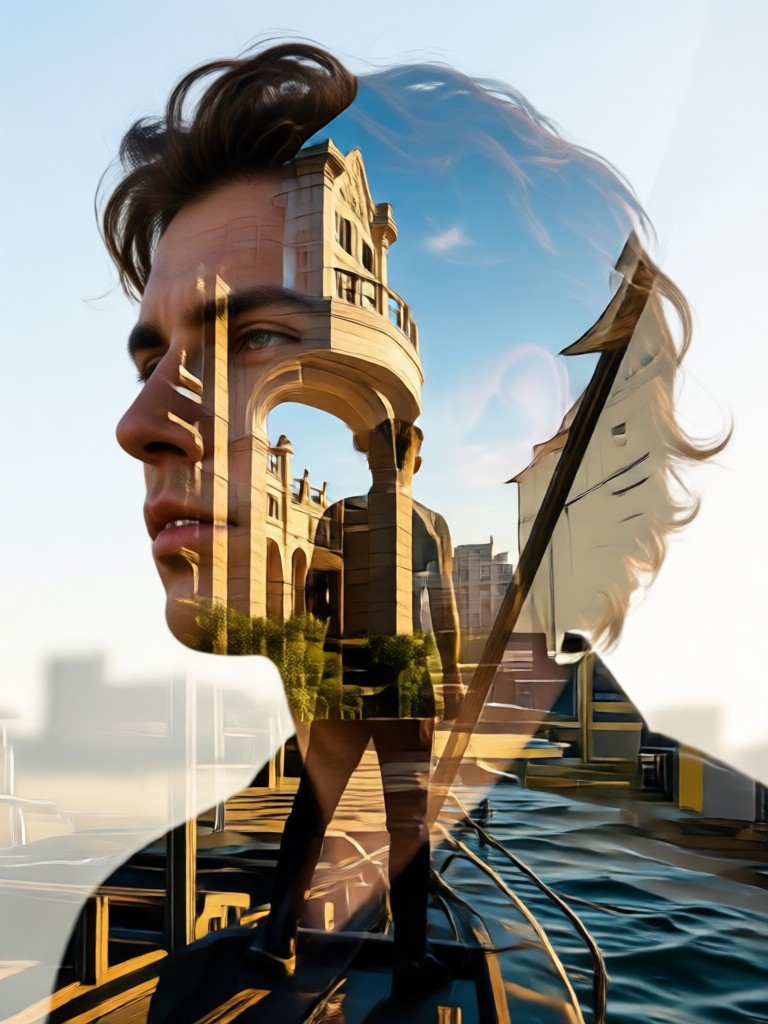
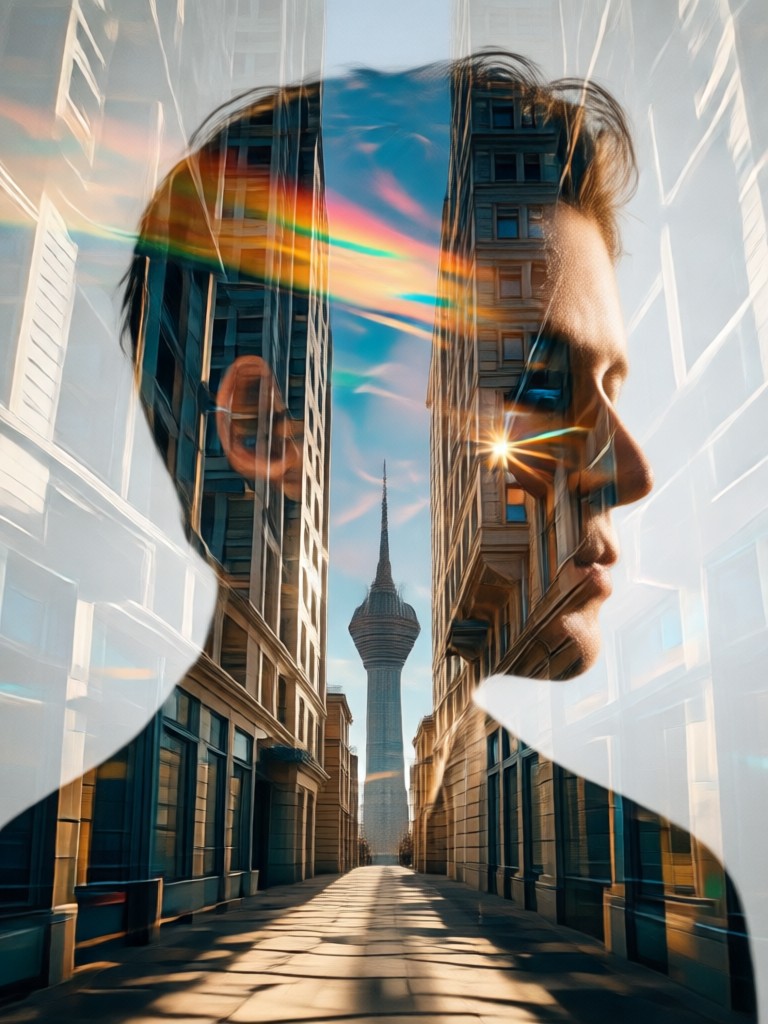
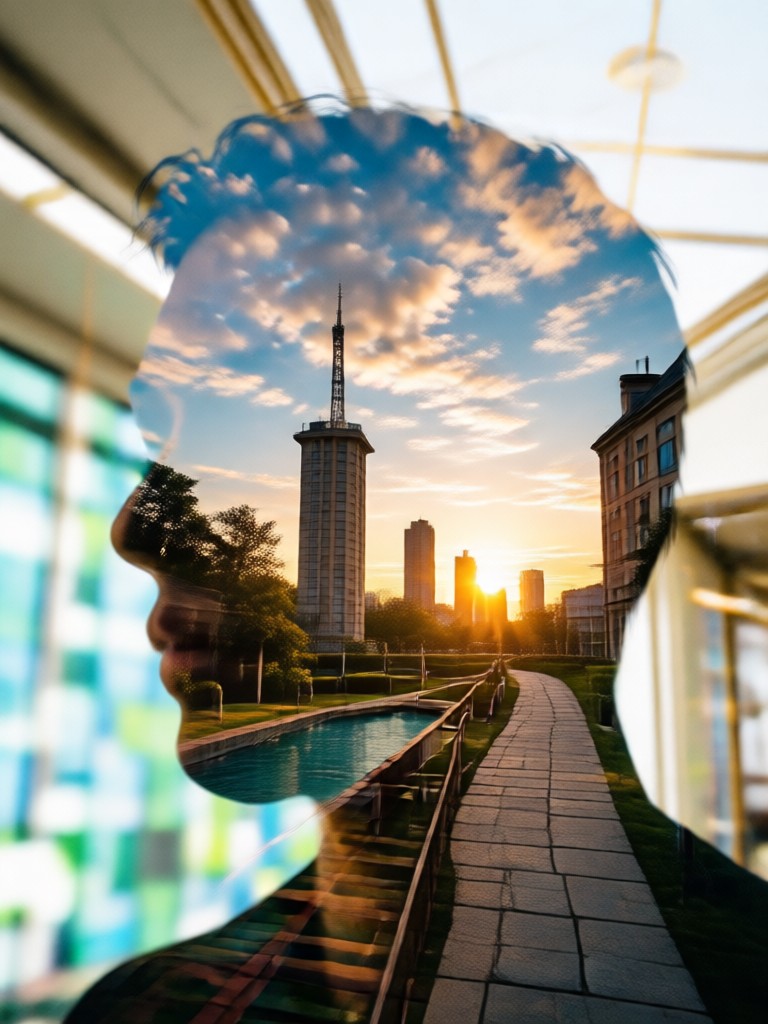
Our AI intelligently merges two visual elements into one cohesive frame. The double exposure effect looks organic, with smooth transitions between portrait edges and background textures. No harsh cutouts or awkward overlays. Every prompt produces a balanced, professional looking composition that honors both subjects equally.
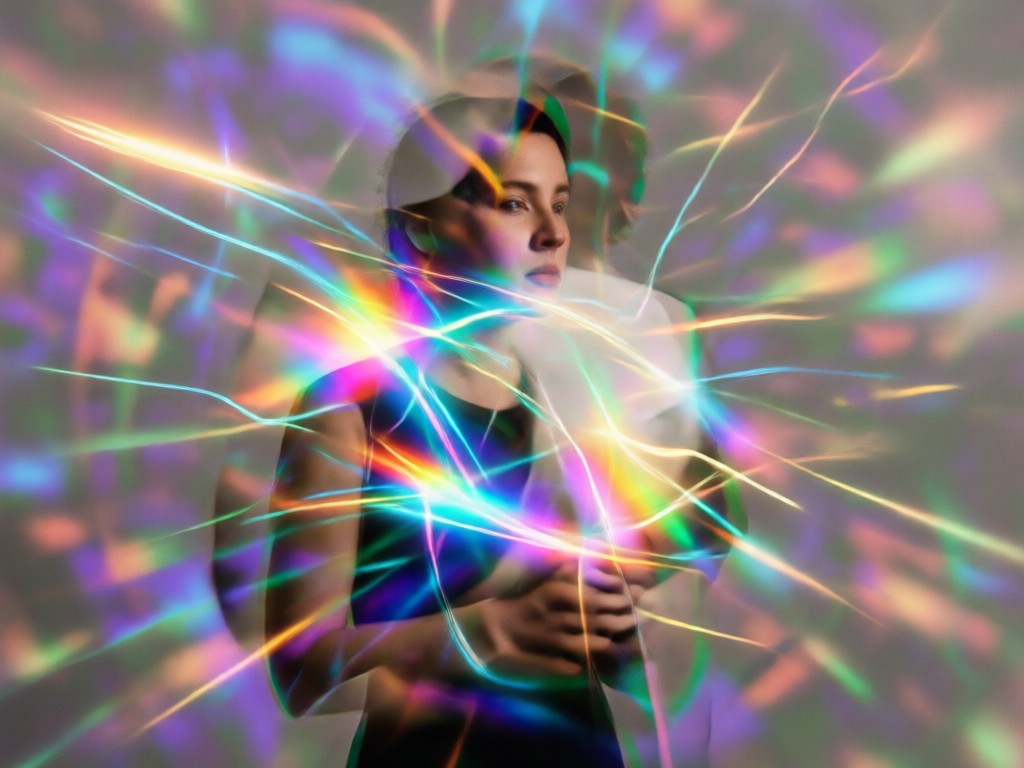
Massive Style Template Library
Access over one million style filters to complement your double exposure prompts. Choose from realistic film grain, dreamy watercolor, vintage photography, or modern cinematic looks. Each template adds a unique mood to your blended image, giving you endless creative combinations without needing to master complex prompt engineering skills.
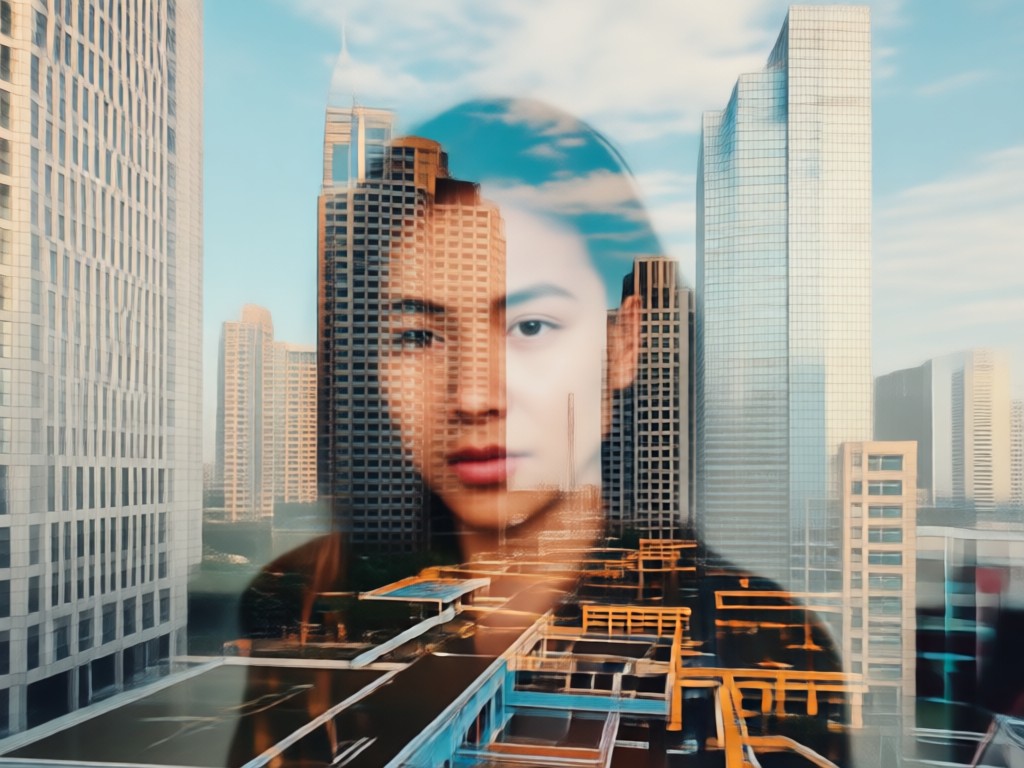
One Tap Creative Generation
Type your double exposure idea, select a filter, and generate a high resolution image in seconds. The app handles all the technical complexity behind the scenes. Whether you want a portrait merged with a forest or a silhouette filled with city lights, photora delivers fast results optimized for sharing on Instagram, TikTok, or anywhere else.
Double Exposure Inspiration Gallery
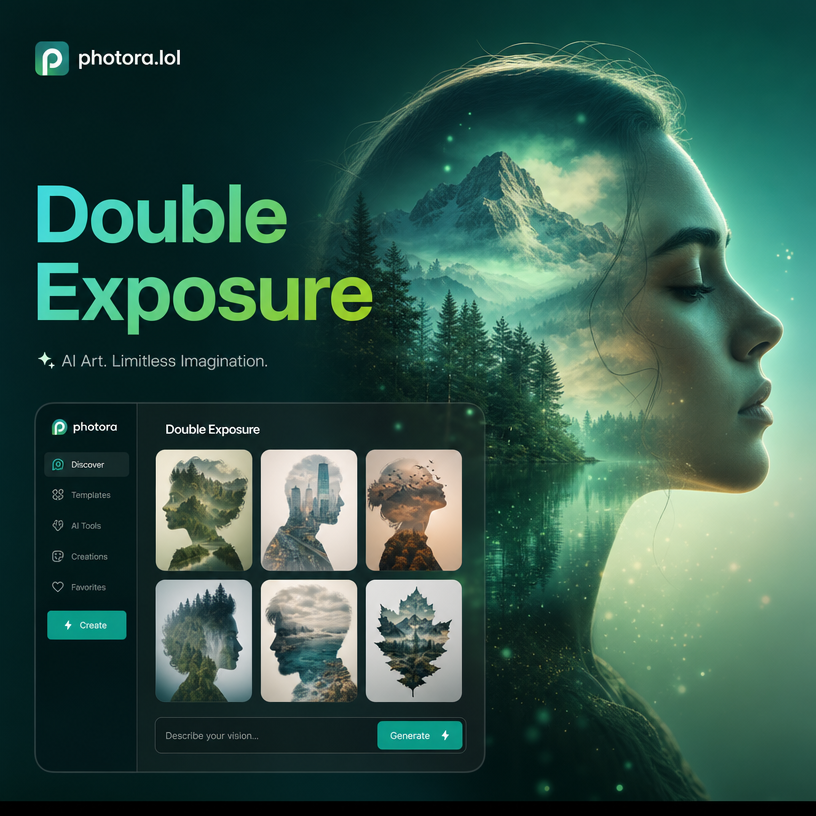
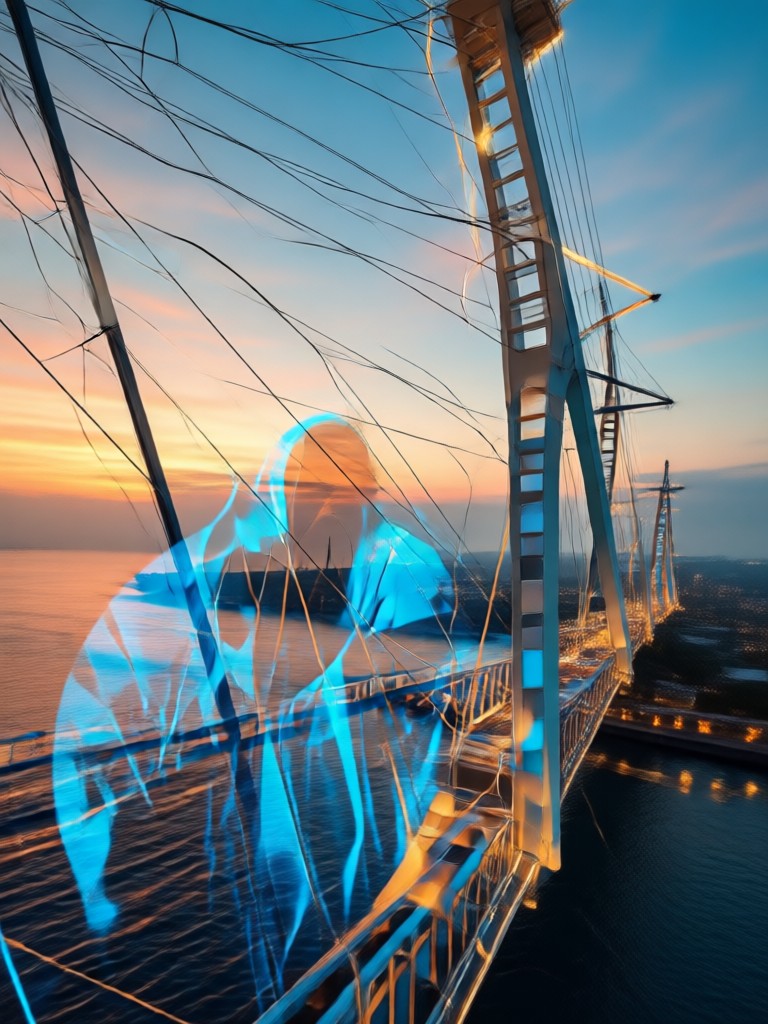
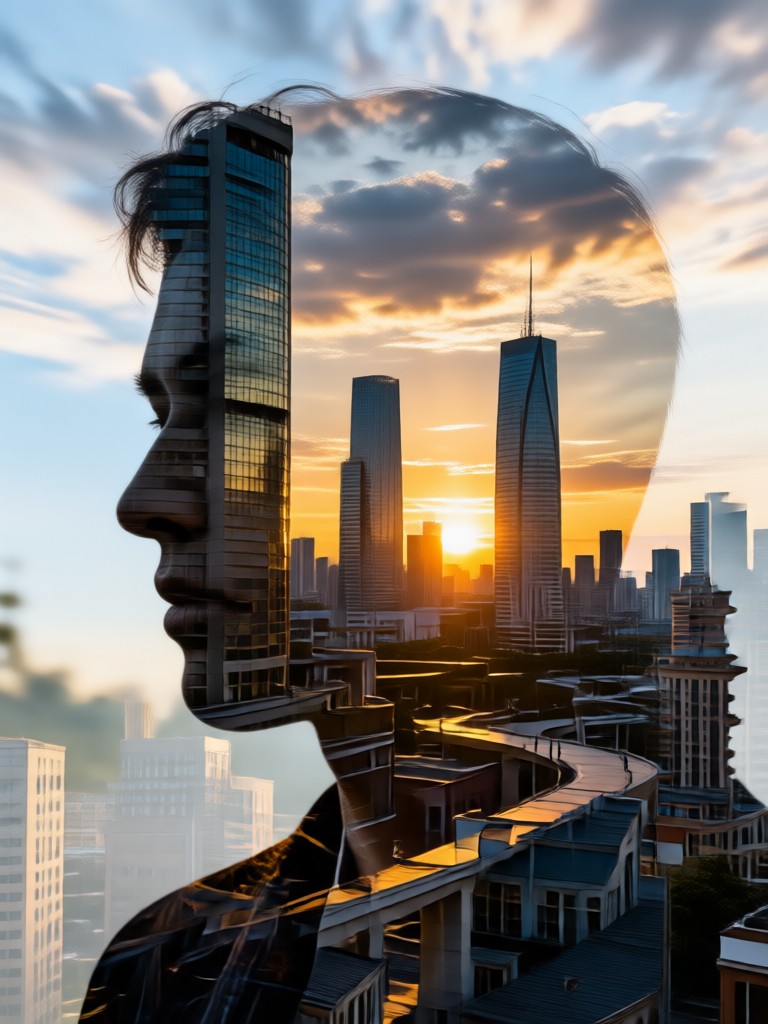
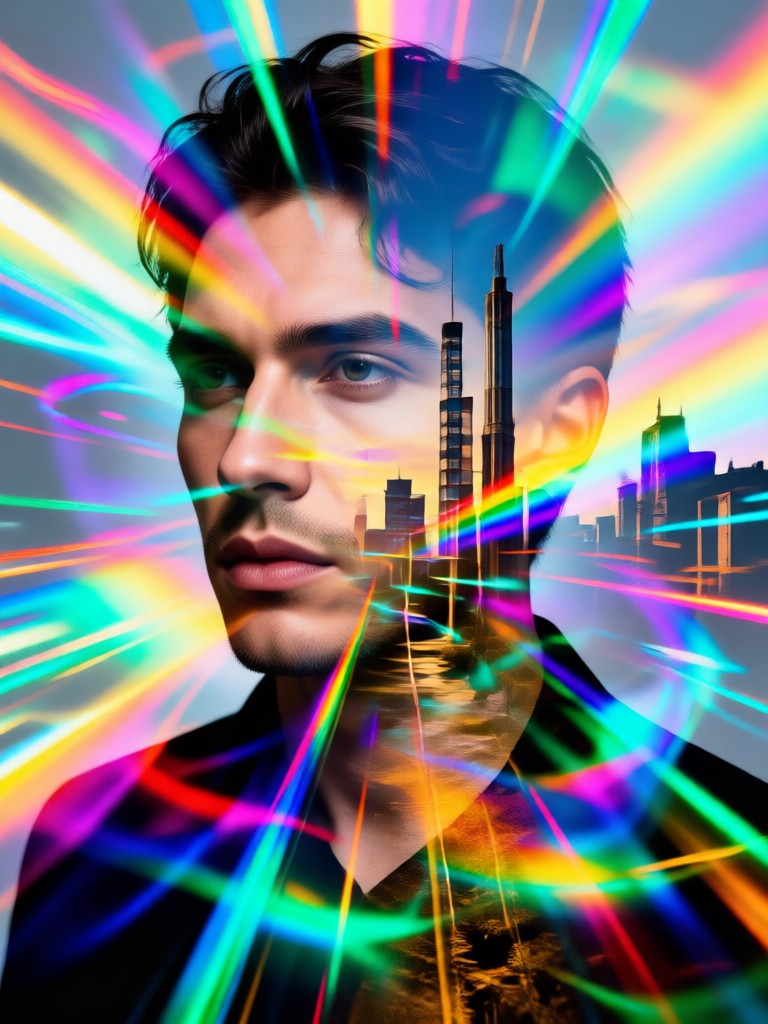
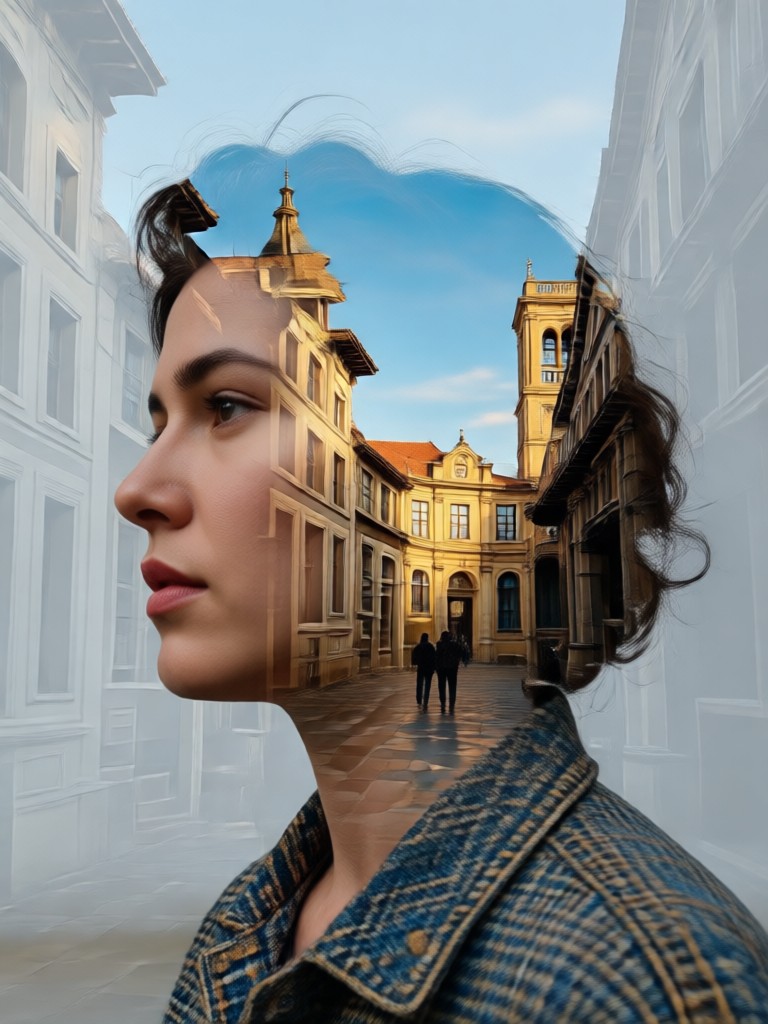
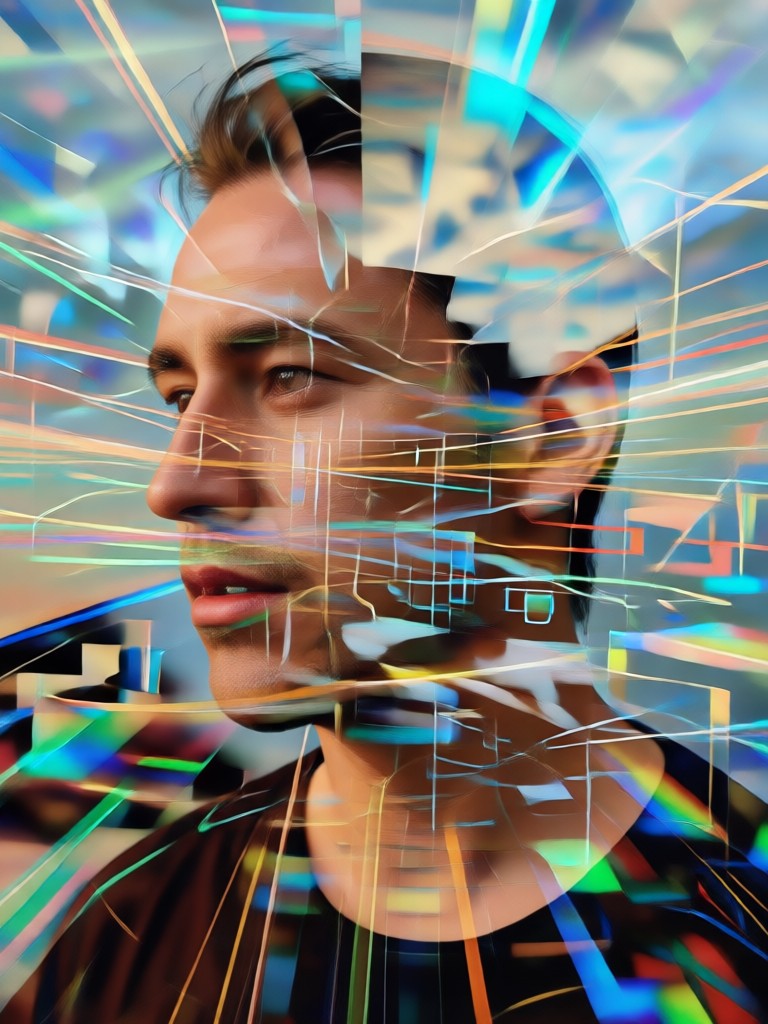
Browse stunning AI generated double exposure images created with photora. See how different prompts combine portraits with nature, urban scenes, and abstract textures.
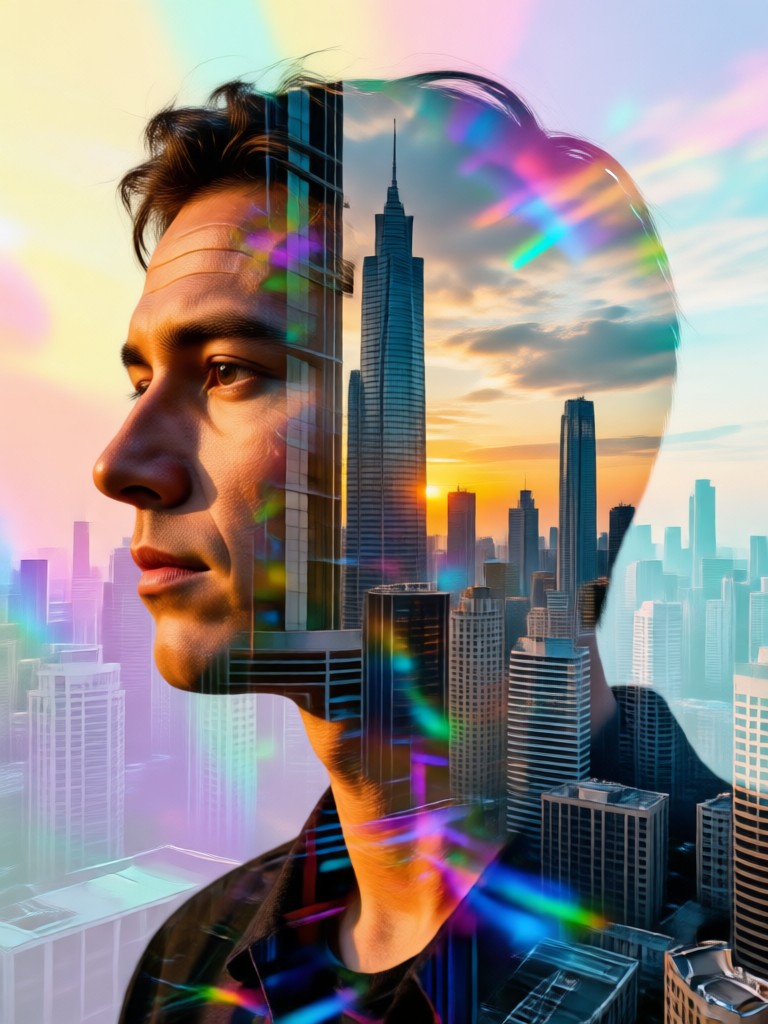
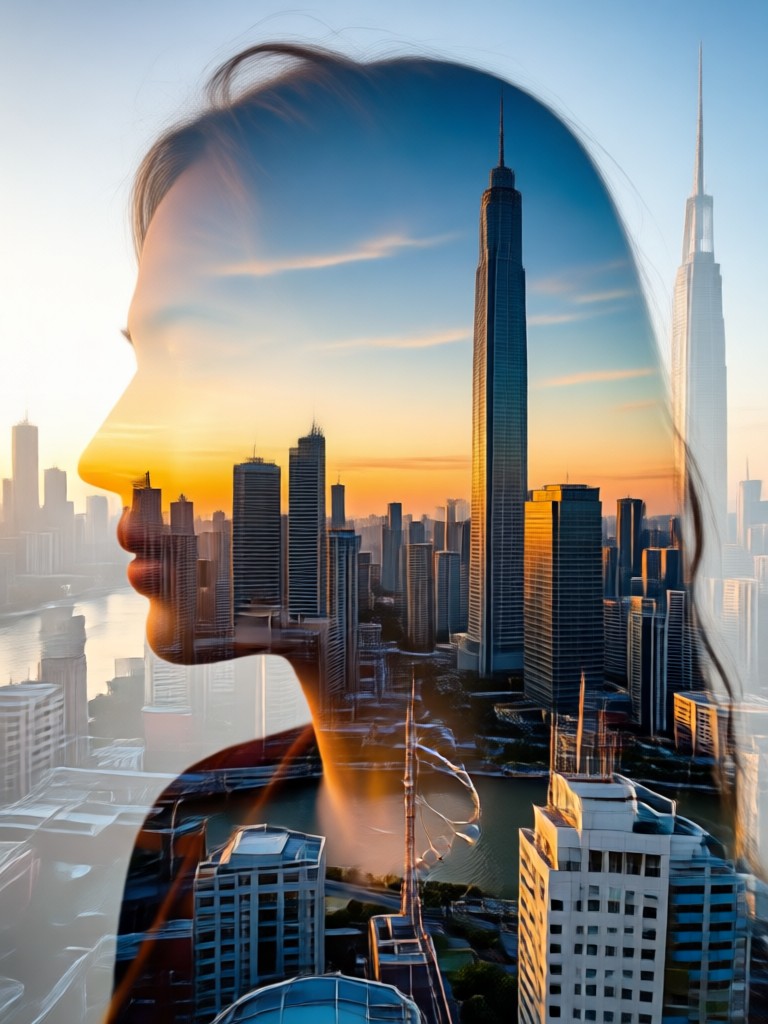
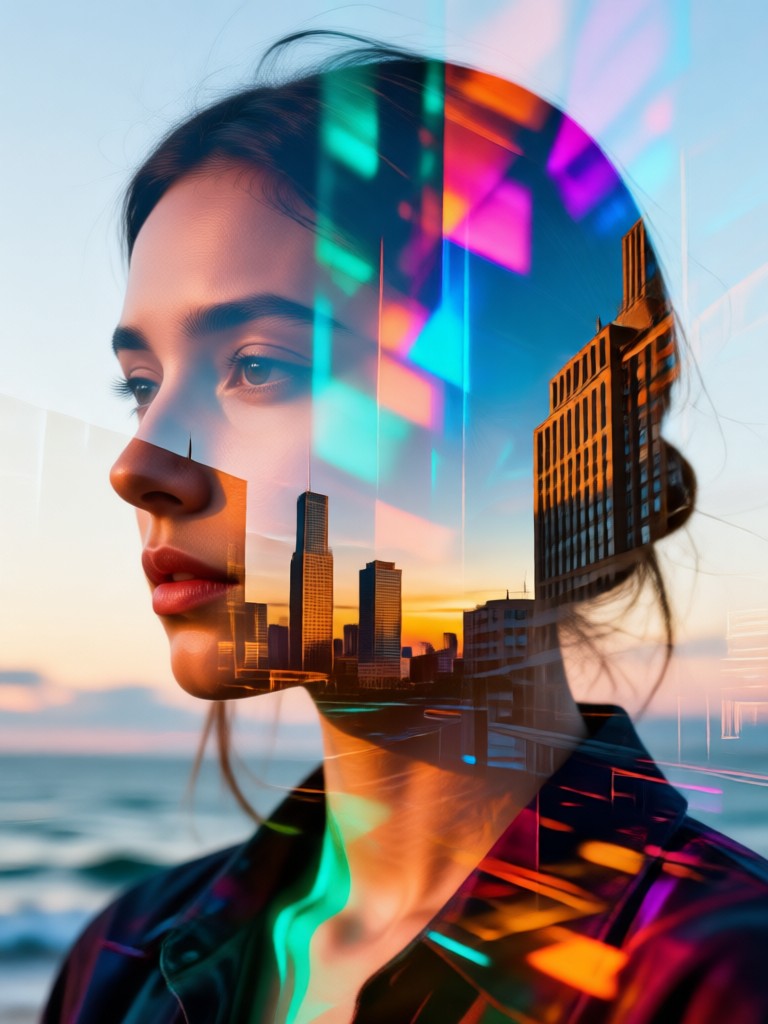
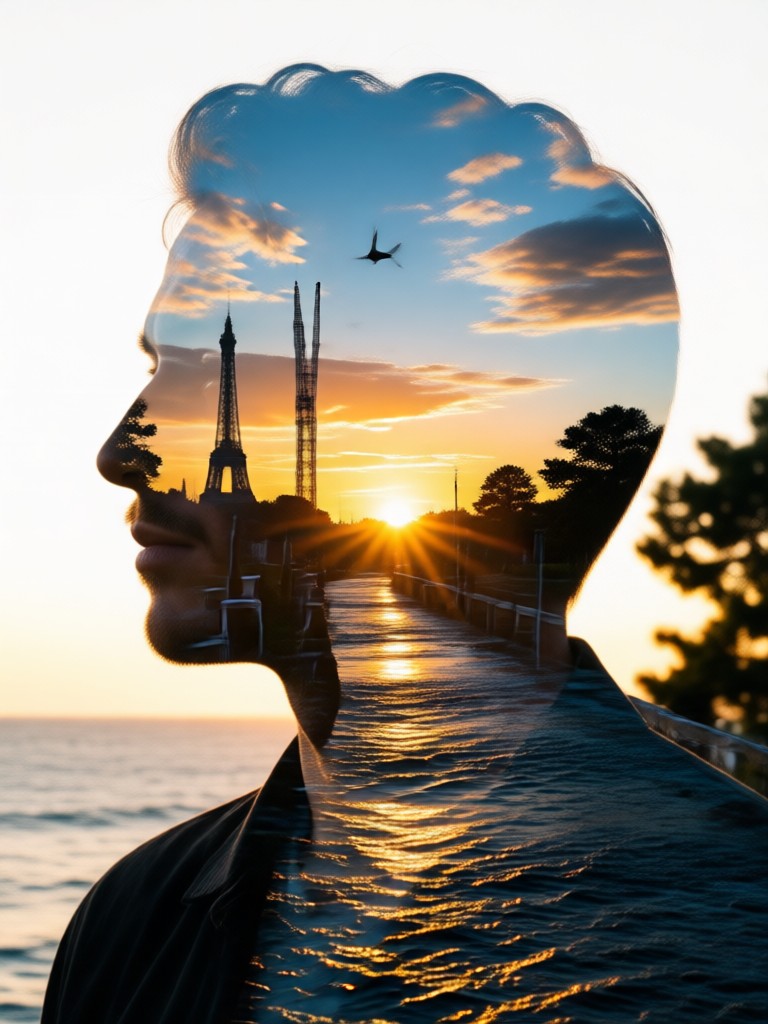
Why photora for Double Exposure Photo Prompts
Traditional double exposure requires meticulous camera settings, layering software, and masking skills. photora removes every barrier with AI driven generation.
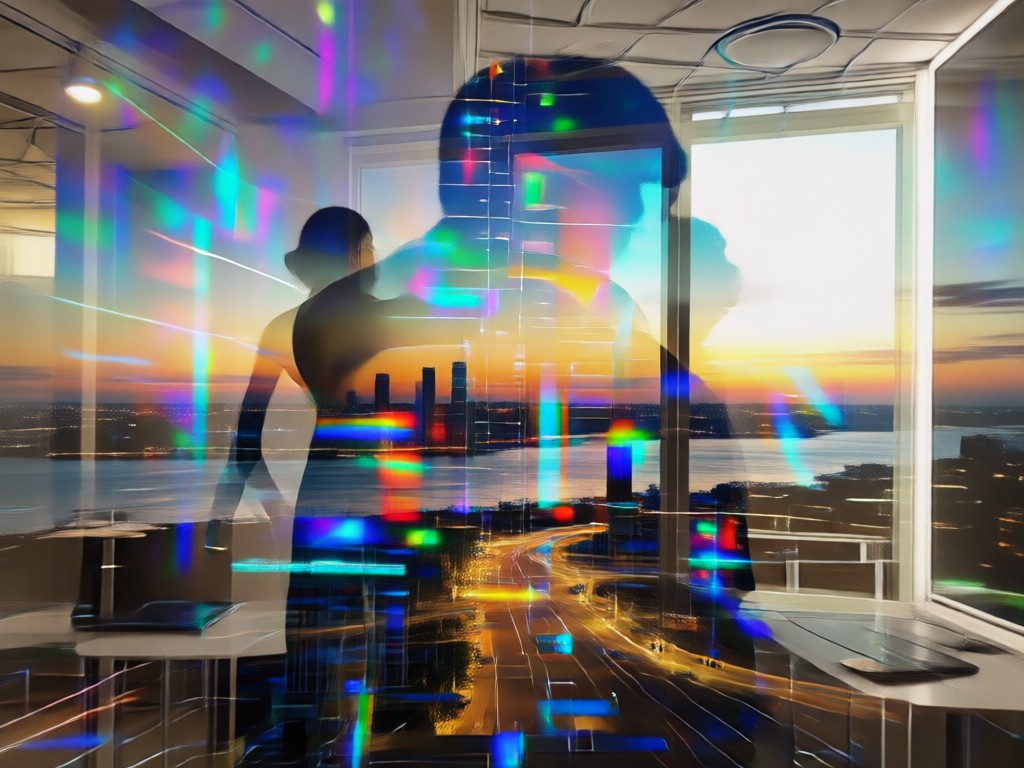
From Complex Editing to Instant Art
Creating a classic double exposure photograph used to demand a DSLR with multiple exposure capability, precise lighting control, and hours in Photoshop. You needed to understand layer blending modes, opacity masks, and channel selections. photora transforms this workflow into a single text prompt. Describe the portrait and the embedded scene, tap generate, and receive a balanced, artistic double exposure in seconds. The AI understands spatial relationships, so faces remain recognizable while landscapes bloom naturally inside silhouettes. You do not need any design experience, just a creative idea and a smartphone. This makes rare, gallery worthy effects accessible to casual creators, marketers, and social media managers alike.
How to Create Double Exposure Photos with Prompts
Follow three simple steps to turn your double exposure photo prompts into stunning AI generated artwork.
Step 01.
Download photora from Google Play. Open the app and navigate to the AI image generation feature to start creating double exposure images anywhere.
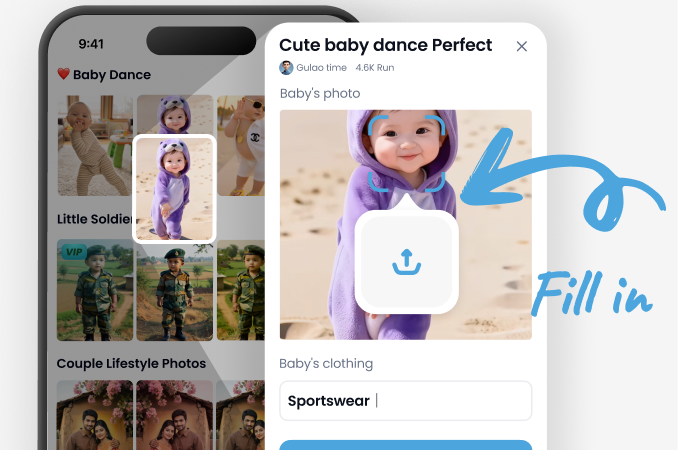
Step 02.
Type your double exposure photo prompt. Describe the main subject first, then the secondary scene you want blended inside it. Be specific about mood and lighting.
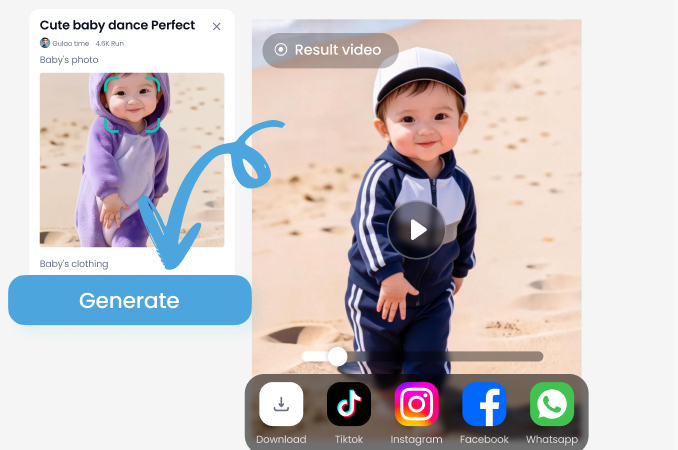
Step 03.
Choose a style template from over one million filters to enhance your double exposure. Generate the image, save it to your device, and share it directly to social media.
What Creators Say About Double Exposure Prompts
Finally an easy way to make double exposure art
I have always loved the double exposure look but never had the time to learn Photoshop properly. photora lets me type a simple prompt like portrait with mountain inside and get a beautiful result in seconds. I use it for my book cover designs all the time now.
My social media engagement doubled
I started posting double exposure profile pictures and story highlights using photora. The prompts are super flexible, I can blend my face with anything from a galaxy to a coffee shop interior. People always ask me how I make them. It is my secret weapon now.
Perfect for quick artistic concepts
As a musician, I need unique visuals for single covers and promo posts. The double exposure prompts in photora give me that dreamy, artistic quality without hiring an expensive photographer. The AI understands exactly what I mean when I describe layers and moods.
Frequently Asked Questions About Double Exposure Photo Prompts
Find clear answers to common questions about creating double exposure images with photora and AI prompts.
More Topics You May Like
Explore more creative AI prompt ideas and effects to expand your artistic toolkit.
Doctor Photo Prompts: Create Realistic AI Portraits
Y2K Prompt Guide for Retro Futuristic AI Art
AI Chair Prompts for Stunning Furniture Design Ideas
Doctor Photo Prompts: Create Realistic AI Portraits
Y2K Prompt Guide for Retro Futuristic AI Art
AI Chair Prompts for Stunning Furniture Design Ideas
Turn Your Double Exposure Prompts Into Art
Download photora from Google Play and start blending portraits with landscapes, city lights, and textures today. No design skills needed, just your imagination.

Turn Your Double Exposure Prompts Into Art
Download photora from Google Play and start blending portraits with landscapes, city lights, and textures today. No design skills needed, just your imagination.