AI Countryside Image Prompt
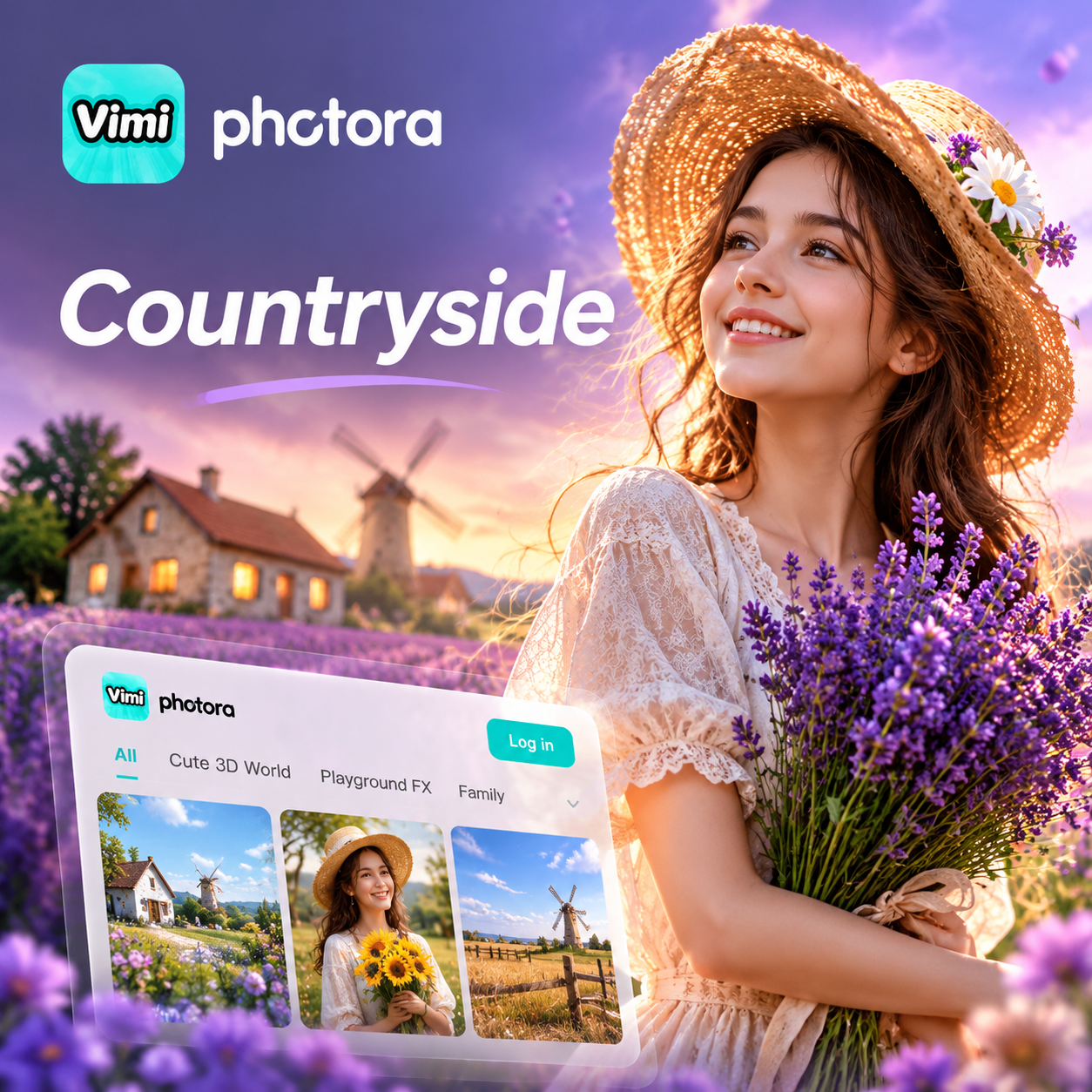
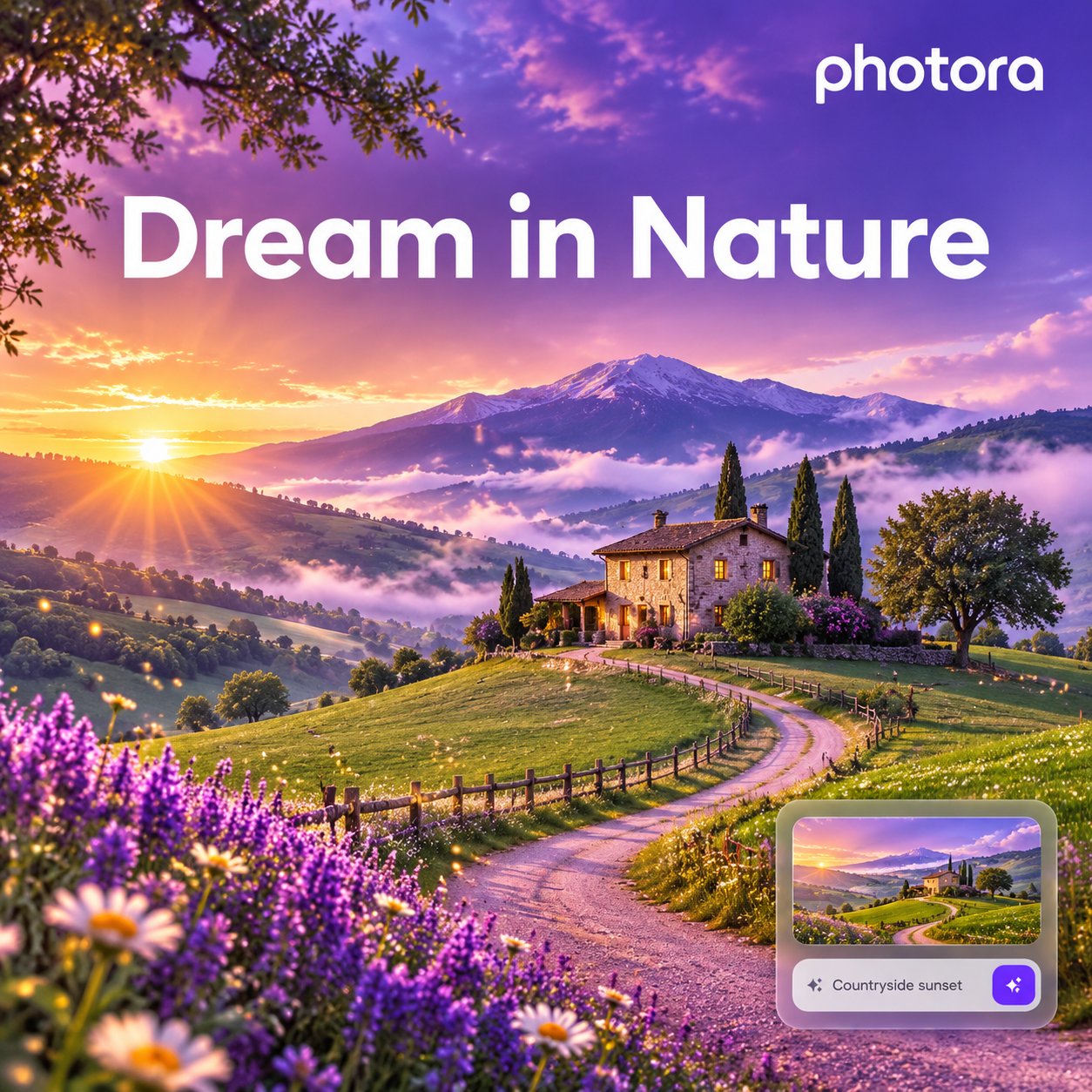


Choose the AI Countryside Style That Fits Your Vision
Browse pastoral landscape filters, rural photo effects, and cinematic scenery templates. Pick a style and pair it with your favorite AI countryside image prompt.
What You Can Create with Countryside Image Prompts
From quiet farmhouses to wide open fields, photora turns your text prompts into rich rural artwork with accurate detail and beautiful lighting.
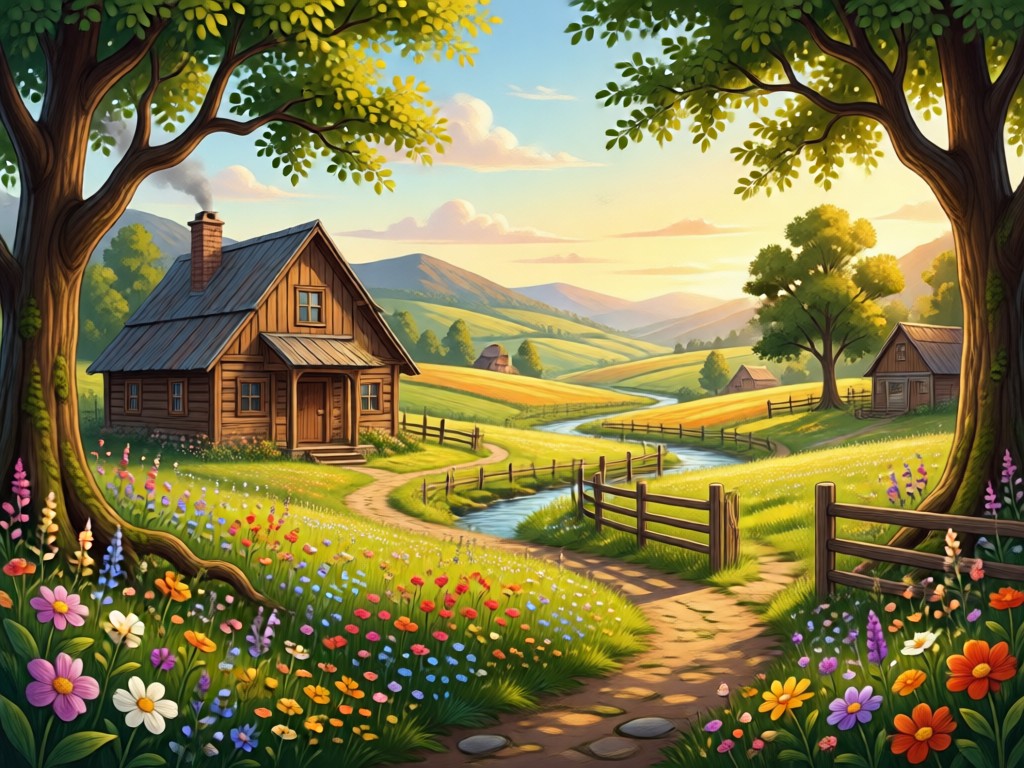
Pastoral Landscape Generation
Describe rolling hills, grazing animals, or garden cottages and watch photora paint a natural rural scene. Pick soft watercolor or realistic photography.
Pastoral Landscape Generation
Describe rolling hills, grazing animals, or garden cottages and watch photora paint a natural rural scene. Pick soft watercolor or realistic photography.
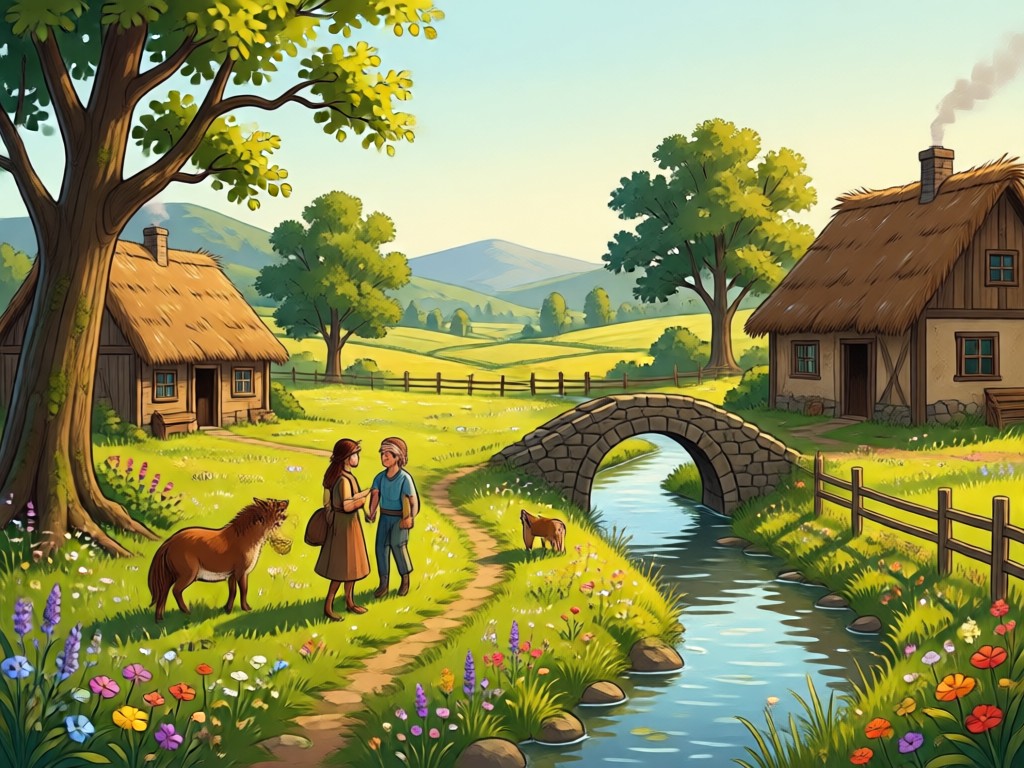
Rustic Architecture Prompts
Generate barns, stone bridges, farmhouses, and village lanes with instant texture and depth. Adjust colors and light to match your mood.
Rustic Architecture Prompts
Generate barns, stone bridges, farmhouses, and village lanes with instant texture and depth. Adjust colors and light to match your mood.
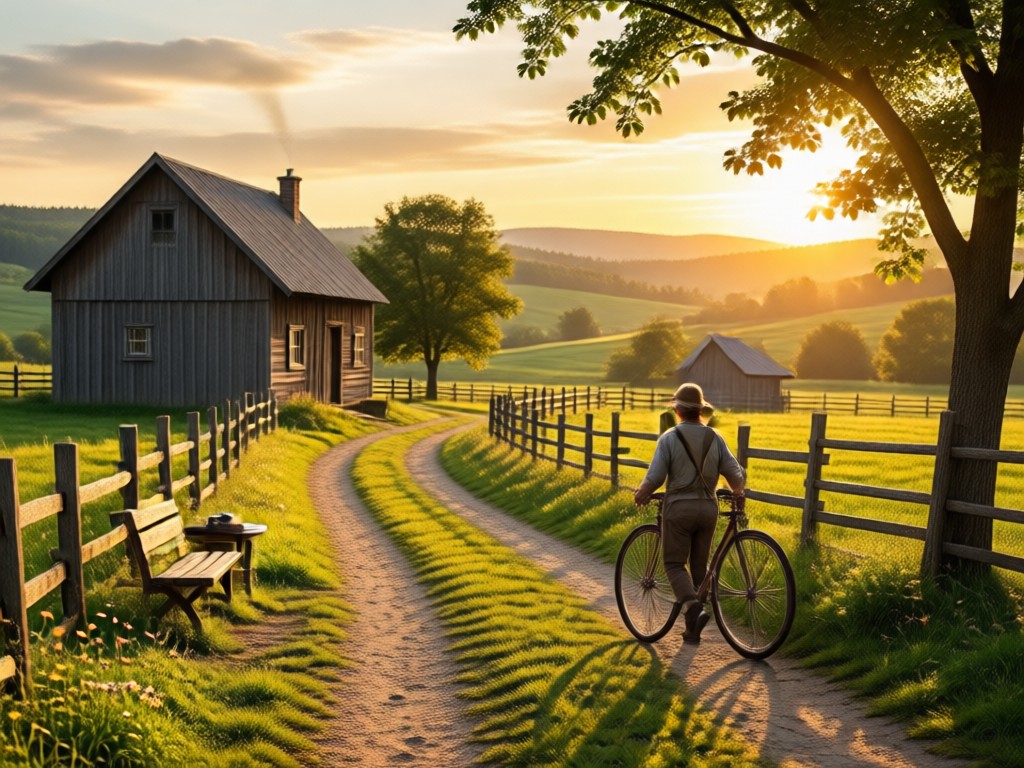
Seasonal Countryside Art
Switch between spring blossoms, summer meadows, autumn harvests, and snow covered fields. Each prompt keeps the same landscape while changing the season.
Seasonal Countryside Art
Switch between spring blossoms, summer meadows, autumn harvests, and snow covered fields. Each prompt keeps the same landscape while changing the season.
Countryside Image Prompt Inspiration Gallery
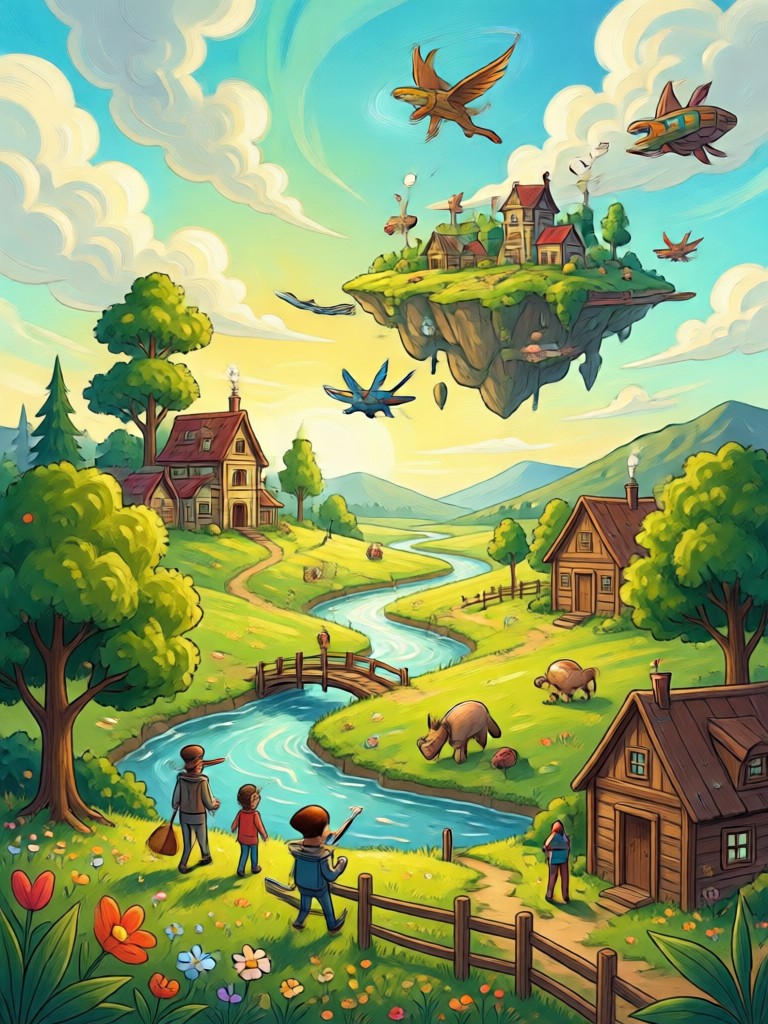
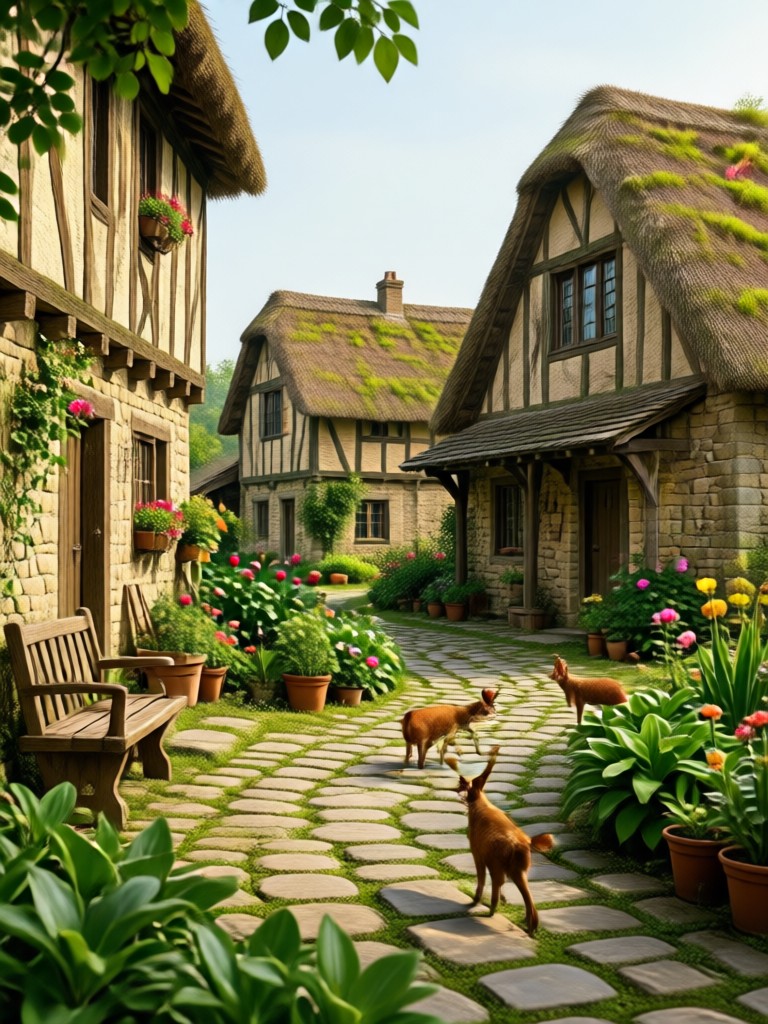
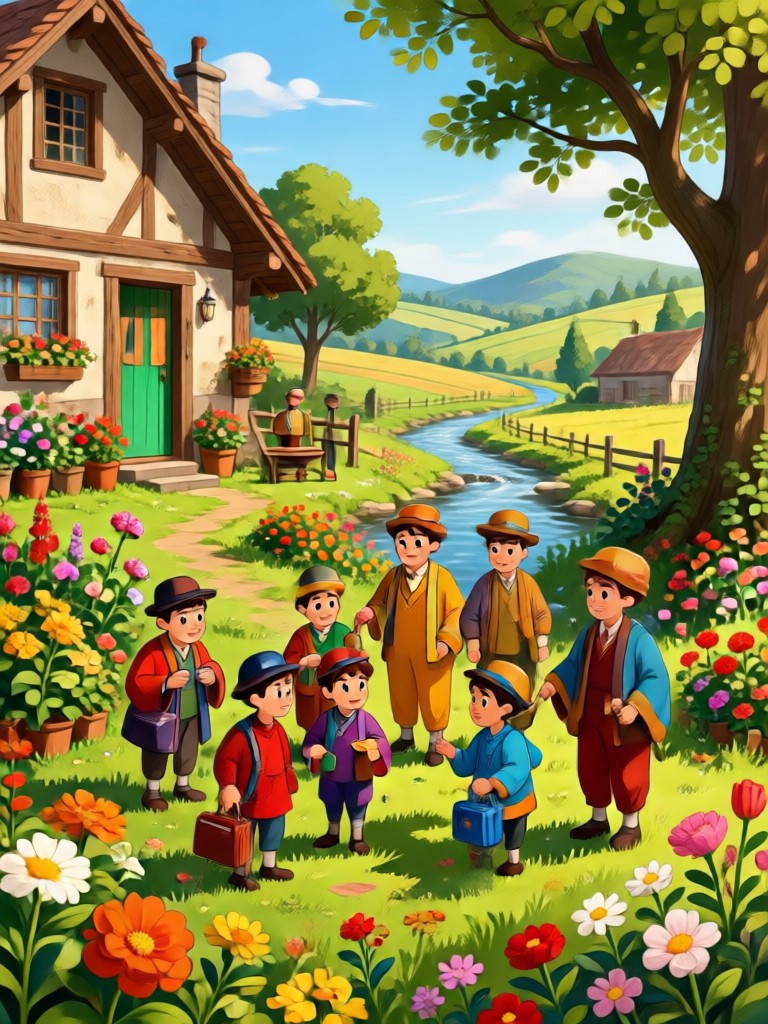
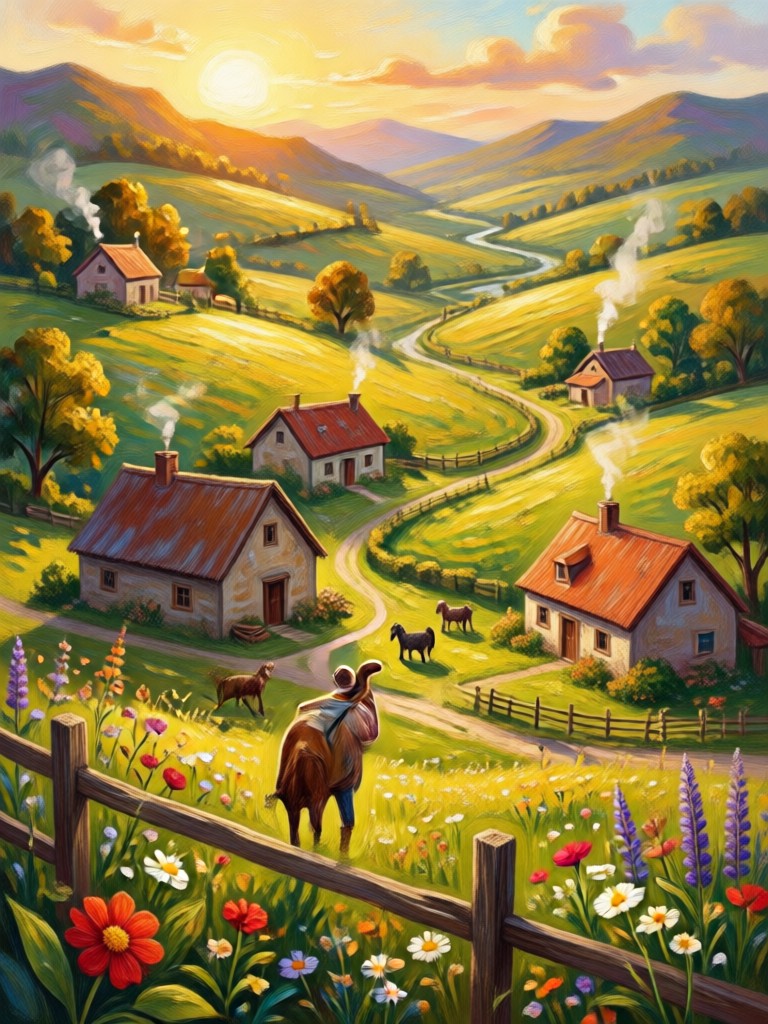
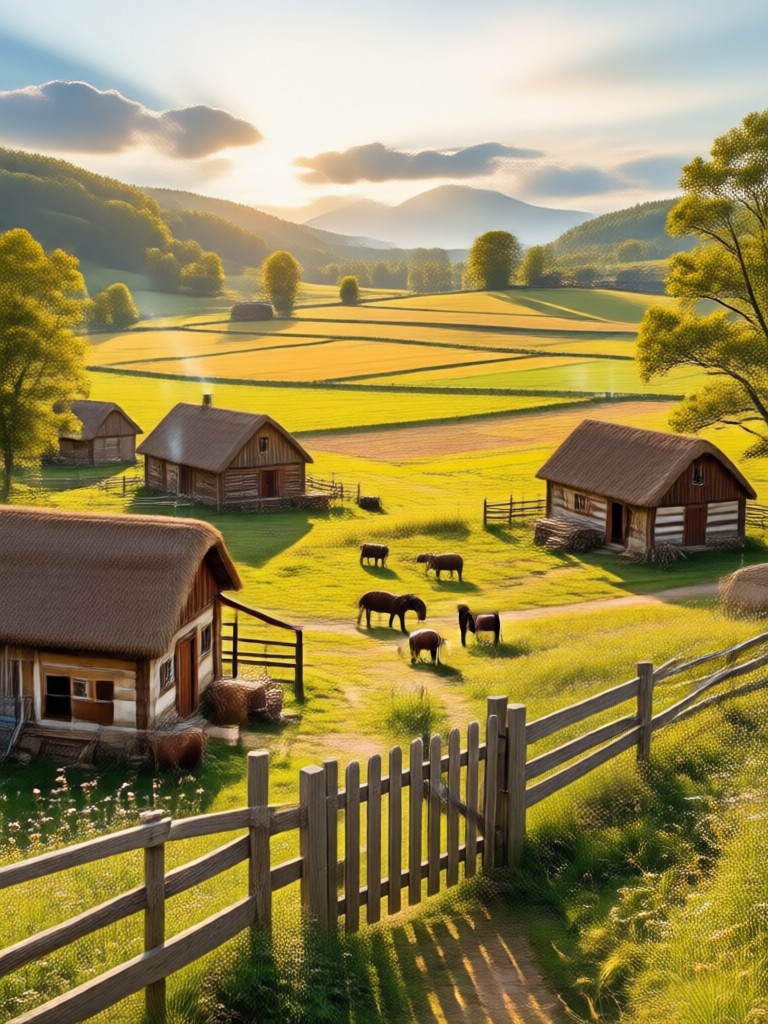
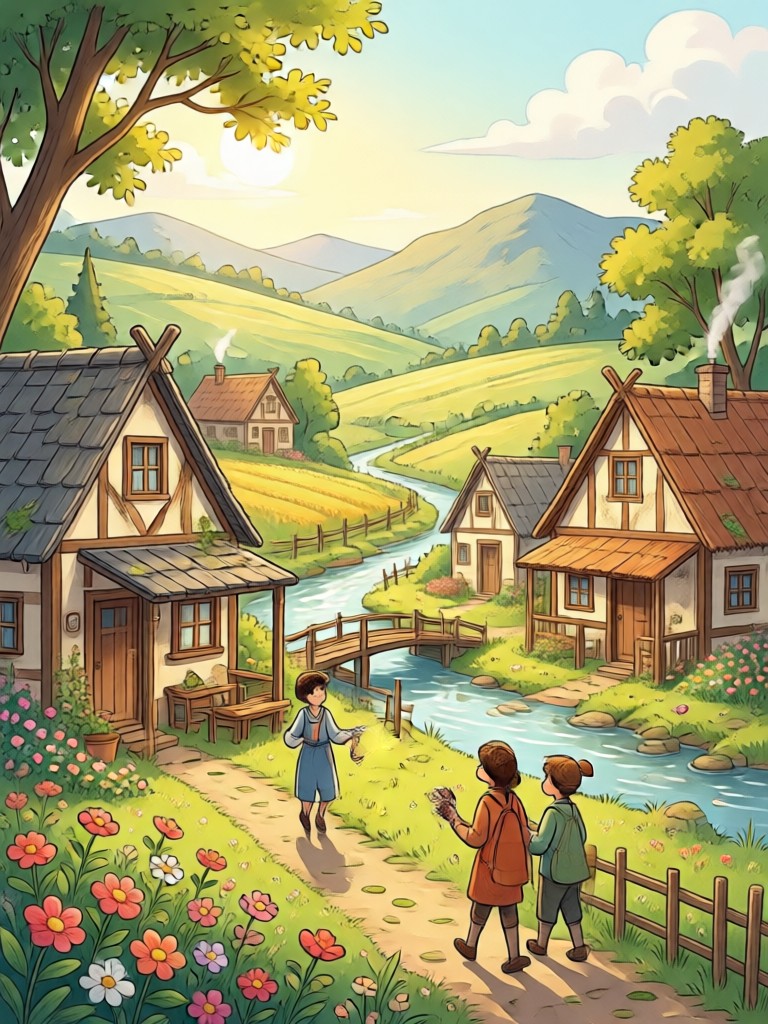
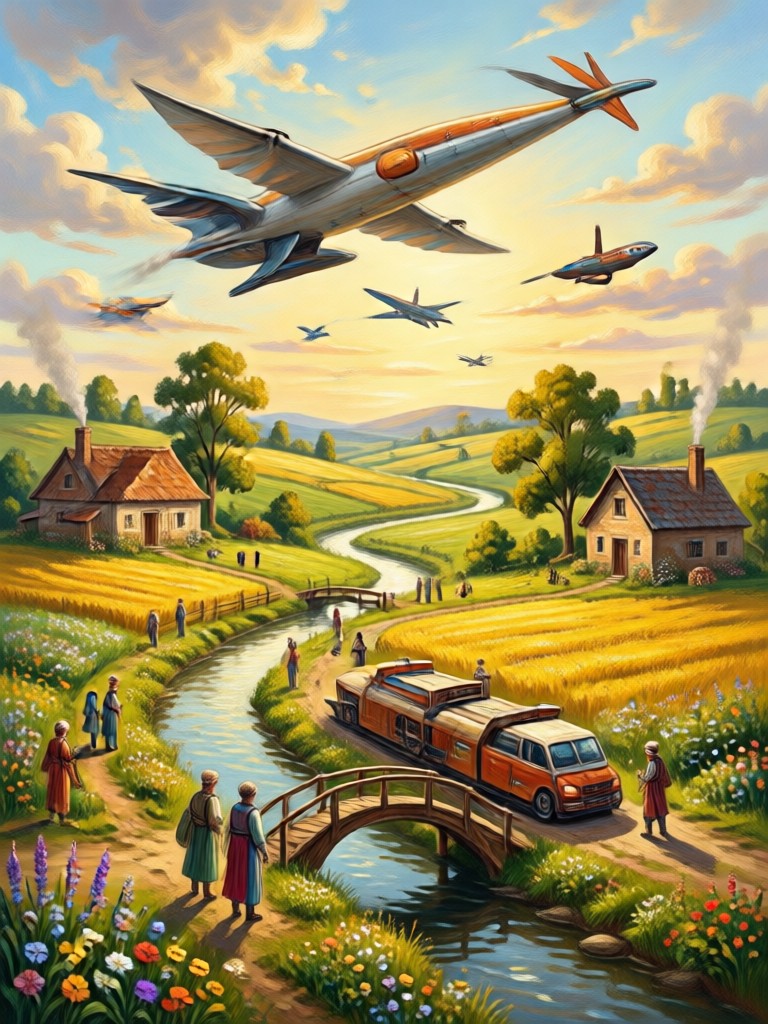
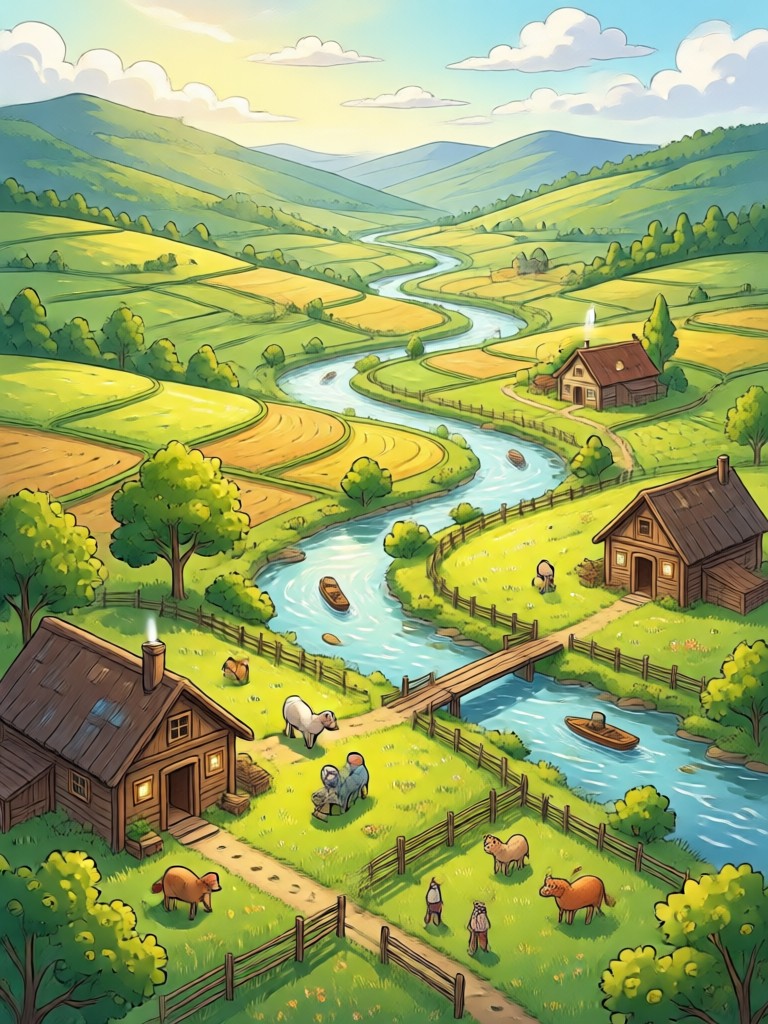
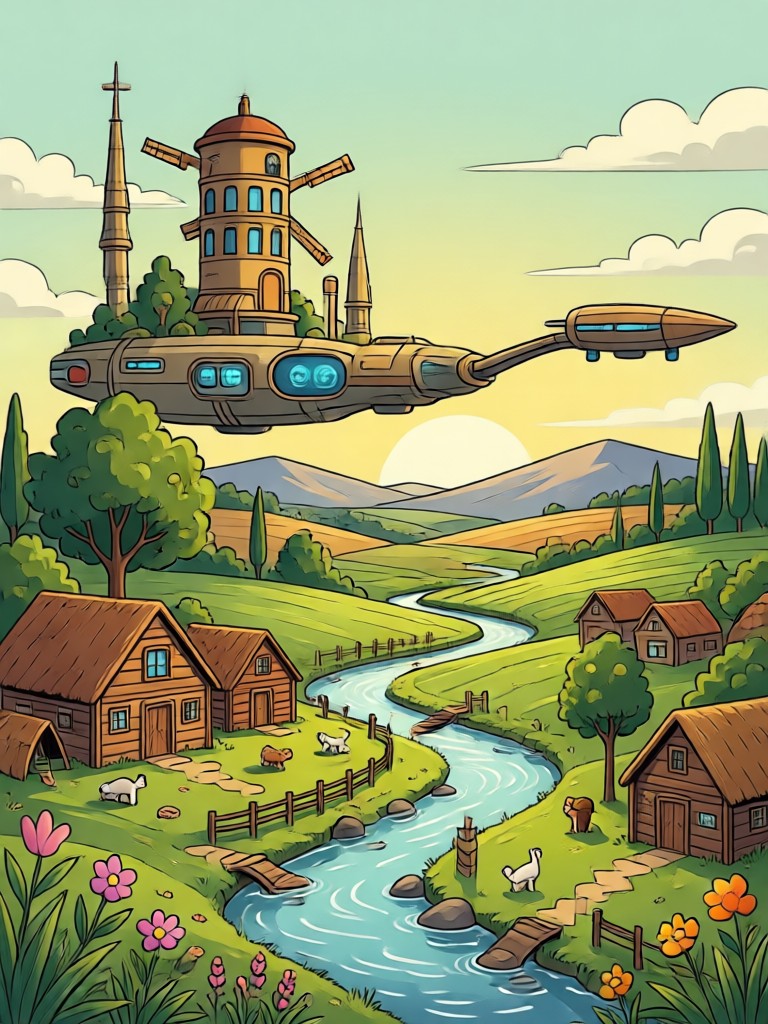
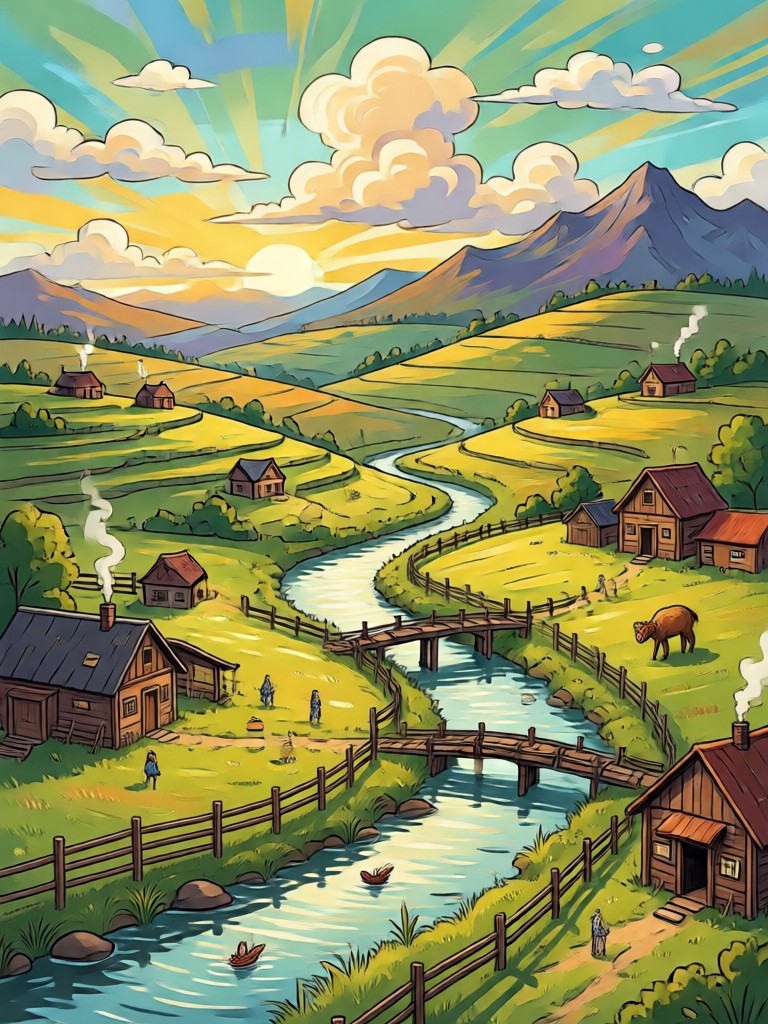
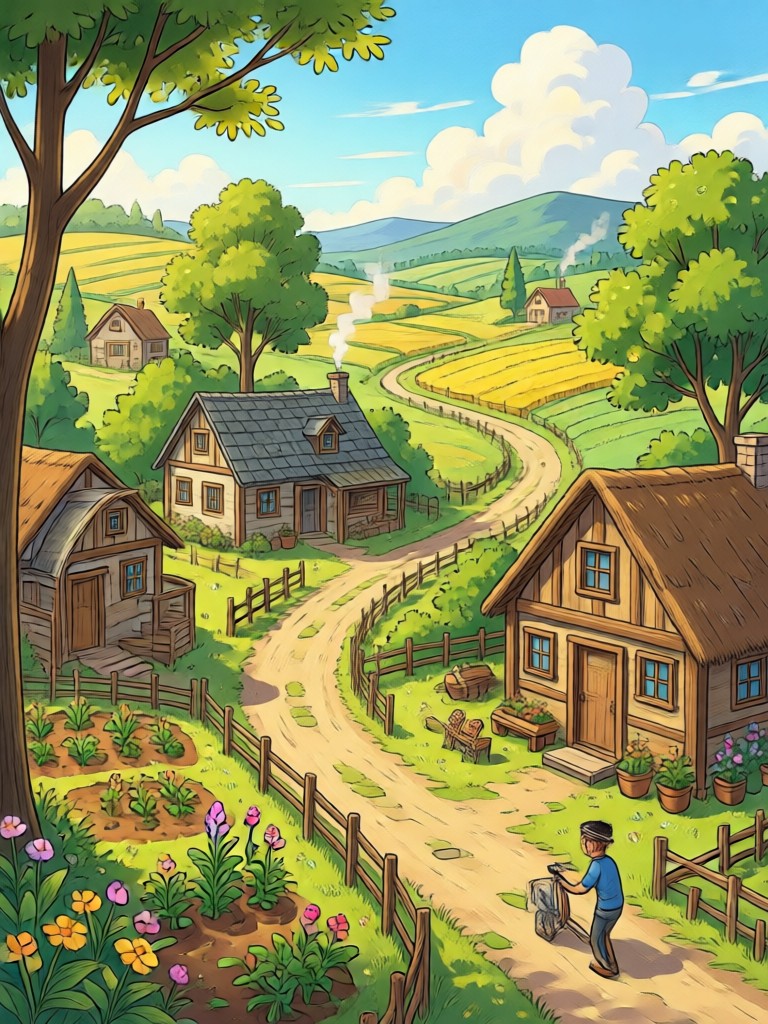
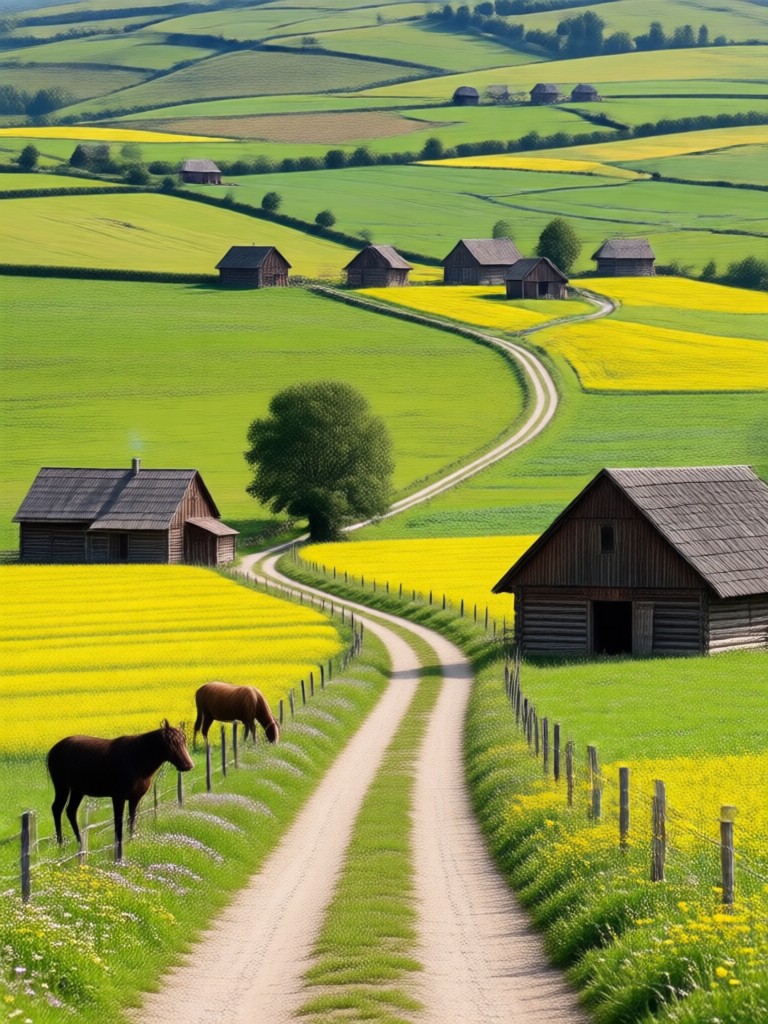
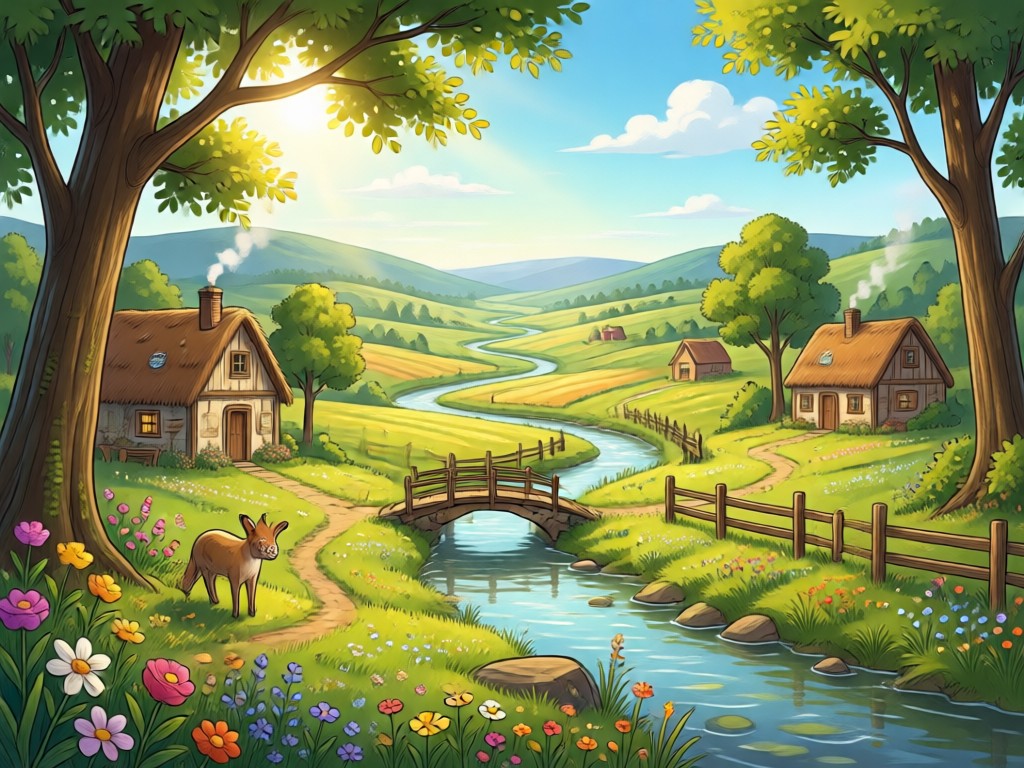
See what other creators have generated with photora. These examples mix pastoral landscape prompts, rural photo styles, and cinematic color grading to spark your next idea.
Why Use AI Countryside Image Prompts
Get consistent rural scenery without location scouting. photora understands natural landscape language so your prompt becomes art in seconds. Use reference photos to keep characters or places consistent across a whole series.
Why Use AI Countryside Image Prompts
Get consistent rural scenery without location scouting. photora understands natural landscape language so your prompt becomes art in seconds. Use reference photos to keep characters or places consistent across a whole series.
How to Use AI Countryside Image Prompts
Create peaceful rural artwork on your phone in three simple steps.

Step 01.
Download photora from Google Play and open the AI image generator.

Step 02.
Type or paste an AI countryside image prompt, then choose a style filter like watercolor, Ghibli, or cinematic photography.
Step 03.
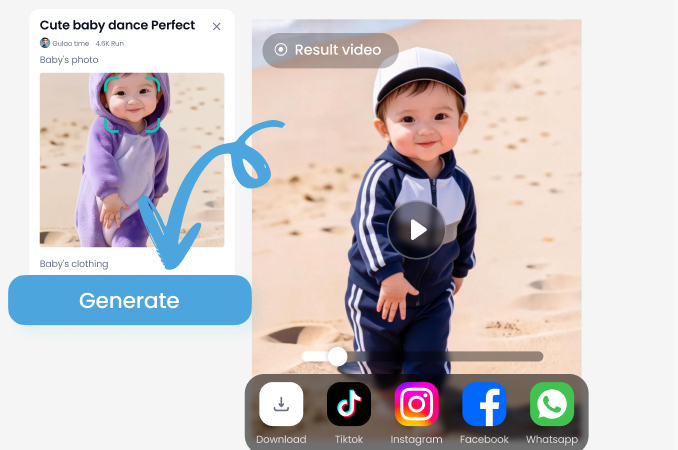
Generate your image, make small prompt tweaks if needed, and save or share your countryside art.
Bring Rural Scenery Prompts to Your Phone
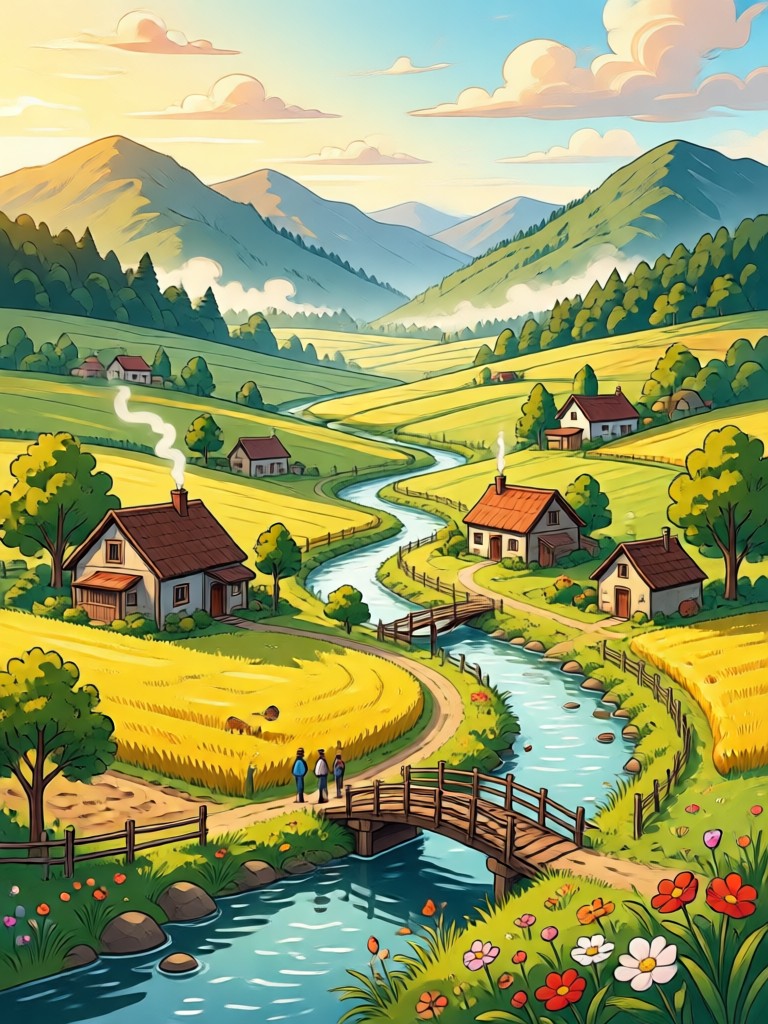
Download photora for free on Google Play and turn your countryside image prompts into polished artwork wherever you are.

What Creators Say About Countryside Image Prompts
My rural scenes finally feel alive
I typed a short prompt about a stone cottage and got a painterly landscape with perfect light. photora saved me from hours of editing stock photos.
Great for storybook illustrations
The Ghibli style filter with my countryside prompt gave me exactly the soft, nostalgic look I wanted for my children's book concept.
Easy seasonal variations
I kept the same farmhouse prompt and switched from summer to winter in one tap. The result looked natural and detailed.
Frequently Asked Questions About AI Countryside Image Prompts
Quick answers about rural scenery generation, pastoral landscape prompts, and style filters in photora.
More Topics You May Like
Explore more topics you may like and discover fresh ideas tailored to your interests.
Blue Dress Prompt: Create Stunning Blue Outfit Ideas

30th Birthday AI Image Prompts: Ideas for a Memorable Shoot
AI Pink Hair Prompts That Turn Photos Bold
Beauty Product Video Prompts for Stunning Ads
Blue Dress Prompt: Create Stunning Blue Outfit Ideas
30th Birthday AI Image Prompts: Ideas for a Memorable Shoot
AI Pink Hair Prompts That Turn Photos Bold
Beauty Product Video Prompts for Stunning Ads
Ready to Create Your Countryside Scene?
Download photora for free and turn your first AI countryside image prompt into a beautiful rural artwork today.

Ready to Create Your Countryside Scene?
Download photora for free and turn your first AI countryside image prompt into a beautiful rural artwork today.