Prompt For Sofa

Choose the Sofa Style That Suits You Best
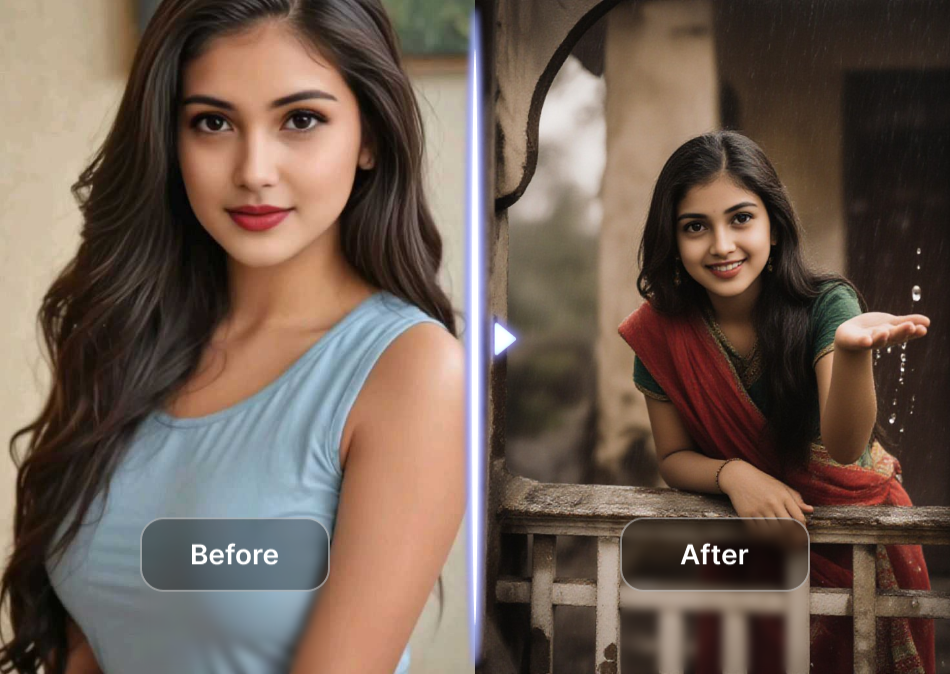
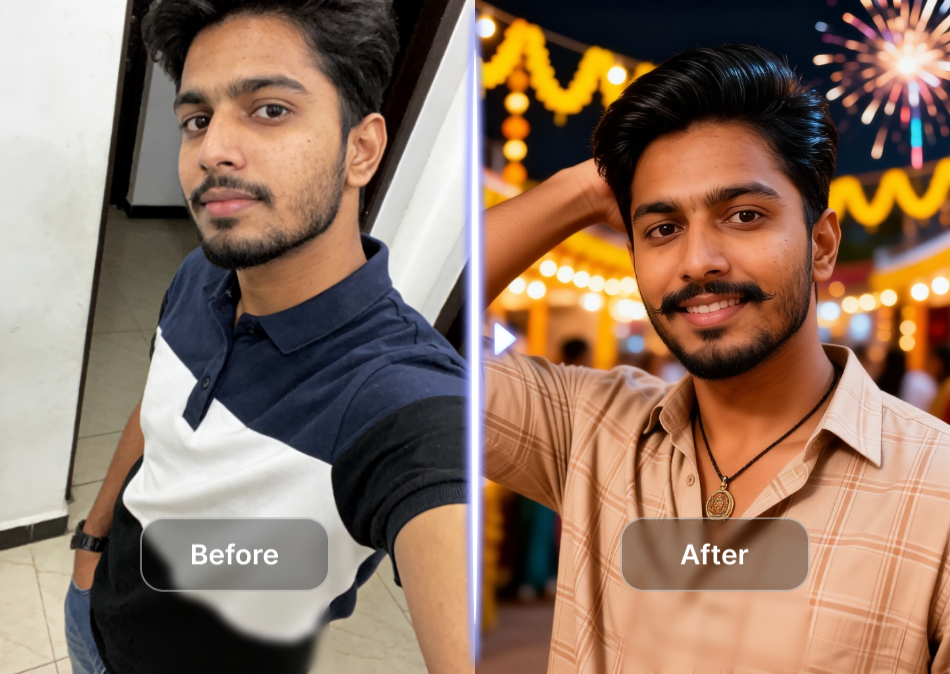
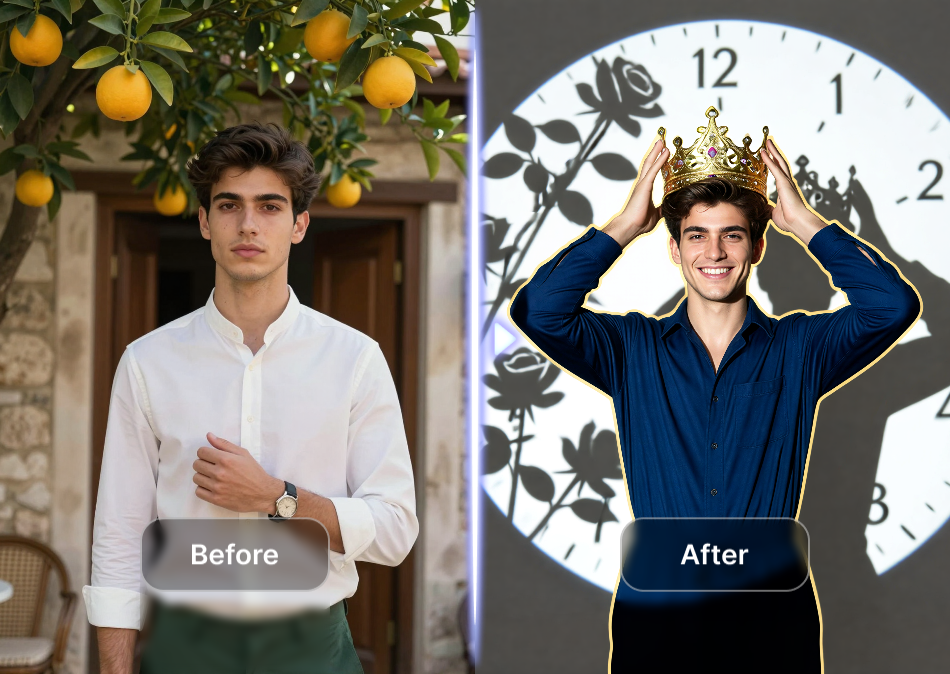
Discover filters and style templates that perfectly match your sofa prompt. From realistic furniture photography to minimalist interior design, photora has a look for every room.
Why photora Is the Best Tool for Sofa Prompts
Turn simple sofa prompt ideas into high quality furniture visuals. photora gives you powerful AI image generation, curated style filters, and an easy mobile workflow so every design feels authentic.
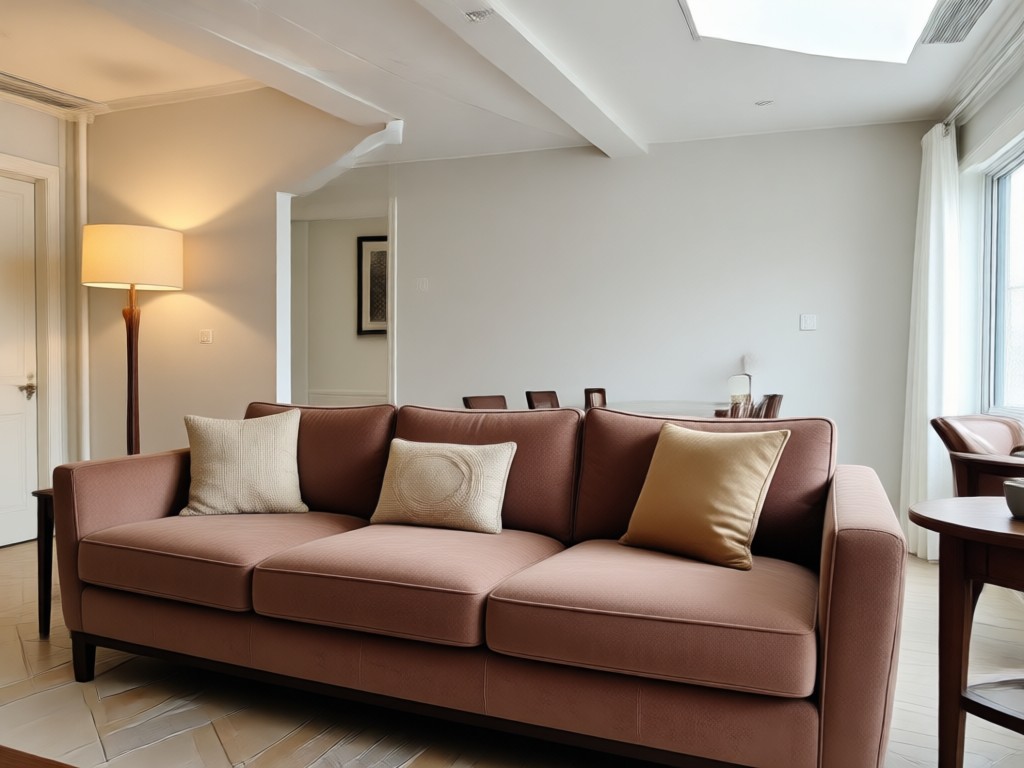
Realistic Furniture Rendering
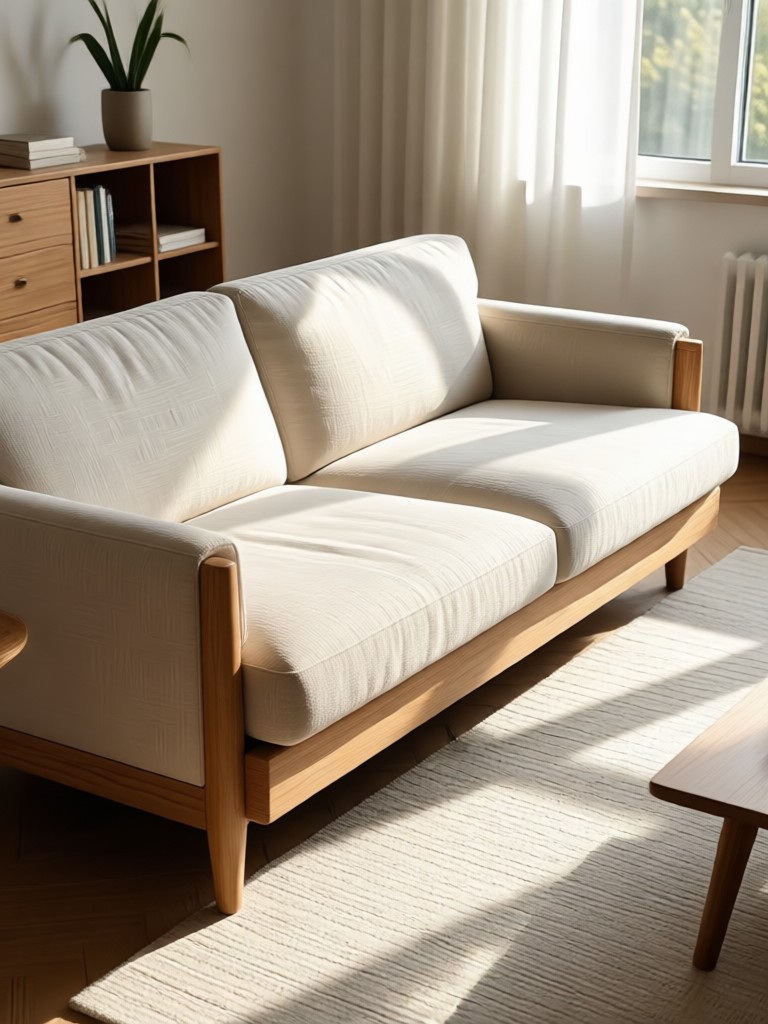
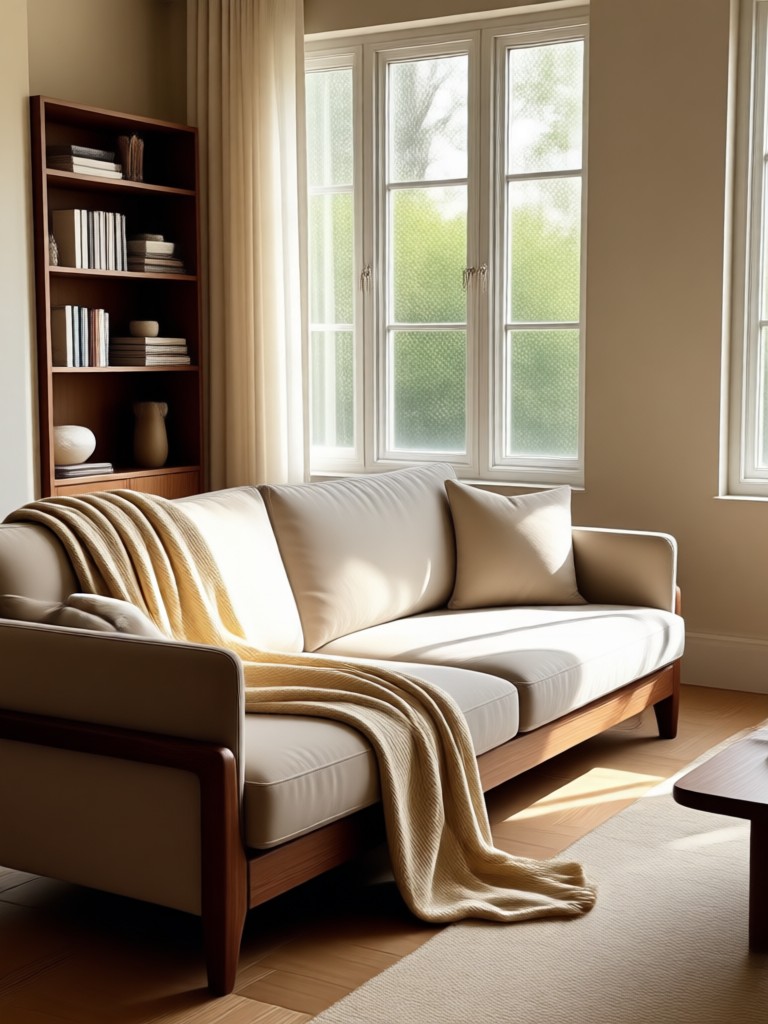
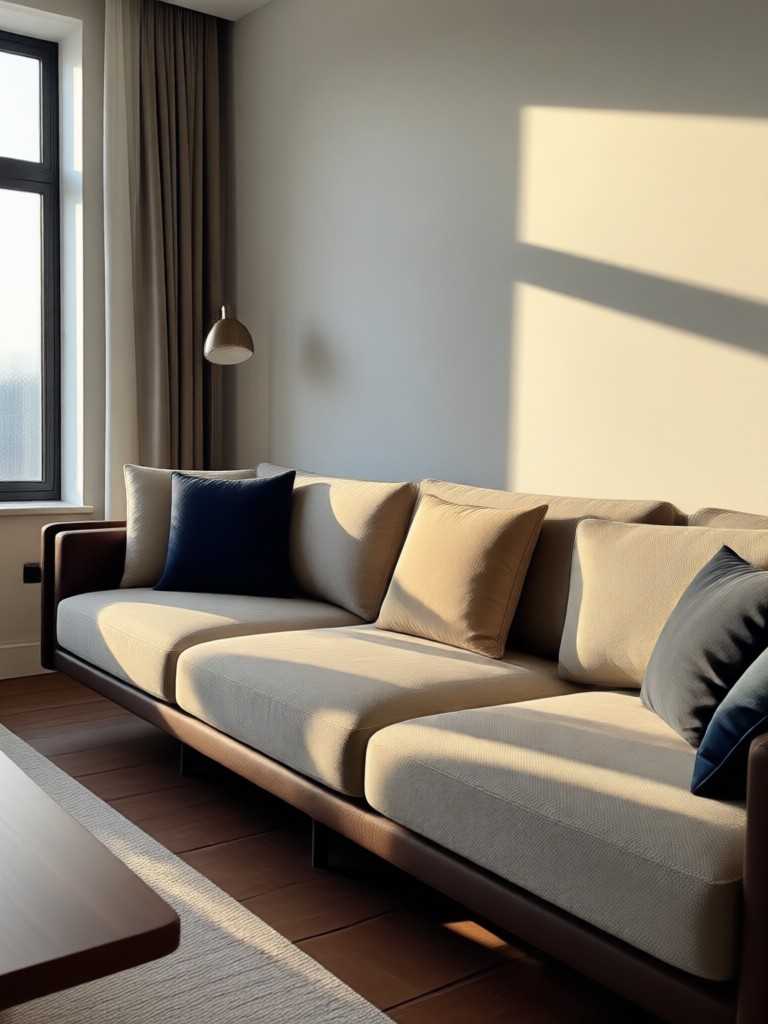
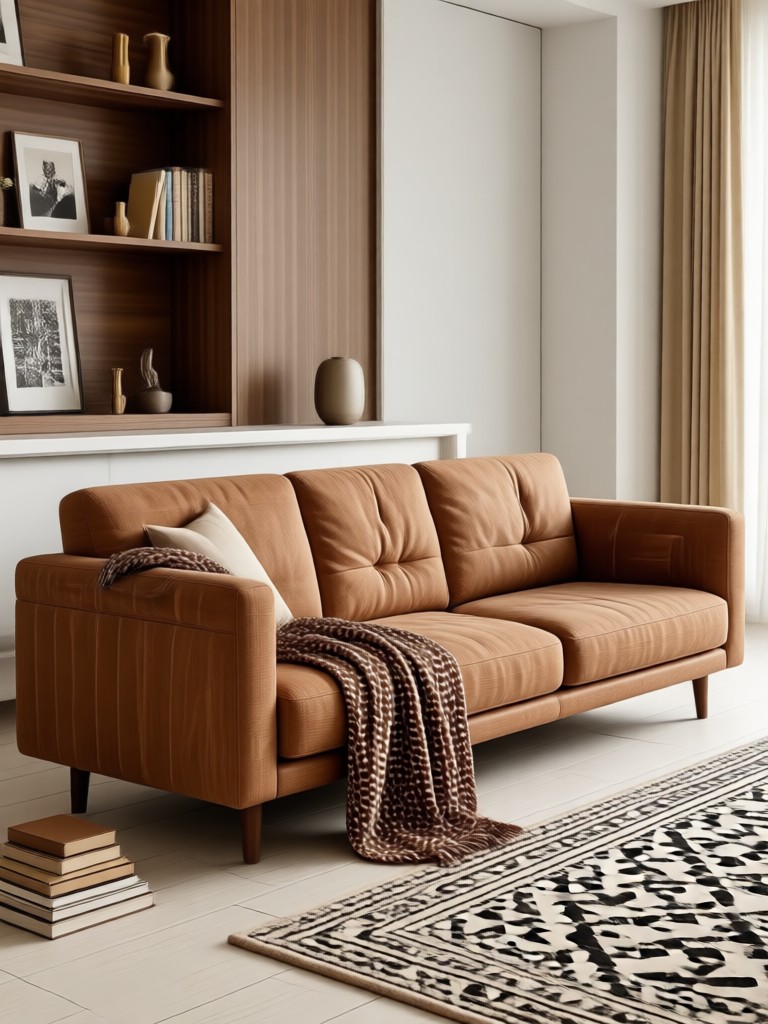
Generate lifelike sofa images with accurate textures, shapes, and lighting. Ideal for interior inspiration or product concept previews.
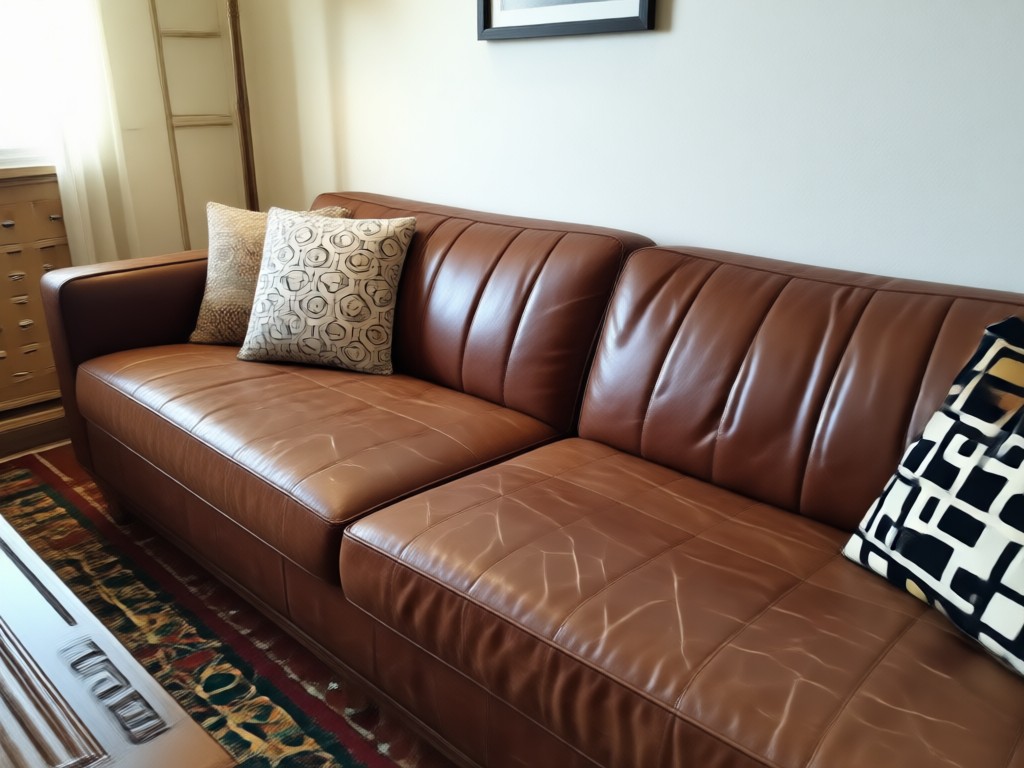
30+ Interior Style Filters
Apply modern, boho, minimalist, industrial, or luxury interior filters to your sofa prompt for the exact mood you want.
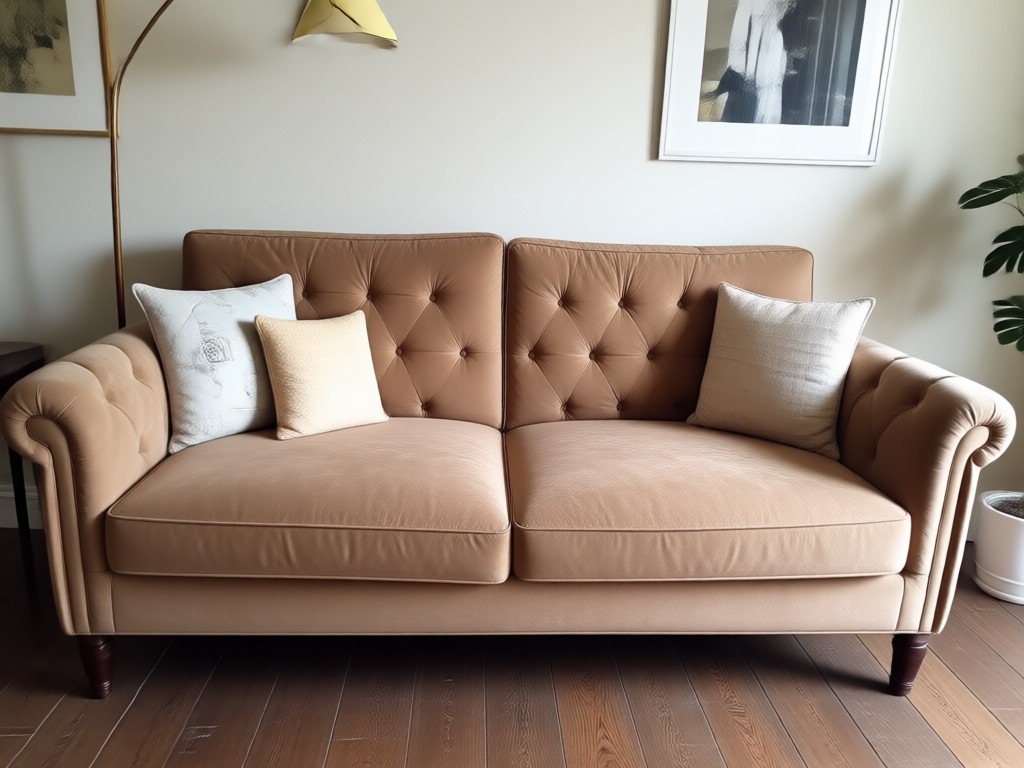
Quick and Easy Mobile App
Type a prompt, choose a style, and generate a sofa image in seconds. No design skills or complex software required.
Explore AI Sofa Creations Gallery
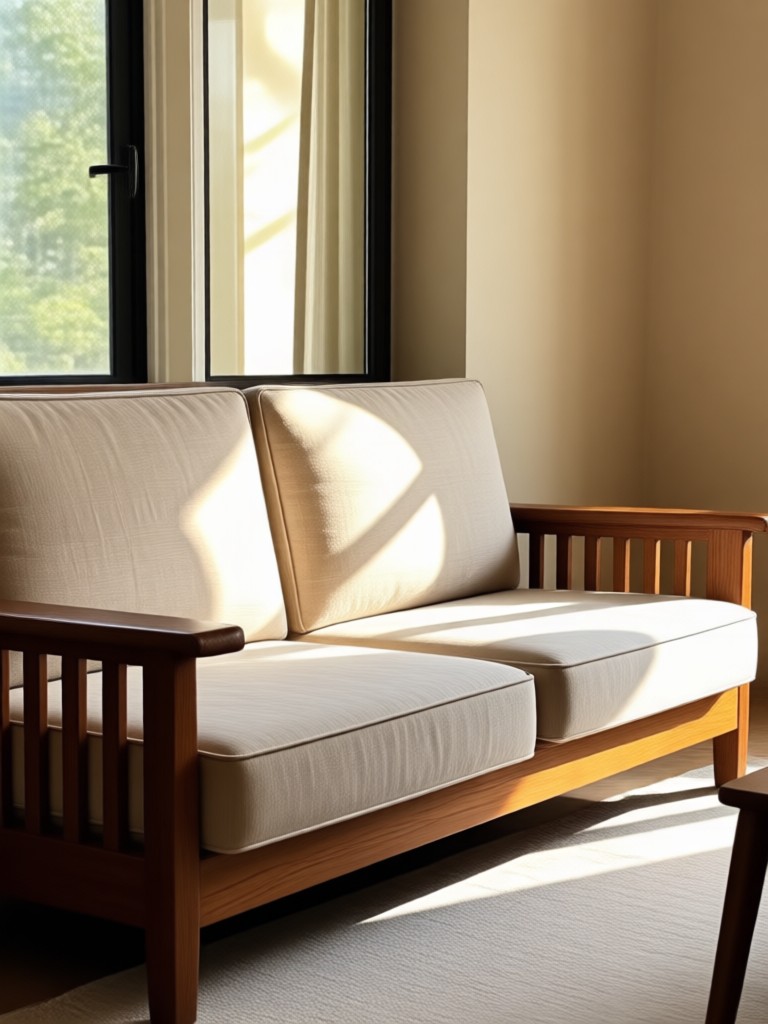
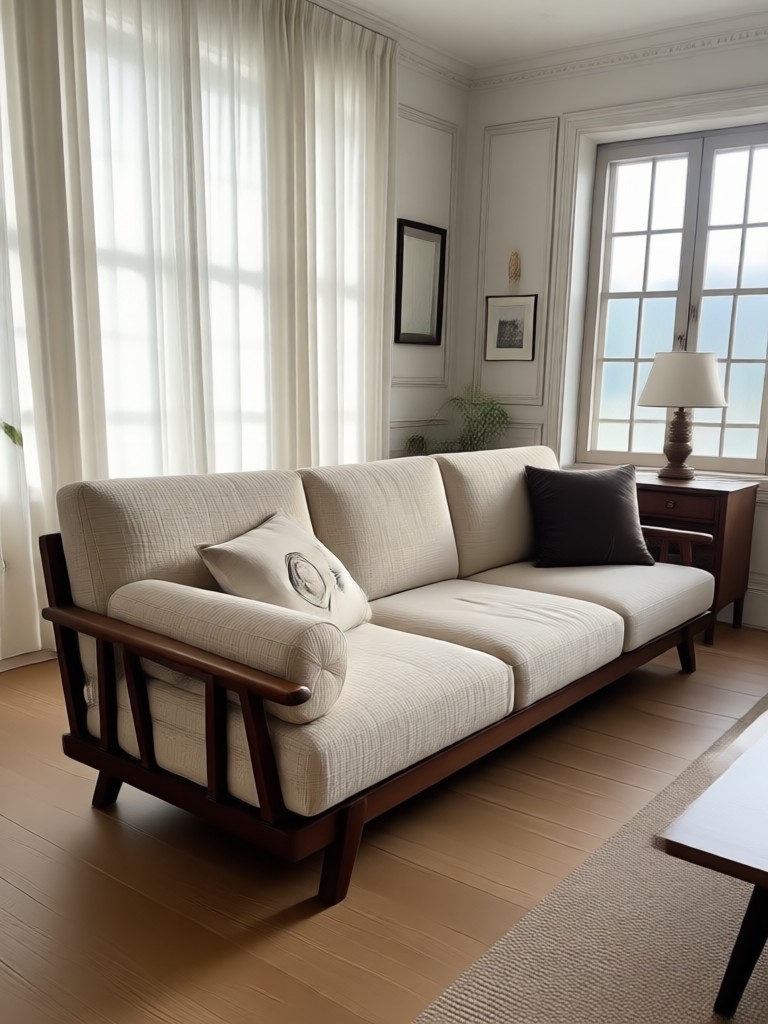
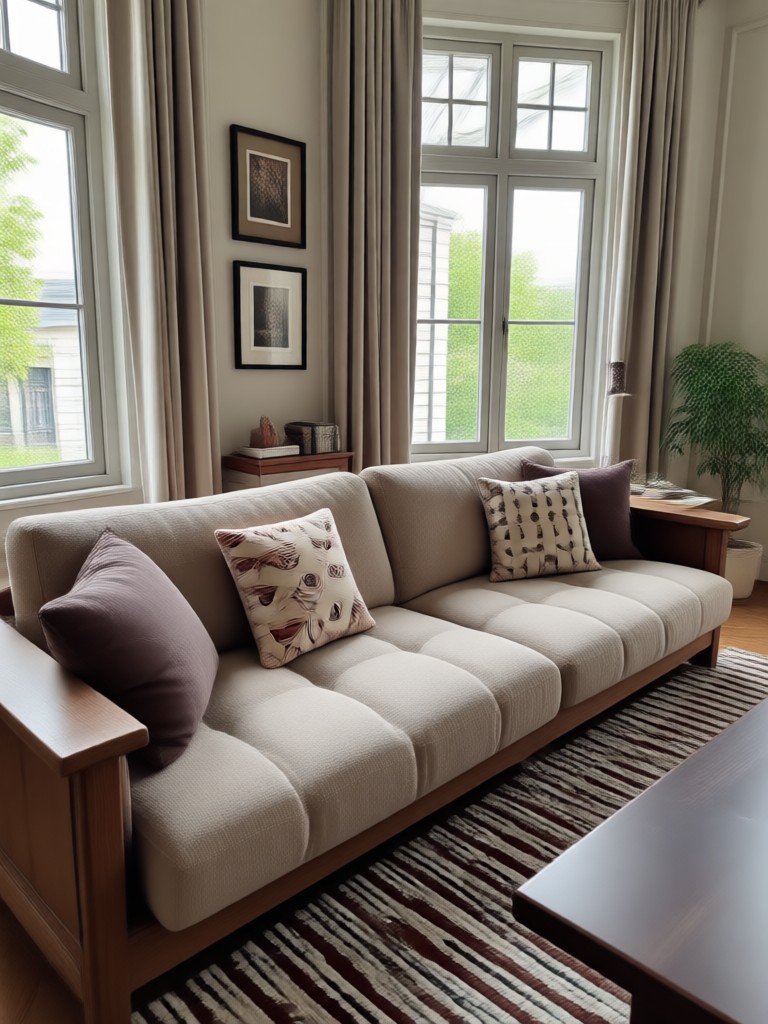
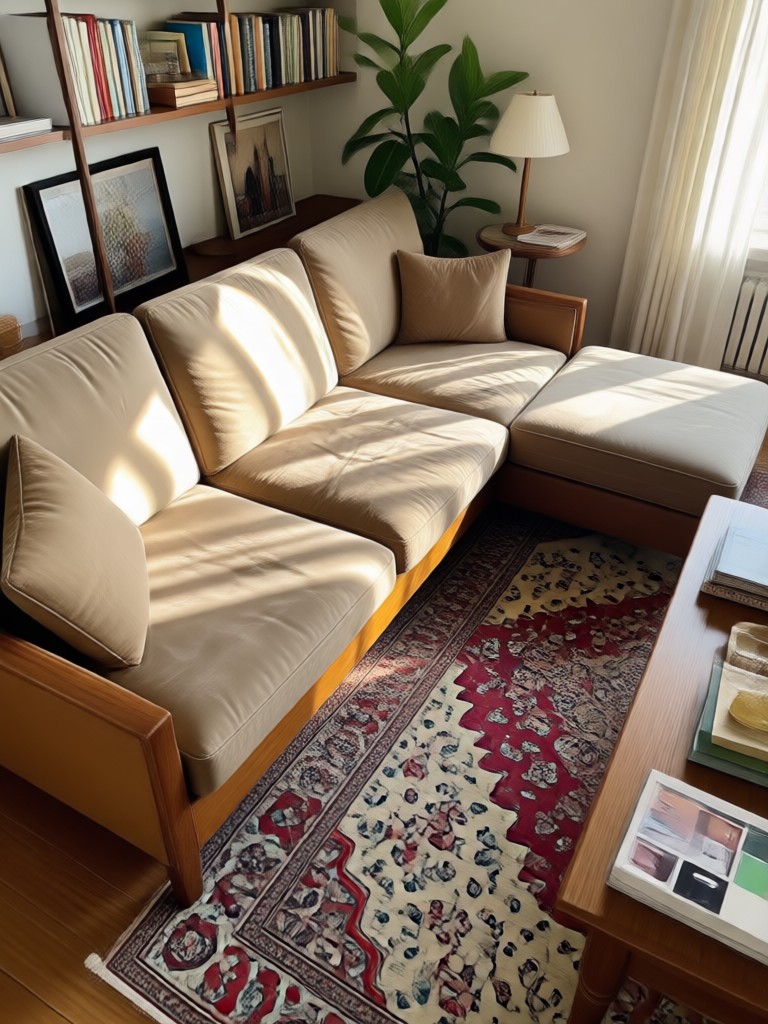
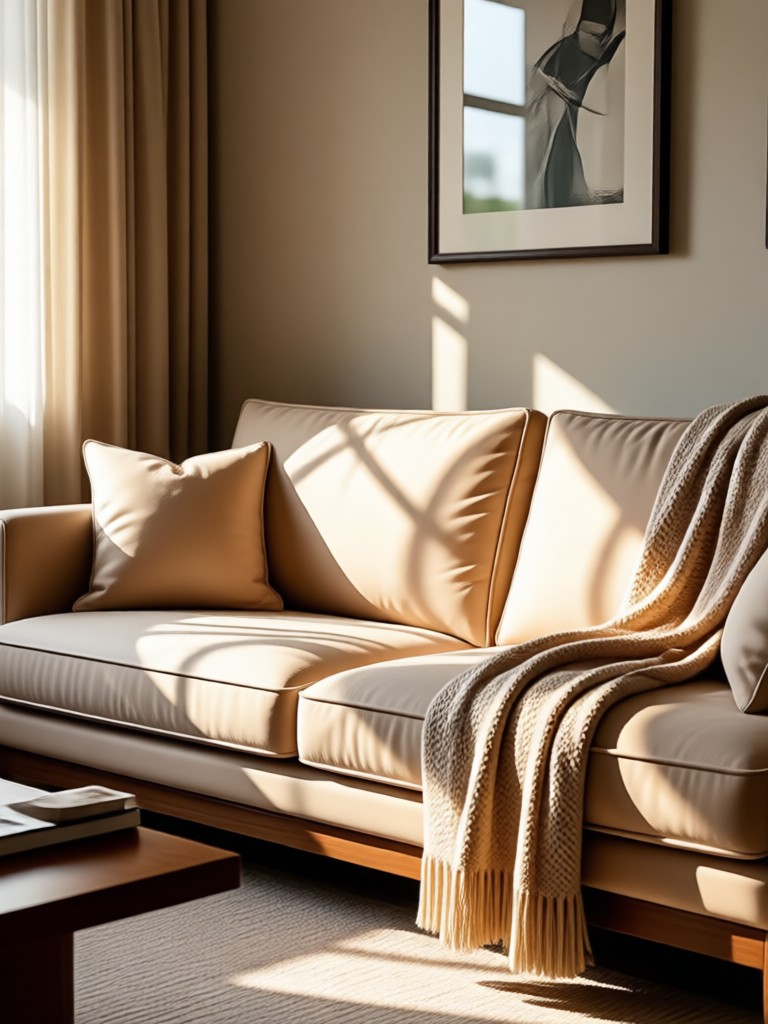
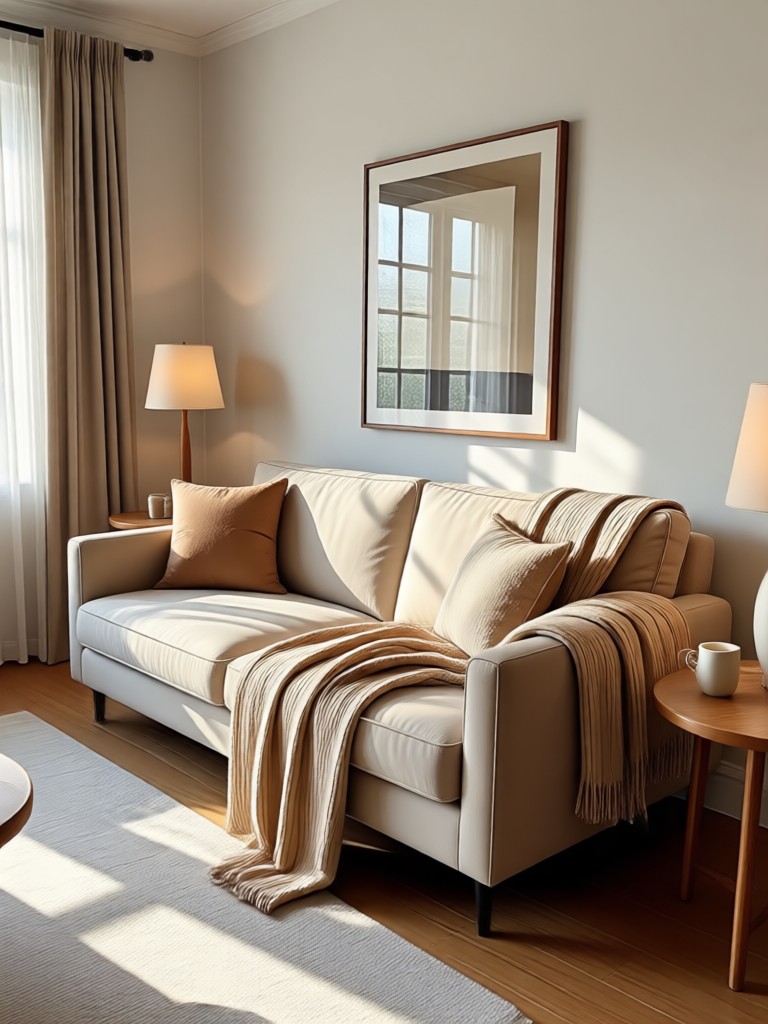
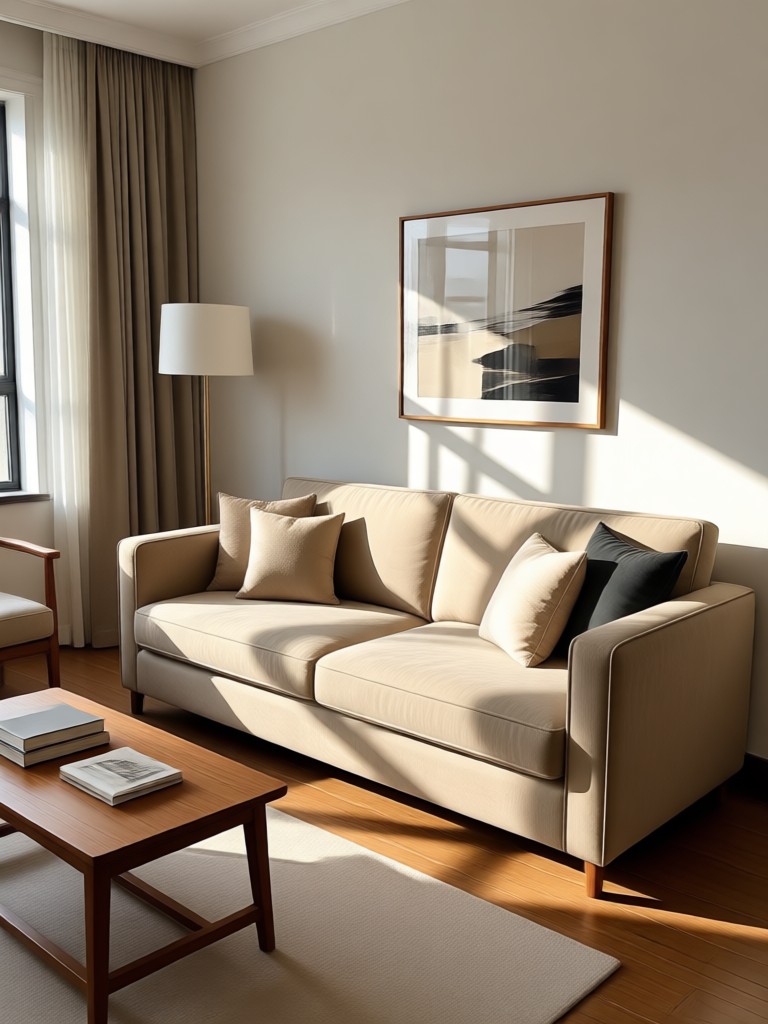
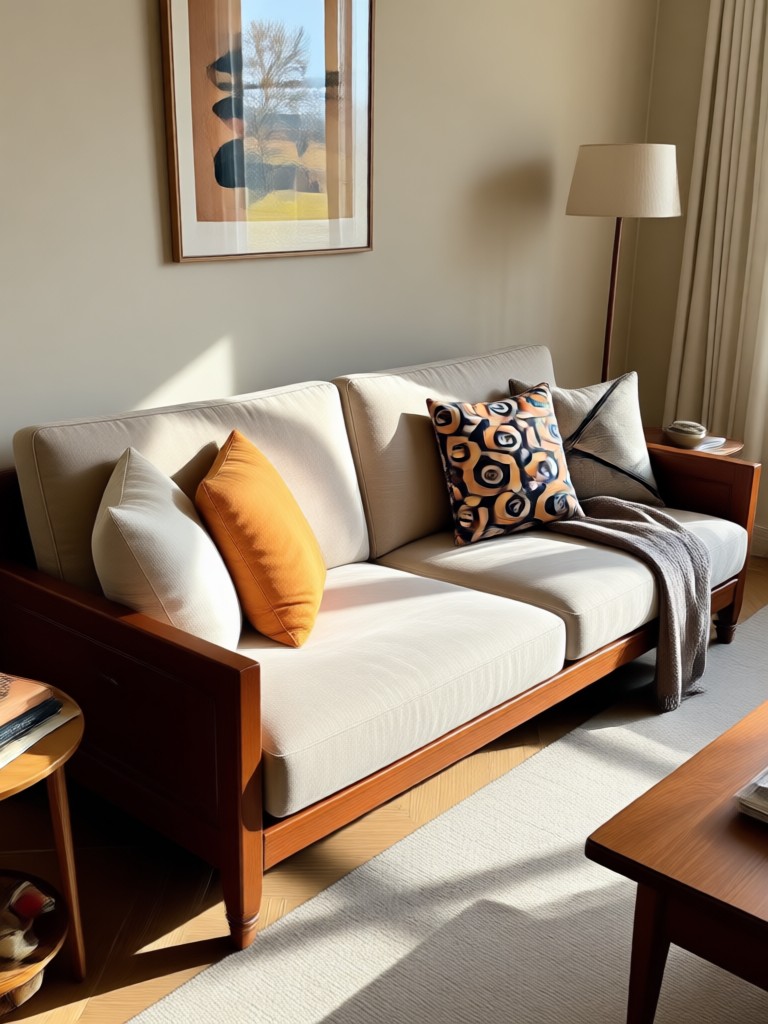
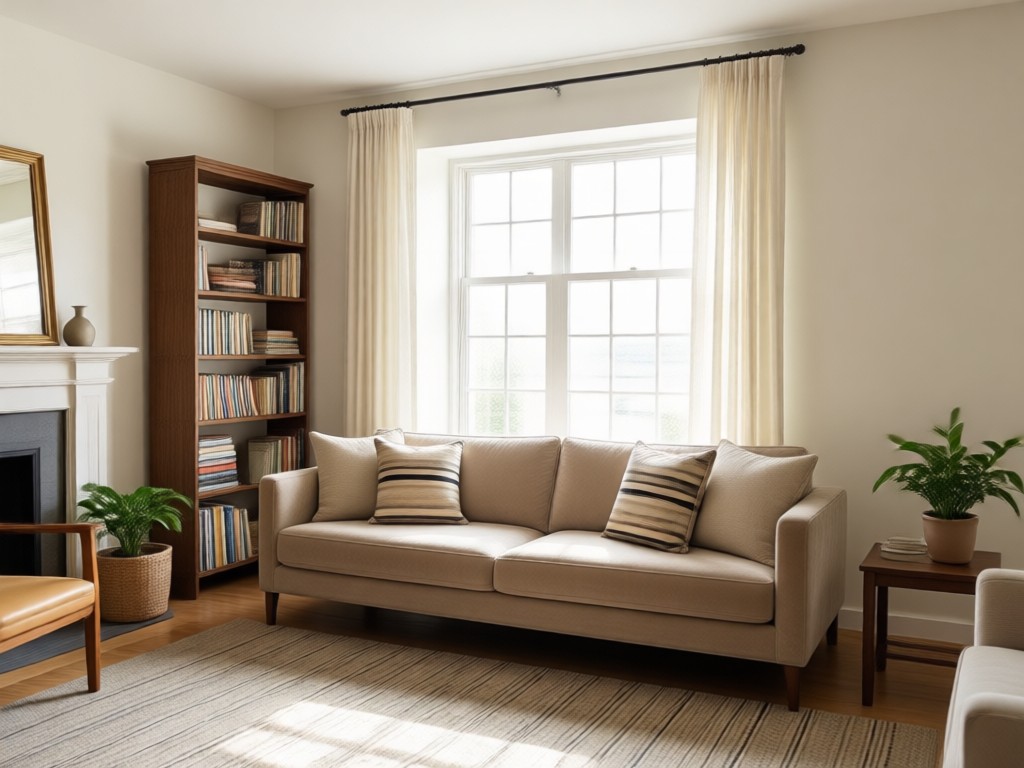
Browse stunning AI generated sofa images made with photora. Discover how simple sofa prompts can produce realistic furniture designs and inspire your next interior project.
Why Use a Sofa Prompt Instead of Searching for Photos?
Stock photos rarely match your exact vision. With a sofa prompt, you control the style, color, material, and room setting. photora generates a one of a kind sofa image that fits your project perfectly.
Why Use a Sofa Prompt Instead of Searching for Photos?
Stock photos rarely match your exact vision. With a sofa prompt, you control the style, color, material, and room setting. photora generates a one of a kind sofa image that fits your project perfectly.
How to Generate Sofa Images with a Prompt
Follow three simple steps to turn your sofa prompt into a realistic AI generated image using photora.

Step 01.
Download the photora app from Google Play. Open it and tap the image generation tool to begin your sofa design.

Step 02.
Type your sofa prompt into the text field. Be specific about the color, material, style, and room setting for the best result.

Step 03.
Choose a style filter, generate your sofa image, then save or share it directly to social media or with your design team.
Here is What Creators Say About Sofa Prompts
A game changer for my interior design clients
I use sofa prompts to show clients custom furniture concepts before they buy. The generated images look realistic and help us finalize layouts faster.
Perfect for my furniture store listings
Instead of expensive photoshoots, I create multiple sofa variations with photora. The style filters keep our catalog consistent and fresh.
So easy and fun for home decor content
I generate dream sofa scenes for my social media. The prompts are simple, and the results always match the cozy aesthetic my audience loves.
Turn Simple Text into a Perfect Sofa Design
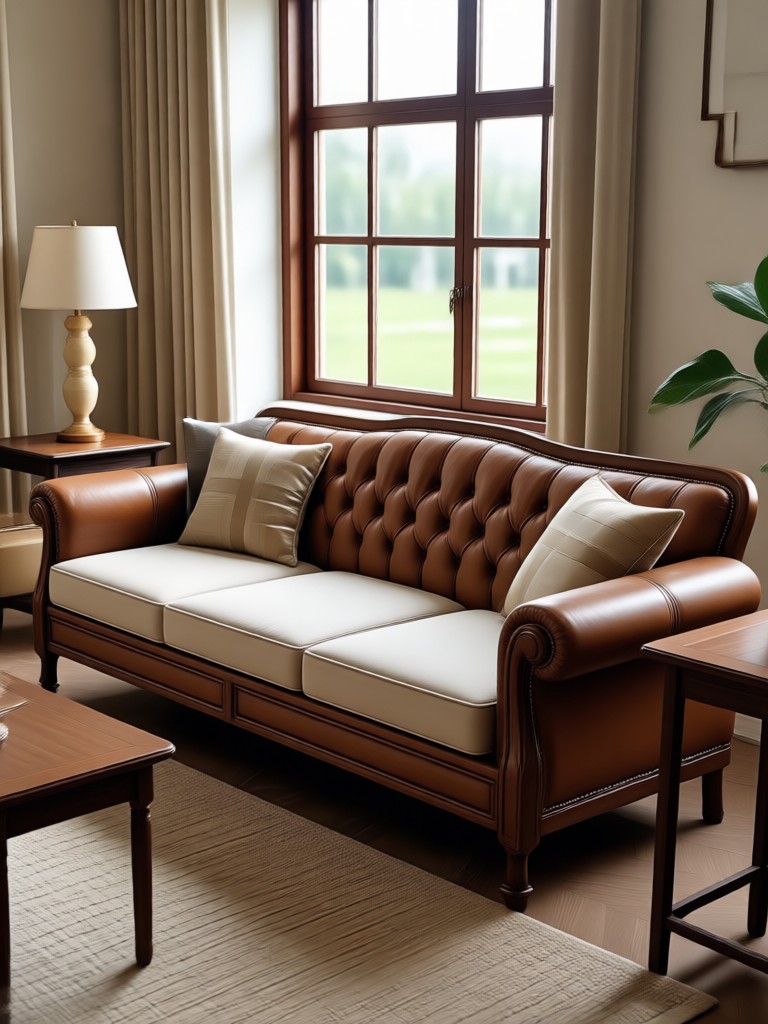
Enter a sofa prompt and let photora generate a realistic furniture image in seconds. Download the app and access unlimited style filters for modern, cozy, and luxury sofa concepts.

Frequently Asked Questions About Sofa Prompts
Find answers to common questions about generating sofa images with AI prompts in photora.
More Topics You May Like
Explore more topics you may like and discover fresh ideas tailored to your interests.

Chef Prompt Ideas for Realistic AI Food and Kitchen Art

Double Exposure Photo Prompts: Blend Two Images Into One

Doctor Photo Prompts: Create Realistic AI Portraits

Y2K Prompt Guide for Retro Futuristic AI Art
Chef Prompt Ideas for Realistic AI Food and Kitchen Art
Double Exposure Photo Prompts: Blend Two Images Into One
Doctor Photo Prompts: Create Realistic AI Portraits
Y2K Prompt Guide for Retro Futuristic AI Art
Ready to Create Your Dream Sofa with AI?
Download photora and start generating stunning sofa images from simple prompts. Access thousands of style filters and turn your furniture ideas into reality in seconds.
Ready to Create Your Dream Sofa with AI?
Download photora and start generating stunning sofa images from simple prompts. Access thousands of style filters and turn your furniture ideas into reality in seconds.