Chef Prompt
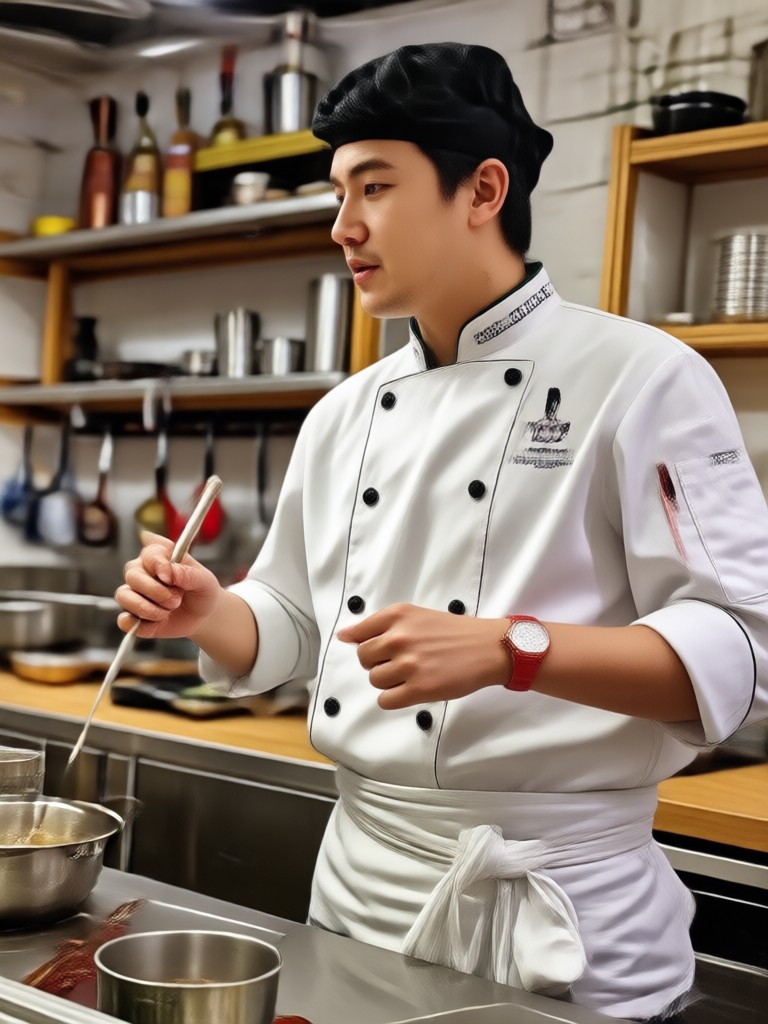
Choose the Chef Prompt Style That Fits Your Scene
Browse curated filters that turn text prompts into chef portraits, food photography, and kitchen action shots with one tap.
Key Features for Chef Prompt Creation
Photora combines text to image, image to image, and text to video tools to bring your Chef Prompt ideas to life. No complex editing, just fast mobile generation with realistic results every time.
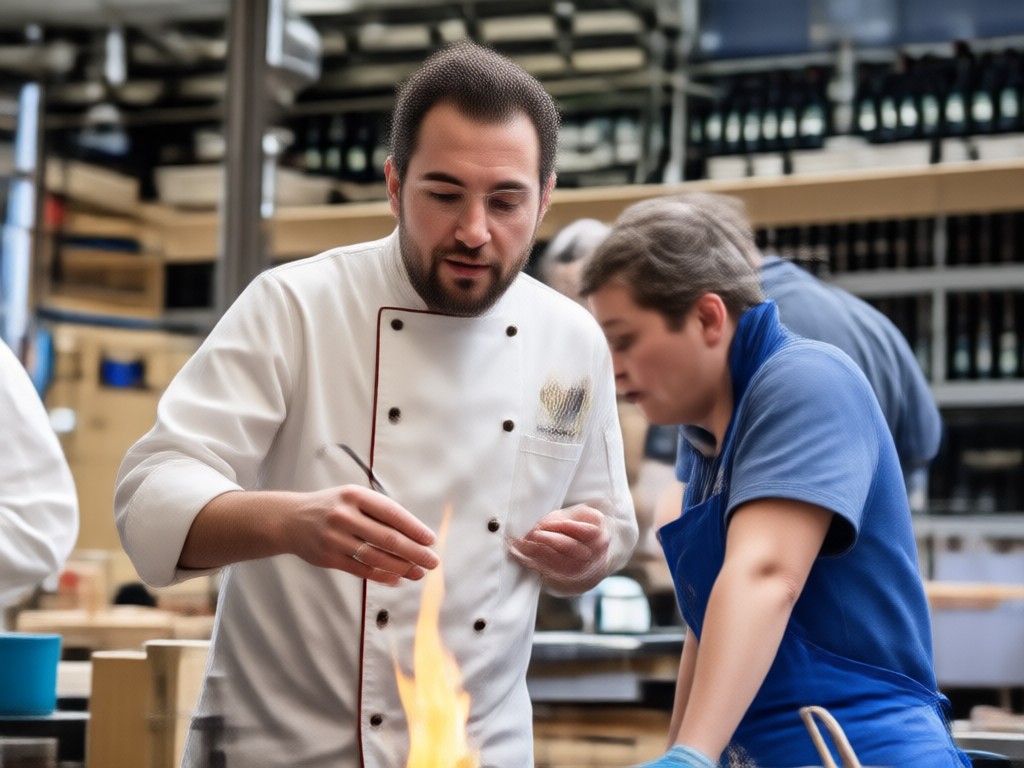
Text to Image Chef Scenes
Turn simple Chef Prompt descriptions into high resolution culinary visuals. The app handles lighting, composition, and food styling automatically.
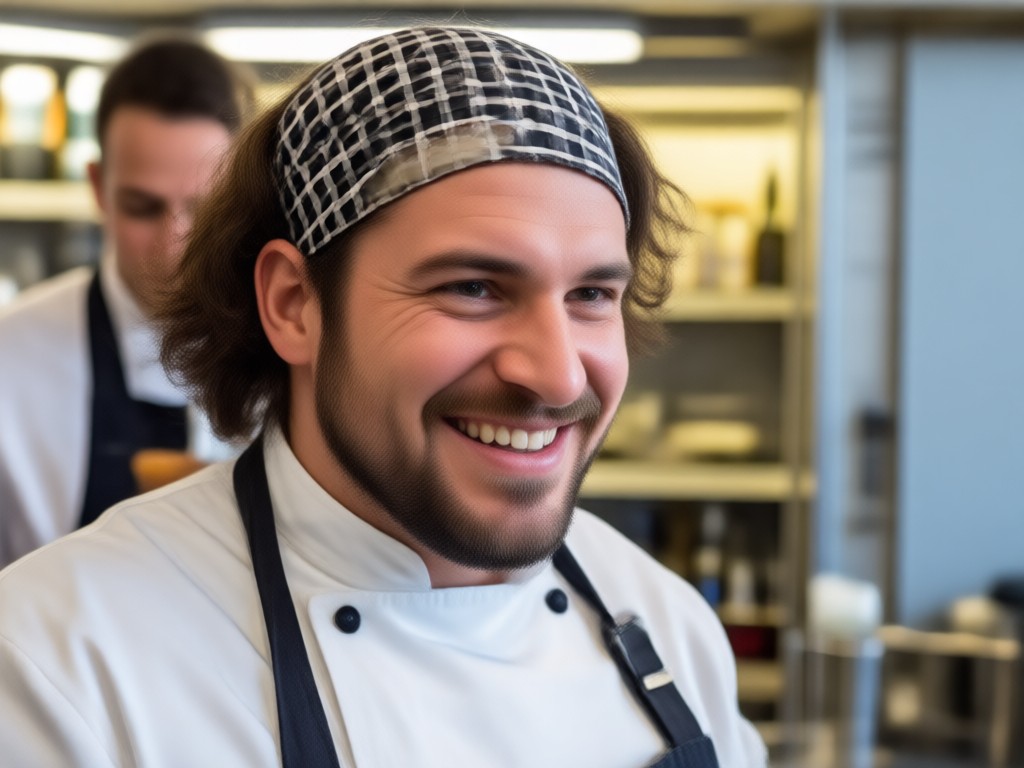
Image to Image Chef Transformations
Upload a photo and apply a Chef Prompt style to change clothing, kitchen background, or plating details while keeping the subject intact.
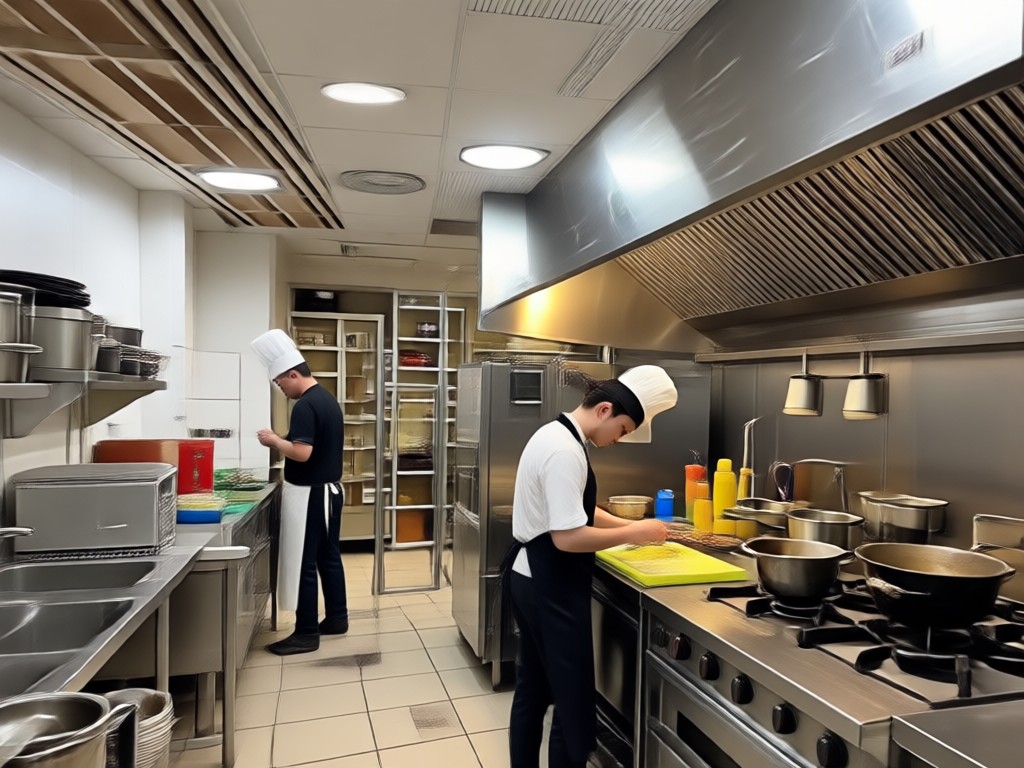
Chef Video Prompt Effects
Animate static chef photos or create short cooking videos from text. Generate blinking, head turns, and dynamic kitchen movements.
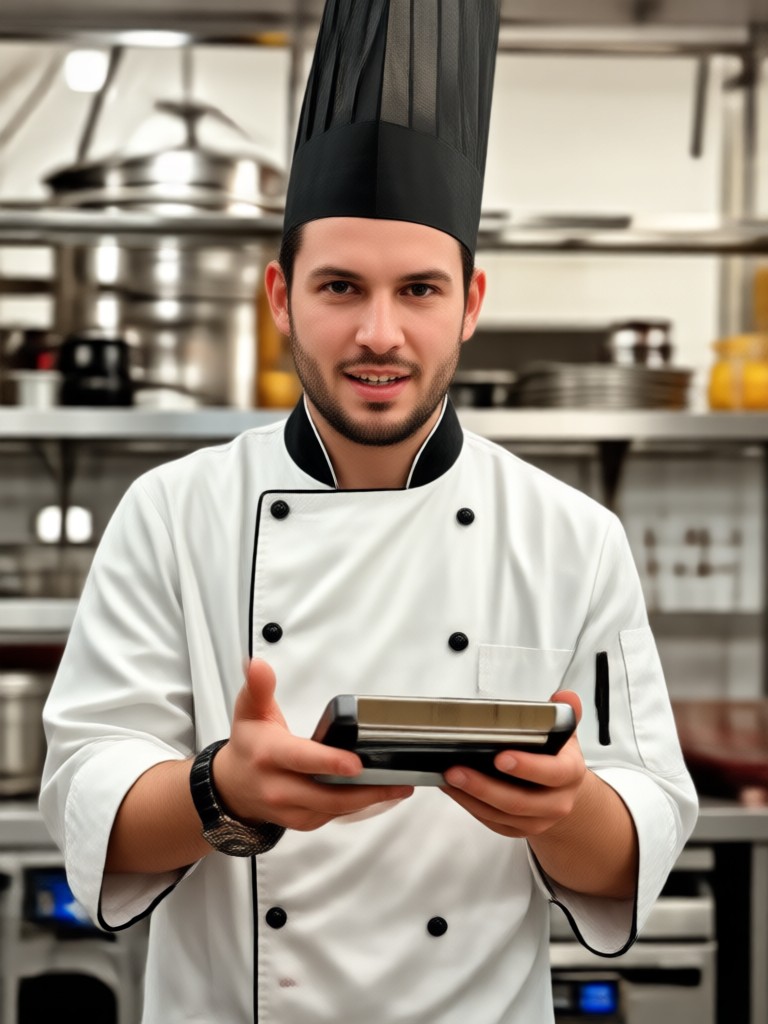
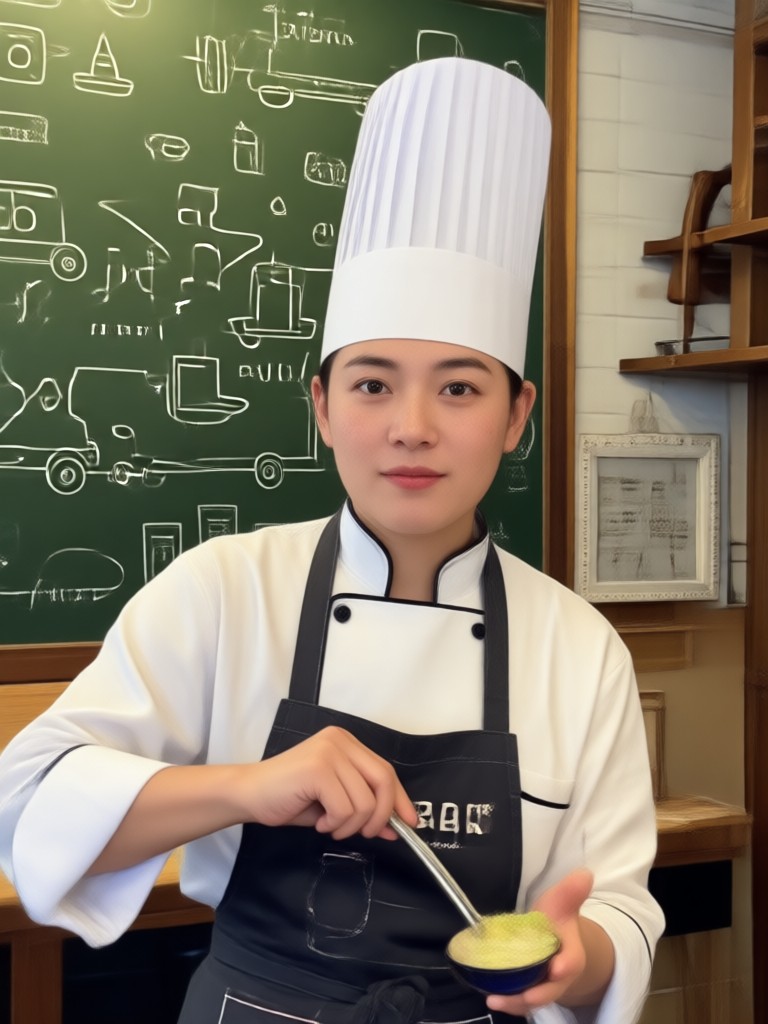
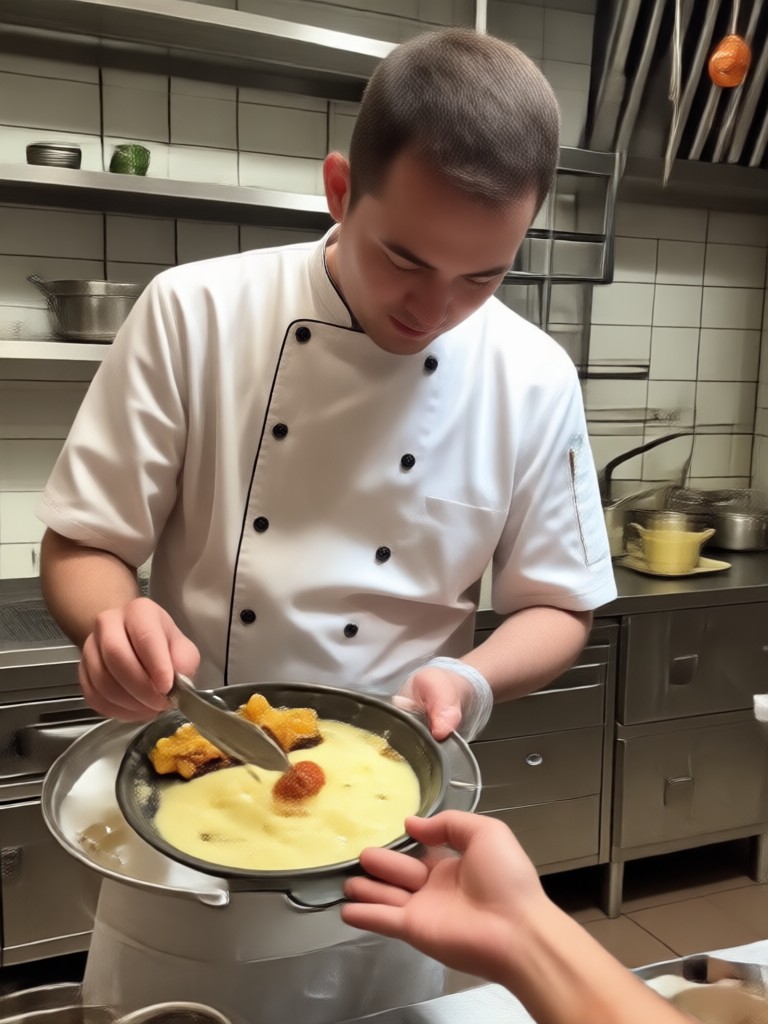
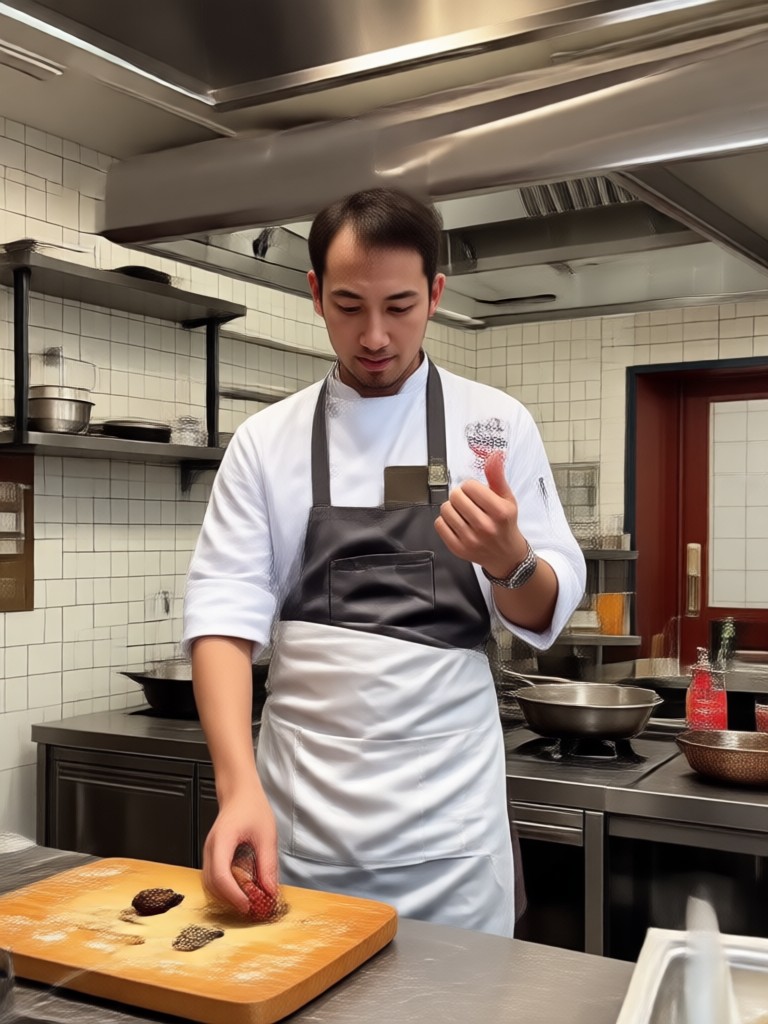
Popular Chef Prompt Samples to Download
Download sample Chef Prompt references and recreate them with your own photos or text in minutes.
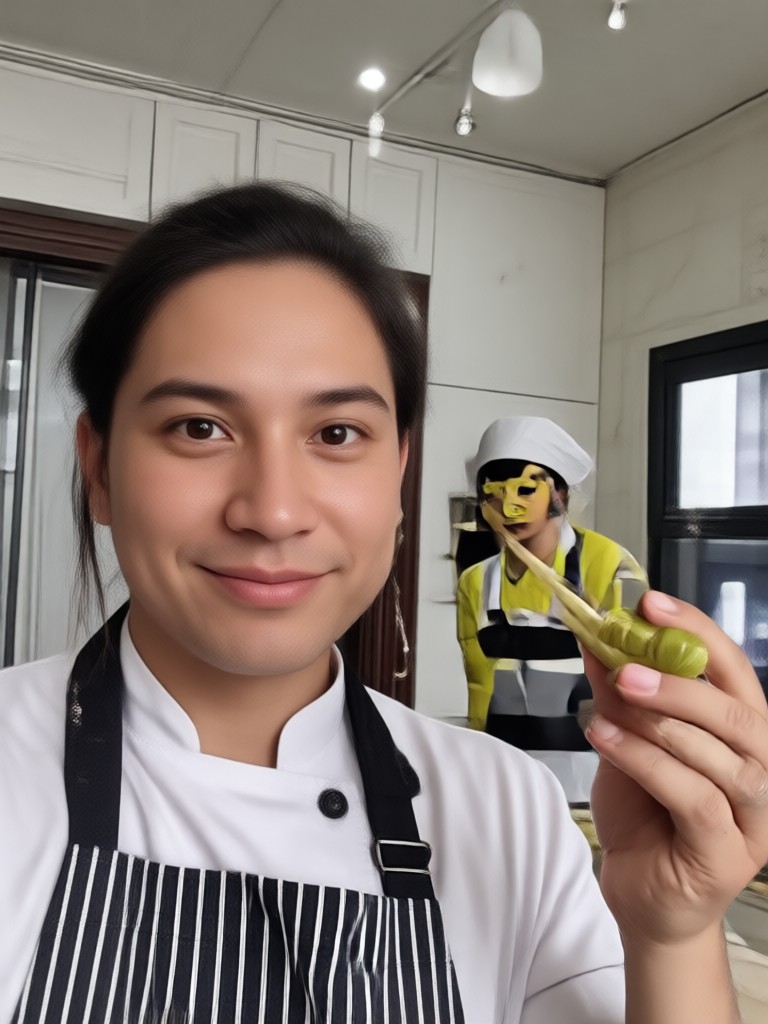
How to Create Chef Images with Prompts
Follow three simple steps to turn Chef Prompt ideas into realistic culinary visuals on Photora.
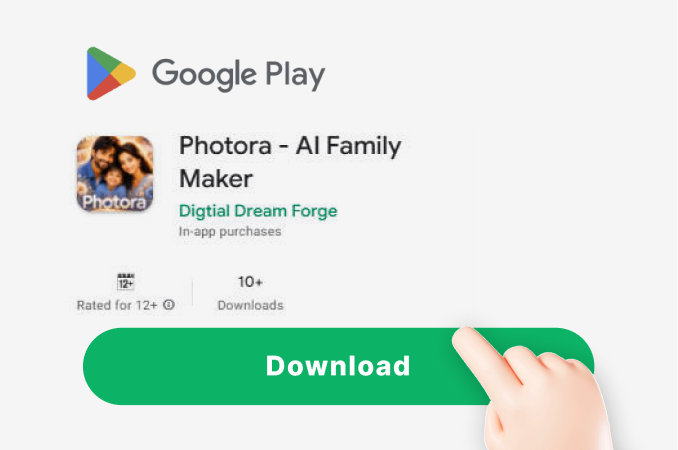
Step 01.
Download the Photora app from Google Play to access all Chef Prompt templates and filters.
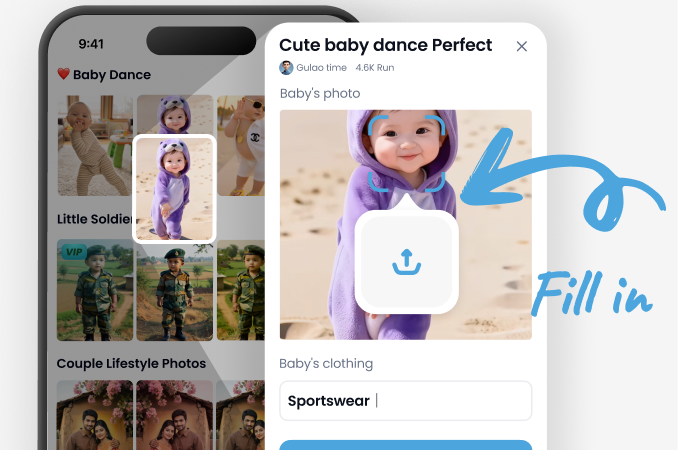
Step 02.
Choose a Chef Prompt from the gallery or write your own. Pick a style filter like cinematic or food photography.
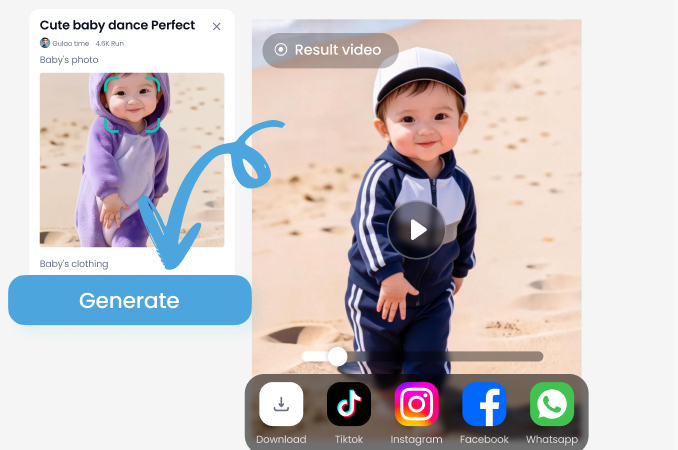
Step 03.
Generate your chef image or video, then save and share it on social media or with your team.
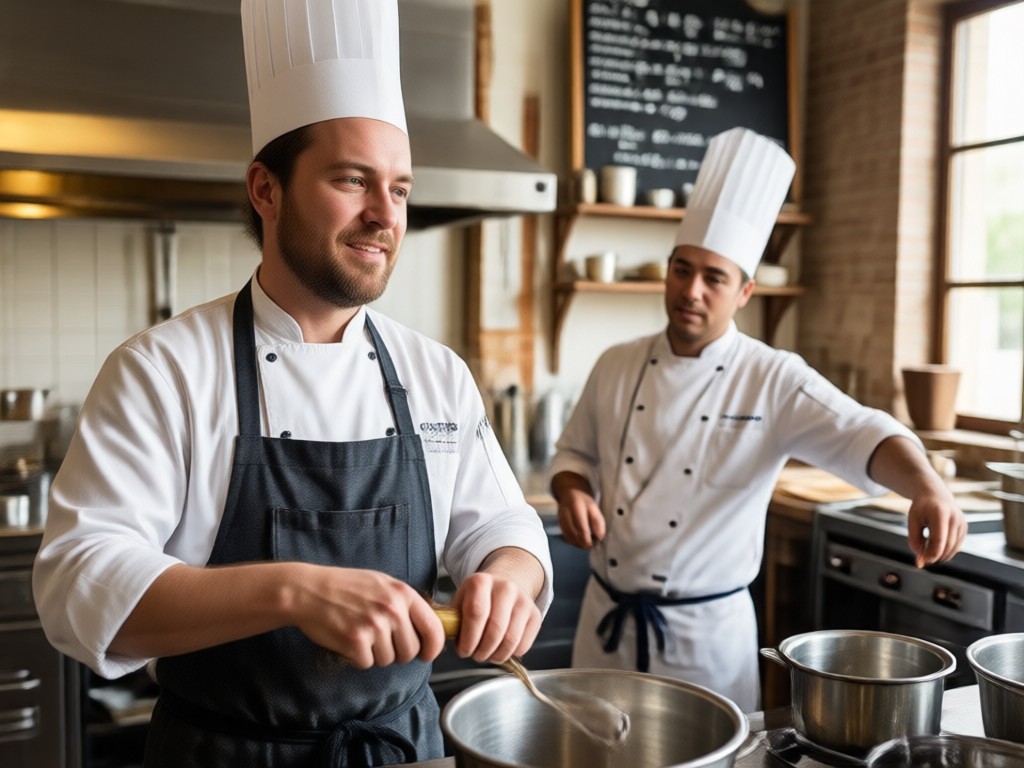
Why Use Chef Prompts on Photora
Chef Prompt creation on Photora removes the guesswork from AI food photography. You get professional lighting, realistic textures, and accurate kitchen details without learning complex design software. It is fast, mobile only, and built for creators who need polished culinary visuals immediately.
What Creators Say About Chef Prompts
Perfect for restaurant social media
I run a small bistro and use Chef Prompts to create daily specials posts. The food looks real and the chef portraits always get likes. It saves me hours compared to photoshoots.
Great for content creators
As a food blogger, I need new visuals every week. The Chef Prompt filters keep my style consistent and the image quality is high enough for Instagram and Pinterest.
Simple and fast
No design skills needed. I type a Chef Prompt, pick a filter, and get a professional image in seconds. It is my go to app for cooking tutorials and thumbnails.
Frequently Asked Questions About Chef Prompts
Find clear answers to common questions about using Chef Prompts to create realistic culinary images and videos.
More Topics You May Like
Explore more culinary and AI content ideas to keep your creative workflow fresh.
Double Exposure Photo Prompts: Blend Two Images Into One

Doctor Photo Prompts: Create Realistic AI Portraits
Y2K Prompt Guide for Retro Futuristic AI Art
AI Chair Prompts for Stunning Furniture Design Ideas
Double Exposure Photo Prompts: Blend Two Images Into One
Doctor Photo Prompts: Create Realistic AI Portraits
Y2K Prompt Guide for Retro Futuristic AI Art
AI Chair Prompts for Stunning Furniture Design Ideas
Ready to Create with Chef Prompts?
Download Photora and turn text into realistic chef portraits, food photography, and cooking videos in seconds.
Ready to Create with Chef Prompts?
Download Photora and turn text into realistic chef portraits, food photography, and cooking videos in seconds.