Pose Change Prompt
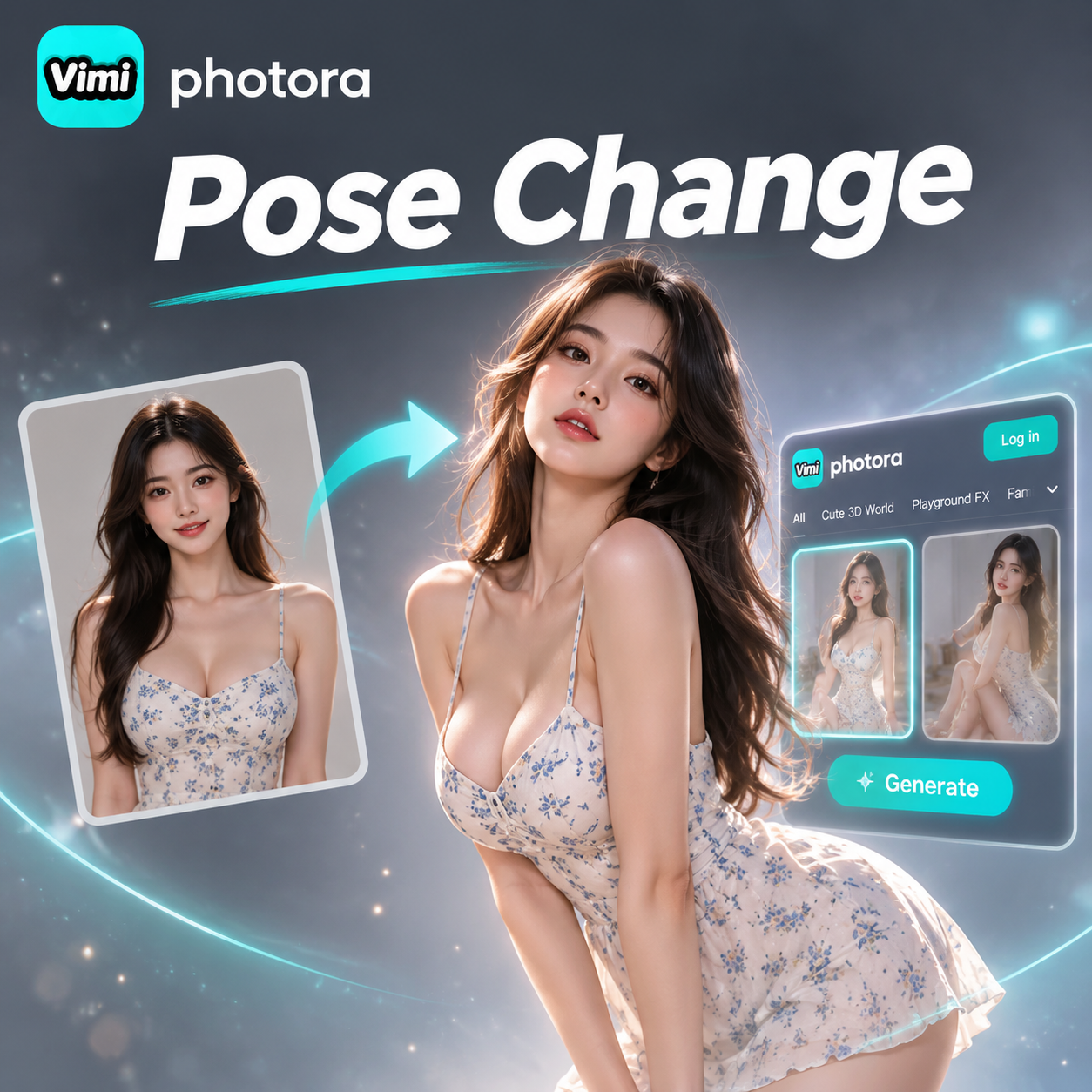


Choose the Pose Change Filter That Suits You Best
Explore a variety of AI filters that handle pose changes, body repositioning, and style transfer. Find the perfect match for your portrait, full body shot, or group photo.
Key Features of Pose Change Prompt
Photora makes pose editing simple. Type a natural language prompt, choose a filter, and let the AI reposition your subject with realistic body mechanics and lighting.
Natural Pose Transformation
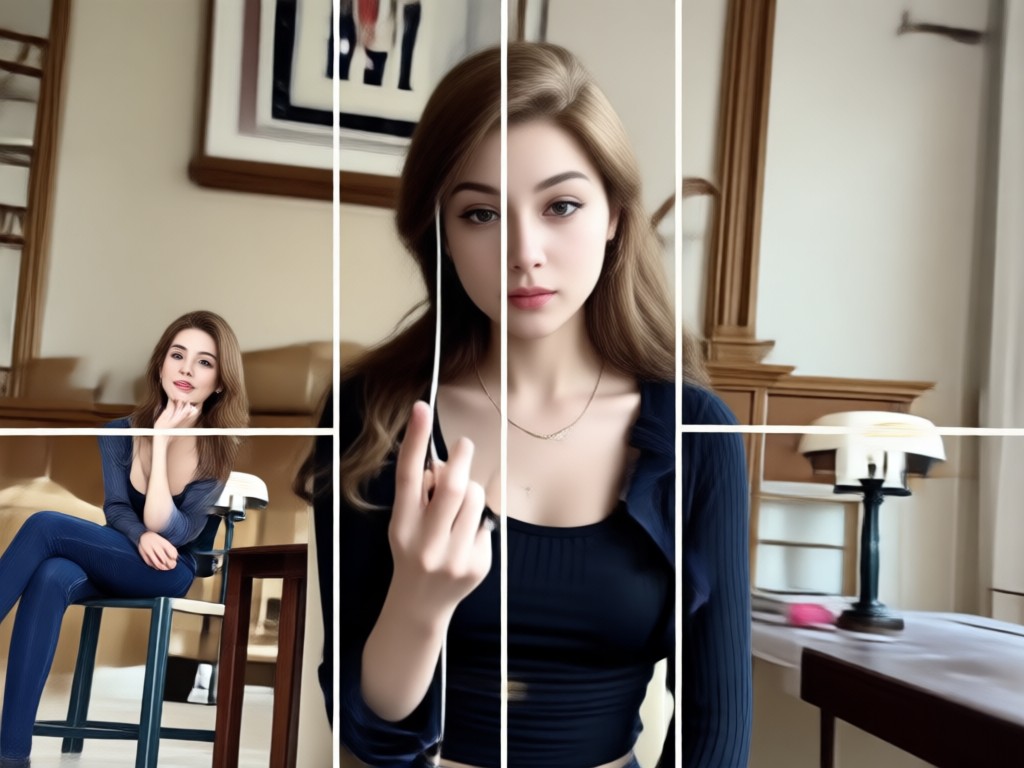
Upload a photo and type a pose change prompt like sitting, standing, or leaning. Photora preserves the face, outfit, and background while repositioning the body into a convincing new pose. No manual editing required.
Natural Pose Transformation
Upload a photo and type a pose change prompt like sitting, standing, or leaning. Photora preserves the face, outfit, and background while repositioning the body into a convincing new pose. No manual editing required.
Reference Pose Matching
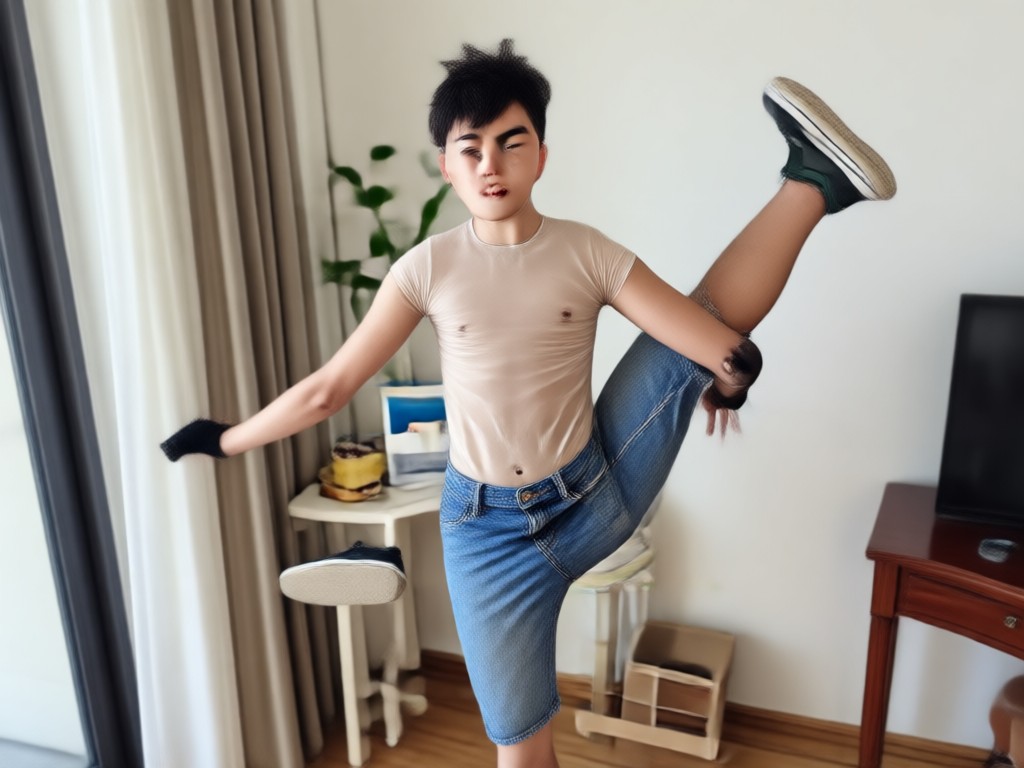
Use a reference image or a detailed text prompt to match a specific angle, gesture, or posture. The AI studies the target pose and remaps your subject with accurate proportions and natural body flow.
Reference Pose Matching
Use a reference image or a detailed text prompt to match a specific angle, gesture, or posture. The AI studies the target pose and remaps your subject with accurate proportions and natural body flow.
Style Safe Pose Editing
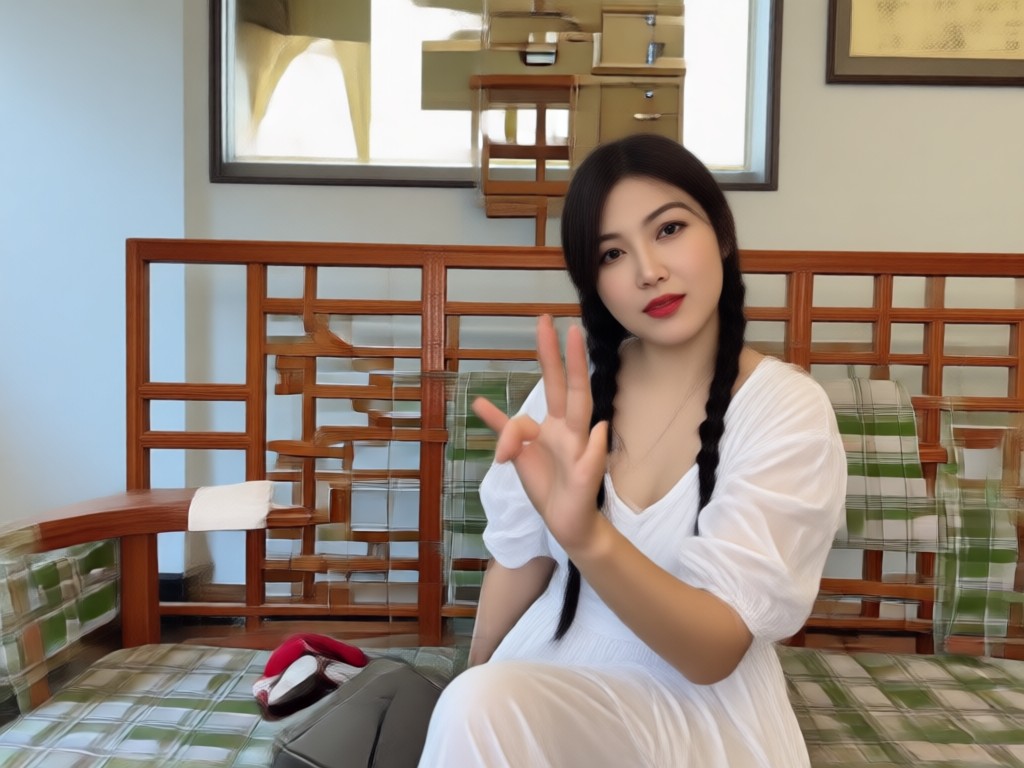
Change only the pose without losing your original style. Photora keeps the lighting, colors, and artistic filter intact while adjusting body position, making the final image look cohesive and professional.
Style Safe Pose Editing
Change only the pose without losing your original style. Photora keeps the lighting, colors, and artistic filter intact while adjusting body position, making the final image look cohesive and professional.
Pose Change Prompt Gallery
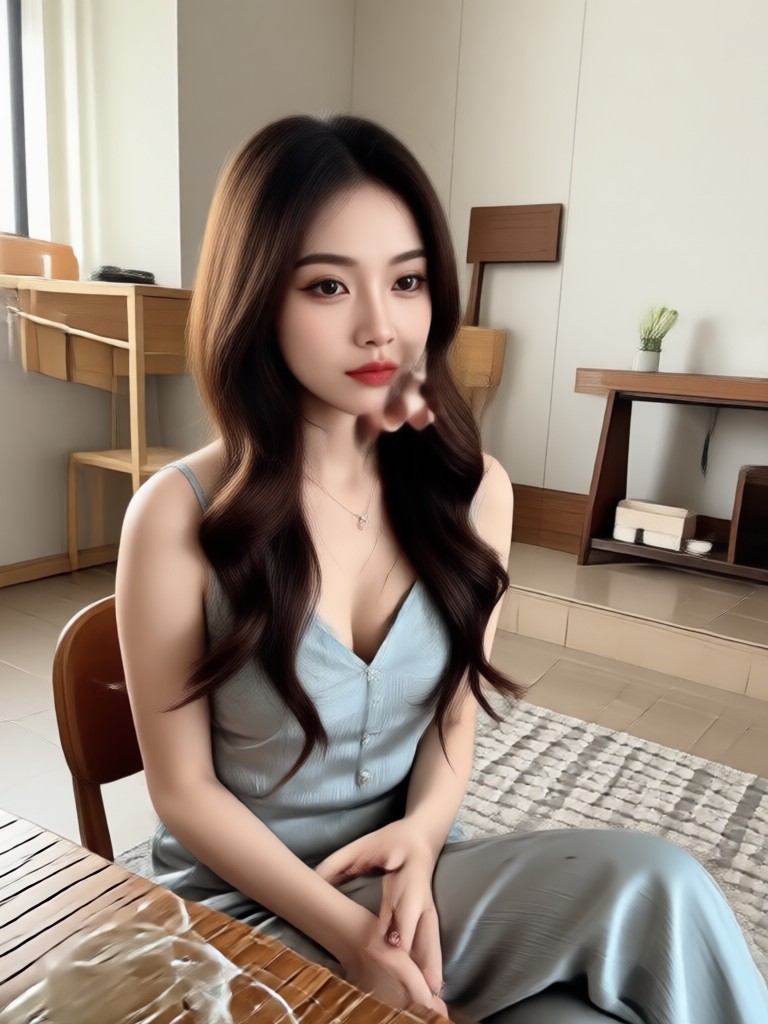
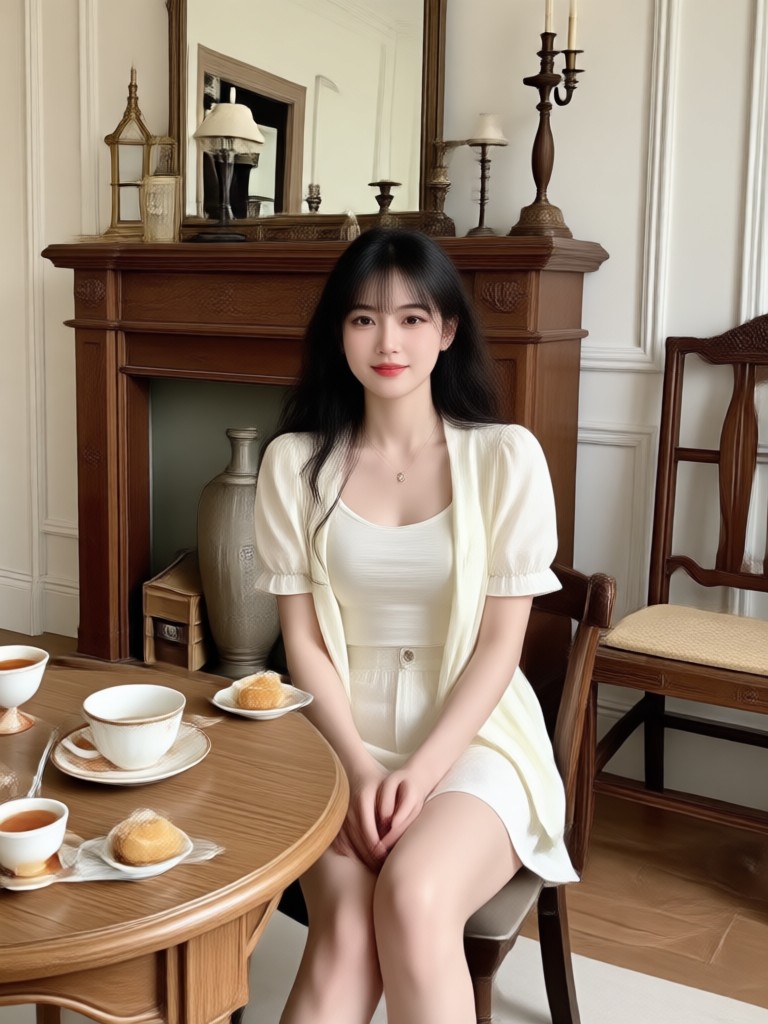
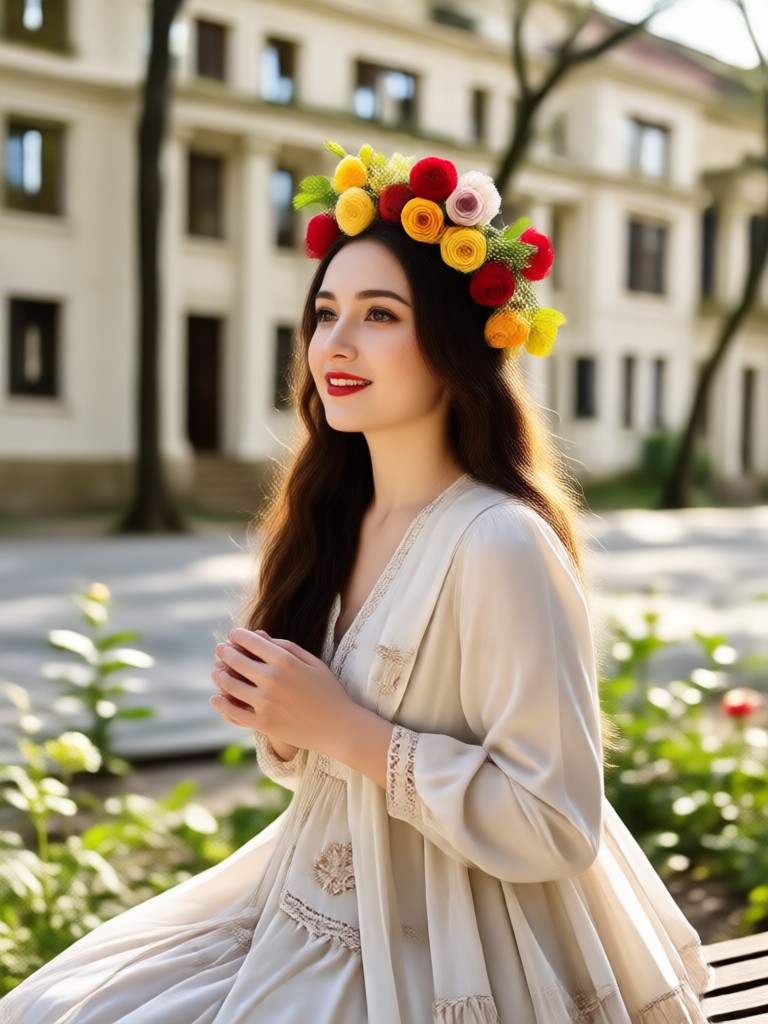
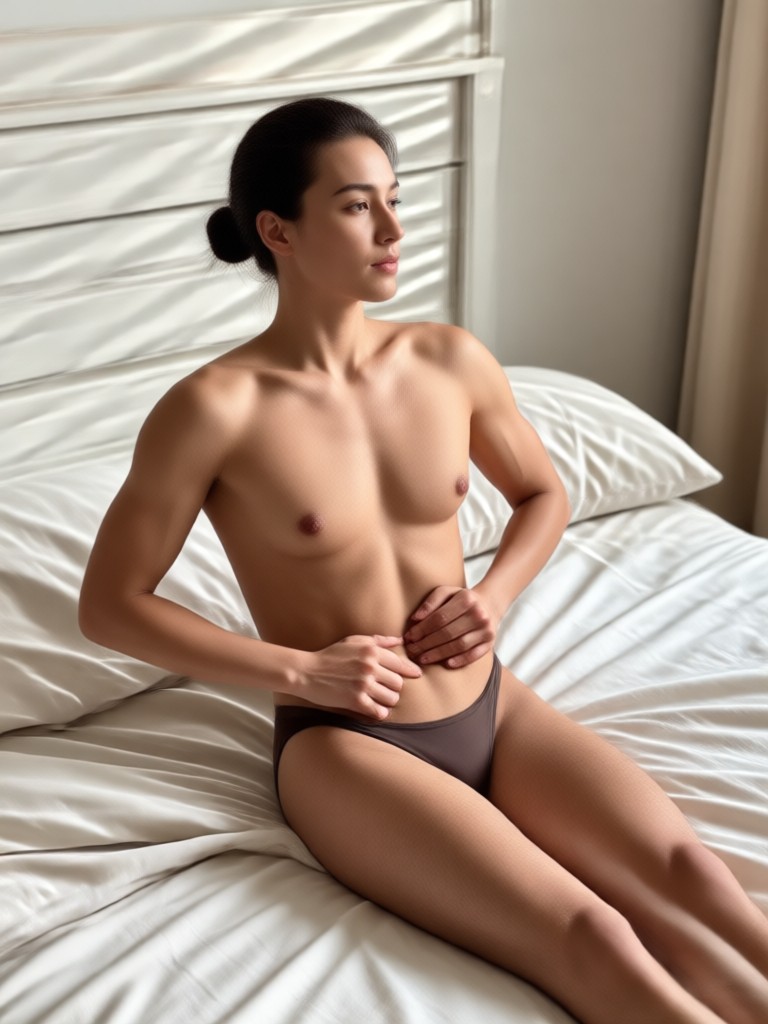
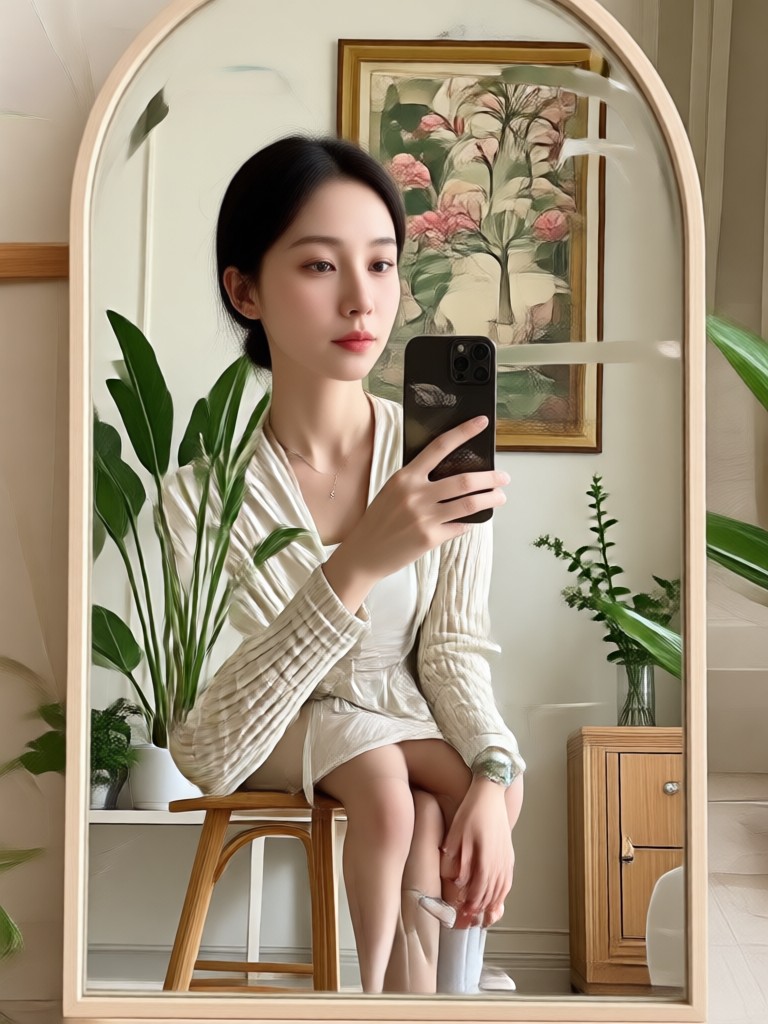
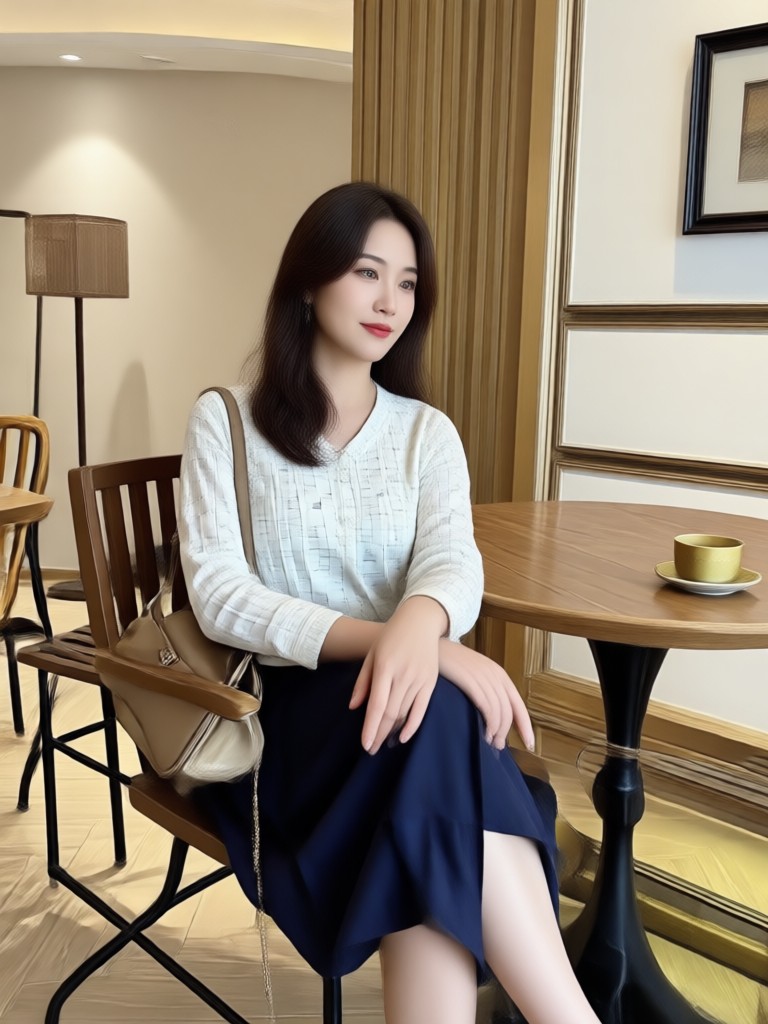
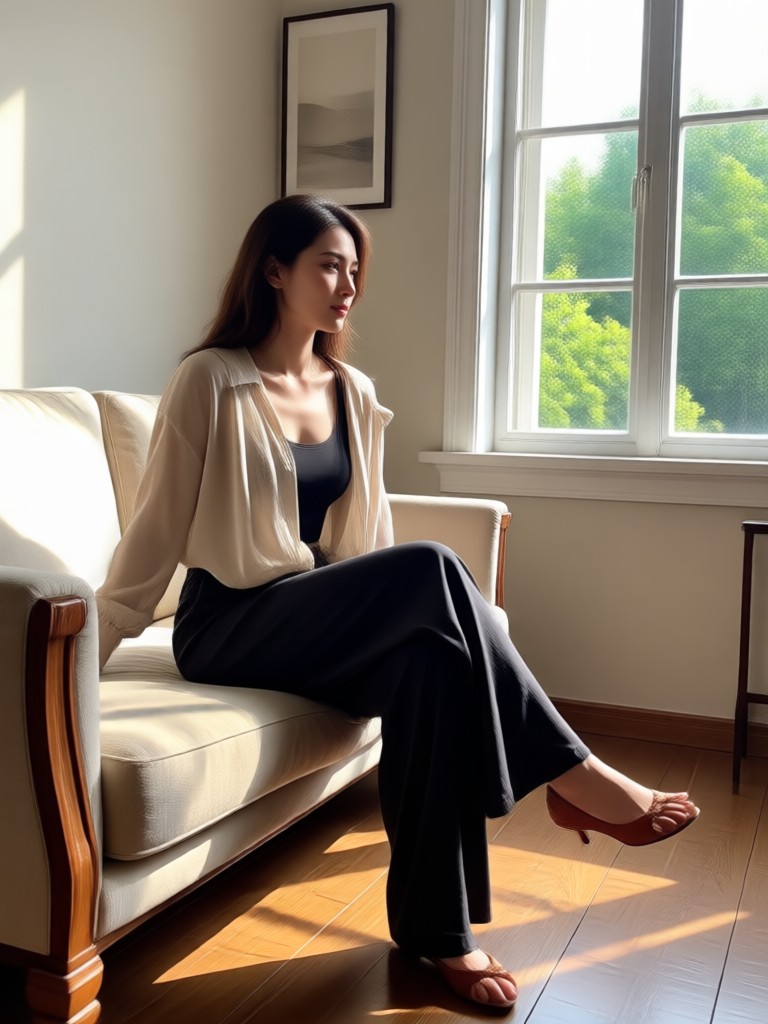
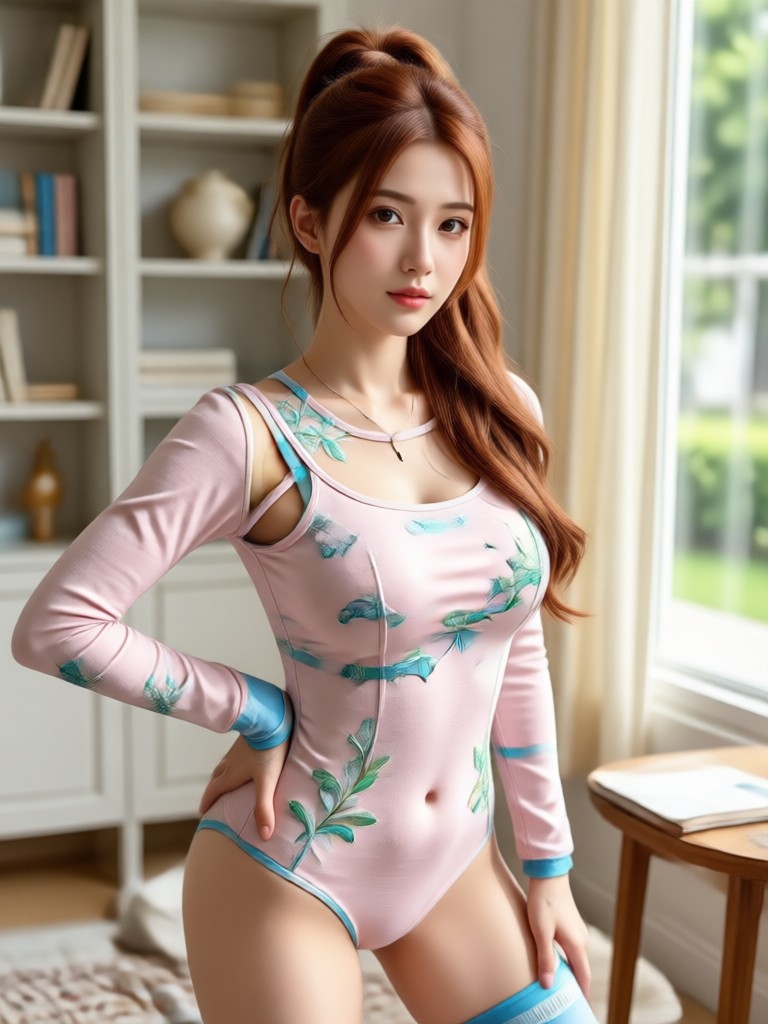
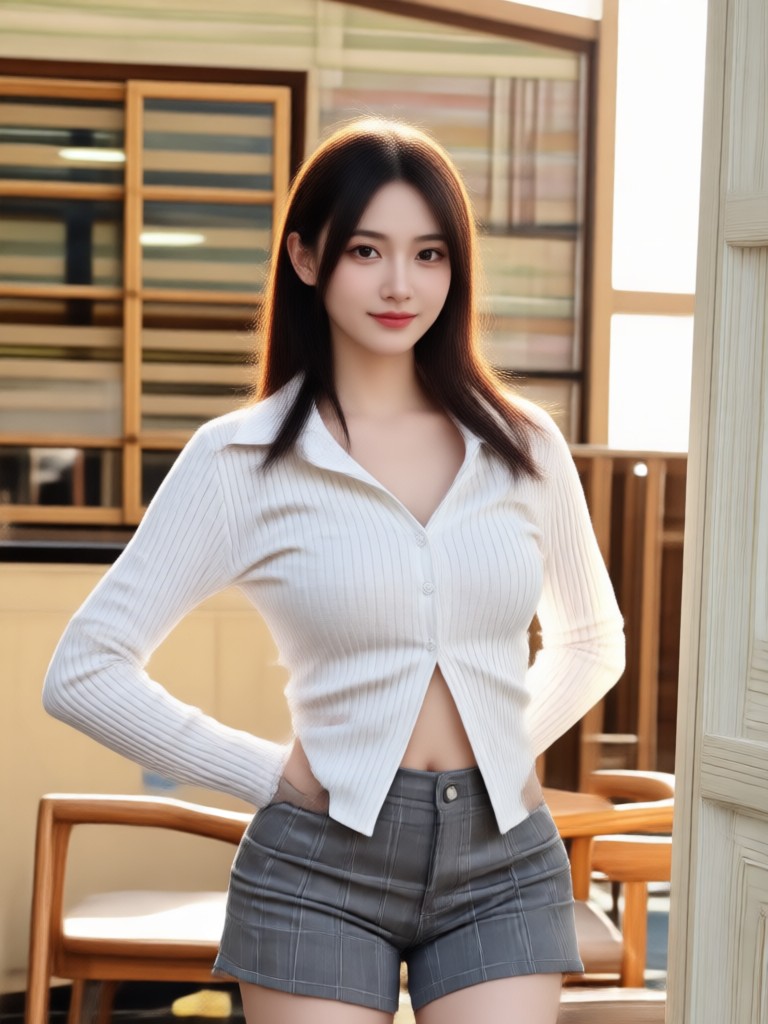
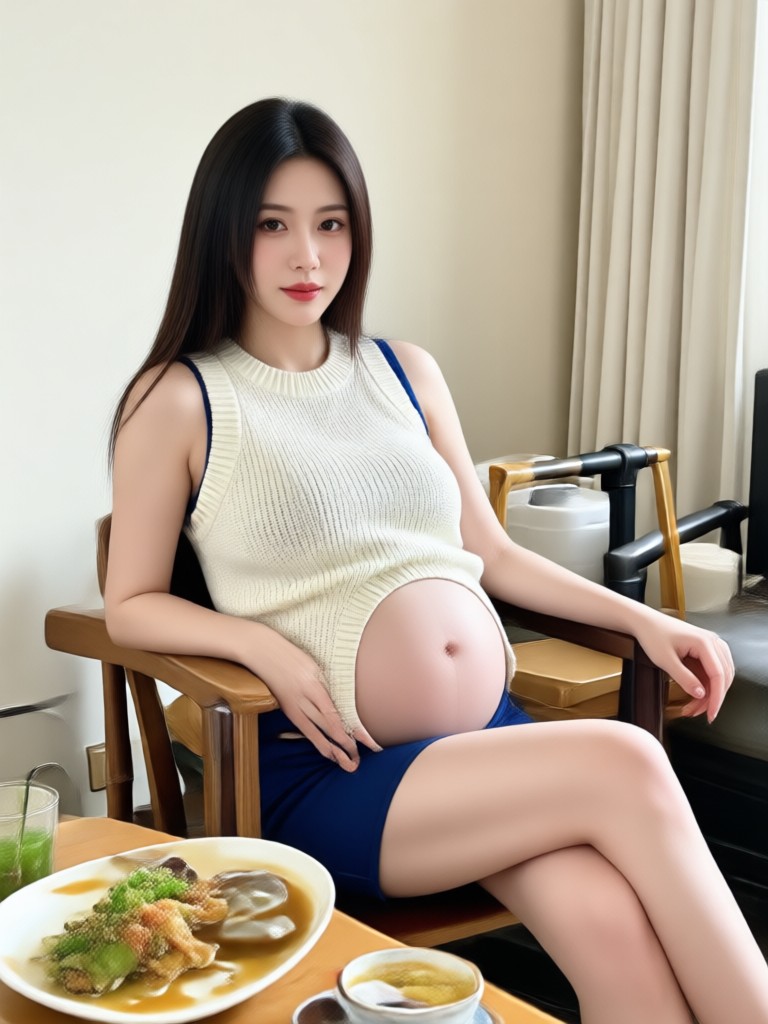
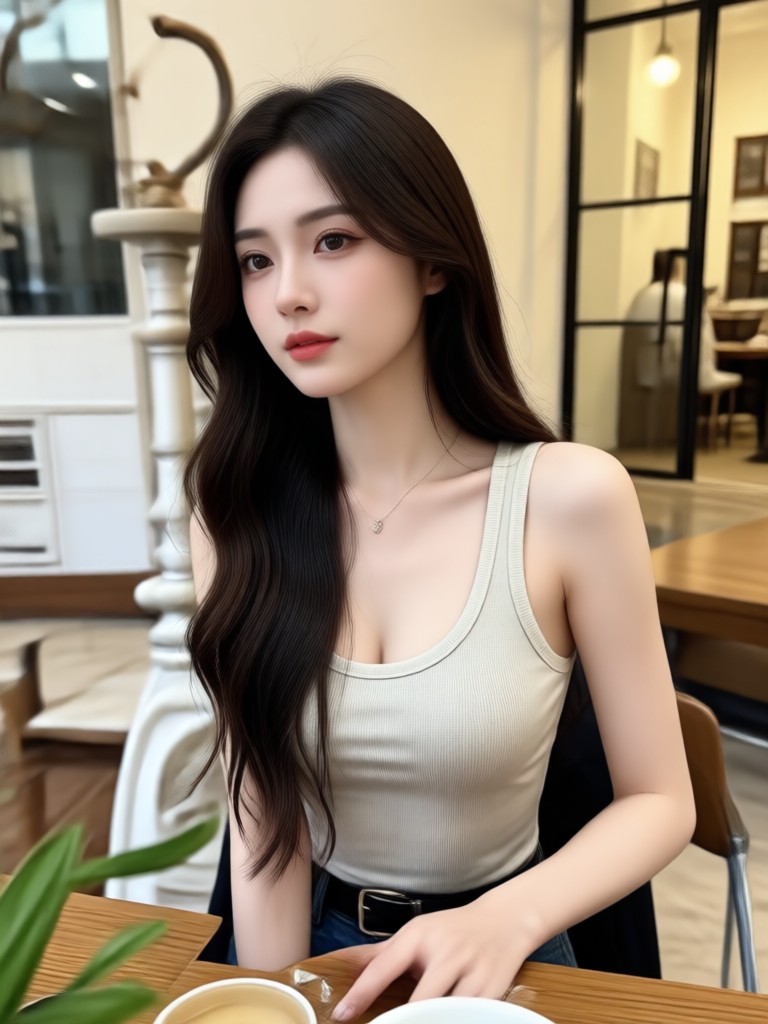
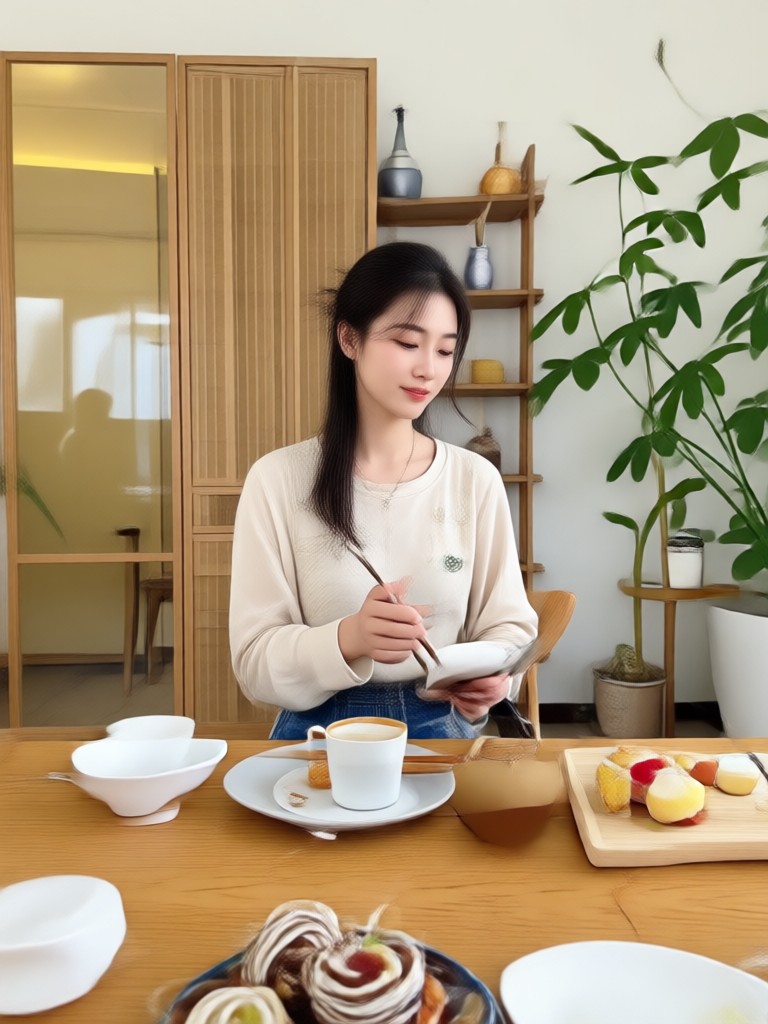
Browse AI generated results from simple pose change prompts. See how Photora transforms portraits into sitting, standing, walking, and dramatic poses while keeping the subject recognizable.
Why Use a Pose Change Prompt?
Pose change prompts give you total control over the final image. Instead of reshooting or complex Photoshop work, you describe the pose and let AI do the rest.
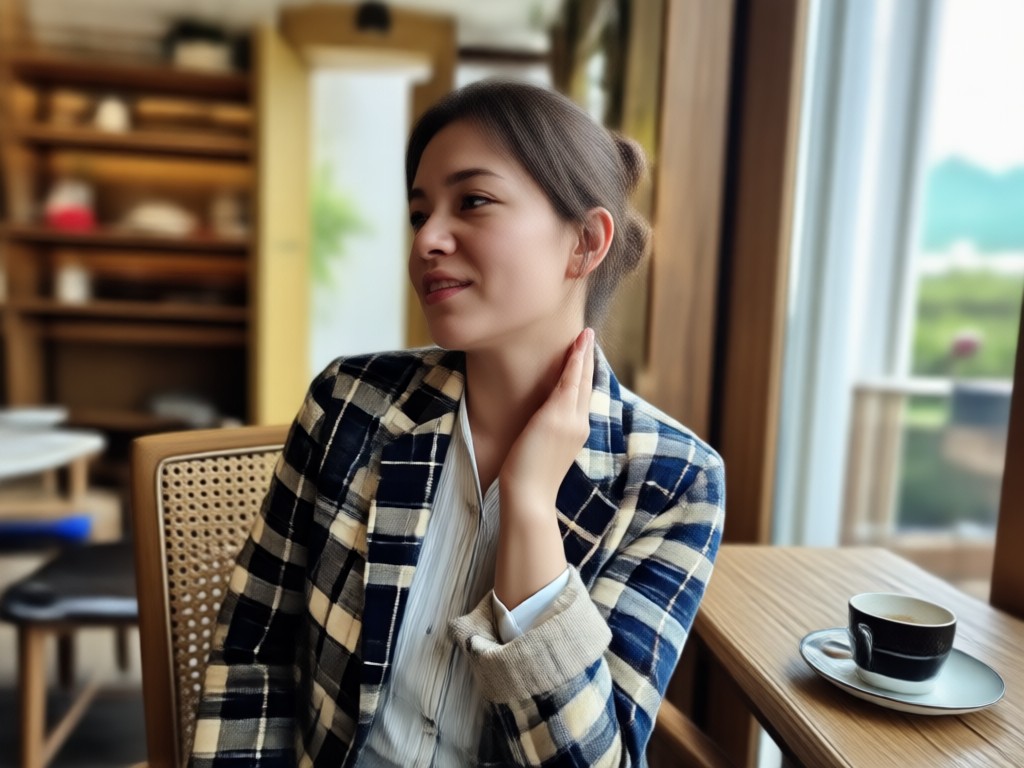
Full Control Without a Studio
A pose change prompt lets you test dozens of looks in minutes. You can place your subject in a power stance, a casual lean, or an action shot without leaving home. Photora handles the body mechanics, preserves your identity, and keeps the image quality high. This is ideal for creators, models, and anyone who wants variety without the cost of a photographer.
How to Use a Pose Change Prompt
Create a new pose in three simple steps using the Photora app on your phone.

Step 01.
Download the Photora app from Google Play and open it on your mobile device.
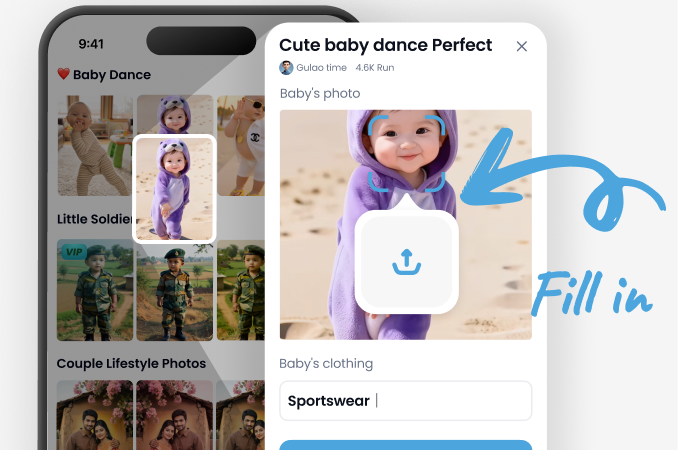
Step 02.
Upload your photo, type a pose change prompt, and choose a style filter that fits your scene.
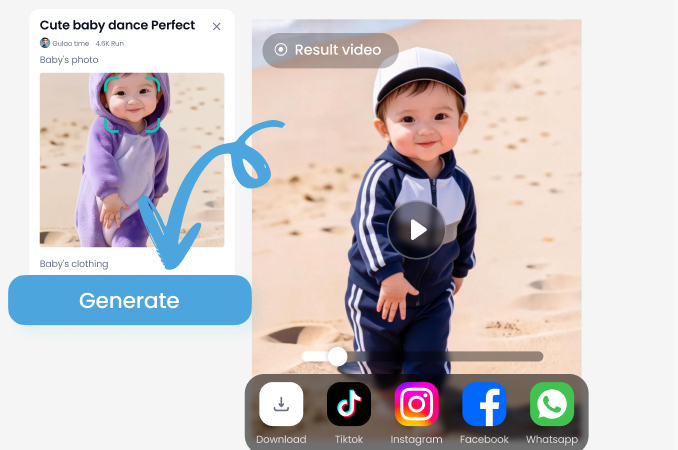
Step 03.
Generate the image, preview the new pose, and save or share it directly to social media.
Frequently Asked Questions About Pose Change Prompts
Get clear answers about using pose change prompts in Photora. Learn how to write effective prompts, preserve your identity, and fix common issues.
What Creators Say About Pose Change Prompts
Finally I can try new looks without reshoots
I manage a small fashion account and used to spend hours on reshoots. With pose change prompts I test thirty poses in one afternoon. The results look like a pro studio session.
Perfect for turning old portraits into fresh content
I had a bunch of static headshots from last year. Now I type a pose and turn them into walking, sitting, and jumping shots. It saved my content calendar.
Super simple and surprisingly accurate
I was skeptical but Photora nailed the cross legged pose I described. Face and outfit stayed exactly the same. This app is a game changer for product photos.
More Topics You May Like
Explore more topics you may like and discover fresh ideas tailored to your interests.
AI Sleepy Cat Cozy Prompts for Dreamy Art

Bridal Shower Image Prompts: 50+ Ideas & AI Generator
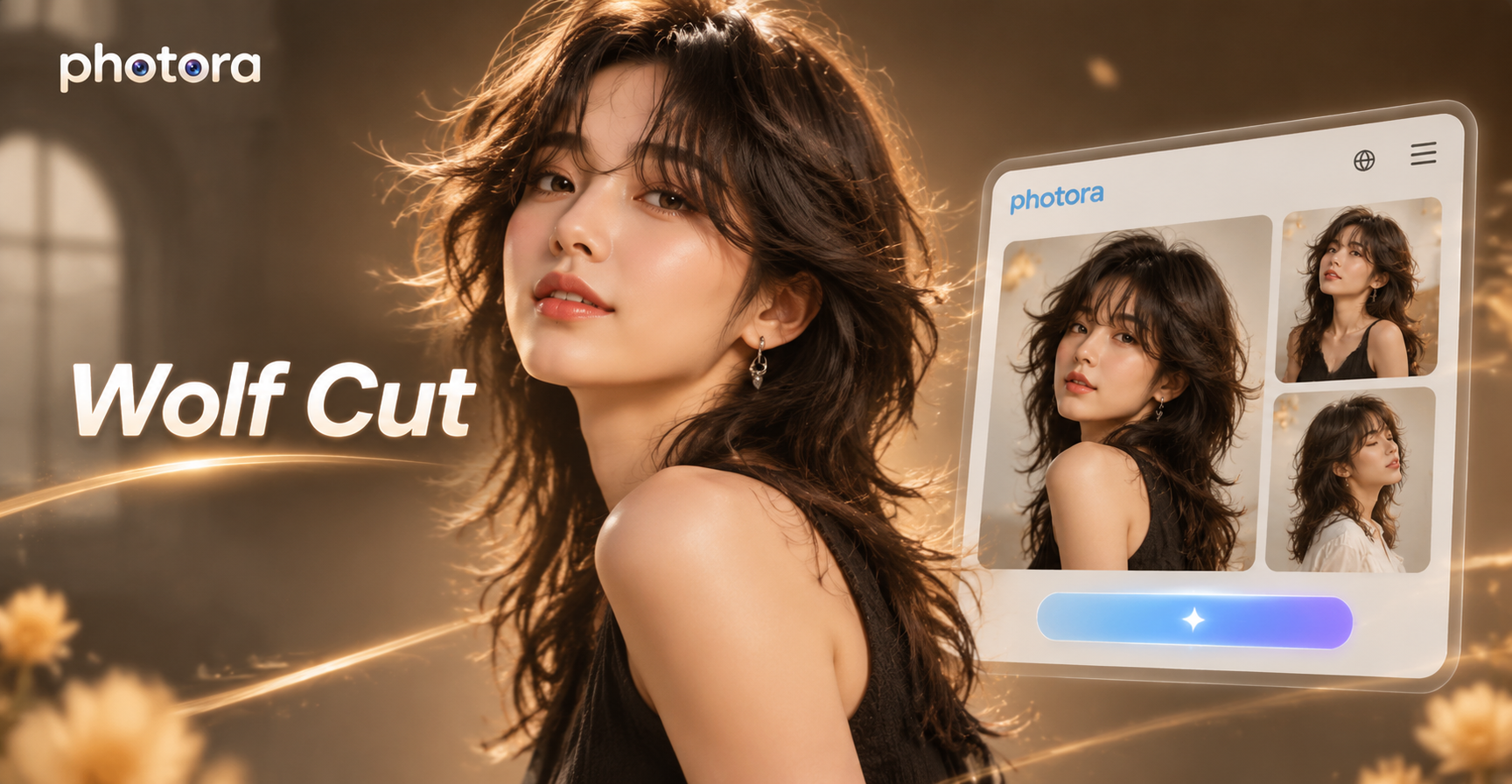
Get the Perfect AI Wolf Cut Hairstyle Look

Best Friendship Photo Prompts for Fun AI Portraits
AI Sleepy Cat Cozy Prompts for Dreamy Art
Bridal Shower Image Prompts: 50+ Ideas & AI Generator
Get the Perfect AI Wolf Cut Hairstyle Look
Best Friendship Photo Prompts for Fun AI Portraits
Ready to Change Your Pose in Seconds
Download Photora and type your first pose change prompt. Turn static photos into dynamic, share worthy content without a studio or editing skills.
Ready to Change Your Pose in Seconds
Download Photora and type your first pose change prompt. Turn static photos into dynamic, share worthy content without a studio or editing skills.