Family Beach Photo Prompts
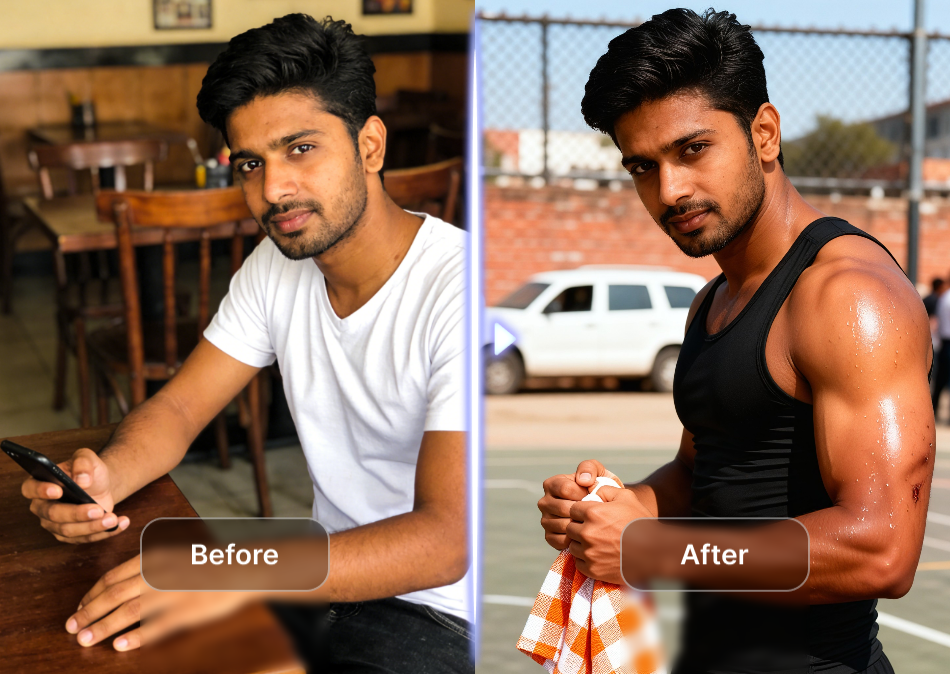
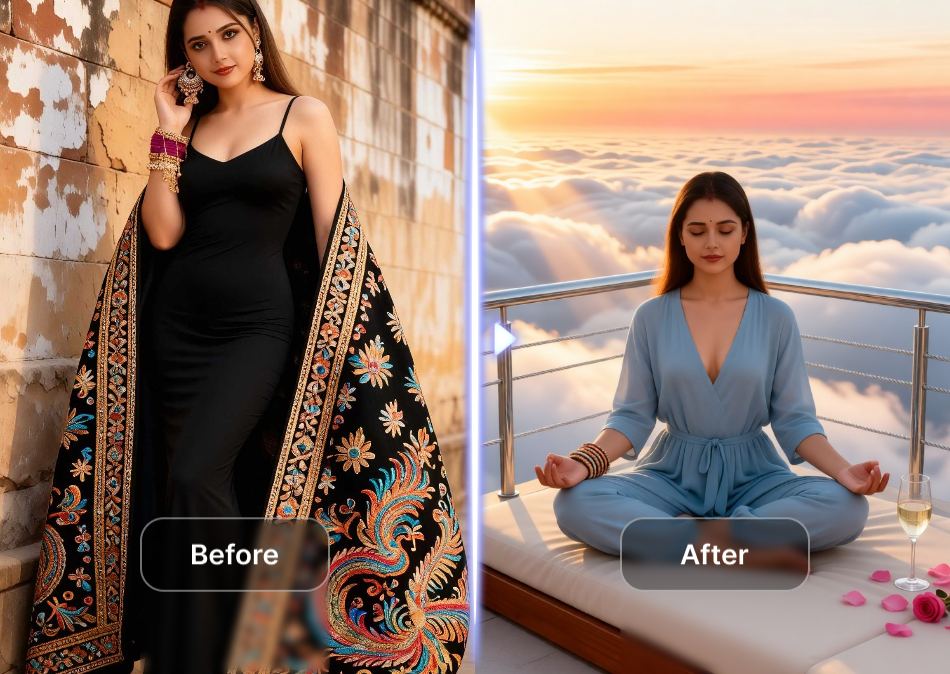
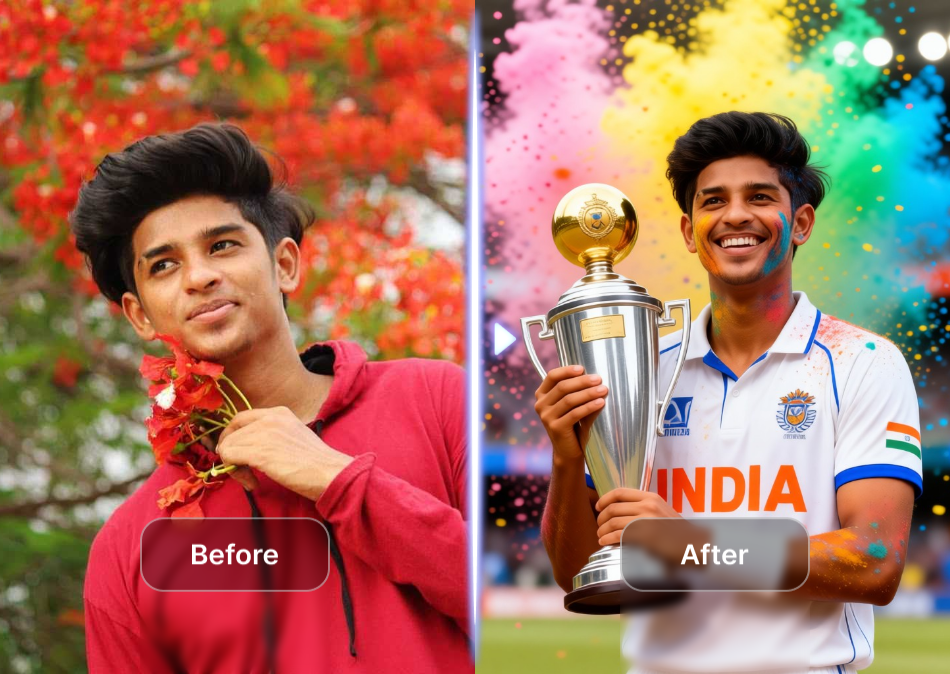
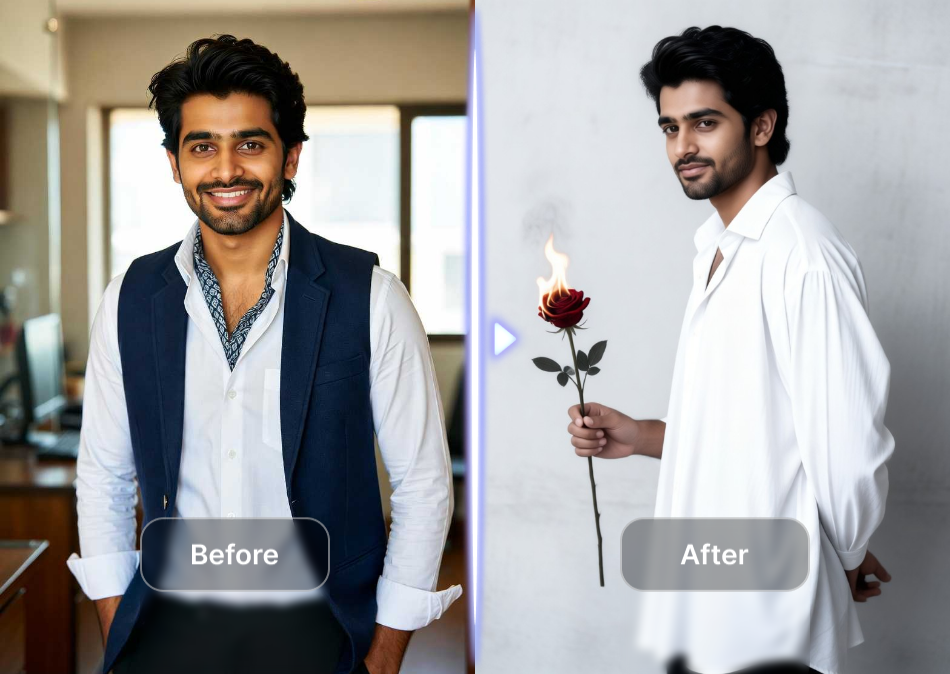
Pick a Style for Your Beach Portrait
Discover the perfect filter to match your family's personality and the mood of your dream beach vacation.
Why Use photora for Family Beach Photos
photora turns your written ideas into stunning visual memories without the hassle of a physical photoshoot.
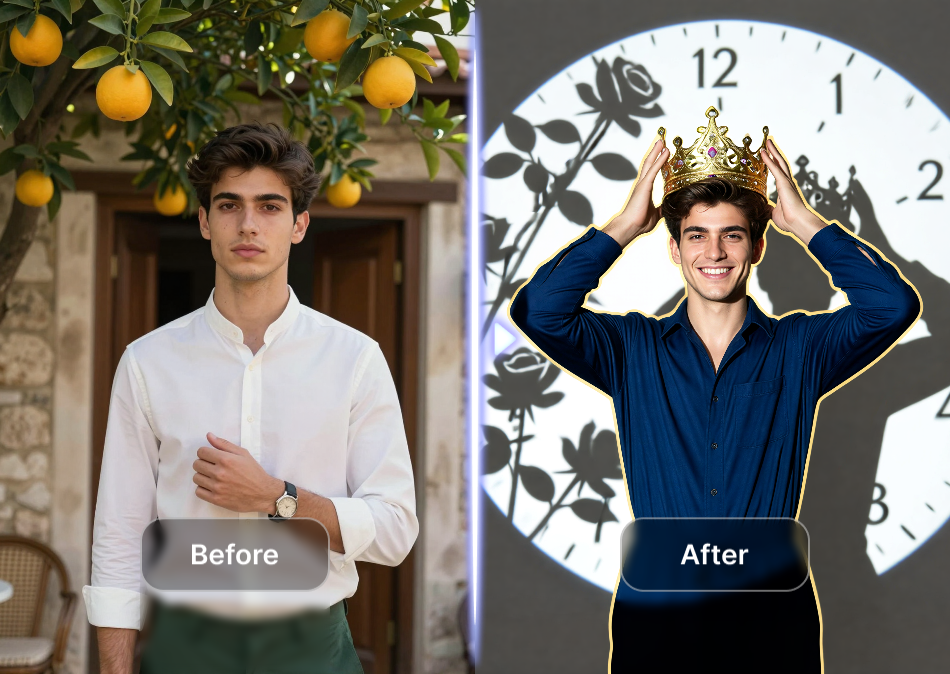
Natural Family Dynamics
AI understands group compositions. It keeps every face distinct and prevents the distorted features often seen in older generators.
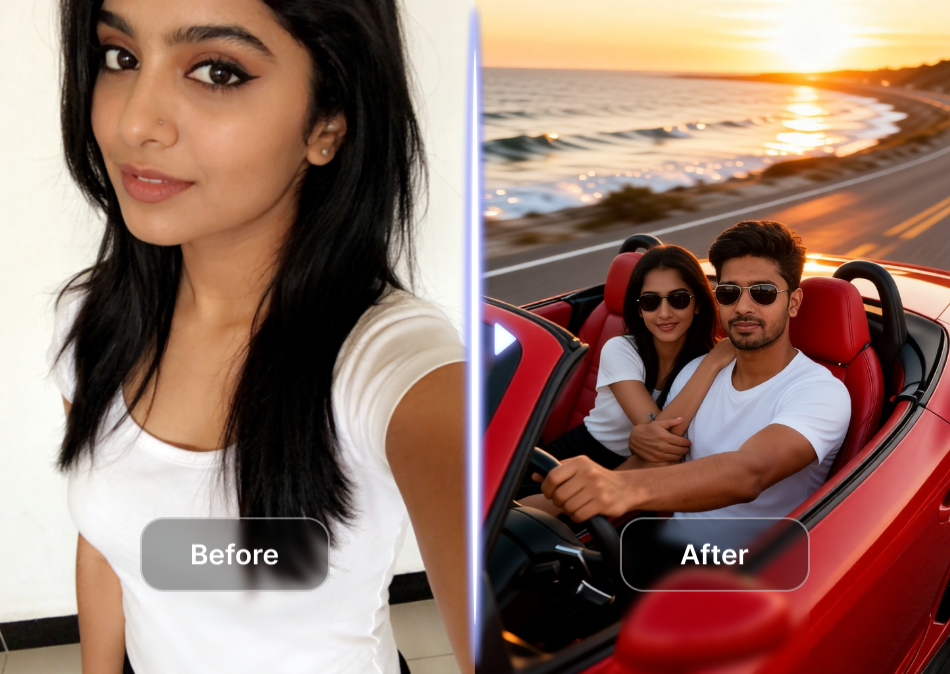
Lighting Mastery
You do not need to wait for golden hour. Specify the lighting you want, from harsh midday sun to soft overcast glow.
Style Customization
Match your home decor or social feed. Choose from watercolor, cinematic, vintage film, or ultra-realistic photography styles.
Visual Results from Real Prompts
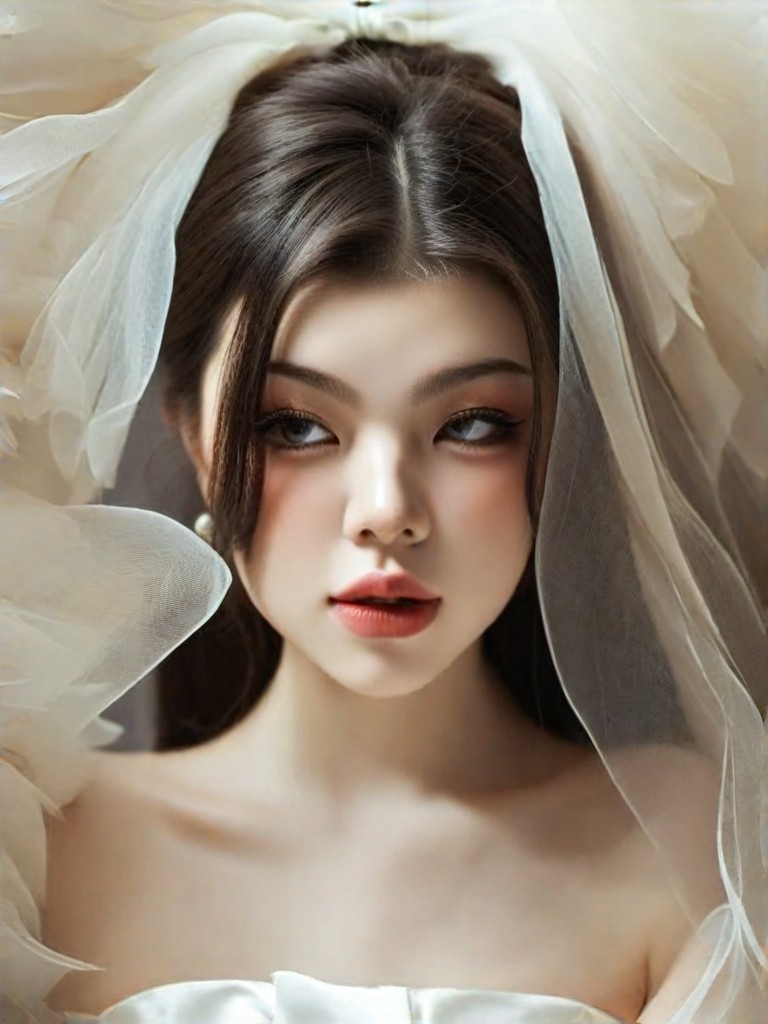
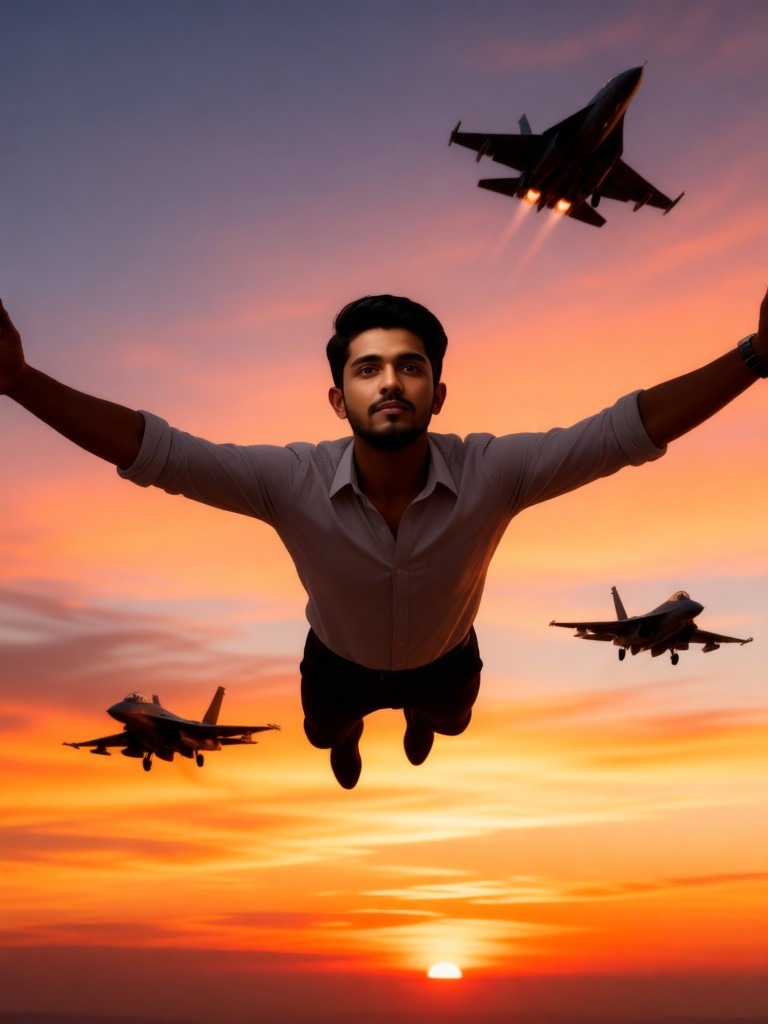
See how specific beach prompts translate into beautiful, frame-worthy images. These examples showcase the accuracy and emotional range of photora.

Skip the Stress of a Real Shoot
Coordinating outfits, timing the sunset, and keeping kids smiling is exhausting. With family beach photo prompts, you skip the logistics and jump straight to the memories. photora gives you professional composition and perfect lighting every time, right from your phone.
How to Use Family Beach Photo Prompts
Creating your dream beach portrait takes less than a minute with these simple steps.

Step 01.
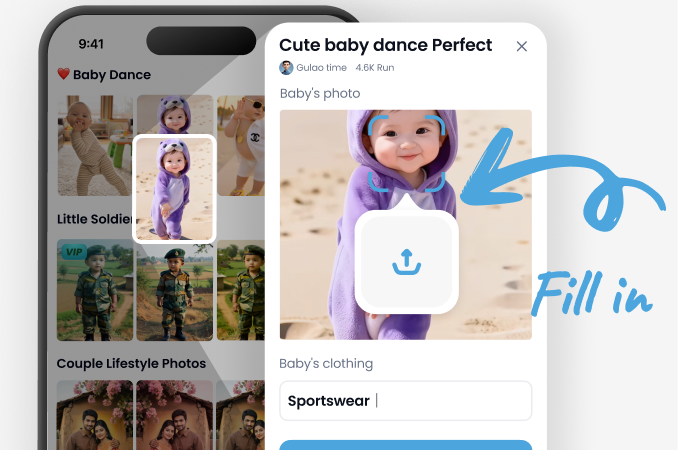
Download photora from the Google Play Store and open the AI Image Generator feature.
Step 02.
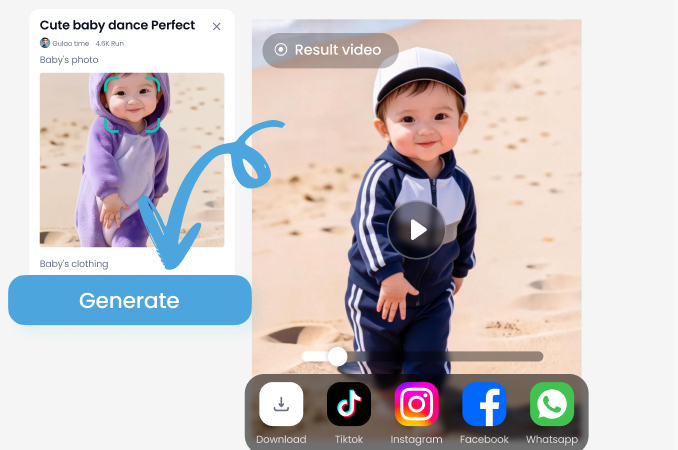
Copy one of the family beach photo prompts above, paste it into the text box, or write your own description.
Step 03.
Select a style filter and generate. Save the high-resolution image and share it with your loved ones.
What Users Say About photora
Perfect for our holiday card
I wanted a nice picture of the kids but the beach was too crowded. I used a prompt about a quiet shoreline and it looked like we had the whole coast to ourselves. The faces looked exactly like us.
Finally, a prompt that works
Most AI tools make the kids look weird or merge faces. photora handled a group of five perfectly. The lighting prompt I used made it look like a professional photographer took it.
Amazing variety
I love that I can switch between a vintage film look and a bright modern look with the same prompt. It is so easy to find a style that matches my feed.
Frequently Asked Questions
Find clear answers to common questions about creating AI family beach portraits.
More Topics You May Like
Explore more topics you may like and discover fresh ideas tailored to your interests.

Dress Kids in Dapper Three Piece Suits with AI
Dress Up Your Cat with AI Outfit Prompts
Gemini Family Polaroid Prompts for Timeless Photos

Pilot Photo Prompts: Create Aviator Images Instantly
Dress Kids in Dapper Three Piece Suits with AI
Dress Up Your Cat with AI Outfit Prompts
Gemini Family Polaroid Prompts for Timeless Photos
Pilot Photo Prompts: Create Aviator Images Instantly
Your Perfect Beach Photo Awaits
Download photora and turn these family beach photo prompts into high-quality images you will treasure forever.
Your Perfect Beach Photo Awaits
Download photora and turn these family beach photo prompts into high-quality images you will treasure forever.