Night Flash AI Filter
Explore Our Flash & Glow Filters
From soft retro glow to intense paparazzi bursts, find the perfect flash effect for your style.
Why Choose the AI Night Flash Filter?
Our AI doesn't just add a white spot. It intelligently analyzes your photo to apply realistic lighting, shadows, and atmospheric color grading for authentic flash photography results.
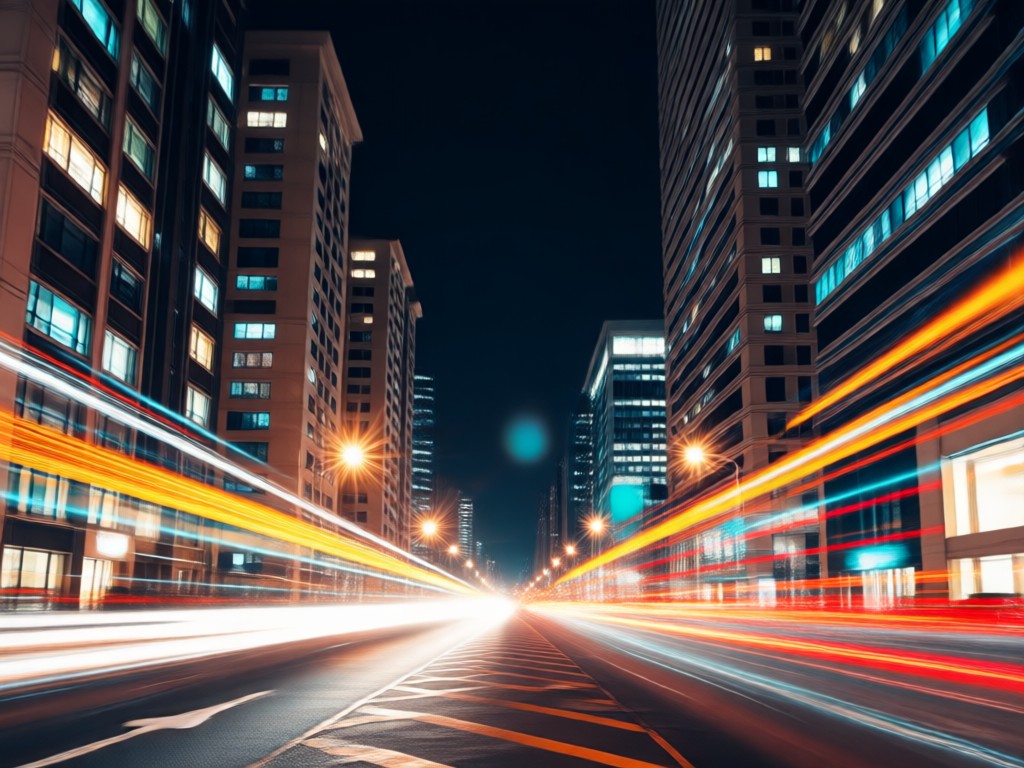
Realistic Light Simulation
AI calculates light direction and intensity, adding natural-looking highlights, catchlights in eyes, and soft shadows for a true camera flash effect.
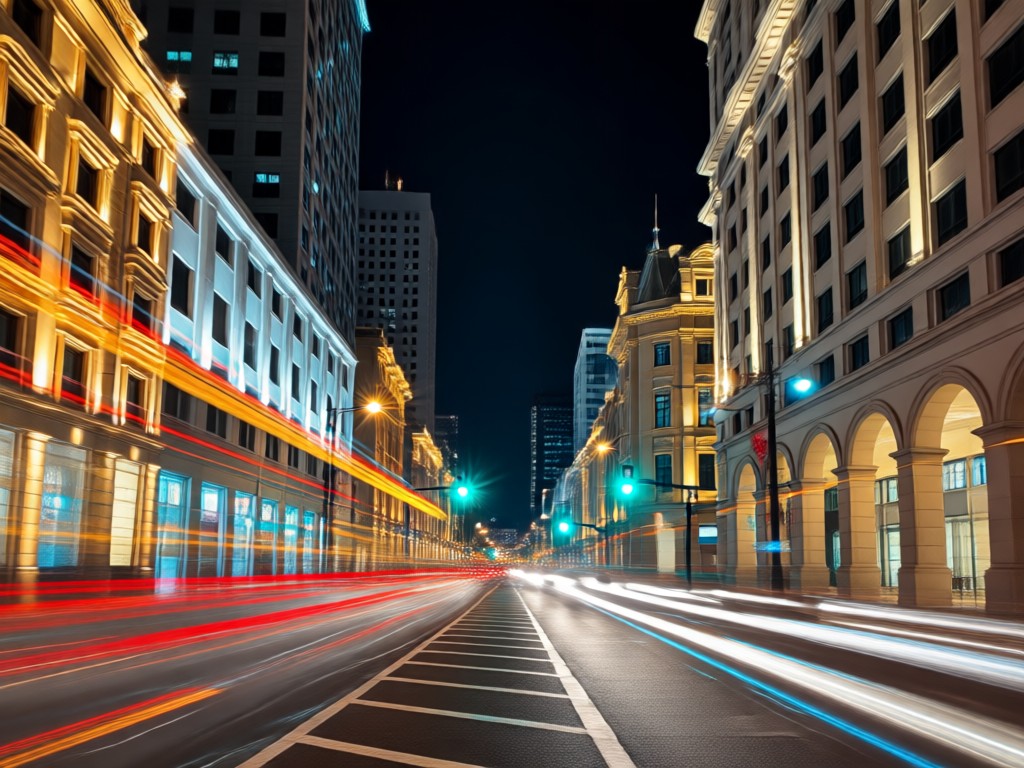
Atmospheric Color Grading
Automatically applies complementary color tones. Cool blues for night scenes, warm glows for indoor shots, or high-contrast paparazzi style, all tailored to your image.
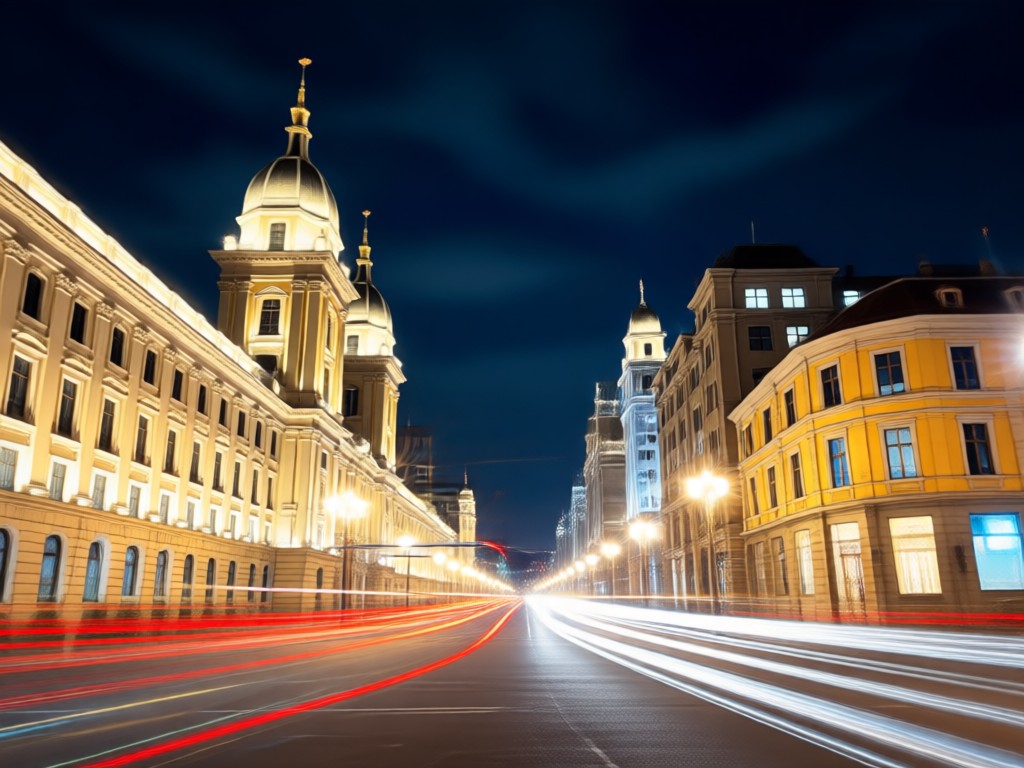
Style Variety Library
Access one-tap presets for 90s disposable camera flash, red carpet paparazzi burst, cinematic night glow, and soft vintage flash photography styles.
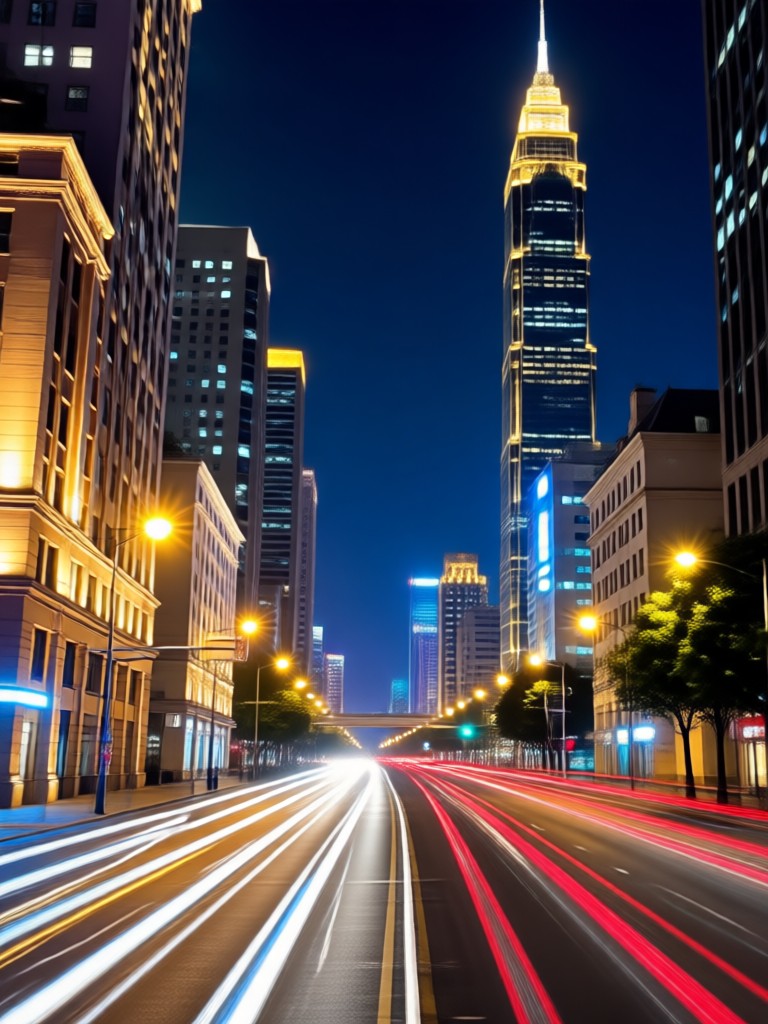
Night Flash Filter Transformations
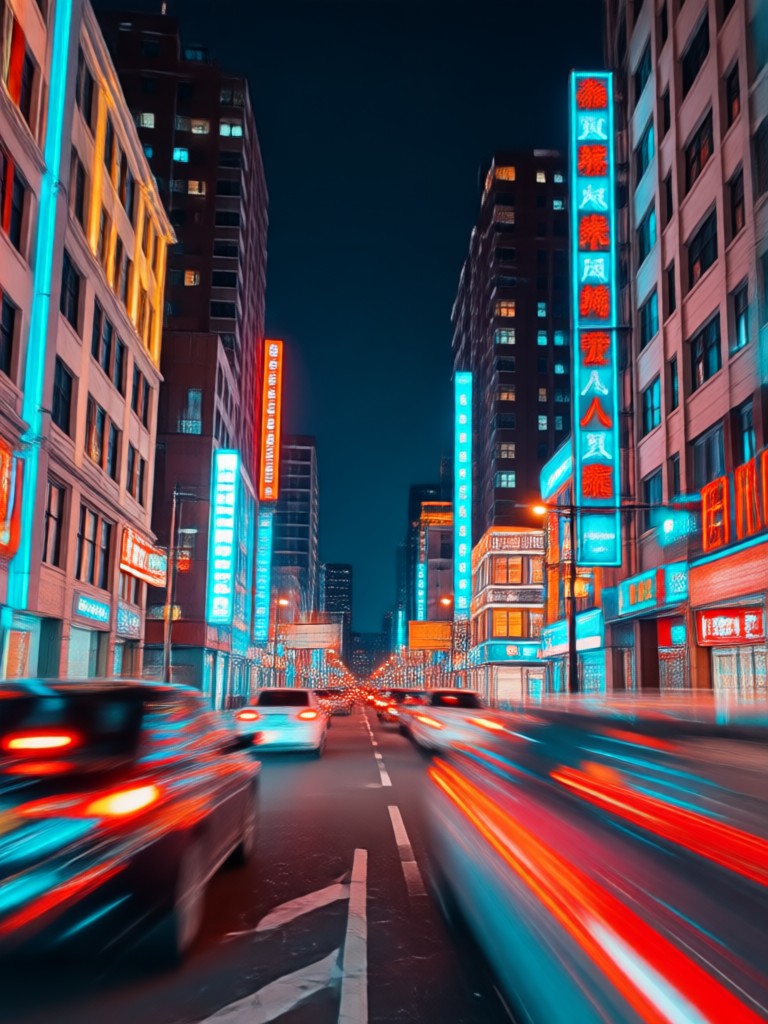
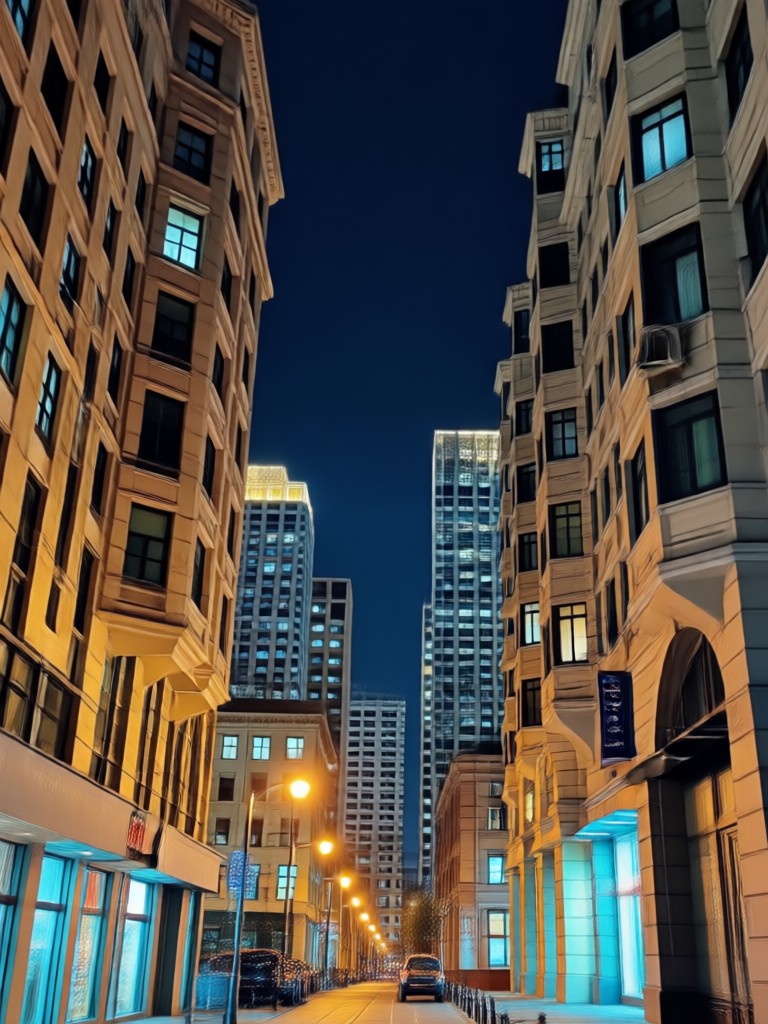
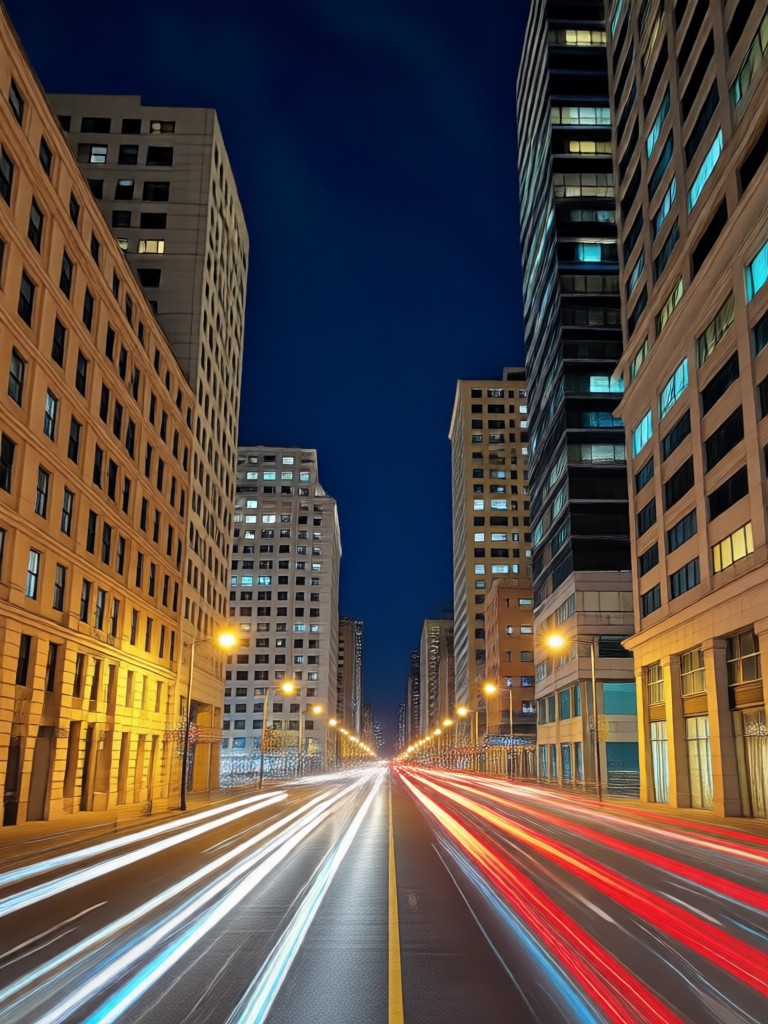
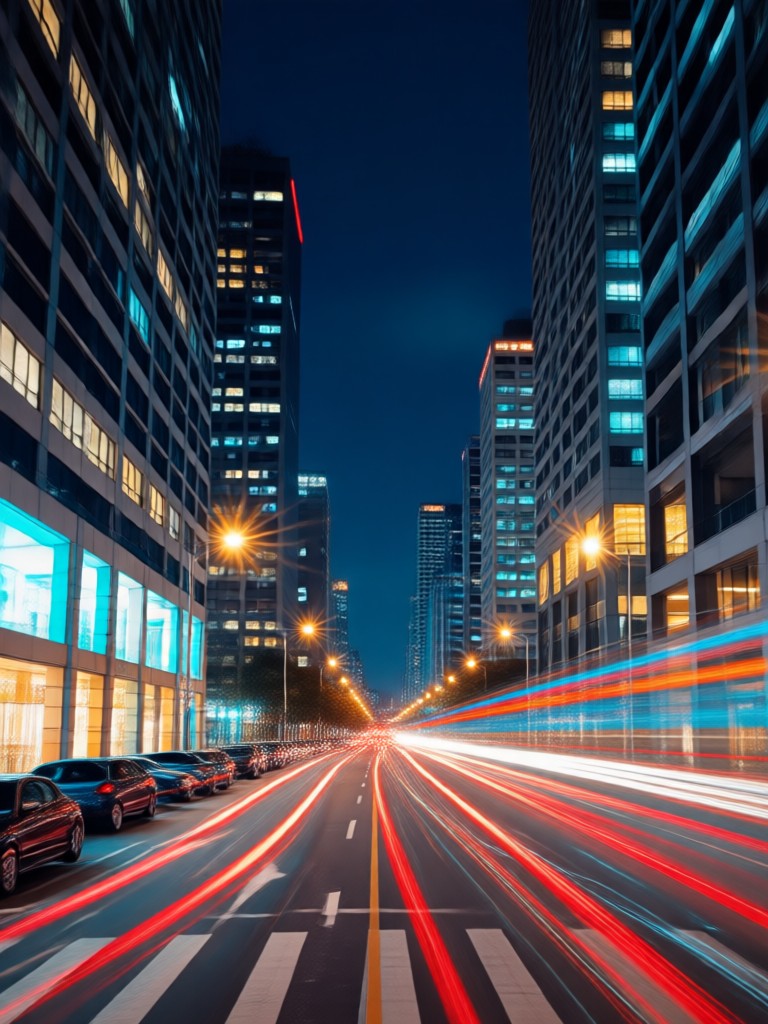
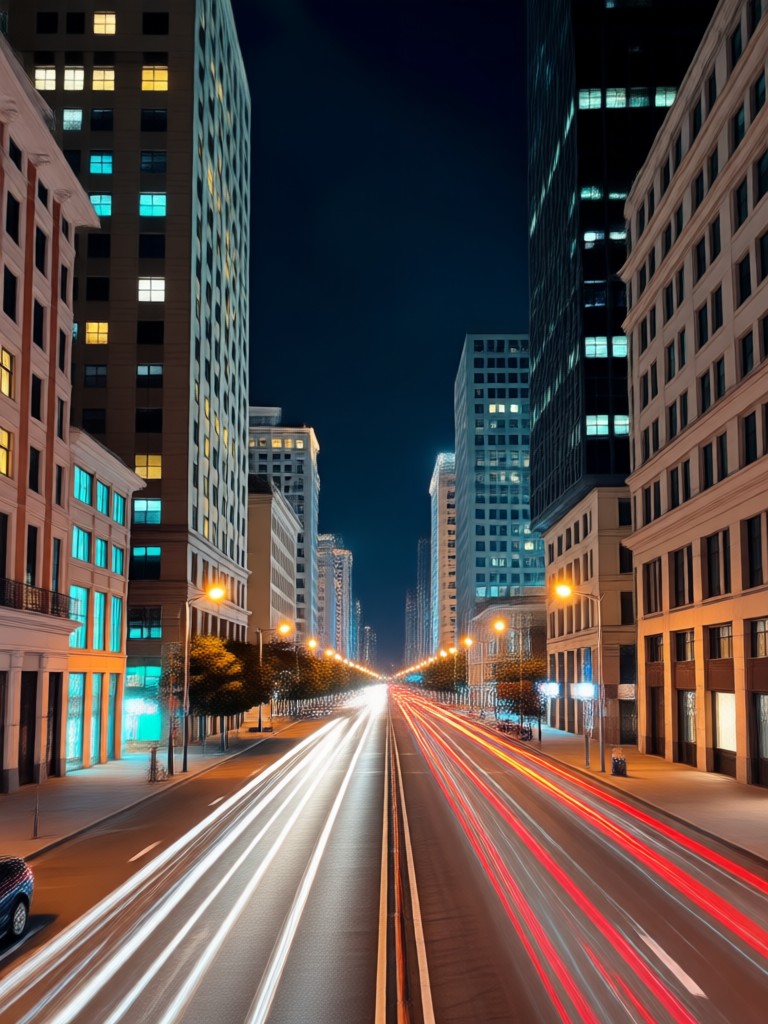
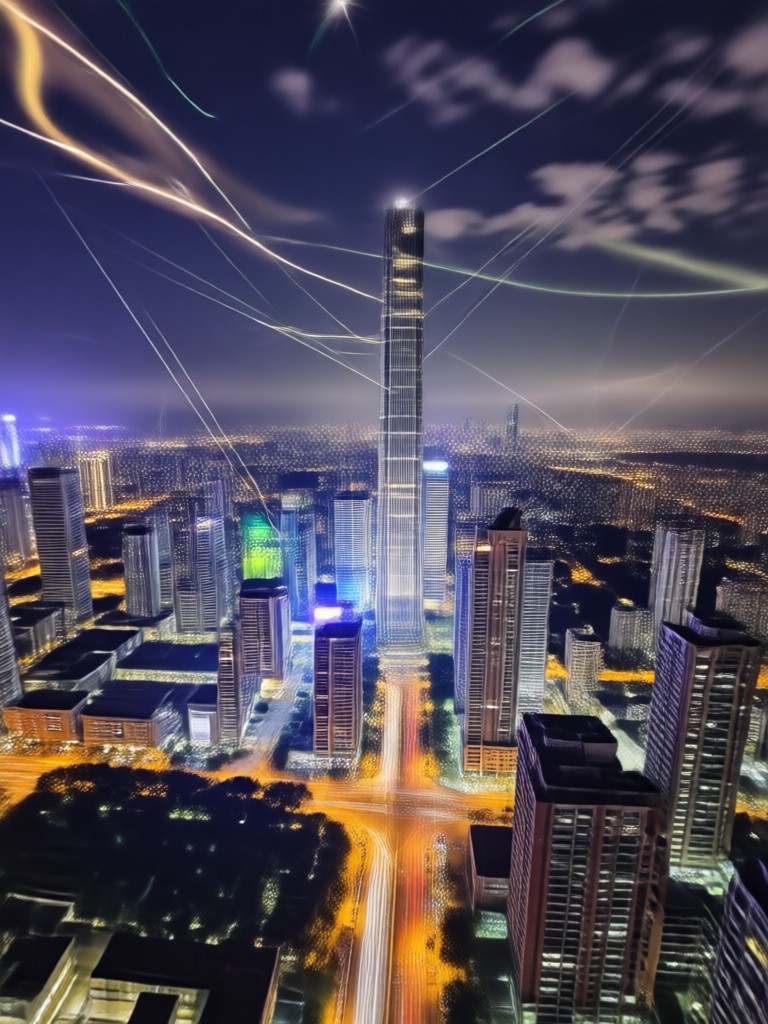
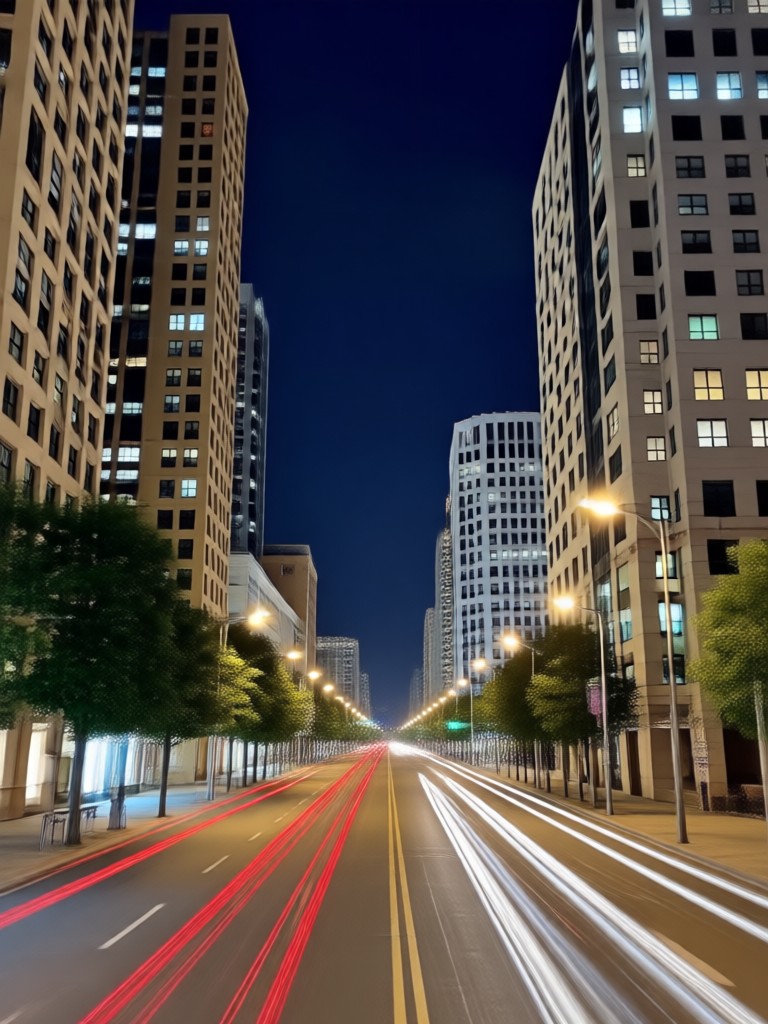
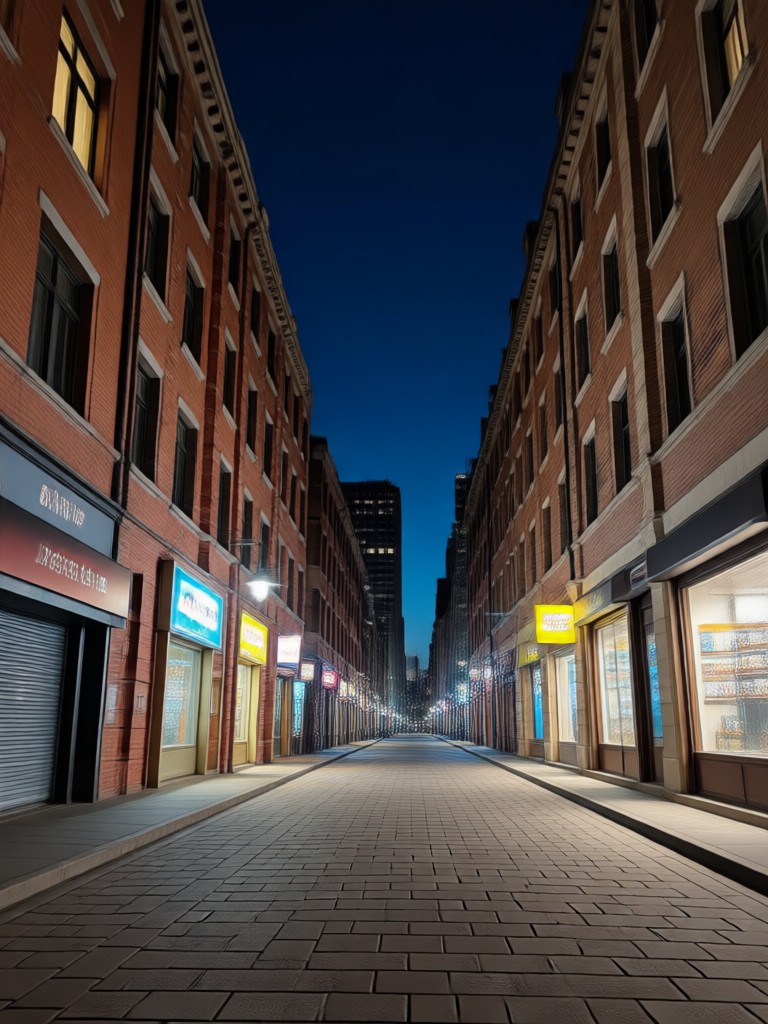
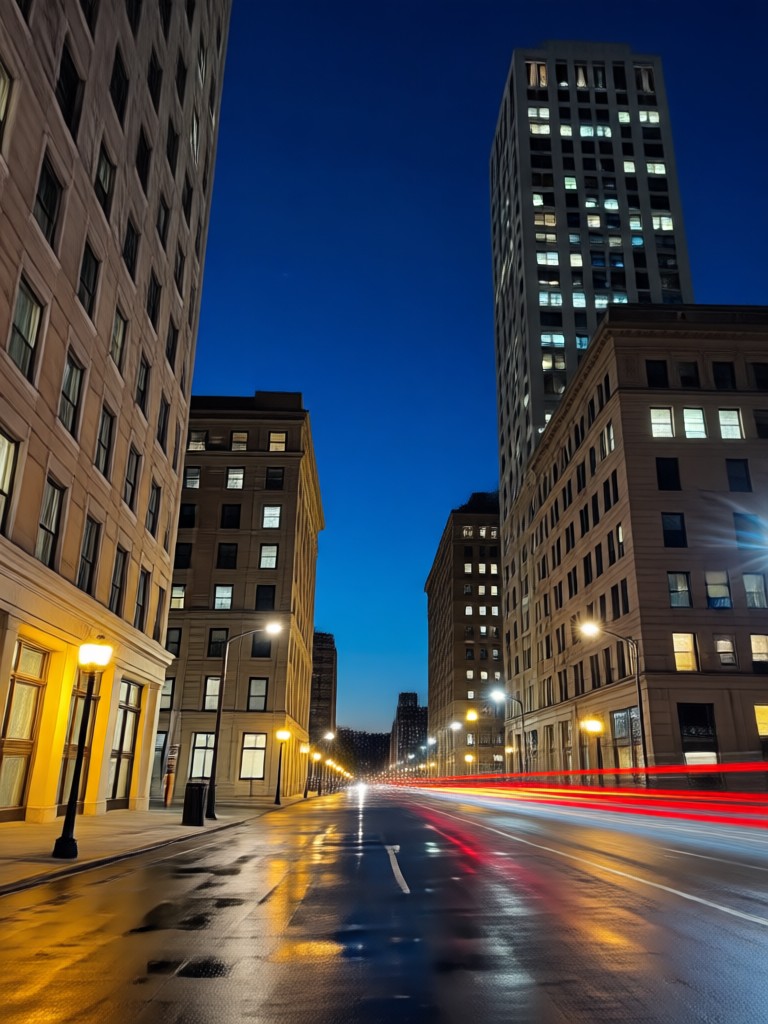
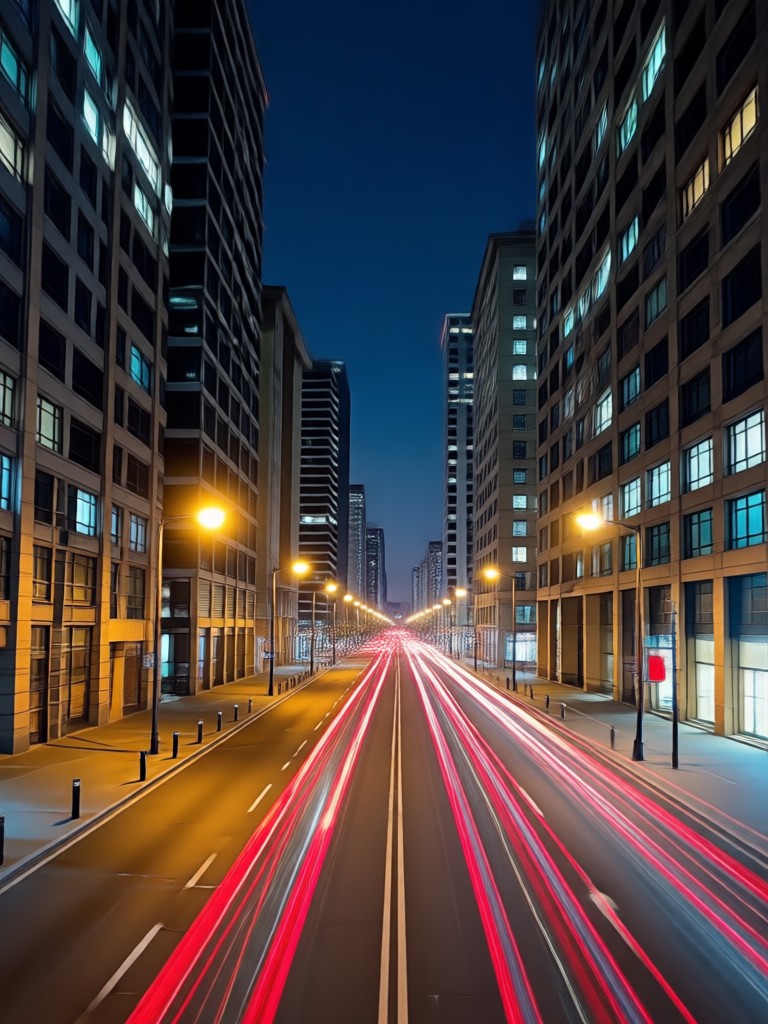
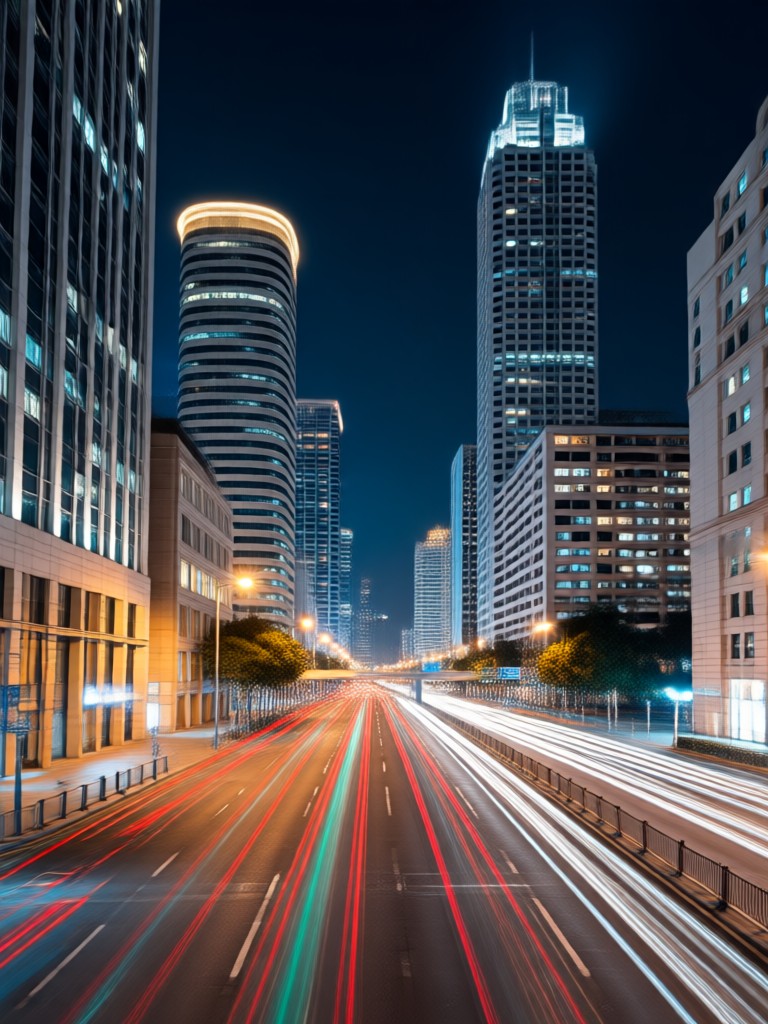
See how ordinary photos become extraordinary with the AI Night Flash Filter. From portraits to cityscapes, witness the power of artificial lighting.
How to Use the Night Flash AI Filter?
Create stunning flash photography effects in just three simple steps directly from your phone.

Step 01.
Download the Photora app from Google Play. It's your all-in-one mobile studio for AI photo and video editing.

Step 02.
Open the app, upload your photo, and browse the 'Effects' section. Select the 'Night Flash' or any retro flash filter category.

Step 03.
Apply the filter with one tap. Adjust intensity if desired, then save and share your dramatically transformed flash photography directly to Instagram.
What Creators Say About the Flash Filter
My Instagram engagement skyrocketed
This filter single-handedly defined my aesthetic. The paparazzi flash effect makes my concert photos look like they were taken by a pro. My followers constantly ask what filter I use.
Perfect for creating vintage vibes
I run a retro fashion blog, and the 90s disposable camera flash filter is incredibly authentic. It saves me hours trying to replicate that look in complex editing software.
Turns dull photos into drama
As a travel vlogger, I don't always have perfect lighting. This night flash photo editor rescues so many dark, moody shots from my trips, adding that cinematic glow instantly.
Get the Flash Filter on Your Phone
Turn your mobile device into a professional flash photography studio. Download Photora now and access the Night Flash AI Filter plus millions of other creative styles.

Night Flash Filter FAQs
Get quick answers to common questions about using AI flash filters, achieving different styles, and making the most of your photos.
More Topics You May Like
Explore more topics you may like and discover fresh ideas tailored to your interests.
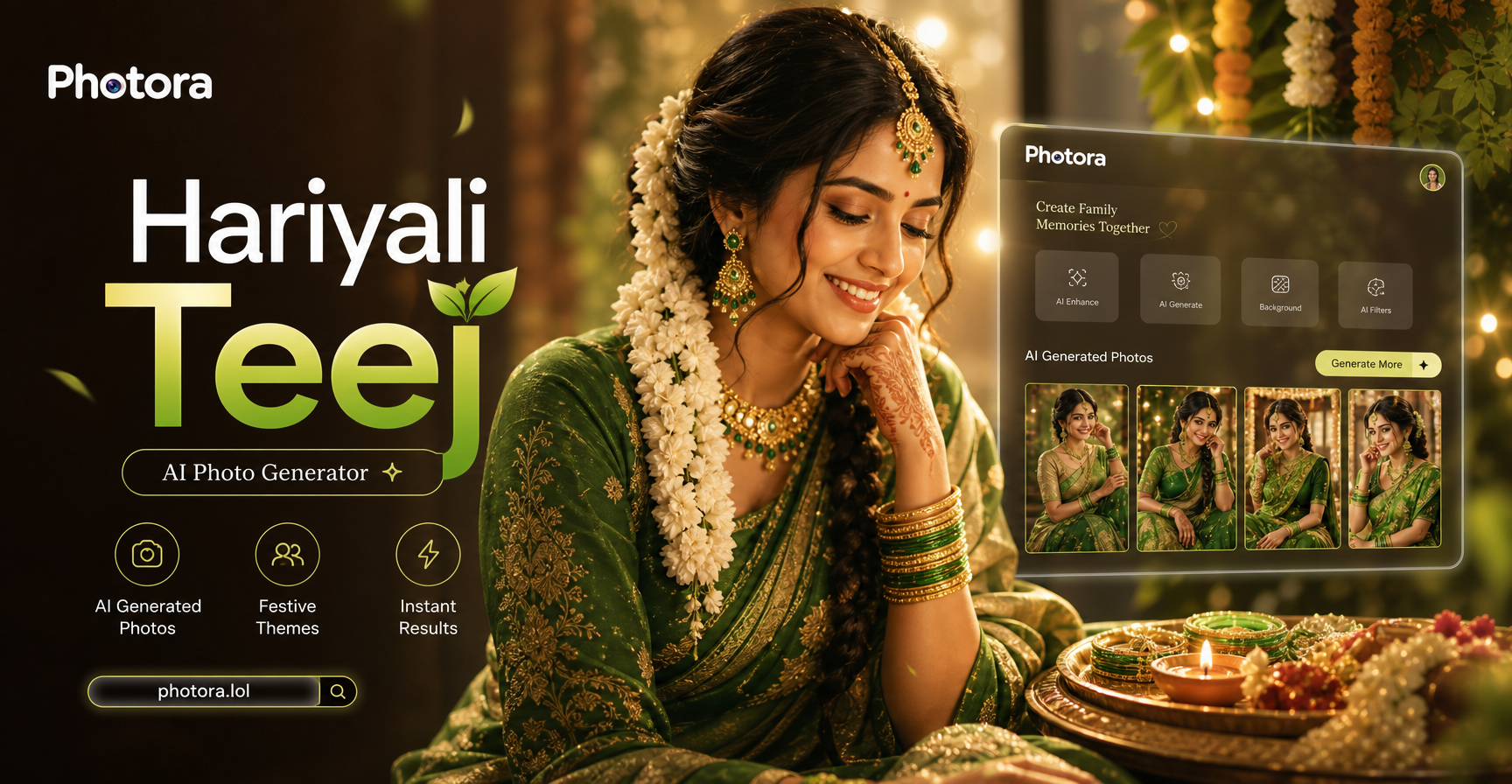
Create Stunning Teej Photos with AI | Easy Photo Generator
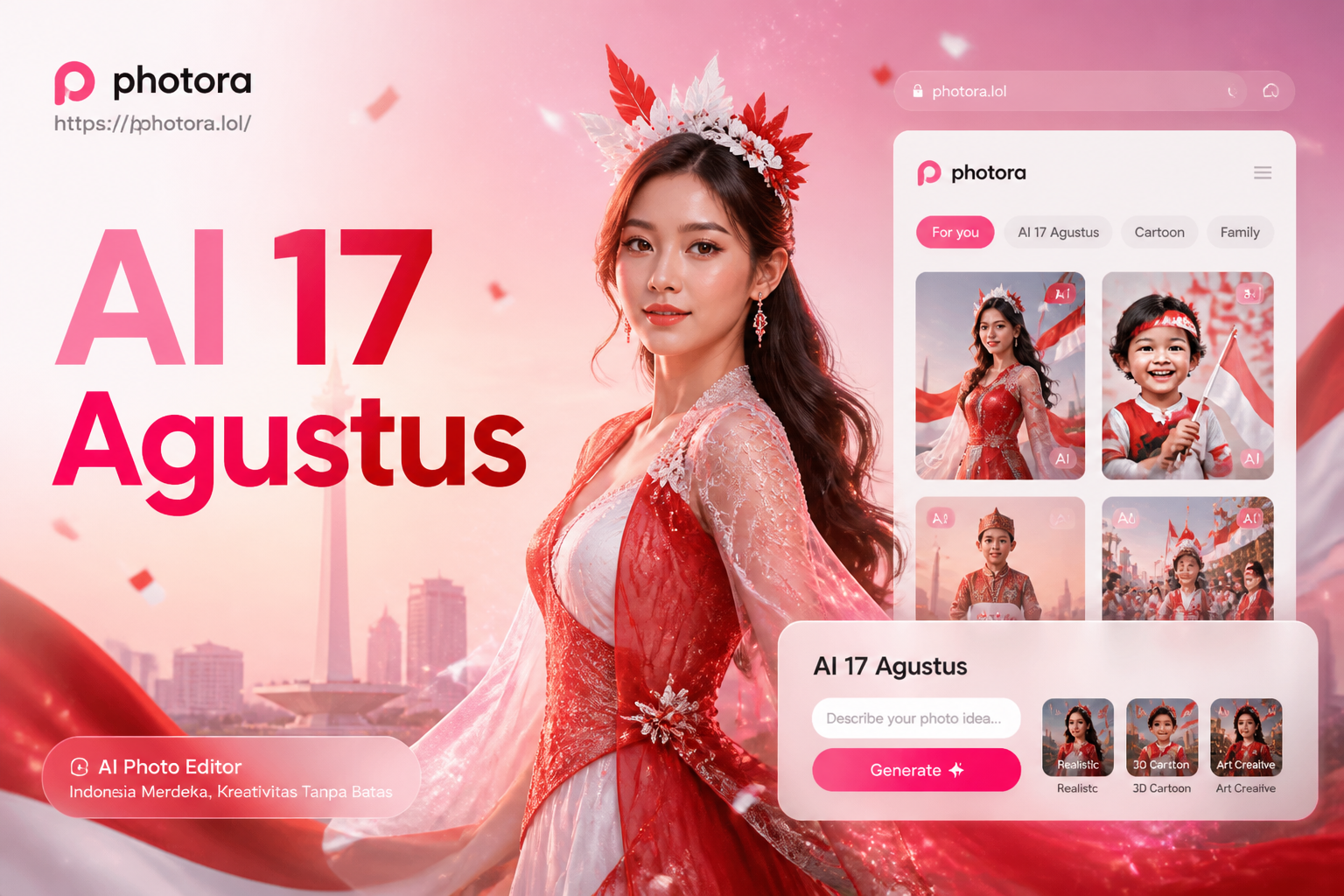
Celebrate Indonesia's Independence Day with AI Photo Magic

Pakistani AI Photo Maker: Create Stunning 14 August Pics
AI Beauty Generator: Create Stunning Women Instantly
Create Stunning Teej Photos with AI | Easy Photo Generator
Celebrate Indonesia's Independence Day with AI Photo Magic
Pakistani AI Photo Maker: Create Stunning 14 August Pics
AI Beauty Generator: Create Stunning Women Instantly
Ignite Your Photos with AI Flash
Stop posting dull pictures. Download Photora now and apply the viral Night Flash AI Filter. Create stunning retro, paparazzi, and glowing night effects that dominate any feed.
Ignite Your Photos with AI Flash
Stop posting dull pictures. Download Photora now and apply the viral Night Flash AI Filter. Create stunning retro, paparazzi, and glowing night effects that dominate any feed.