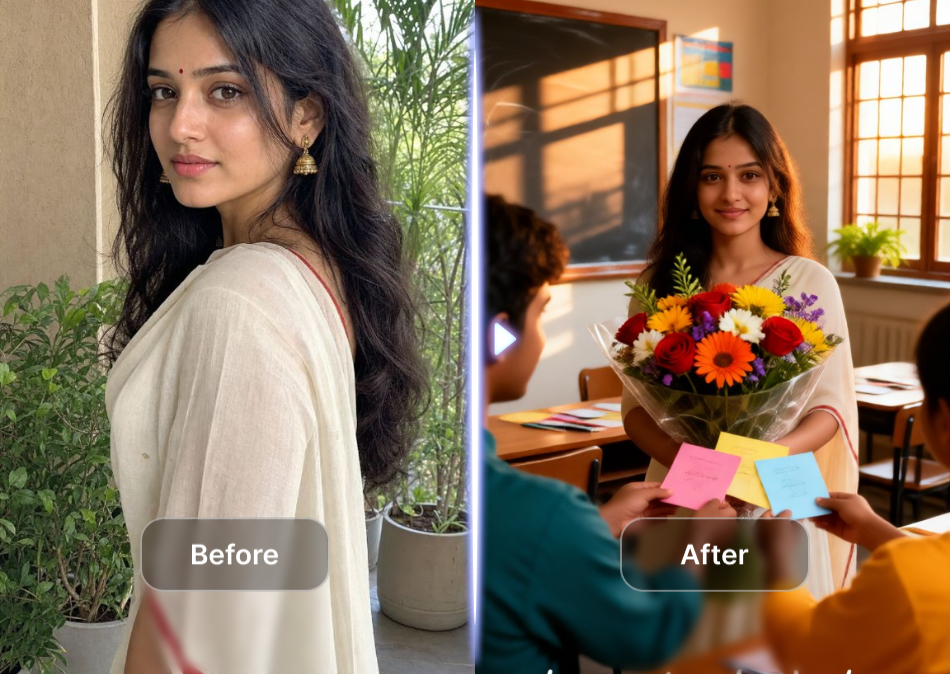
Teachers Day photo editing works best when the image still feels like the people in it. Start with a clear portrait or group photo, choose one visual story, and leave enough room for a short message. In India, Teachers' Day is celebrated on 5 September, so a finished edit can work as a WhatsApp greeting, an Instagram post, a school thank-you card, or a family tribute.
This guide shows how to plan the edit, choose a useful canvas, and use Photora when you want to create a warm family or parent-child memory scene from one or more photos. Photora is not positioned as a dedicated school-poster layout editor, so add the final typography in a layout tool after the people scene is ready.
Choose the format before you edit
The same photo can feel polished or awkward simply because it was exported at the wrong shape. Pick the destination first:
| Use case | Recommended canvas | What to protect |
|---|---|---|
| WhatsApp Status or Instagram Story | 9:16 vertical | Keep faces and the greeting inside the centre safe area. |
| Instagram feed post | 4:5 vertical | Leave headroom for a short title and keep hands inside the crop. |
| Square greeting or profile post | 1:1 | Use one clear subject or a tight two-person composition. |
| School display or email banner | 16:9 horizontal | Use a wide group scene and place text away from faces. |
The relevant Photora effects checked for this article used portrait outputs. Use the generated result as a vertical image unless you have captured a real horizontal input-and-result view from the interface. Do not stretch a portrait result to fill a banner.
Seven Teachers Day photo editing ideas
1. A simple student-to-teacher thank-you portrait
Use a clean portrait, a soft classroom background, and one line such as Happy Teachers' Day. A warm wall, books, a chalkboard, or a small marigold detail can suggest the setting without covering the face. Photora's dynamic public list included Math teacher in the classroom when checked on 21 September 2026; if it is still available, it is a more direct starting point than an unrelated trend effect. Keep the edit respectful: do not change a teacher's age, expression, or identity in a way that could misrepresent them.
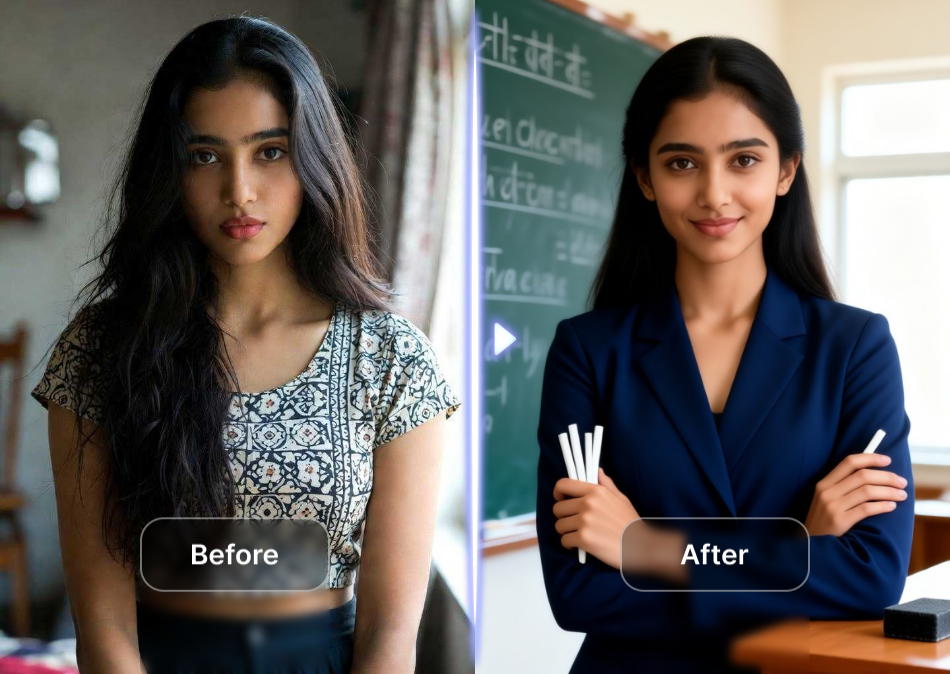
2. A parent-child tribute card
Parents can create a thank-you image with their child and a short note about the teacher's support. This is a natural place for Photora because its core use case is creating family portraits and parent-child moments from uploaded photos. Choose a gentle interaction such as a forehead touch or a side-by-side portrait, then add the Teachers' Day message outside the generated image.
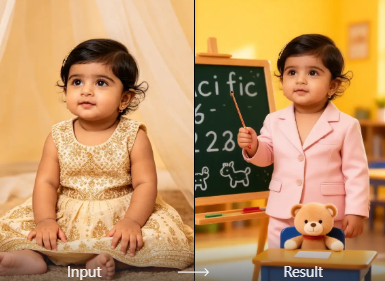 Suggested caption: Thank you for helping our child grow with confidence.
3. A family thank-you memory
If a teacher has supported the whole family, build a family portrait with one shared message. A family of three, a multi-generation group, or a parent-child scene can feel more personal than a generic quote card. Ask every person whose photo you use for permission, especially when the image will be shared publicly.

4. An alumni timeline or growth collage
For a former student, place school-age memories and a current portrait in a chronological layout. The Photora effect Group Photos Marking Different Stages of Life is a useful creative reference for the idea of showing change over time. Treat it as a visual template, not as proof that the generated people are a real historical class photo. Add dates and names yourself so the story remains clear.
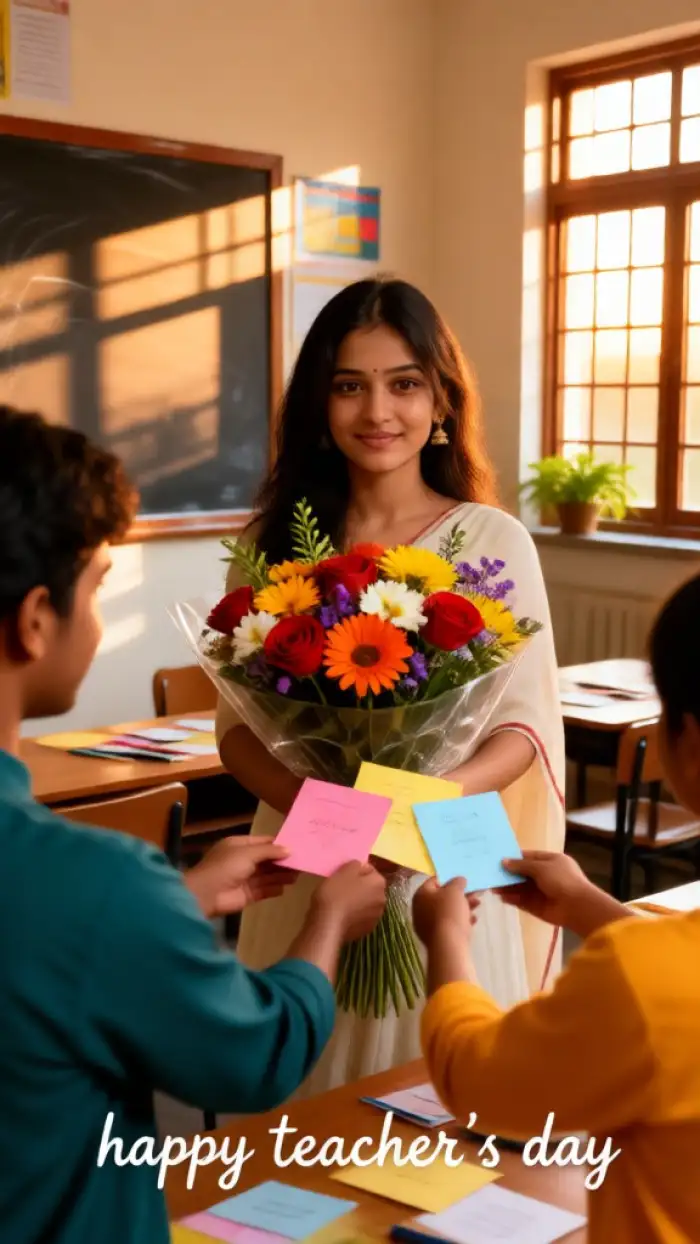
5. A formal Indian-attire portrait
Some families prefer a polished portrait in sari, kurta, sherwani, or another traditional outfit. Photora's Traditional Wedding Attire Photo Shoot can be considered when you want formal Indian clothing and studio-style presentation. Use it as an attire reference for a Teachers' Day portrait, not as a claim that the person attended a wedding. Check jewellery, skin tone, hands, and facial details before publishing.
6. A school staff or alumni group card
For a staff team or former students, use a balanced group composition with every face visible and a short shared message. A family or group-scene template can provide compositional inspiration, but it should not be presented as a real class reunion or school event. Collect consent from every person shown and use a simpler layout if the generated scene merges faces or changes the group size.
7. A minimal text-led card
You do not need a dramatic background. A clean portrait, a light border, and two lines of copy are often easier to read on a phone. Keep the generated image free of tiny text, then add:
- Happy Teachers' Day
- Thank you for making learning feel possible.
For a Hindi-speaking audience, you can add शिक्षक दिवस की शुभकामनाएं below the English line. Ask the recipient or school team to check spelling and preferred language before publishing.
A practical workflow with Photora
Collect the right source photos. Use clear, well-lit images with visible faces. Avoid screenshots, heavy beauty filters, and photos where a face is partly hidden. For a group result, collect one image per person when possible.
Choose the story and crop. Decide whether the image is a family memory, a formal portrait, or a timeline. Set 9:16, 4:5, 1:1, or 16:9 before you design the text area.
Generate the people scene. Open Photora's AI family photo generator, upload the photos you have permission to use, and select a family, parent-child, group-stage, or traditional-attire effect that matches the story. The site's effect list is dynamic, so the exact names and ordering may change.
Review identity and context. Check that each person is recognisable, the number of people is correct, hands and jewellery look plausible, and the background does not introduce a misleading event. Regenerate or choose a simpler scene when the result changes the story.
Add the greeting in a layout editor. Keep the message short, use high contrast, and leave breathing room around faces. Add the school, family, or class name only when you have permission.
Export for the destination. Save a high-resolution master, then make the social version. Preview it on a phone before sending it to a class group or posting it publicly.
Photora's role here is the people-and-memory image. A separate design step gives you cleaner text, accurate names, and better control over the final card. The supplied product brief lists a 1-cent trial, but pricing and promotional terms should be checked on the live site before you print a price in the article or ad creative.
Details that make an Indian Teachers' Day edit feel considered
- Use the date correctly. Keep 5 September for India's Teachers' Day message.
- Choose cultural cues with purpose. Sari, kurta, school uniforms, a classroom, books, a blackboard, or marigold accents can support the story. One or two cues are usually stronger than a crowded festival collage.
- Keep the teacher at the centre. A family scene should support the thank-you message, not make the teacher disappear behind decorative elements.
- Separate image generation from factual text. Add names, dates, school logos, and quotations after generation so they stay readable and correct.
- Get consent before sharing. A generated image can look plausible even when it is a new scene. Tell the people shown that the image is AI-assisted, and avoid using it to suggest an event that did not happen.
Caption ideas you can adapt
- Happy Teachers' Day. Thank you for turning questions into confidence.
- To the teacher who made every small step feel worth taking, thank you.
- Your patience became part of our family's story. Happy Teachers' Day.
- From first lessons to lifelong memories, thank you for guiding us.
- शिक्षक दिवस की शुभकामनाएं — Thank you for helping us grow.
Keep the caption specific to the relationship. A short sentence about a real habit, lesson, or moment will feel more genuine than a stack of generic quotes.
For a Hindi-first workflow, open Photora in Hindi and keep the final greeting in the language the teacher prefers.
Common mistakes to avoid
- Over-editing the face. Smoothing skin or changing age too aggressively can make a thank-you image feel impersonal.
- Using a wedding look without explaining the intent. Traditional clothing can be beautiful, but a wedding-themed result should not imply a wedding took place.
- Putting text over eyes or hands. Move the message into clear negative space and check it on a small screen.
- Mixing incompatible lighting. A bright classroom background and a dark studio portrait can look pasted together; choose one visual direction.
- Sharing a realistic-looking scene without context. Label AI-assisted images when the audience could mistake them for documentary photos.
- Using an unrelated effect because it is trending. A family, parent-child, group-stage, or formal-attire effect serves this topic better than a random dance or meme template.
FAQ
When is Teachers' Day in India?
India observes Teachers' Day on 5 September, the birthday of former President and scholar Dr. Sarvepalli Radhakrishnan. Schools and families may use the day for messages, cards, assemblies, and personal thank-you posts.
What is the best size for Teachers Day photo editing?
Use 9:16 for WhatsApp Status and Stories, 4:5 for an Instagram feed post, 1:1 for a square card, and 16:9 for a banner. Keep an un-cropped master so you can make more than one version.
Can I make a group Teachers' Day photo?
Yes, if you have consent and clear source images. Use a group or family scene, check every face separately, and avoid presenting a generated group as a real event photo.
Can Photora add the Teachers' Day text for me?
Use Photora to create the family, parent-child, couple, or formal portrait scene, then add the greeting in a layout editor. This keeps names, dates, school logos, and Hindi or English copy sharp and editable.
Is the Traditional Wedding Attire effect appropriate?
It can work as a formal Indian-attire reference when the result matches the person and the message. Label the image as a Teachers' Day portrait, not a wedding record, and choose a different effect if the wedding styling distracts from the tribute.
Can I use the image commercially?
The supplied Photora brief says commercial use is allowed. Confirm the current terms and any rights needed for the source photos, school logos, and third-party fonts before using the image in paid promotion or printed material.
Teachers Day photo editing becomes meaningful when the edit protects the person, the message, and the context. Choose one story, use a format that fits the destination, and let the final image say thank you without pretending that an AI-generated scene is a historical photograph. For a family-led tribute, try Photora and then finish the greeting with your own words.